
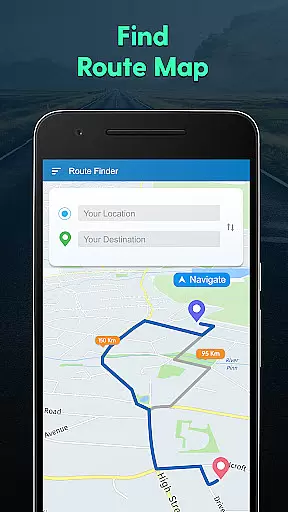
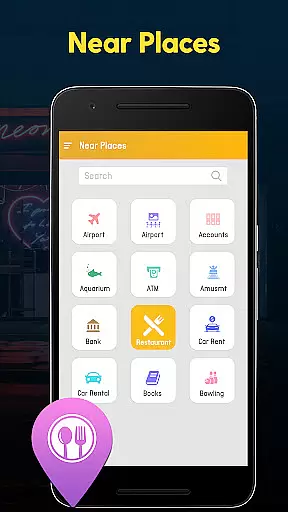
GPS Navigation, Map Directions is a comprehensive navigation app designed to assist users in finding optimal routes, avoiding traffic congestion, and discovering nearby points of interest. The app combines GPS technology with advanced mapping features to provide accurate directions and location information.
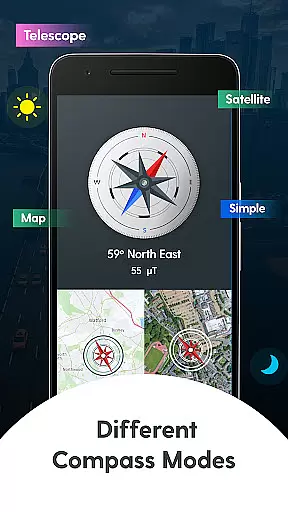
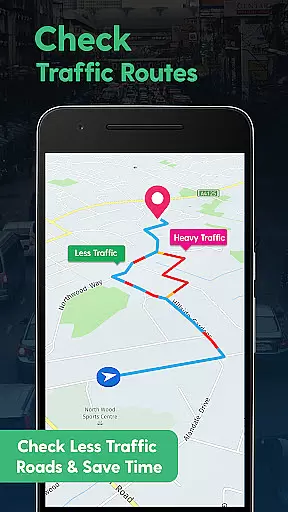
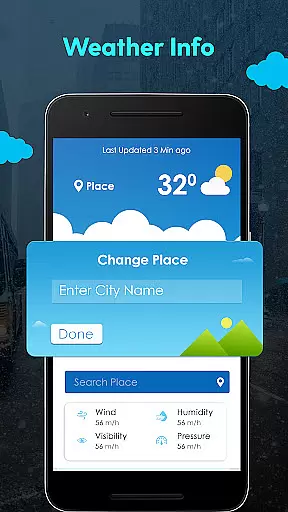
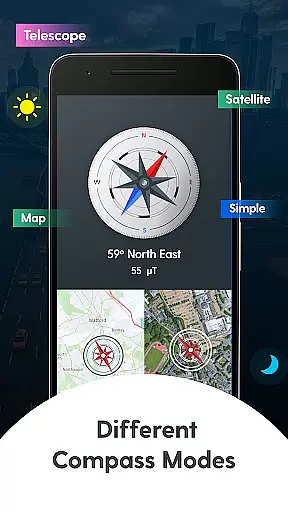
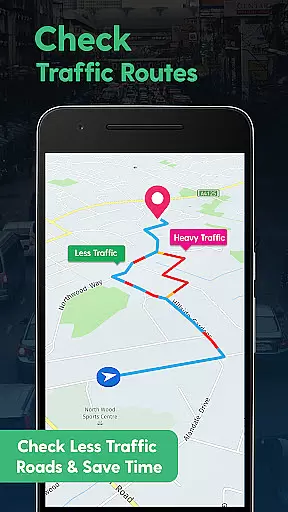
A key highlight is its Compass Navigation mode, which offers multiple viewing options including Standard, Map, Satellite, and Telescope modes. Users can access real-time weather updates for current locations or search destinations, making it an essential travel companion. The app's traffic monitoring system helps drivers save time by suggesting alternative routes when heavy traffic is detected.
This application proves particularly valuable during road trips or urban exploration, where users can benefit from its shortest path calculation, live traffic alerts, and nearby place discovery features. The ability to share locations with contacts enhances safety and coordination during travels.
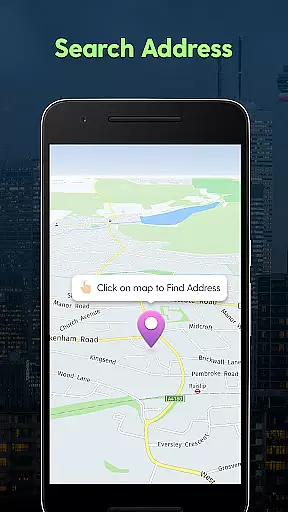
The app's feature set extends beyond basic navigation. Its core functionality includes precise address searching, current location tracking, and destination mapping. Users can calculate the shortest travel routes while receiving live traffic updates to avoid congested areas, ensuring efficient journey planning.
Advanced compass functionality provides various navigation views through different modes - Standard, Map, Satellite, and Telescope. This versatility allows users to choose their preferred visualization method. The integrated weather system delivers current conditions and temperature readings for any location, extending its utility beyond mere navigation.
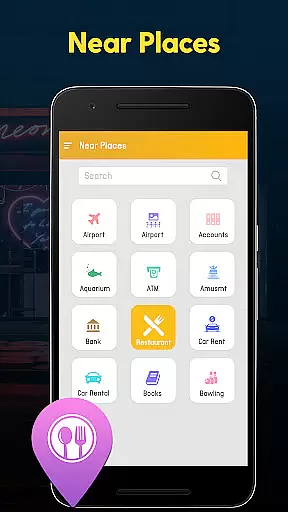
Additional practical features include nearby place discovery categorized by type, location sharing capabilities with contacts, and comprehensive GPS tools for daily use. The app maintains user privacy by not uploading personal data to servers, focusing purely on providing informational navigation assistance without compromising security.
Map accuracy is essential for any navigation app, and GPS Navigation, Map Directions excels in this area. The application provides precise location data, helping users to accurately pinpoint their current location on the map. This precision ensures that travelers can rely on the app to guide them correctly to their destination without the risk of getting lost.
The app's mapping feature includes detailed views that cover various modes such as Standard, Map, Satellite, Telescope, and Compass modes. These different views allow users to choose the most suitable display for their needs, whether they are walking, driving, or exploring remote areas. With these comprehensive mapping options, users can expect a high level of detail and accuracy in their navigational experience.
Moreover, the app offers live traffic updates which contribute to its map accuracy by providing real-time information about road conditions. Users can avoid congested routes and make informed decisions about their travel plans. This functionality not only enhances the accuracy of the maps but also saves time and reduces stress associated with traffic congestion.
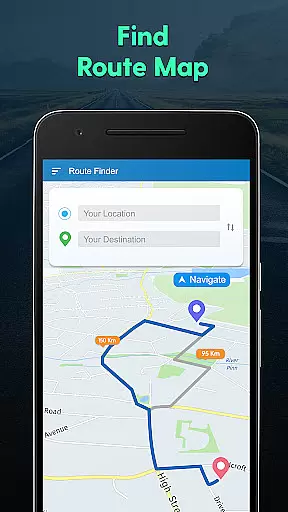
Route planning is a core component of GPS Navigation, Map Directions, offering users the ability to find the shortest and most efficient path to their destination. By analyzing various route options, the app helps users to minimize travel time and distance, ensuring a smooth journey even in unfamiliar territories. This feature is particularly beneficial for those who need to reach their destination quickly and efficiently.
In addition to finding the best routes, the app allows users to share their location and intended route with friends and family. This sharing capability adds a layer of safety and convenience, as loved ones can track the user's progress and estimated arrival time. It also facilitates meet-ups and coordinated travel plans among groups, enhancing the overall travel experience.
Furthermore, the app's route planning takes into account weather conditions and nearby points of interest, allowing users to adjust their plans accordingly. Whether it's avoiding adverse weather or locating nearby amenities, GPS Navigation, Map Directions equips users with the necessary tools to plan their trips effectively. This holistic approach to route planning ensures that users have a stress-free and enjoyable journey every time they use the app.
User-friendly interface
Real-time traffic updates
Multiple compass modes
Weather information integration
Privacy-focused design
Occasional accuracy issues
High battery consumption
Limited offline functionality
Ads in free version
Complex settings

Fully offline 1:50k New Zealand topographical map North Island
 4.4
4.4
Find trails, organize your locations and navigate with offline maps.
4.60
Navigate with your watch and keep the phone in your pocket!
4.60
Parcel map, property lines, owner, acres, land use, zoning and more from Regrid.
4.60
GPS Speedometer & Odometer: Track car, bike, truck speed & distance in real-time
4.70
NJ TRANSIT information and ticketing at your fingertips
3.70
Truck Safe GPS Navigation & Maps: Parking, Fuel, Diesel, Weight Station
4.80
ParkWhiz, an Arrive Mobility brand, part of the Arrive Network
4.30
Ride or drive at YOUR price
4.70
Offline maps & GPS for hiking, travel, fieldwork & outdoor adventures
4.70
Park in Chicago, NYC, Boston, SF, Houston & more!
4.70
Explore with GPS Navigation with GPS offline, voice GPS, speed camera radar
4.60
America’s largest public fast charging network, with over 500 charging stations.
4.50
Maps, Driving Directions & GPS navigation using directions app & GPS App
4.30
Drive safe with real-time speed camera radar, police, and traffic alerts
3.80
Get route map navigation with 3D satellite view, and live earth camera streaming
3.70
Gas Station & Fuel Rewards Points
3.70
Navigate via GPS Maps of GPS Voice Navigation, driving directions to find routes
3.60
Explore the world with Live Satellite View, 3D Maps, GPS Navigation & Earth Map.
2.90


User Reviews