
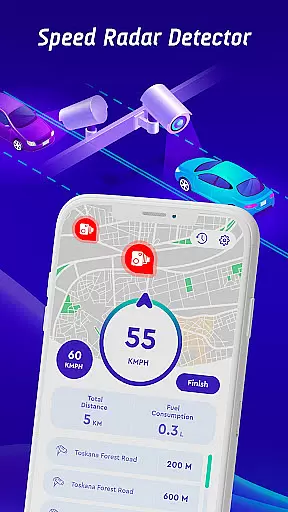
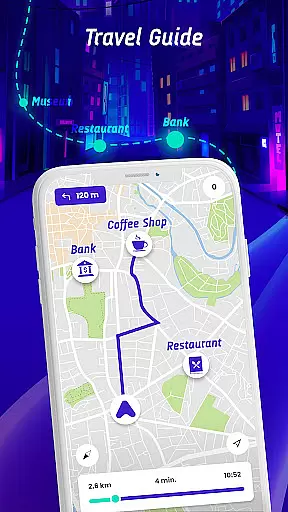
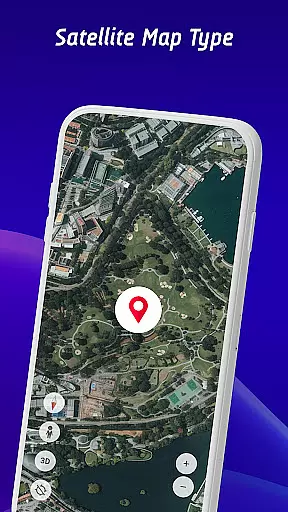
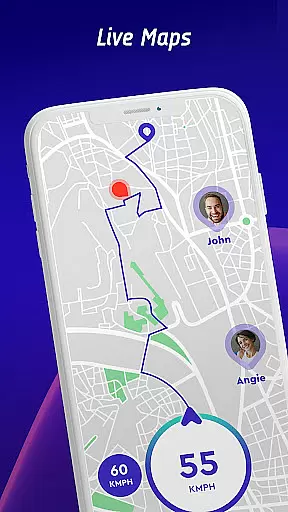

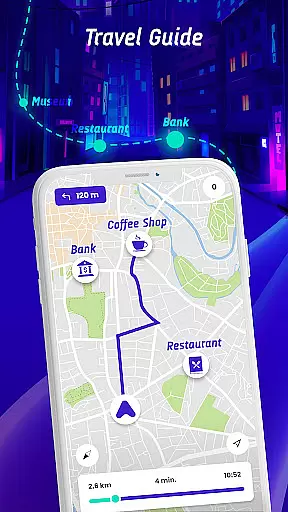
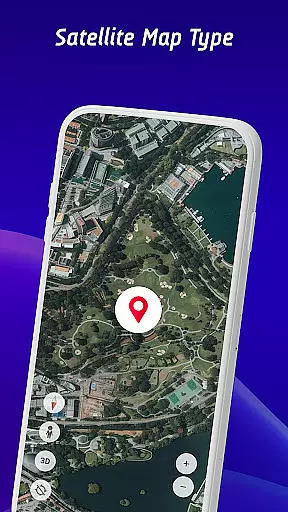
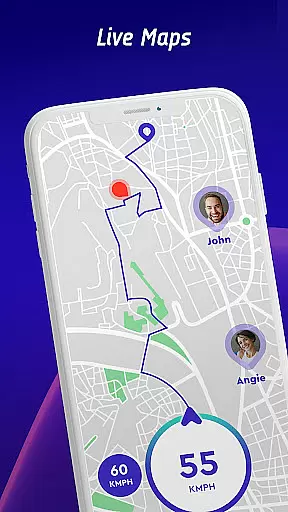
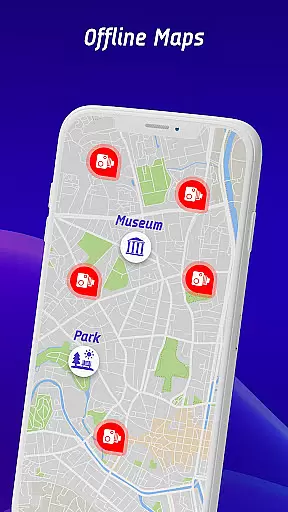
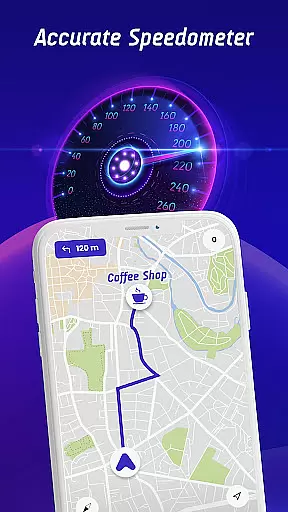

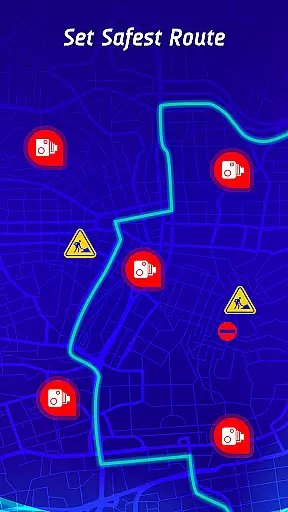
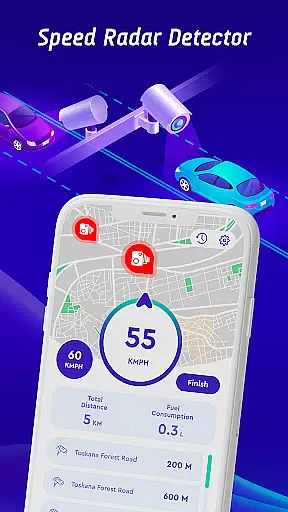
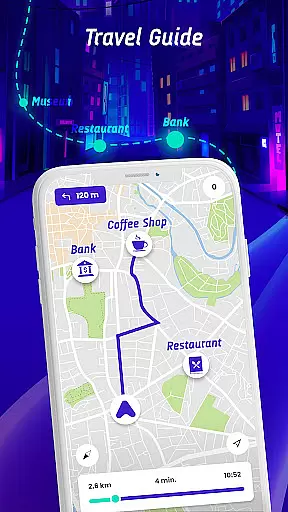
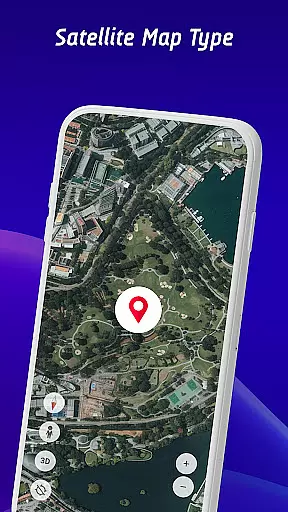
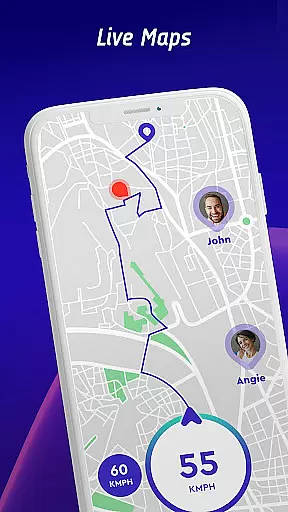
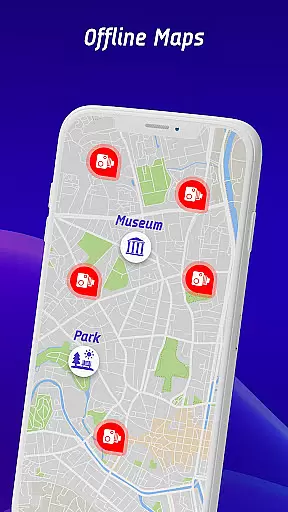
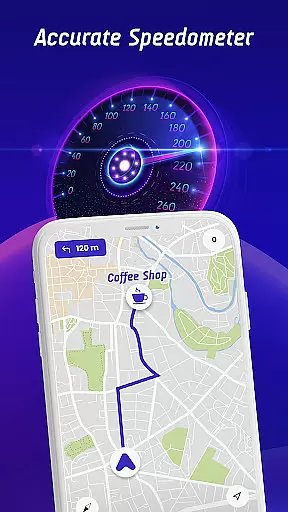

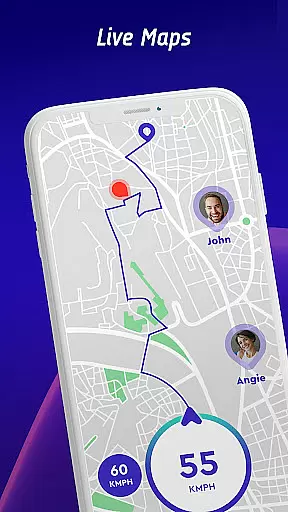
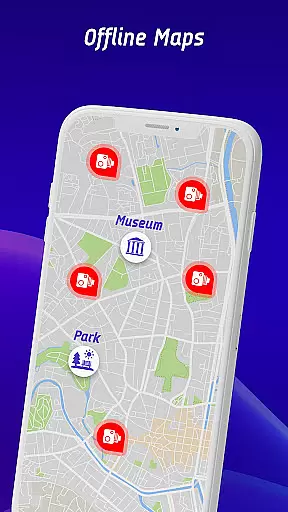
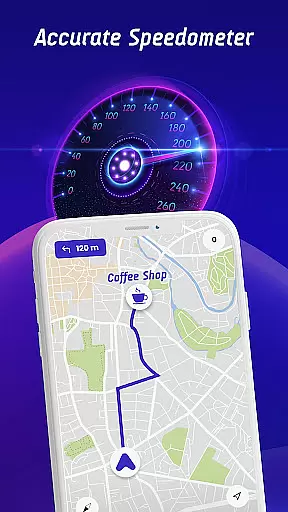

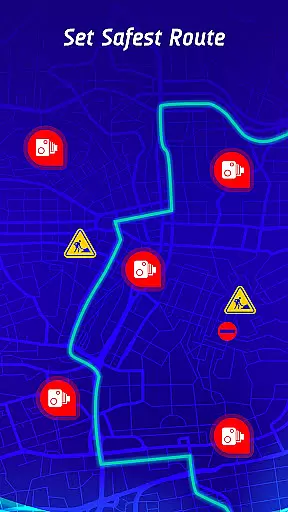
Offline Maps, GPS, Speedometer is a comprehensive driving companion app that combines multiple essential features for safe and informed navigation. The app's core functionality revolves around speed camera detection and real-time alerts for various road hazards.
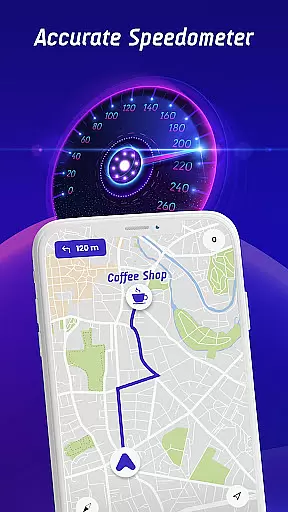
Key features include speed limit notifications tailored to different vehicle types, head-up display (HUD) integration, and offline map capabilities. Whether you're driving a car, motorcycle, or truck, the app provides customized alerts to keep you within legal speed limits while ensuring maximum safety.
This application proves particularly valuable during long-distance travels or in unfamiliar territories, where real-time hazard warnings and accurate speed monitoring can make a significant difference in driving outcomes.
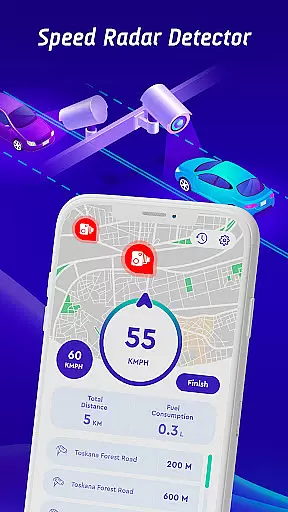
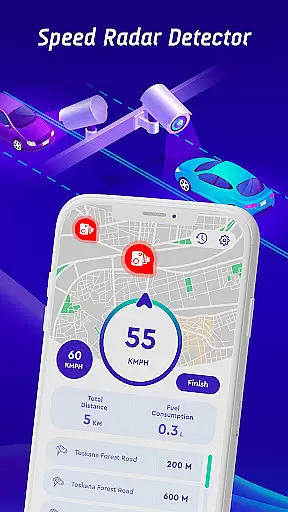
The app stands out with its extensive feature set designed for modern drivers. Its primary strength lies in the comprehensive detection system that covers fixed speed cameras, mobile speed checks, red light cameras, and average speed zones.
Advanced technological implementations include real-time HUD projection, GPS navigation integration, and community-powered speed camera reporting. The offline map functionality ensures uninterrupted service regardless of network coverage, while the safest route calculation considers multiple variables including traffic patterns and hazard locations.
Additional practical features encompass travel history tracking, speed statistics monitoring, and worldwide live camera streams from notable locations, providing users with valuable insights into their driving patterns and enabling continuous improvement.
Map accuracy is essential for any navigation app, and the Offline Maps, GPS, Speedometer app excels in this area. The app provides real-time alerts for speed traps, fixed radars, and traffic cameras, ensuring drivers are always aware of their surroundings. This feature not only enhances safety but also helps in avoiding potential traffic violations.
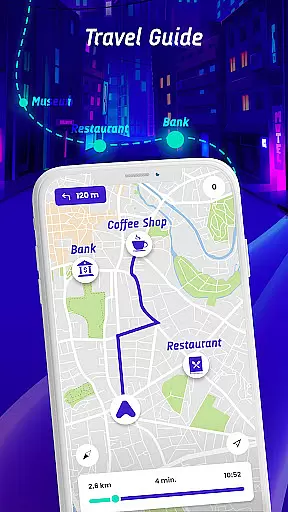
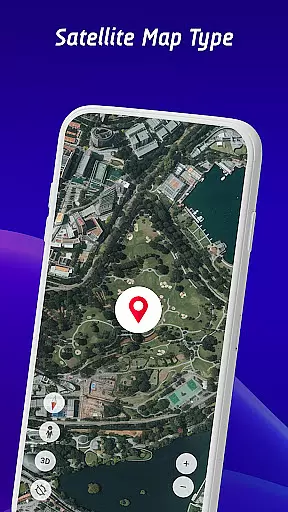
The app's integration with GPS navigation ensures that the maps are continuously updated with the latest road information. Whether you're driving through busy city streets or exploring remote areas, the app delivers precise location data and points of interest. This level of detail supports a seamless and efficient driving experience, making every journey safer and more enjoyable.
Additionally, the inclusion of live world cameras allows users to view real-time video streams from iconic locations worldwide. This unique feature adds an extra layer of situational awareness, particularly useful when planning routes through unfamiliar territories. With these capabilities, drivers can trust the app to provide accurate and reliable map data.
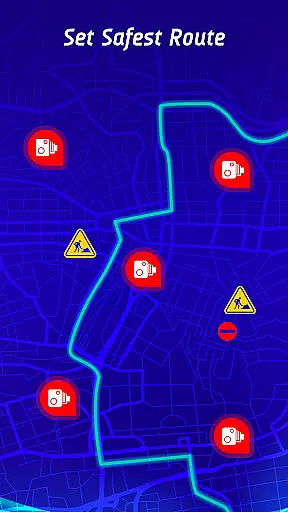
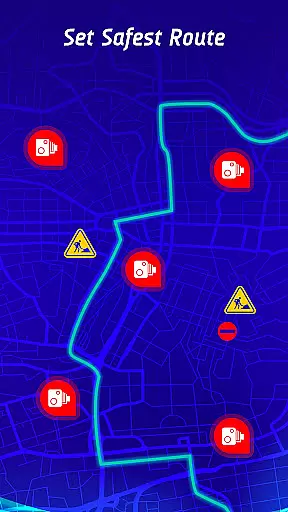
Route planning is a critical component of the Offline Maps, GPS, Speedometer app, offering drivers the safest and fastest routes to their destinations. By factoring in real-time traffic conditions, speed camera locations, and reported active hazards, the app ensures optimal route selection. This comprehensive approach not only saves time but also significantly enhances driving safety.
The travel history feature further enriches the route planning experience by allowing users to review past routes, speed statistics, and encountered speed cameras or traps. Analyzing this data helps identify patterns and areas for improvement in driving habits. As a result, drivers can make informed decisions about future trips, choosing paths that minimize risks and maximize efficiency.
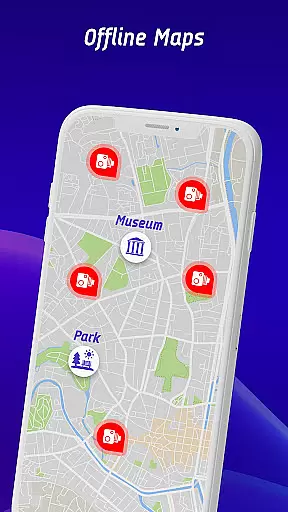
For those times when connectivity is limited, the app offers an offline maps navigation mode. This feature ensures that even without mobile data, users can still access detailed maps and receive essential route guidance. With both online and offline capabilities, the app provides versatile and dependable route planning solutions for all driving scenarios.
Comprehensive speed camera detection
Customizable vehicle alerts
Offline map functionality
Real-time hazard warnings
Community-driven updates
Premium features require subscription
Occasional false alerts
Interface complexity
Battery consumption
Limited free usage

OpenCPN is a full featured ChartPlotter and Navigator for Android.
 3.60
3.60
Track accurate speed & distance with GPS Speedometer. Check speed limit & time.
4.50
LIRR and Metro-North tickets and trips
4.80
GPS Navigation: Get map directions and find the shortest routes to avoid delays!
4.00
Explore Earth with live GPS, satellite view & street navigation
3.60
Neshan: map & navigation app with 20M+ monthly active users
4.50
Off-Roading Navigation App With Trails, Public Lands, & Private Property Info
3.30
Track friends in real-time and explore worldwide live cameras.
4.60
Get matched with a nearby driver — you’ll be on your way in minutes.
4.30
Truck Safe GPS Navigation & Maps: Parking, Fuel, Diesel, Weight Station
4.80
Bolt is a ride-hailing app for requesting fast, safe, and affordable transport
4.80
Find EV & Tesla charging stations with PlugShare
4.70
Offline maps & GPS for hiking, travel, fieldwork & outdoor adventures
4.70
GPX Viewer PRO shows tracks, routes and waypoints from gpx and kml files.
4.60
Navigate with your watch and keep the phone in your pocket!
4.60
Navigate MTA, NJ Transit, MBTA, SEPTA, BART, MARTA, CTA & 900+ cities
4.60
Start your next adventure confidently using our Accurate Compass App
3.70
Turn your tablet or Android powered unit into a full blow Android Auto headunit.
2.30
All of NHSA's trail information at your fingertips for the 2025-2026 season
4.0


User Reviews