
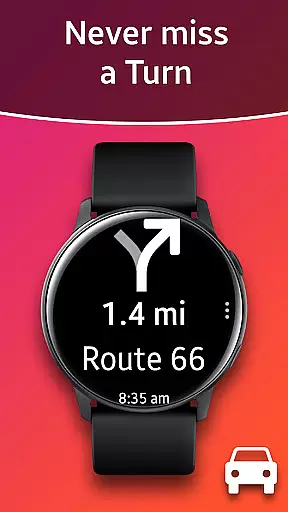
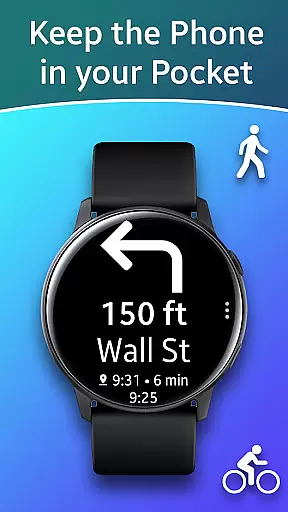
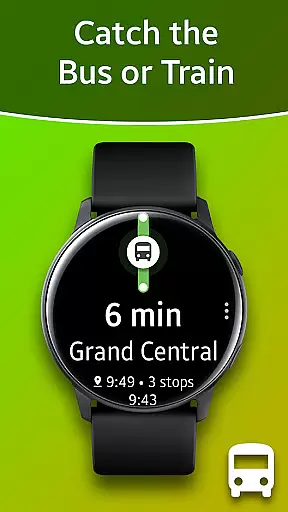
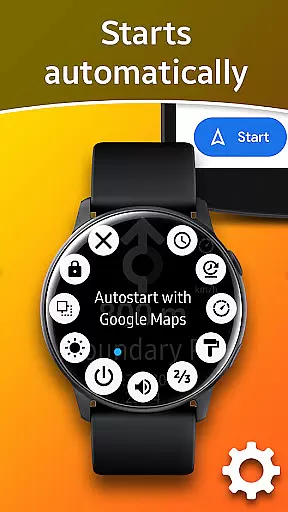
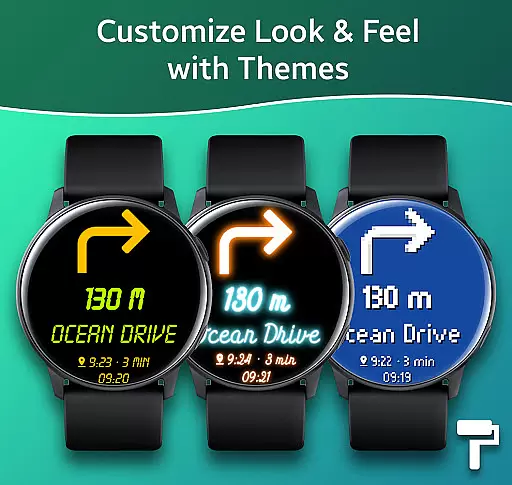
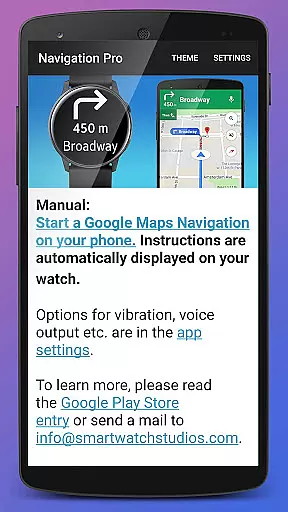
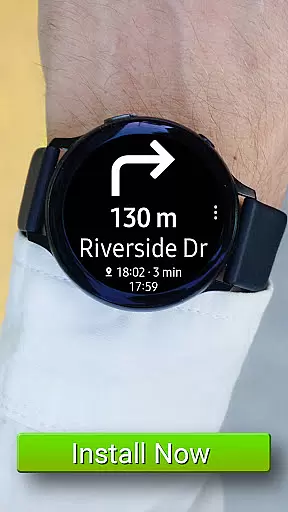
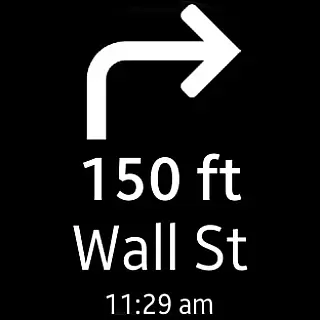
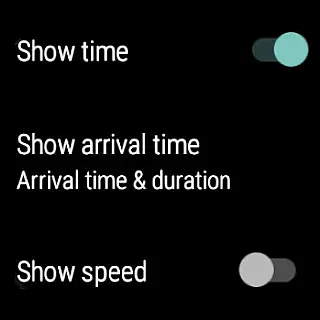
Navigation Pro is a specialized navigation application designed to display Google Navigation instructions directly on your Samsung smartwatch. This app is particularly useful for driving, cycling, and public transport scenarios, providing users with real-time directions without the need to constantly check their phones. The app features autostart functionality with navigation, voice output, customizable vibration patterns, support for 102 languages, various theme options, and even a speedometer. To ensure seamless operation, it requires the companion app 'Navigation Pro' from Samsung Galaxy Apps, making it compatible with all Galaxy Watch models, Gear S2 / S3 / Sport, Gear 1, Gear 2, and Gear S.
The true value of Navigation Pro lies in its ability to enhance user convenience and safety. By delivering essential navigation information directly to the wrist, users can keep their focus on the road or their current activity without distraction. Whether commuting through busy city streets or exploring new cycling routes, this app ensures you stay on course with minimal interruption to your journey.
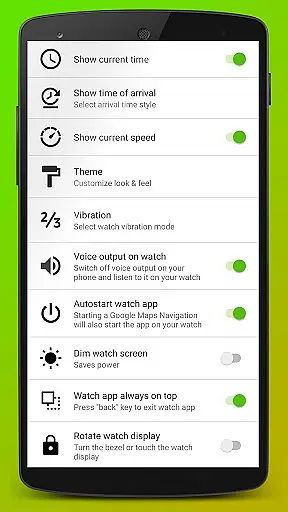
Navigation Pro stands out with its comprehensive feature set tailored for seamless navigation experiences. One of its key features is the autostart functionality, which automatically launches the app when navigation begins, ensuring users never miss a direction. The voice output capability provides auditory guidance, allowing users to keep their eyes free from distractions. Additionally, the customizable vibration patterns offer tactile feedback for different navigation cues, enhancing the overall user experience.
Another significant aspect is its extensive language support, covering 102 languages, which makes it accessible to a global audience. Users can also personalize their interface with various theme options, catering to individual preferences. The inclusion of a speedometer adds an extra layer of utility, especially for drivers who want to monitor their speed alongside navigation instructions. These features collectively contribute to a safer, more informed, and enjoyable navigation experience across multiple modes of transportation.
Map accuracy is essential for any navigation app, and Navigation Pro excels in this area. The application displays Google Navigation instructions directly on your Samsung watch, ensuring that the map data is both precise and up-to-date.
The app supports 102 languages, which not only enhances accessibility but also ensures that location names and directions are accurately represented in their native language. This feature significantly improves the reliability of the navigational guidance provided.
Users can take advantage of the autostart with navigation, voice output, and customizable vibration options to receive timely and accurate directions. These features collectively contribute to a seamless navigation experience that users can trust while driving, cycling, or using public transport.
Route planning is a core functionality of Navigation Pro, offering users multiple options for their journeys. By integrating with Google Maps Navigation, it provides real-time route suggestions based on current traffic conditions and other relevant factors.
The app includes advanced features such as a speedometer and various themes, allowing users to tailor their navigation experience according to personal preferences. These customization options ensure that users can plan their routes effectively while enjoying a user-friendly interface.
In case of issues, troubleshooting steps are available to help users resolve common problems, ensuring minimal disruption to their travel plans. With compatibility across all Galaxy Watch models and other Gear series devices, Navigation Pro delivers a reliable and versatile route planning solution.
User-friendly interface
Real-time navigation
Voice guidance
Customizable settings
Wide language support
Requires companion app
Phone dependency
Limited standalone use
Device compatibility
Potential battery drain

Route tracker, Speedometer, Odometer, Fuel, HUD mode, save route as .GPX
 4.40
4.40
Find radar maps, GPS coordinates, altitude, offline maps, location, travel route
4.40
Maps, Driving Directions & GPS navigation using directions app & GPS App
4.30
LIRR and Metro-North tickets and trips
4.80
Get route map navigation with 3D satellite view, and live earth camera streaming
3.70
Truck Safe GPS Navigation & Maps: Parking, Fuel, Diesel, Weight Station
4.80
Live Satellite view app for find GPS navigation Direction and live location map
3.70
Ride or drive at YOUR price
4.70
Use GPS Maps and GPS Voice Navigation to find your way and get directions
4.10
Find shortest way and save energy . Distance and area calculator.
4.70
GPX Viewer PRO shows tracks, routes and waypoints from gpx and kml files.
4.60
Navigate MTA, NJ Transit, MBTA, SEPTA, BART, MARTA, CTA & 900+ cities
4.60
Voice GPS with driving directions, offline maps navigation GPS for safe travel
4.50
Track accurate speed & distance with GPS Speedometer. Check speed limit & time.
4.50
Turn your Android device into a real off-road GPS using off-line topo maps!
4.40
"Balad" is a map and navigator with a Persian voice assistant and a complete city guide
4.40
Number locator, real connection map
4.10
NJ TRANSIT information and ticketing at your fingertips
3.70
Your guide to the recreational opportunities of the Bureau of Land Management!
3.40


User Reviews