
Fly your Solo like a boss.
 4.10
4.10
Countdown to Christmas 2025 with festive games & activities in a virtual village
4.80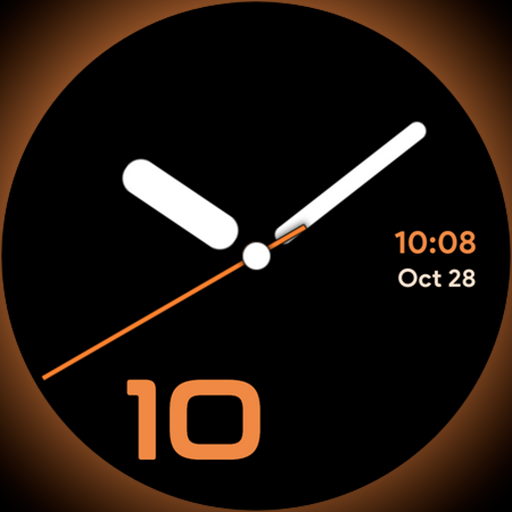
Unique Dark Analog style for Wear OS watches.
4.5
The go to app for taking unlimited notes!
4.50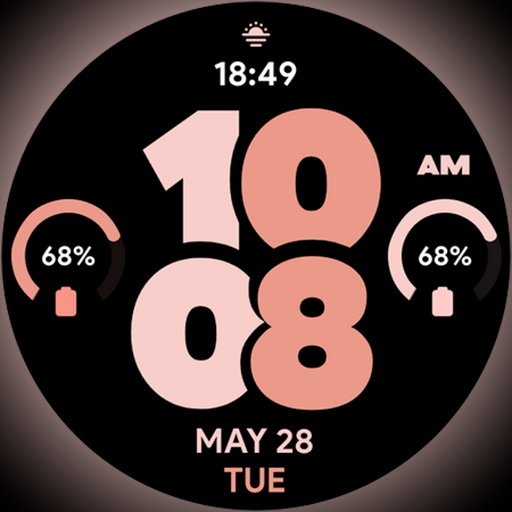
Material You inspired colors with BIG and Bold looks for Wear OS watches.
4.20
Good magnifier app to see tiny things bigger and more clearly!
4.80
Smart home security protection
3.20
My Diary - Daily Journal with lock: Diary journal app and secret diary with lock
4.80
Decorate your home screen with custom icons, color widgets, themes & wallpapers
4.70
Play. Earn. Repeat. Get rewarded for playing mobile games. Welcome to Mobius!
4.80
Made To Order Faves
4.70
Digital smart watch face made for Wear OS.
4.70
Crochet made easy: step-by-step tutorials, beginner patterns & projects
4.60
This app is intended to support professional EMDR therapy.
4.50
Paranormal Spirit Bell Trigger Device
4.30
Use your device sensors to detect energy and convert it into spoken words.
4.10
Your home in your hand
3.80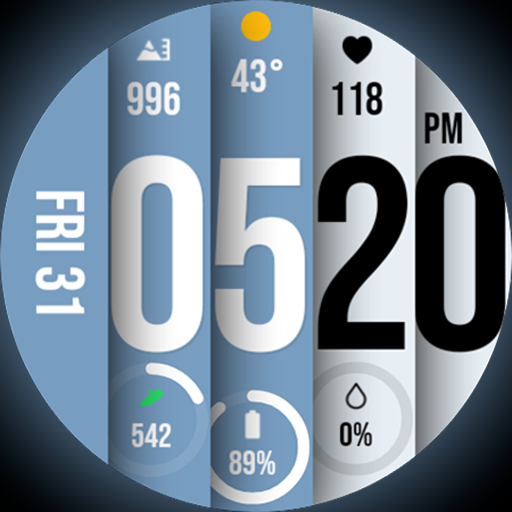
Unique BIG BOLD TIME with amazing colors and customisations.
3.70
BILT interactive 3D instructions help you get the job done right
3.50


