
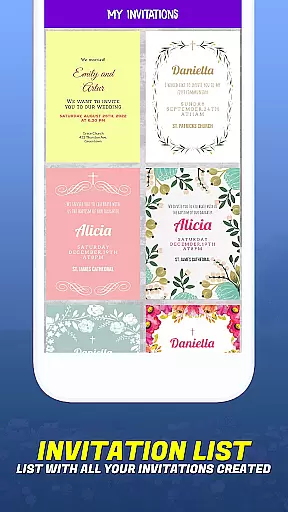
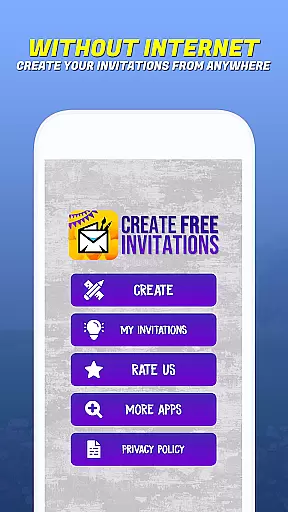
Invitation Maker - Card Creator is a versatile digital solution for creating paperless invitations and cards. This app allows users to design elegant wedding invitations, playful birthday cards, baby shower invites, and more, all with an easy-to-use interface. The app offers extensive customization options including layout, fonts, colors, and the ability to use personal images, ensuring each invitation reflects the user's unique style and event theme.
The Invitation Maker app streamlines the entire invitation process from creation to distribution. Users can effortlessly send out their digital invitations via email or social media platforms directly from the app. By going completely paperless, it not only simplifies event planning but also promotes an eco-friendly approach, reducing waste while maintaining elegance and convenience. Whether planning a formal affair or casual gathering, this app ensures every occasion is marked with personalized, professional-looking invitations.
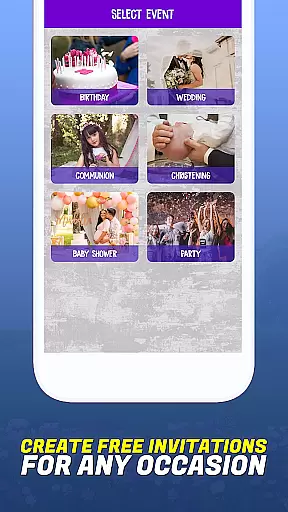
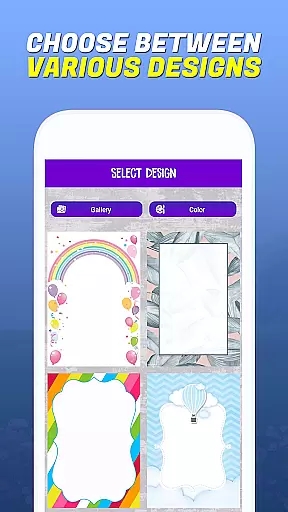
One of the standout features of Invitation Maker - Card Creator is its intuitive design tools that cater to both novice and experienced designers. The app provides a vast array of templates suitable for various events such as birthdays, weddings, communions, baptisms, and parties. Each template is fully customizable, allowing users to adjust fonts, colors, layouts, and text styles to create truly unique designs that align perfectly with their vision.
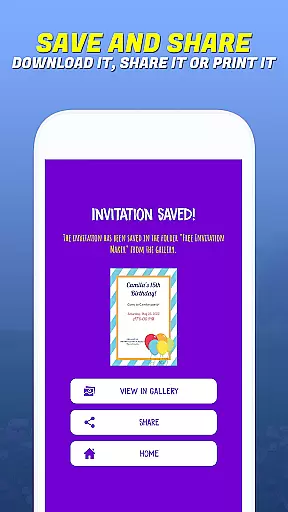
In addition to its robust customization capabilities, Invitation Maker supports seamless integration with social media and email services. Once an invitation is crafted, users can instantly share their creations with friends and family through multiple digital channels. The app also enables saving projects directly to the device, allowing users to return and make edits anytime. With its focus on sustainability, Invitation Maker eliminates the need for physical materials, making it an environmentally conscious choice for modern event planning.
Task creation and detail customization are essential features for any event planning application. Invitation Maker - Card Creator excels in this area by providing users with a comprehensive set of tools to design invitations that perfectly match their event's theme and personal style. The app offers an extensive selection of templates for various occasions, including birthdays, weddings, baby showers, and more.
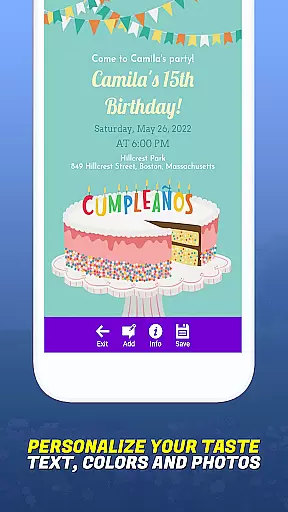
The level of customization available in Invitation Maker is impressive. Users can personalize every aspect of their invitations, from choosing specific fonts and colors to adjusting layouts and text styles. This ensures that each invitation not only meets the functional requirements but also serves as a reflection of the sender's unique taste and the nature of the event itself.
Moreover, the ability to upload personal images adds another layer of customization. This feature allows users to incorporate meaningful visuals into their invitations, making them even more special and tailored to the recipient. Whether it's a photo of the birthday person or a scenic view related to the wedding location, these personal touches enhance the overall impact of the invitation.
By empowering users with such detailed customization options, Invitation Maker - Card Creator significantly enhances the event planning experience. It transforms what could be a mundane task into an enjoyable creative process, ultimately resulting in invitations that truly resonate with both the sender and the recipients.
Reminder settings play a crucial role in ensuring that events are well-organized and attendees are kept informed. Invitation Maker - Card Creator addresses this need by integrating practical reminder functionalities within its platform. Once invitations are created, users can easily set up reminders to notify both themselves and their guests about upcoming events.
The app streamlines the entire process from invitation creation to distribution, allowing users to send out digital invites via email or social media platforms with just a few clicks. This seamless integration of communication channels ensures that all participants receive timely updates and important information regarding the event.
In addition to sending out initial invitations, the app enables users to schedule follow-up notifications. These reminders help keep the event top-of-mind for attendees, reducing the likelihood of no-shows and enhancing overall attendance rates. By automating these communications, Invitation Maker saves users time and effort while maintaining a high level of organization.
Furthermore, the eco-friendly approach of Invitation Maker extends to its reminder system. By utilizing digital notifications instead of traditional paper-based methods, the app promotes sustainability in event management. This not only reduces waste but also aligns with modern preferences for environmentally conscious solutions, making event planning both efficient and responsible.
User-friendly interface
Extensive customization options
Eco-conscious solution
Convenient sharing options
Versatile event templates
Limited advanced design tools
No print option available
Occasional bugs reported
Ads in free version
Learning curve for beginners

The Official App
 4.2
4.2
Mobile Event Guide for Greater NY Dental Meeting
4.5
Find tickets to upcoming concerts, sports events, festivals, shows, attractions
4.70
Local events, contests, and giveaways for local dads
3.70
Rocket Monkey - Space rocket launch schedule for launch sites around the world
4.20
Get live football here
4.30
The world's largest selection of tickets is now at your fingertips
3.90
Text message invitations for birthday party, wedding, graduation, baby shower +
4.60
Buy and sell tickets to sports, concerts, theater, festivals, and comedy events
4.10
Fantasy of Lights Event App
5.00
Buy and Sell Tickets for Concerts, Sports, and Theater.
4.70
Connect with an ecosystem of 5M+ eventgoers and organizers.
4.50
Invitation Card Maker, Design & share wedding, birthday & party invites fast
4.40
Meet people over dinner
4.40
No invest, Easy way to earn USDT through crypto cloud mining
3.80
Some connections are better kept private
4.0
Community for Mods, Addons, Melsaves, Melmods for Melon Playground
4.5
The Official Football Ticketing App for Fans in Qatar
4.2
Soft Proxy for Your Online World
4.4


User Reviews