
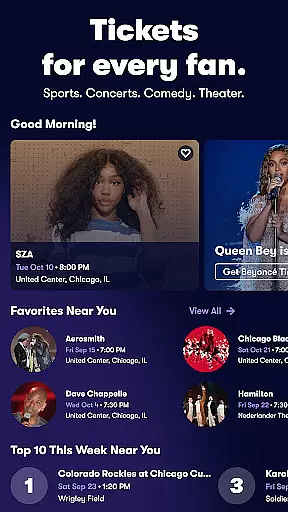
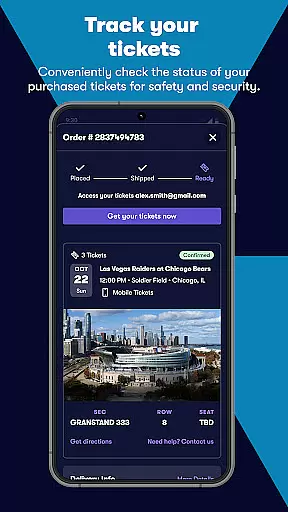
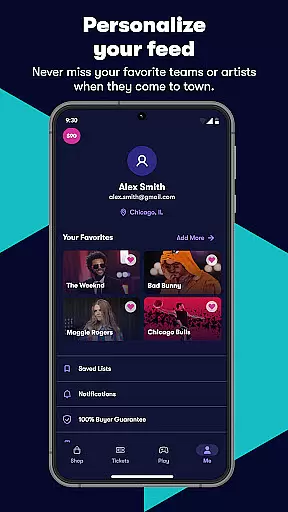
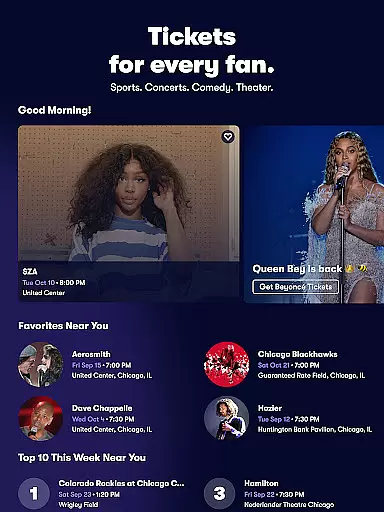
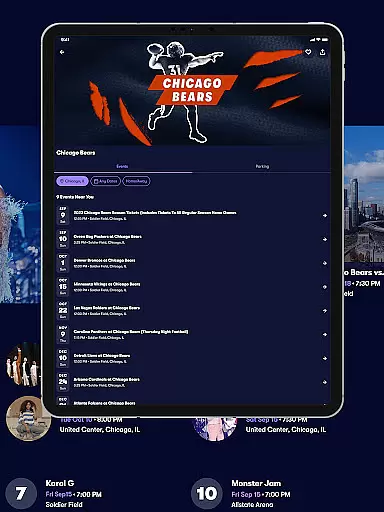
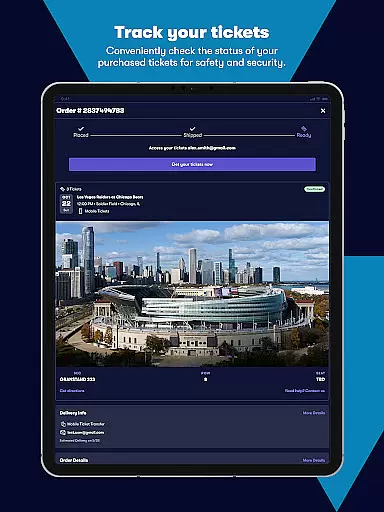
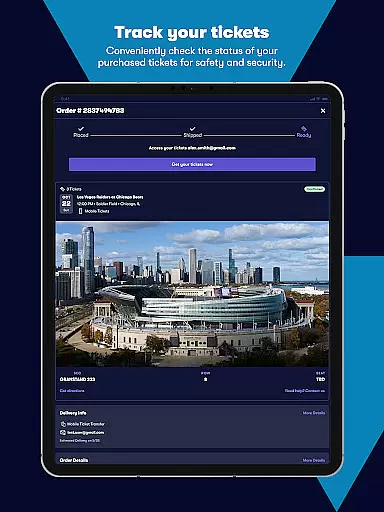
Vivid Seats is a premier mobile ticketing app that empowers fans to access live events effortlessly. With a user-friendly interface, the app allows you to buy and sell tickets for top sports games, concerts, and theater performances across the United States. Whether you're looking for NBA, NFL, or MLB games, or want to catch your favorite artists live on stage, Vivid Seats provides a seamless experience.
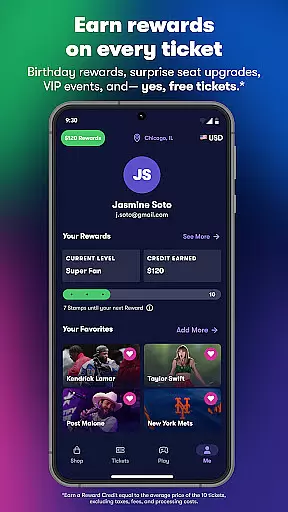
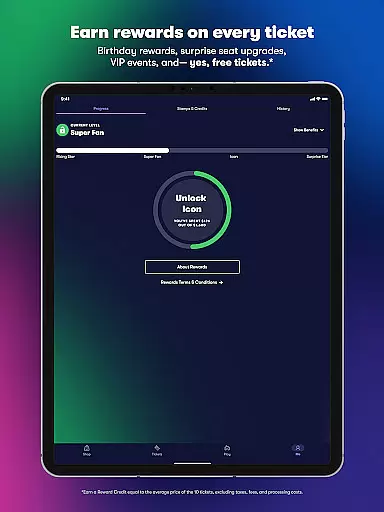
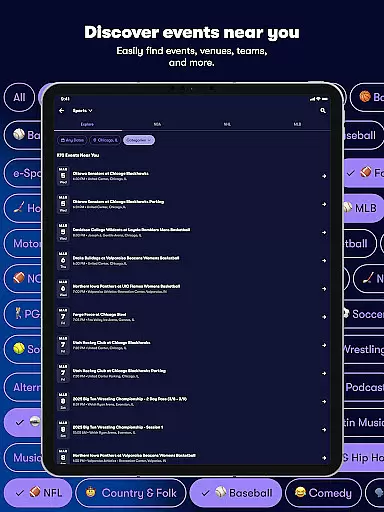
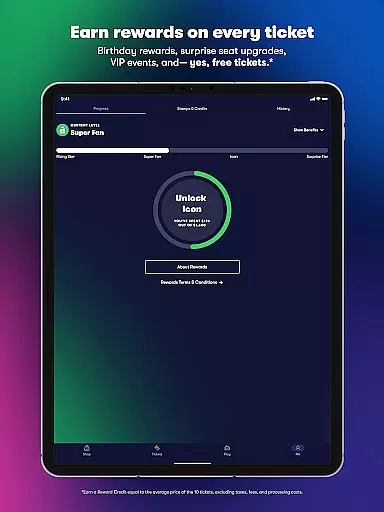
One of the standout features of Vivid Seats is its Rewards program, which incentivizes users with credits toward future purchases. The app also offers convenient mobile ticketing options, interactive seating maps, and personalized event recommendations based on your location and preferences. This makes it easier than ever to find and attend events that matter most to you.
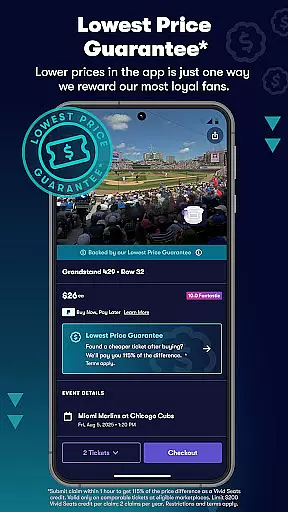
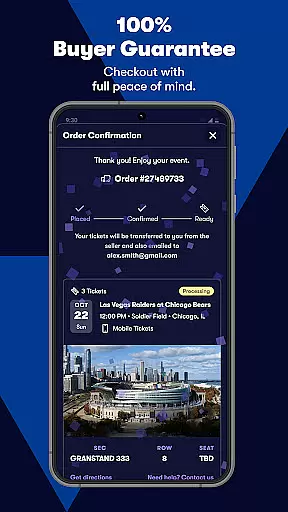
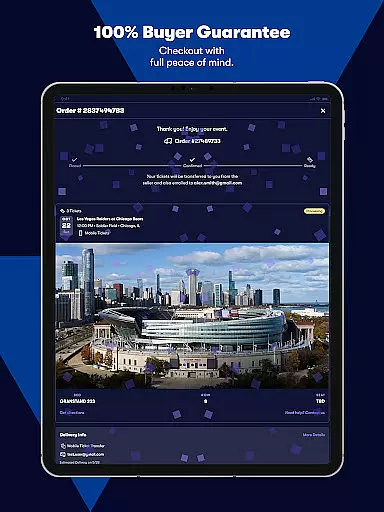
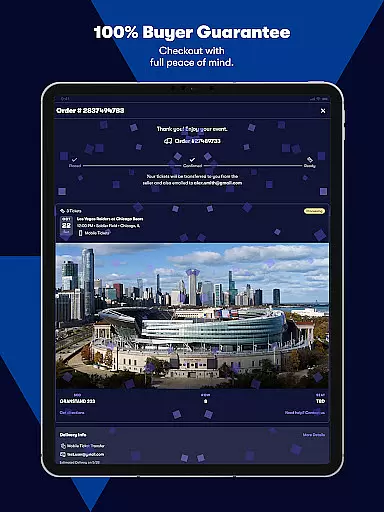
The app's comprehensive marketplace includes unique inventory not available elsewhere, ensuring you have access to the best seats at competitive prices. With 24/7 customer support and a 100% Buyer Guarantee, Vivid Seats ensures peace of mind when purchasing tickets. Whether you're planning months in advance or looking for last-minute options, this app has you covered.
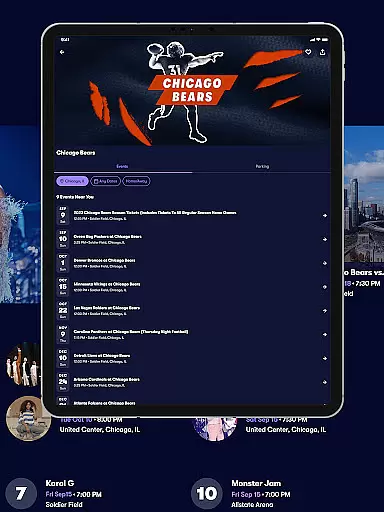
Vivid Seats boasts an array of innovative features designed to enhance the ticket-buying experience. The app's interactive seating maps allow users to explore available sections and view seat-specific details before making a purchase. This feature is particularly useful for major sporting events where sightlines can significantly impact enjoyment.
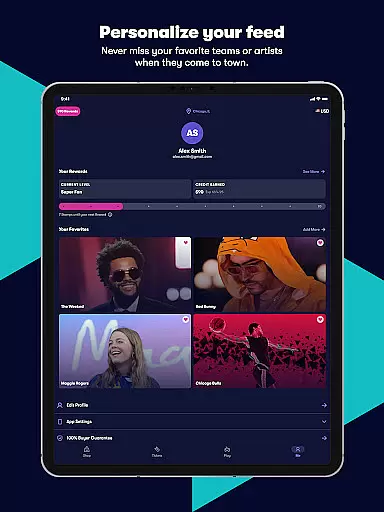
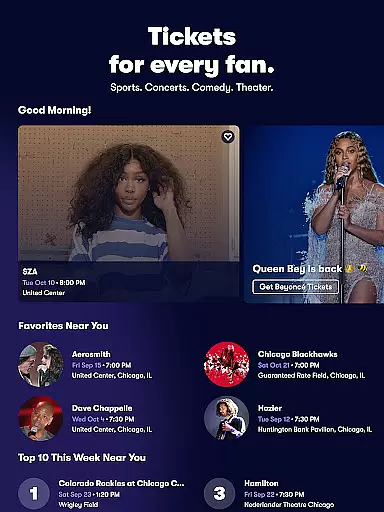
Another key feature is the personalized recommendation engine, which suggests events based on your location and past searches. Users can also sync their Spotify accounts through Music Scan to automatically populate their favorite performers. The inclusion of mobile e-tickets eliminates the need for paper tickets, streamlining entry into venues.
For those seeking convenience, the app supports secure in-app checkout and easy search filters for narrowing down options by price, section, date, and more. Additionally, the Favorites feature lets you track upcoming events in your area, while the Seat View function gives you an idea of what the view will look like from your chosen section. These thoughtful touches make Vivid Seats a leader in the ticketing space.
Task creation and detail customization are essential features for any event management app, allowing users to tailor their event planning process according to specific needs. Vivid Seats offers a streamlined approach to finding and securing tickets for live events, ensuring that every user can customize their experience.
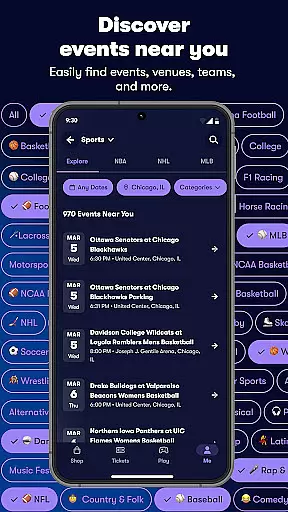
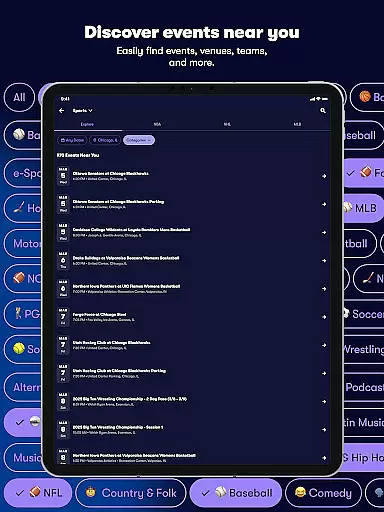
The app provides an intuitive interface where users can search for events across multiple categories such as sports, concerts, and theater shows. With detailed filters for price, section, row, quantity, and date range, users have the flexibility to refine their search and select tickets that best fit their preferences.
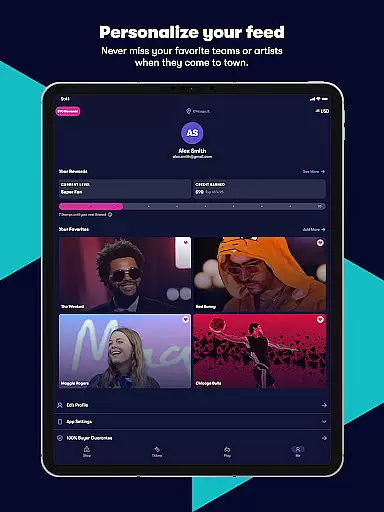
Vivid Seats also includes personalization features like 'Favorites' and 'Music Scan,' which enhance the customization experience. Users can quickly populate their favorite events list by allowing the app to scan their Spotify account, ensuring they never miss out on events featuring their preferred performers.
Ultimately, the ability to create tasks and customize details in Vivid Seats empowers users to plan their attendance at live events more effectively. This feature not only saves time but also enhances the overall user experience by providing tailored recommendations and easy access to personalized event information.
Reminder settings play a crucial role in ensuring users never miss an important event. In the context of Vivid Seats, this functionality helps fans stay informed about upcoming games, concerts, and shows they are interested in attending.
The app offers robust reminder features that notify users about newly listed tickets or changes in event details. By setting up reminders, users can receive timely alerts about their favorite events, ensuring they have ample opportunity to secure tickets before they sell out.
In addition to basic reminders, Vivid Seats provides personalized notifications based on user preferences and past activity. This means users can get alerts tailored specifically to their interests, whether it's a last-minute ticket deal or an announcement about a new event in their area.
By leveraging these reminder settings, Vivid Seats ensures that users remain engaged and well-informed, ultimately enhancing their ability to attend the live events that matter most to them. This proactive approach to notification management adds significant value to the overall user experience.
User-friendly interface
Wide selection of events
Interactive seating maps
Mobile ticketing options
Rewards program benefits
Limited international events
Occasional service fees
Dependent on third-party sellers
No offline functionality
Requires account creation

Find tickets to upcoming concerts, sports events, festivals, shows, attractions
 4.70
4.70
Listen Full Quran MP3 Offline - Qibla Compass, Salah Timing & 99 Names of Allah
4.60
Wedding planner app with wedding venues, wedding checklist, countdown & budget.
4.60
Digital Income Wallet of the Final Libertadores 2025
4.3
The official app of the Carmel Christkindlmarkt!
4.4
Design Invitations & Cards for Any Occasion
4.80
Thanksgiving Wishes, Thanksgiving Stickers & Animated GIF for Whatsapp Stickers
4.3
Connect with an ecosystem of 5M+ eventgoers and organizers.
4.50
Buy tickets for any event!
3.90
TodayTix is the easiest way to get tickets to the best shows in your city.
4.90
Create invitation cards for birthdays, weddings, Christmas and more.
4.80
Text message invitations for birthday party, wedding, graduation, baby shower +
4.60
Everything you need for the Best Thursday Ever.
4.40
Invitation Card Maker, Design & share wedding, birthday & party invites fast
4.40
Octrober 2025: We've updated the MyGenMobile App with a new look and feel!
4.40
Track birthdays, habits & goals. Unlimited countdowns and count-ups
4.20
TV Garden - World Live TV : Play & cast your videos seamlessly!
3.20
Create Birthday Cards in Birthday Invitation Maker and Birthday Card Creator App
3.00
It is an Event Planning Application.
4.4


User Reviews