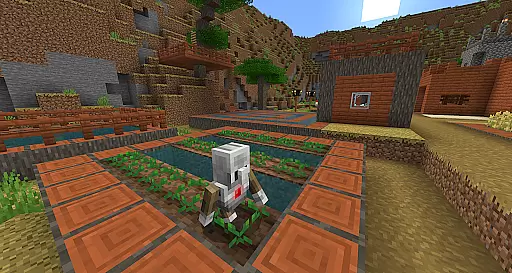
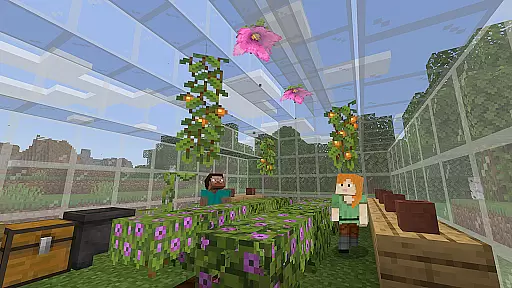
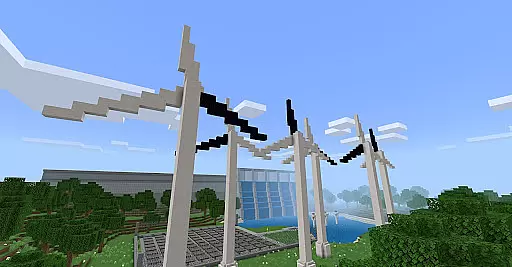
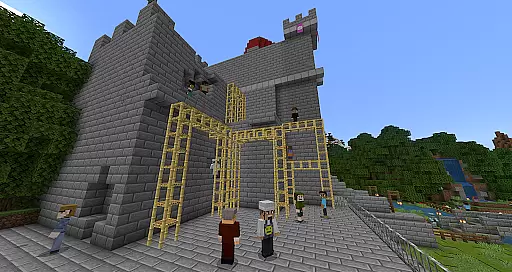
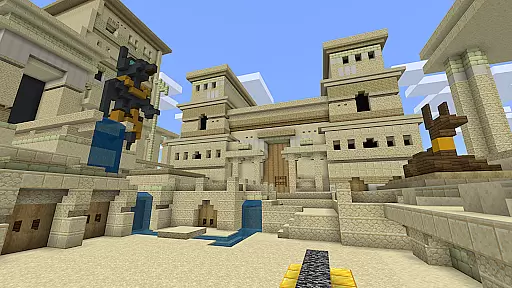
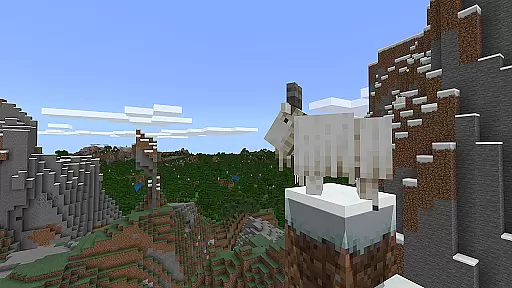
Minecraft Education is a game-based learning platform designed to inspire creative and inclusive education through interactive gameplay. This educational tool allows students and educators to explore various subjects such as reading, math, history, and coding in immersive blocky worlds. The app provides ready-to-teach lessons, creative challenges, and open-world environments that cater to all types of learners, making it adaptable for different teaching styles and needs.
One of the key strengths of Minecraft Education is its ability to prepare students for the future by developing essential skills like problem-solving, collaboration, digital citizenship, and critical thinking. Through partnerships with organizations like BBC Earth, NASA, and the Nobel Peace Center, the platform offers culturally relevant lessons and build challenges that engage students in real-world topics. Whether used for structured lessons or creative exploration, Minecraft Education provides a unique and effective approach to modern education.
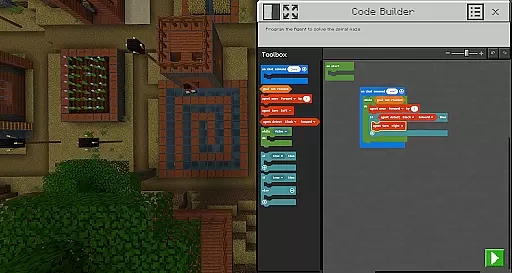
Minecraft Education offers a rich set of features that enhance the learning experience. One notable feature is the multiplayer mode, which enables collaboration across different platforms, devices, and hybrid environments, allowing students to work together regardless of their physical location. Another standout feature is Code Builder, which supports block-based coding as well as JavaScript and Python, providing an intuitive interface for coding education with in-game execution.
The app also includes Immersive Reader, which helps players read and translate text, making the platform more accessible to diverse learners. Additionally, tools like the Camera and Book & Quill items allow users to document and export their in-game creations, facilitating project-based learning. Integration with Microsoft Teams and Flipgrid further enhances the app's functionality by supporting assessment tools and teacher controls, ensuring a comprehensive educational experience.
Minecraft Education stands out in the realm of educational tools by offering content that is both accurate and authoritative. This platform collaborates with reputable organizations such as BBC Earth, NASA, and the Nobel Peace Center to create immersive learning experiences. These partnerships ensure that the lessons and challenges provided are not only engaging but also grounded in real-world knowledge and scientific research.
The app covers a wide array of subjects including reading, math, history, and coding, each designed to align with standardized curriculums. This alignment is crucial for educators who need to meet specific learning objectives and standards within their teaching. Minecraft Education's dedication to curriculum-based learning means that students are gaining knowledge that is both relevant and recognized in educational contexts.
Moreover, the inclusion of features like Immersive Reader enhances the authority of the content by assisting students with reading and translating text. This ensures that language barriers do not hinder access to information, making learning inclusive for all types of learners. The careful consideration of accessibility and accuracy in content delivery underscores Minecraft Education's commitment to providing a reliable educational resource.
One of the core strengths of Minecraft Education is its ability to offer personalized learning paths tailored to individual student needs. With hundreds of ready-to-teach lessons, creative challenges, and open worlds, educators can customize the learning experience to suit various learning styles and paces. This flexibility allows for an educational approach that adapts to the learner rather than forcing the learner to adapt to a fixed educational format.
The platform supports diverse learning methods, from game-based learning to coding with Code Builder, which accommodates block-based coding, JavaScript, and Python. This variety ensures that whether a student is visually oriented, logical-mathematical, or even socially inclined, there is a method within Minecraft Education that will resonate with them. By catering to these different intelligences, the platform fosters an environment where every student can thrive.
Additionally, Minecraft Education aids in developing essential skills such as problem-solving, collaboration, and critical thinking. These skills are cultivated through interactive and engaging activities that encourage exploration and creativity. As students navigate through the educational challenges, they receive real-time feedback and support, allowing them to adjust their learning strategies and improve outcomes continuously.
Engaging learning environment
Supports multiple subjects
Encourages creativity
Develops problem-solving skills
Accessible on various devices
Requires Microsoft 365 Admin access
Subscription can be costly
Complex for non-gamers
Limited offline functionality
Dependent on internet connection

An aviator’s preparation, study and test tool for FAA Knowledge Exams.
 3.90
3.90
Dinosaurs coloring book game. Drawing and painting dinos.
4.50
Pass your FAA written with flying colors - Study Buddy can help.
4.30
Explore the City of the Sun in Augmented Reality
3.70
An aviator’s preparation, study and test tool for FAA Knowledge Exams.
4.30
An aviator’s preparation, study and test tool for FAA Knowledge Exams.
4.10
Stargazing Guide App. Stars and constellations map. Solar system planets finder.
4.60
Professional Award-Winning Astronomy Star Map App With Telescope Control
4.40
SkyView®, an augmented reality space app, brings stargazing to everyone!
4.40
Age-Related Child Developmental Milestones
4.80
Guitar chord finder, analyzer, smartly visualized theory, progressions, quizzes.
4.70
A fast and fun way to learn guitar - works with any guitar.
4.60
The Only Official DVSA Theory Test Kit App
4.50
Stack the Countries makes learning world geography fun!
4.50
Astronomy Guide to the Night Sky
4.40
Your guide to thousands of satellites and spacecraft in orbit around Earth!
3.90
Bebefinn and Baby Shark educational, animated videos & games for kids
3.40
scanner body part for fun Prank friends realistic scan effects
3.00
Master the NRP with 700+ questions, rationales, and updated NREMT scenarios.
3.00


User Reviews