
OBD diagnostics, Live Data, DPF regeneration for BMW
 4.00
4.00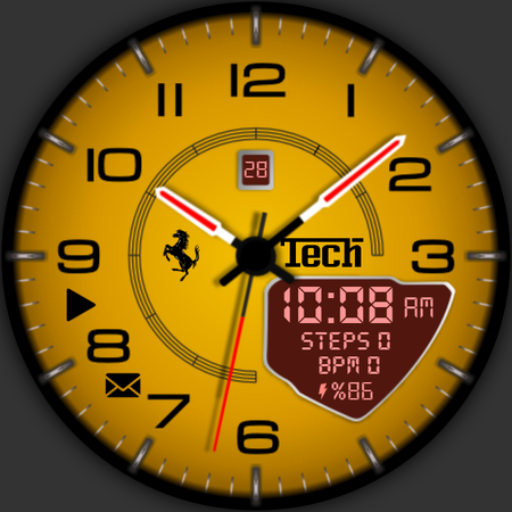
Ferrari inspired analog & digital watch face with quick access and premium style
4.1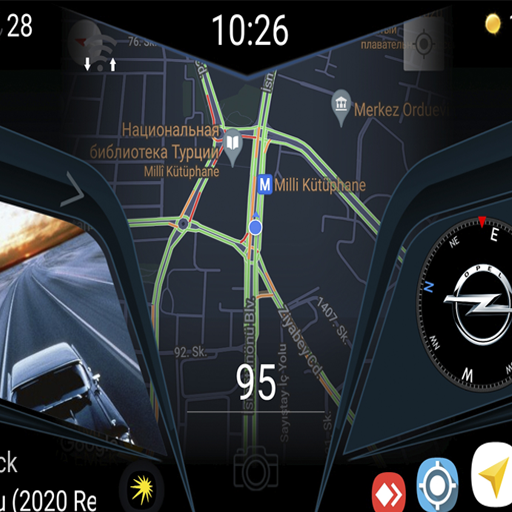
Theme for Car Launcher
4.3
myAudi offers users services and Audi connect services for Audi drivers
4.10
Digital Car Key/Launcher, Screen Mirror, Android Dashboard, Remote Wireless Link
4.40
AI Powered - Automotive Mechanic Assistant
4.30
Automotive Electrical Wiring Diagrams
4.40
PayByPhone: A quick and easy way to pay for parking.
3.80
Easy connect & control your cars from afar. Remote Lock & unlock car and carplay
4.60
Find Your Local Store or Shop Online for the Car, Truck, or SUV Parts You Need
4.70
DMV practice test 2025: Driver License permit test & written test for all states
4.70
Instantly redesign your car with AI. From sporty to futuristic, try it all.
4.50
Launcher for use in the car
4.40
Secure mobile payments & fuel savings at Phillips 66®, Conoco® and 76® stations
4.40
A smarter way to park and reserve your spot ahead of time.
4.40
Take state-specific DMV permit tests and ace the exam.
3.90
Read and delete OBD codes with any ELM327 OBD scanner. Coding functions included
3.40
Theme for Car Launcher
4.0
Theme for Car Launcher
4.2


