
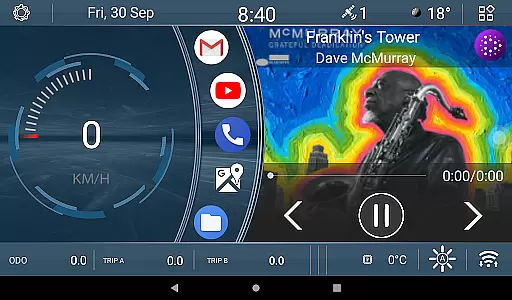
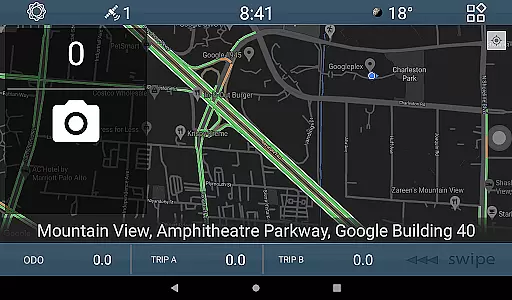
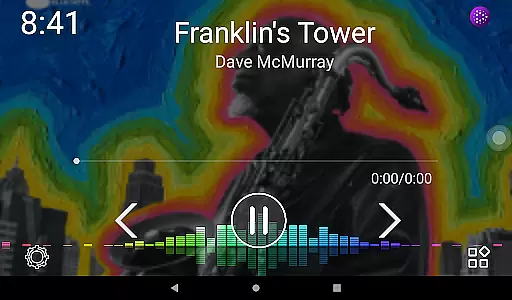
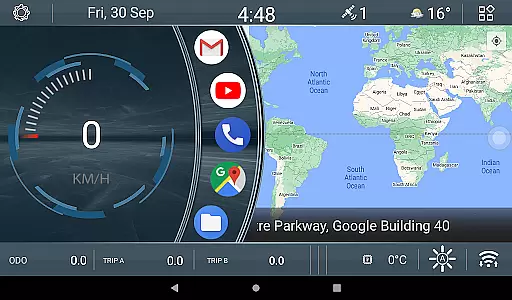
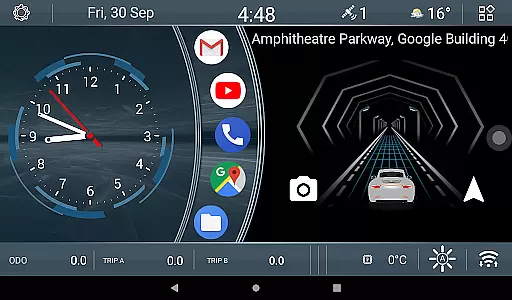
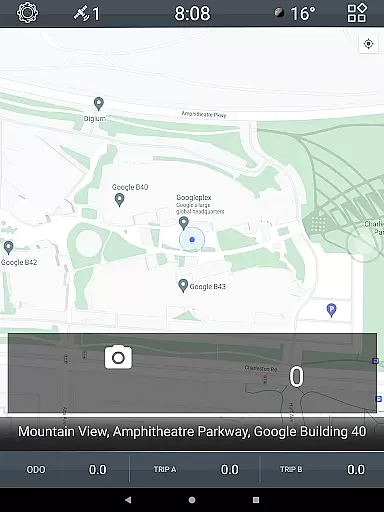
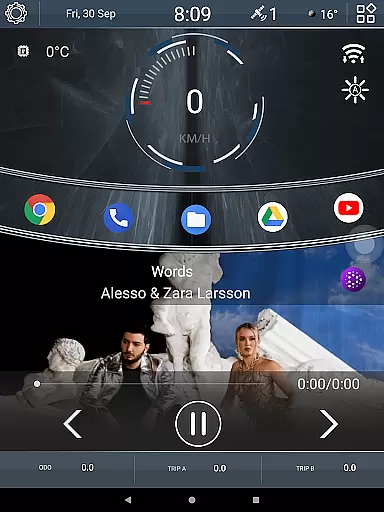

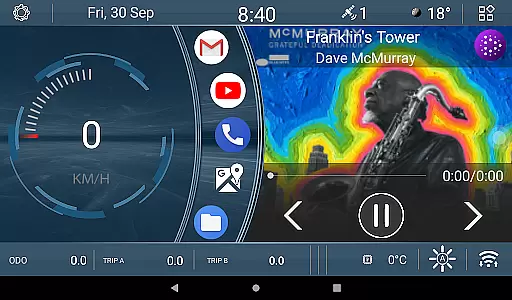
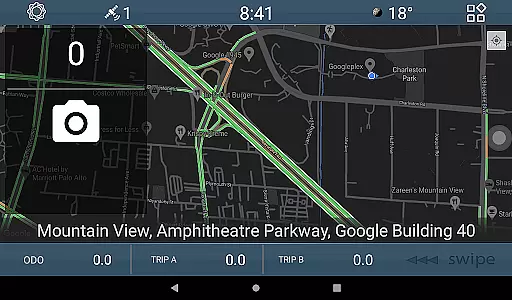
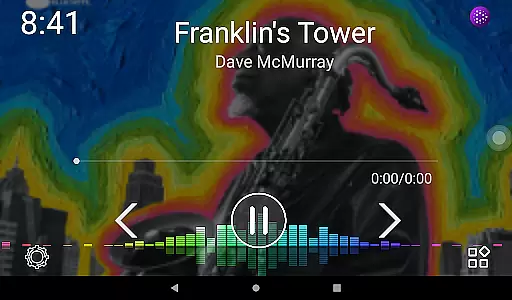
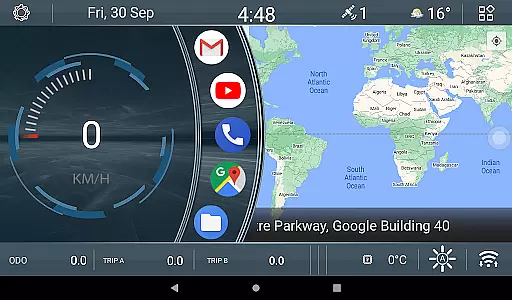
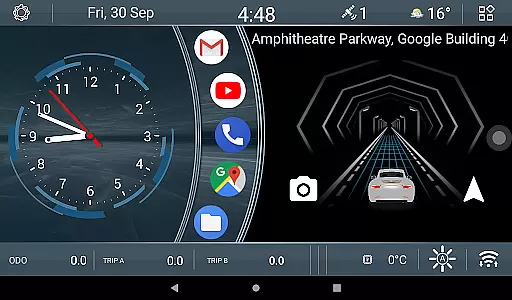
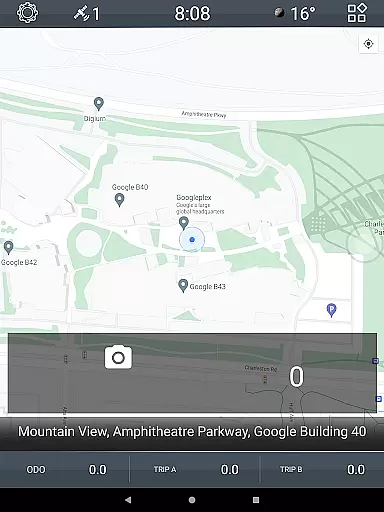
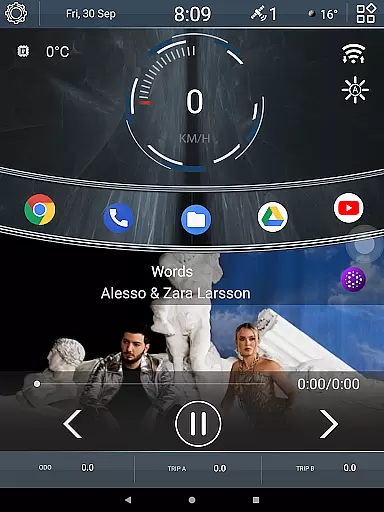

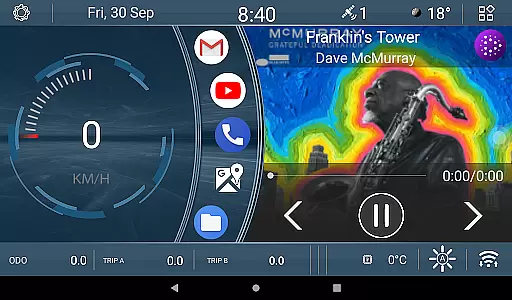
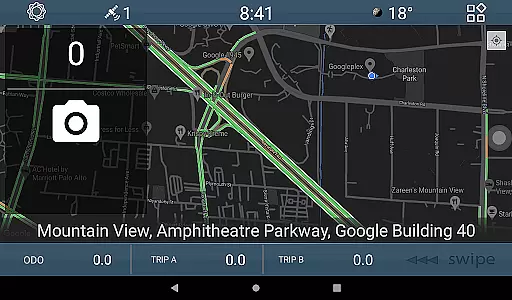
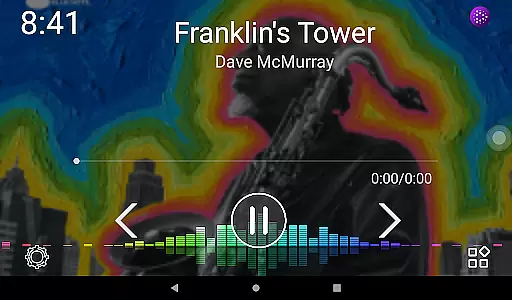
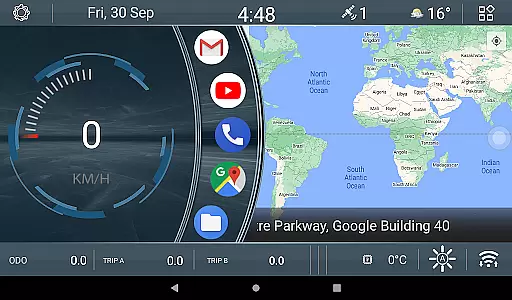
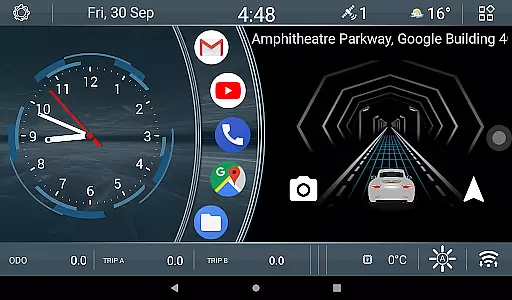
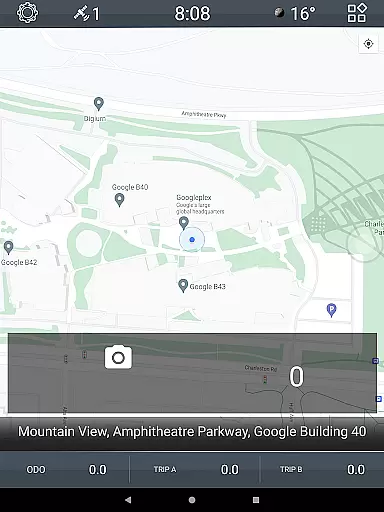
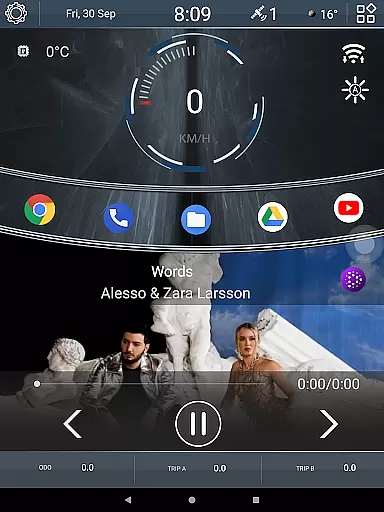

CL Theme V1 is a specialized theme designed for Car Launcher, offering a unique and interactive user experience. This theme features three functional screens that allow navigation through left-right gestures, providing an intuitive interface while driving. When the map is maximized, navigation controls shift to the bottom bar, ensuring seamless usability.
A standout feature of this theme is its animated car widget, which responds to vehicle speed - the faster you drive, the quicker the animation moves. Additionally, users can monitor their driving statistics through three customizable odometer widgets, tracking speed metrics daily, monthly, or overall. These thoughtful design elements make CL Theme V1 particularly suitable for automotive enthusiasts who value both aesthetics and functionality in their driving experience.
This Car Launcher theme stands out with its innovative approach to driver interface design. The three interactive screens provide essential information while maintaining focus on safe driving. Users can easily navigate between screens using simple gestures, creating a natural interaction flow that minimizes distraction.
The animated car widget serves as both a visual entertainment element and a real-time speed indicator. Its dynamic response to vehicle velocity creates an engaging driving companion. Furthermore, the three odometer widgets offer valuable insights into driving patterns, allowing users to track their speed history across different time periods. The customization options for these widgets enable drivers to personalize their dashboard according to their preferences, making each driving experience uniquely tailored to individual needs.
CL Theme V1 offers comprehensive details about your vehicle's performance through its innovative interface. The theme includes three functional screens that allow users to navigate seamlessly using left-right gestures.
Each screen provides specific vehicle metrics, ensuring drivers have access to crucial data at a glance. The integration of map functionality ensures smooth navigation while maintaining essential vehicle information visible.
With dedicated widgets for odometer readings, users can monitor speed statistics for different time frames including all-time, monthly, and daily durations. These widgets are fully customizable, allowing users to tailor the displayed data according to their preferences.
One of the standout features of CL Theme V1 is its commitment to price transparency. Users can access this premium theme without worrying about hidden costs or unexpected fees.
The theme provides clear information regarding any associated costs, ensuring users can make informed decisions. This transparency extends to in-app purchases or customization options, where pricing is clearly outlined.
By offering straightforward pricing details, CL Theme V1 builds trust with its users, enhancing their overall experience with the application. This approach not only benefits the users but also encourages long-term engagement with the app.
User-friendly interface
Dynamic animations
Customizable widgets
Gesture-based navigation
Speed tracking system
Limited to Car Launcher
Fewer screens
No night mode
Basic customization
Device-specific

The Smarter Way Forward
 3.30
3.30
Practice the drills within MotoJitsu Master Riding Program Volume 1 & 2!
4.80
Theme for Car Launcher
4.2
DIY Vehicle Wheel Alignment
4.3
A full featured, real-time transit locator system
4.30
The Texaco App allows you to pay for fuel from the comfort of your car!
4.80
O'Reilly Pro will streamline your parts lookup and ordering process!
3.20
PayByPhone: A quick and easy way to pay for parking.
3.80
Earn and save with Fuel Rewards®
3.20
Play what you want through Android Auto
4.90
OBD1 ECMs application. Data log or tune directly from your phone or tablet!
4.60
Listings of Tesla's with FSD - Included package
4.60
Shop cars & see your financing
4.60
Instantly redesign your car with AI. From sporty to futuristic, try it all.
4.50
Find, search, and browse 40,000+ used cars, SUVs, and trucks.
4.50
AI Powered - Automotive Mechanic Assistant
4.30
Boost profits and hit your goals faster with GigU's amazing tools for gigworkers
4.00
Club Car Wash Mobile App—the fast lane to managing your wash membership.
3.30
Monitor specific TOYOTA parameters by adding this plugin to Torque Pro.
2.00


User Reviews