
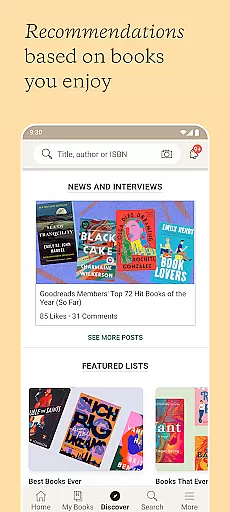
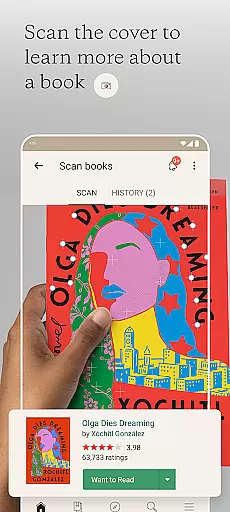
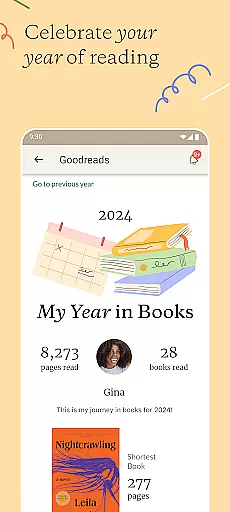
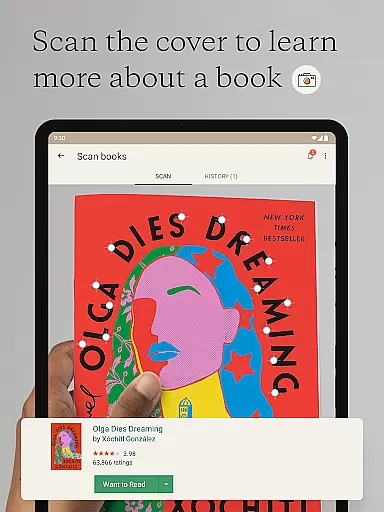
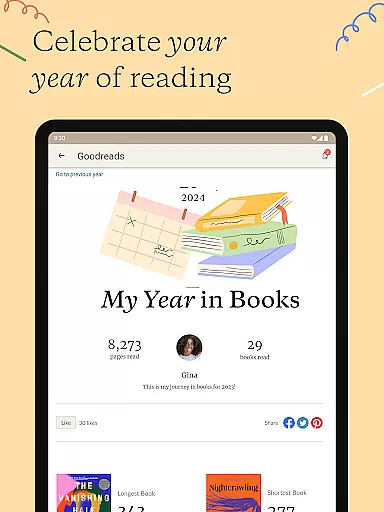
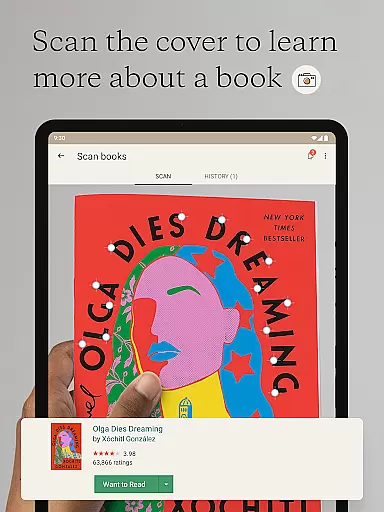
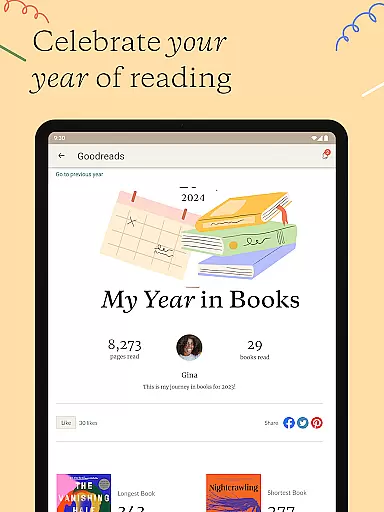
Goodreads is the world's largest platform for book enthusiasts, offering a comprehensive space to discover, track, and share books. With over 75 million members and 2.2 billion books cataloged, it provides personalized recommendations based on user preferences while enabling users to scan book covers for instant reviews and updates.
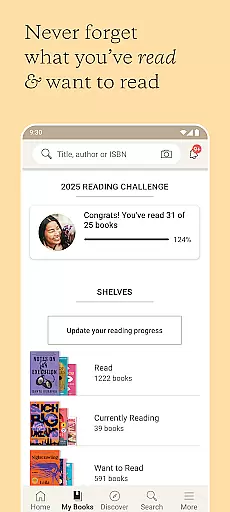
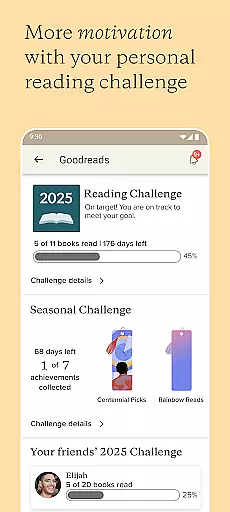
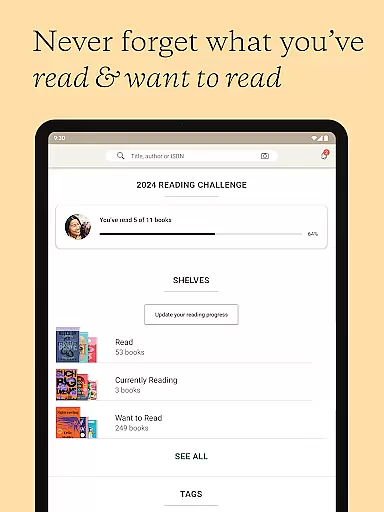
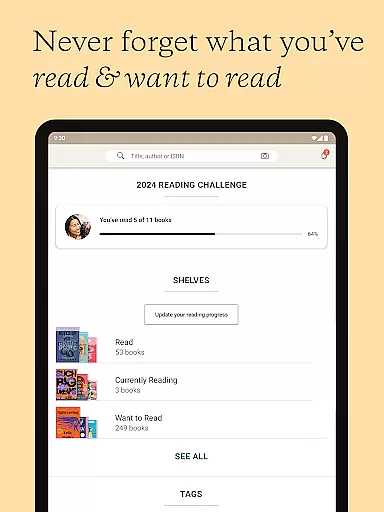
The app also allows readers to create virtual shelves for books they want to read or have already read, rate and review titles, and engage in discussions with friends through groups and messages. Whether you're looking to expand your reading list or participate in a Reading Challenge, Goodreads serves as an essential tool for managing your literary journey.
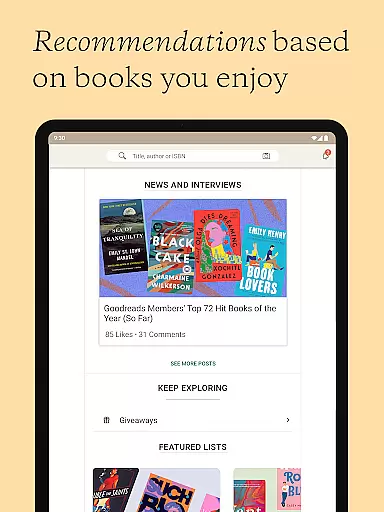
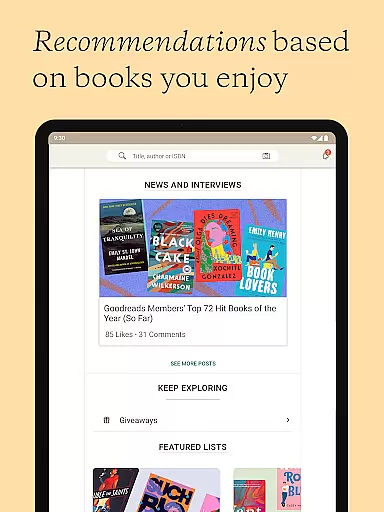
Goodreads offers a robust set of features designed to enhance the reading experience. Users can scan book covers to instantly access reviews and save titles to their personal Want to Read shelf. The app provides tailored book suggestions by analyzing individual reading tastes, ensuring that each recommendation feels relevant.
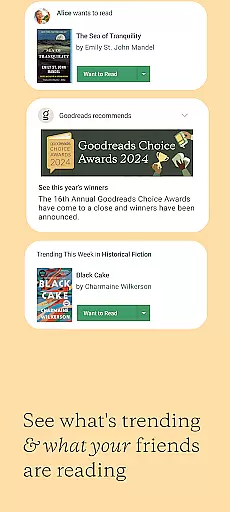
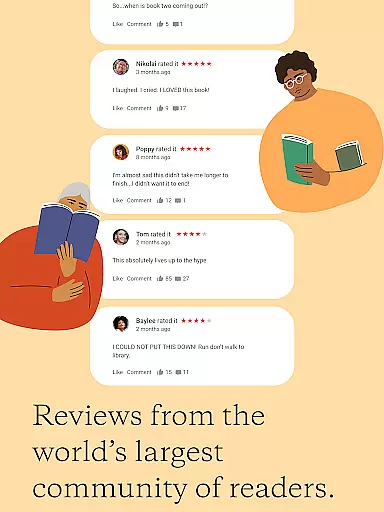
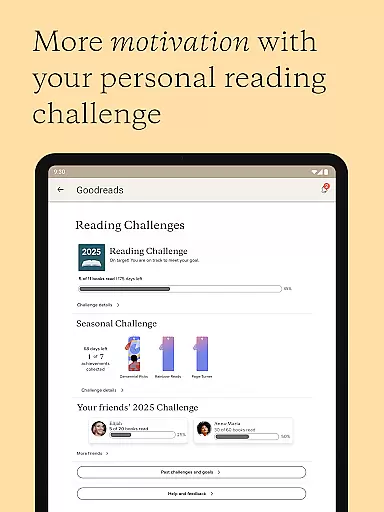
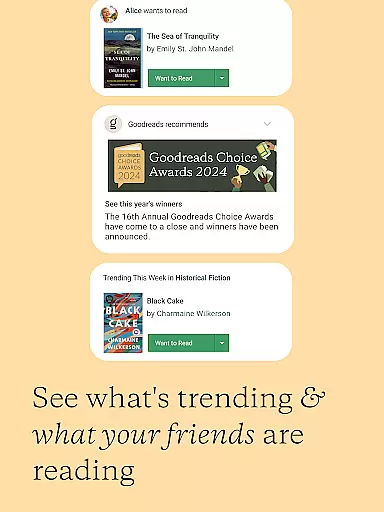
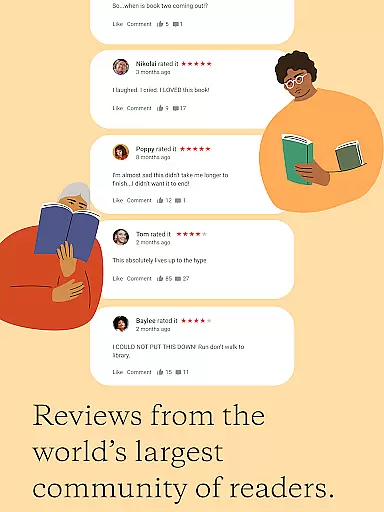
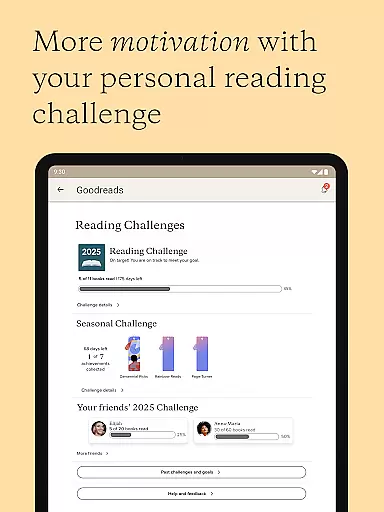
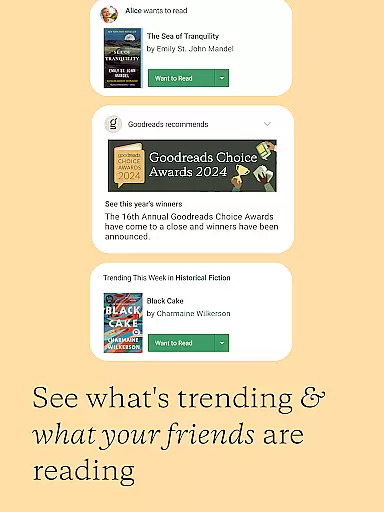
Additionally, Goodreads supports social interactions among readers. You can see what your friends are reading, join groups, and even participate in Reading Challenges to motivate yourself to read more. The ability to rate, review, and recommend books adds another layer of engagement, making it not just a reference tool but a vibrant community for book lovers.
Goodreads offers an extensive e-book library with over 2.2 billion books added by its community of more than 75 million members. This vast collection ensures that readers can find virtually any book they are looking for, across a multitude of genres and interests.
The platform places a strong emphasis on copyright authenticity, ensuring that all books listed are legitimate and properly attributed to their authors. This commitment to copyright compliance provides users with the assurance that their reading choices support the original creators.
By maintaining such a comprehensive and authentic library, Goodreads not only satisfies diverse reader preferences but also fosters a trustworthy environment where book enthusiasts can confidently explore new titles and authors.
Goodreads excels in format compatibility by allowing users to search, rate, and review any book within its catalog regardless of the book's original format. Whether a book is available as a hardcover, paperback, e-book, or audiobook, Goodreads supports tracking and reviewing across these formats seamlessly.
This flexibility enables readers to manage their reading lists without being constrained by format limitations. Users can easily switch between different formats based on availability or personal preference while maintaining a cohesive record of their literary journey.
Such versatile format compatibility enhances user experience by accommodating various reading habits and preferences, making Goodreads an indispensable tool for avid readers who consume content in multiple formats.
User-friendly interface
Personalized recommendations
Vast book database
Active reading community
Free service
Limited genre filters
Occasional bugs
Ads in free version
No offline mode
Basic design

Bible, Catechism, Study, Saints, Mass Readings, Rosary, Prayer, Bible in a Year
 4.80
4.80
Sea tide predictions for all coastal U.S. locations.
4.4
Plan of Life that Saint Josemaría recommended
4.80
Master AKC Rally signs with in-depth hints, diagrams, and expert guidance.
4.50
Read the KJV Bible with Strong’s offline: reading plans, audio Bibles, and more.
4.70
Read and study the Bible and other content in over 1,000 languages.
4.80
Scan. Price. Grade.
4.60
All in one Calibre libraries on your phones and tablets.
3.80
World's most comprehensive dictionary app: 13 languages, all online or offline!
4.80
Offline dictionary for learning Cantonese as a second language
4.90
The Bible Audio Guide
4.80
Liturgy of the Hours totally off-line
4.80
Daily Prayer, personalized Bible Study, AI-guided Insights, and Spiritual Growth
4.80
Daily Devotional Widgets & Hourly Verses. Listen to Bible & Watch Holy Stories
4.70
Read aloud texts, audiobooks, PDFs or any eBook with text to speech AI audio
4.60
Bible Spiritual Companion
4.40
Pretty Moon information App with Complications and Tile
4.30
A story reading app: Read stories, novels and books, or write your own.
3.90
University of North Carolina Herbarium presents the flora of TN, AL, & MS.
4.4


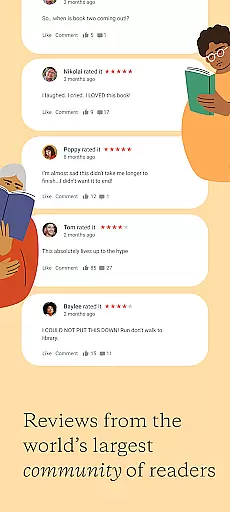
User Reviews