
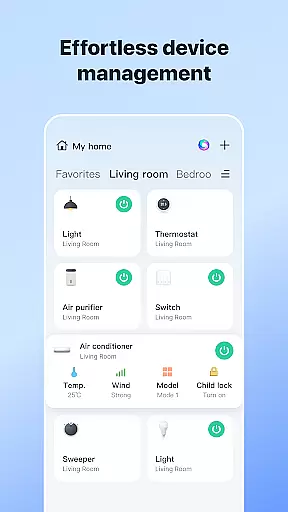
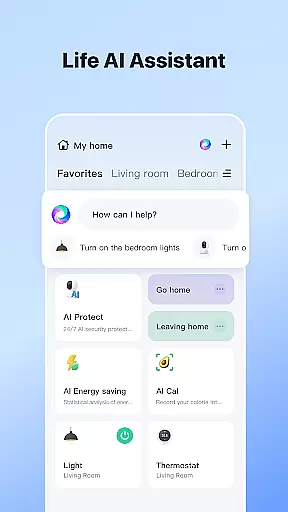


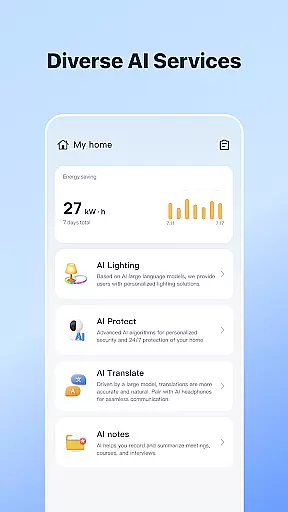
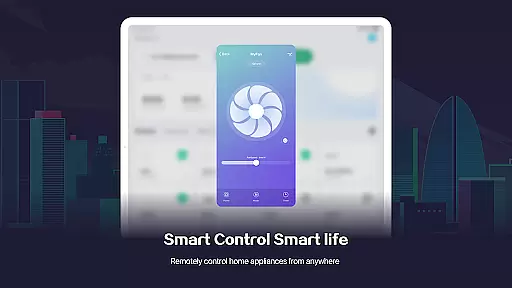
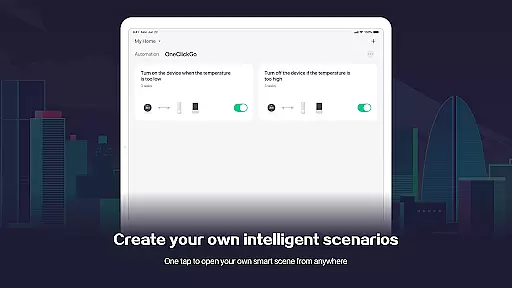
SmartLife is a comprehensive smart home management app that allows users to control and manage a wide range of smart devices from their mobile devices. The app's core functionality revolves around device interconnectivity, enabling users to effortlessly connect to and command various smart appliances according to their preferences and schedules.
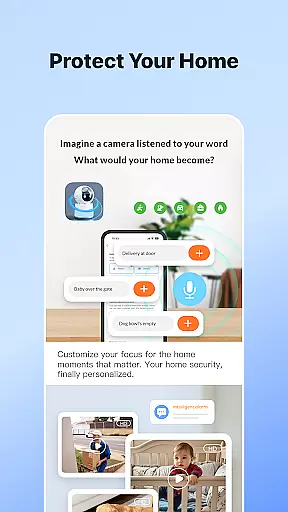
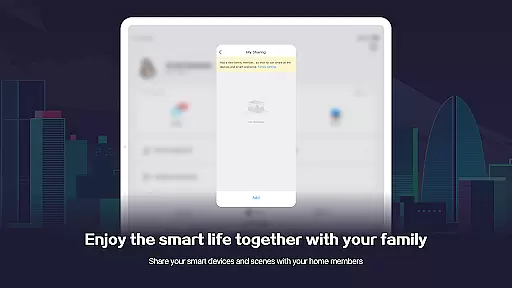
Beyond basic device control, SmartLife offers advanced features such as voice interaction with smart speakers, timely notifications for important events, and the ability to invite family members to access shared devices. This makes it an ideal solution for creating a comfortable and automated home environment. Whether you're looking to automate lighting, climate control, or security systems, SmartLife provides a seamless experience that enhances convenience and peace of mind.
The app's intuitive interface and robust automation capabilities make it suitable for both tech-savvy users and those new to smart home technology. By centralizing control of multiple devices into one platform, SmartLife simplifies home management and elevates the overall living experience.
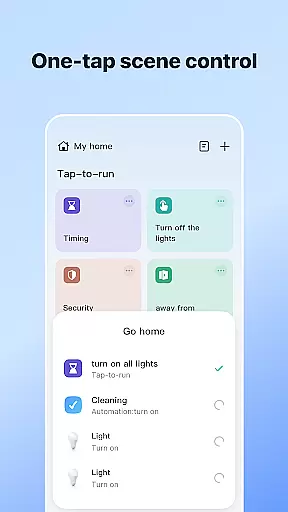
SmartLife stands out through its diverse feature set tailored for smart home enthusiasts. One of its key characteristics is the ability to create intricate automation scenarios based on factors like location, time, weather conditions, and device status. This level of customization allows users to build a truly personalized smart home ecosystem.
The app also excels in its voice control integration, working seamlessly with smart speakers to enable hands-free operation of connected devices. Additionally, the notification system ensures users stay informed about device alerts and system updates without missing crucial information. Another notable feature is the permission-based access system, which lets users grant selective control to family members while maintaining overall security.
With optional permissions like location services, camera access, and microphone usage, SmartLife can expand its functionality to include QR code scanning, video communication, and Bluetooth device discovery. These features collectively contribute to a versatile and future-proof smart home solution that adapts to various user needs and technological advancements.
SmartLife offers extensive coverage across various lifestyle categories, ensuring that users can manage multiple aspects of their daily lives through a single, integrated platform. The app supports a full range of smart devices, from home automation systems to smart speakers, allowing for seamless interaction and control.
One of the standout features is its ability to adapt to different triggers such as location, schedules, and even weather conditions. This flexibility ensures that whether you are at home or away, your smart devices can respond appropriately to create an optimal living environment.
The inclusion of voice control capabilities further enhances the user experience by providing an intuitive way to interact with smart devices. Users can easily issue commands or make inquiries without needing to navigate complex menus, making daily tasks simpler and more efficient.
Additionally, SmartLife promotes family engagement by allowing users to invite family members to participate in managing the home environment. This collaborative approach not only improves convenience but also fosters a sense of community within the household.
SmartLife places a strong emphasis on content authenticity and expert credibility, ensuring that all information provided within the app is both accurate and reliable. This commitment to quality is evident in the detailed descriptions and guidelines available for each smart device, helping users make informed decisions about their usage.
The app's dedication to expert validation is showcased through its rigorous testing and certification processes for connected devices. Each device undergoes thorough evaluation to ensure it meets high standards of performance and security before being integrated into the SmartLife ecosystem.
Furthermore, SmartLife provides timely notifications and alerts, keeping users informed about important events related to their smart devices. These updates are carefully curated to ensure relevance and importance, enhancing the overall reliability of the information delivered to users.
By prioritizing content authenticity and leveraging expert insights, SmartLife establishes itself as a trustworthy companion in managing modern smart homes, offering peace of mind to its users.
User-friendly interface
Wide device compatibility
Advanced automation options
Voice control integration
Timely notifications
Requires stable internet
Premium features locked
Occasional bugs
Limited offline use
Device-specific issues

The all-new Cync app. The simple, connected app for Cync and C by GE.
 4.50
4.50
A watch face with transparency and fluid visuals inspired by liquid glass design
4.4
A daily quote for success
4.0
A smart Siddur with halachic times
4.60
Spiritus Ghost Box is an Audio and Visual ITC tool for paranormal research.
4.00
Play. Earn. Repeat. Get rewarded for playing mobile games. Welcome to Mobius!
4.80
Get the news, events and savings that matter to you with AARP Now.
4.80
A smart Siddur with halachic times
4.50
PARAVOX 4 is a professional ITC paranormal research application.
4.50
Discover the "To Be a Christian" App: Your Guide to Deepening Faith!
5.00
Pay your rent, submit work orders and much more with the RentCafe Resident App.
4.70
Digital smart watch face made for Wear OS.
4.70
Stay connected with your loved ones & vehicles | Share live GPS location updates
4.60
Premium floor cleaning robots
4.50
Cute Adorable Animals now on your wrist with our Wear OS watch face!
4.40
Play fun games, complete quick surveys, and earn money. It's fun and easy!
4.40
Unique informative Dial with Live Moon Phase at a glance!
3.60
View over 160,000 line dance stepsheets from the CopperKnob website.
3.30
Futuristic watchface inspired by Back to the Future: sleek, retro, timeless
4.2


User Reviews