
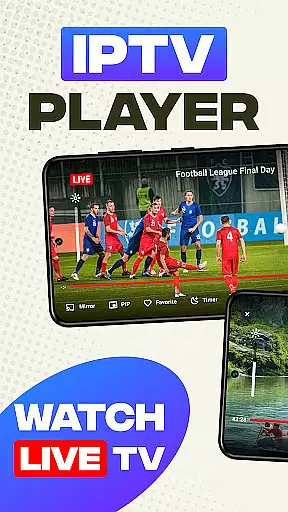
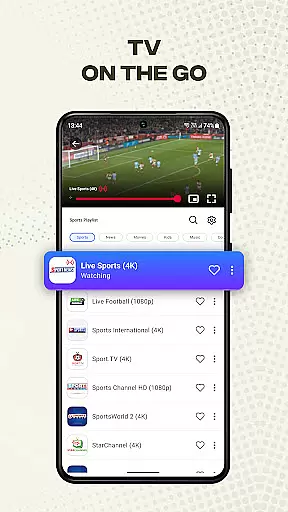
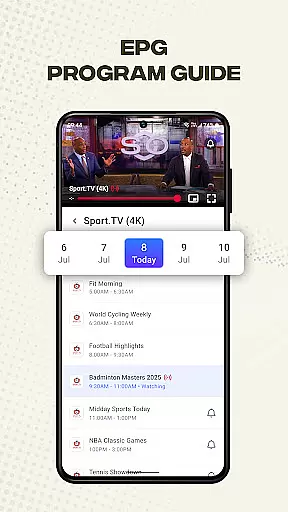
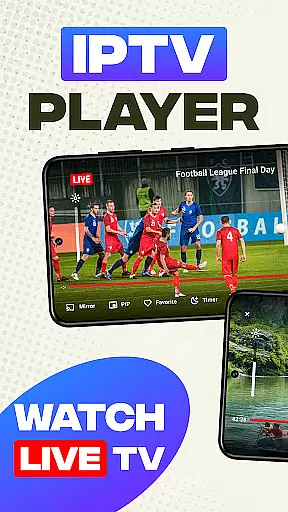
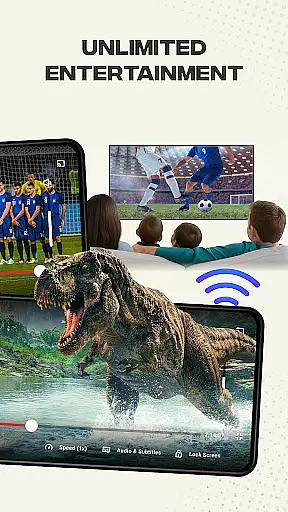
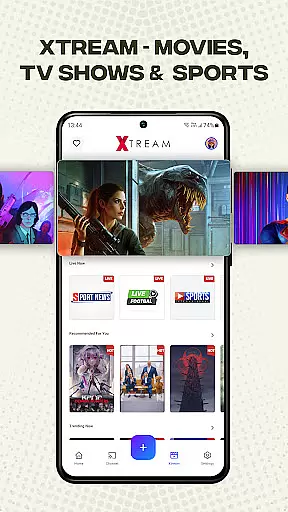
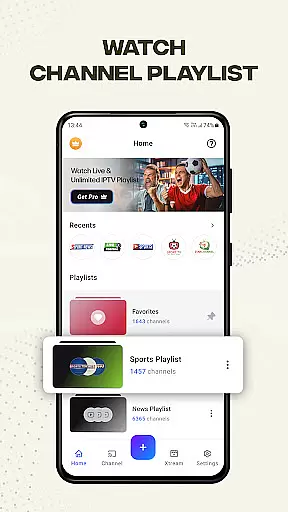
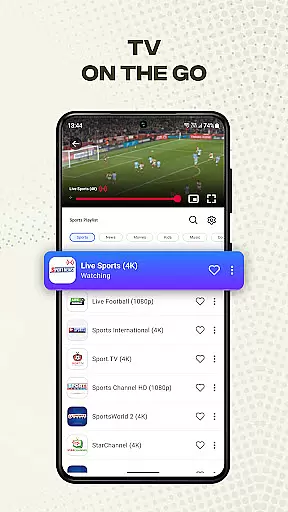
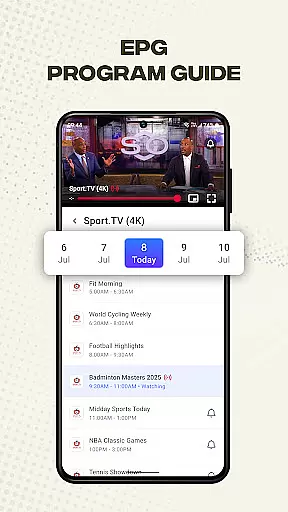
Smart IPTV Player is a premier entertainment application designed for seamless streaming of live IPTV channels and online playlists. This app allows users to enjoy their favorite TV channels anytime, anywhere, offering an immersive experience with access to over 20,000 live channels, Video on Demand (VOD), and Electronic Program Guide (EPG).
The app supports high-quality video streaming in SD, HD, and 4K resolutions, ensuring users can watch content in 720p or 1080p quality. With compatibility for M3U and M3U8 files, Smart IPTV Player provides unlimited access to global content while maintaining user-friendly features such as playlist management, channel personalization, and screen mirroring.
Designed for both traditional television enthusiasts and modern streamers, this app offers advanced tools like brightness control, volume adjustment, and timer settings, enhancing the overall viewing experience. Whether you're watching live sports or catching up on your favorite shows, Smart IPTV Player ensures a reliable and enjoyable streaming experience.
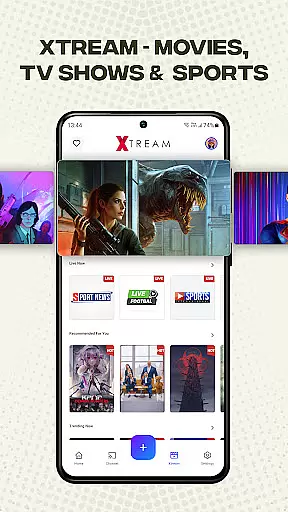
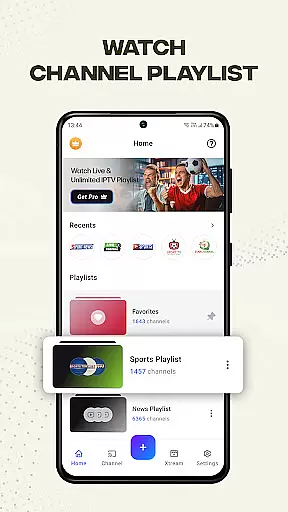
Smart IPTV Player boasts an array of innovative features tailored to enhance user convenience and satisfaction. One standout feature is Xtreme IPTV support, which enables access to premium services including thousands of live channels and VOD options. The app simplifies playlist management by allowing users to import and manage playlists via URL, supporting formats like M3U and M3U8.
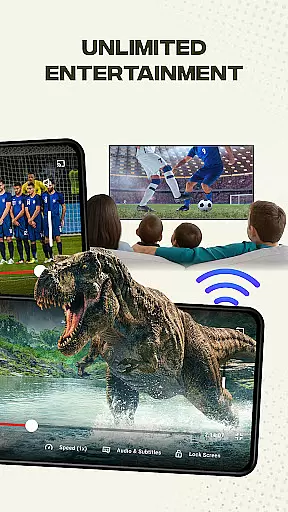
Personalization is key with this app; users can add favorite channels and customize playlists according to their preferences. Advanced functionalities include screen mirroring capabilities that allow casting from mobile devices to larger screens, providing a cinematic experience at home. Additionally, built-in tools such as brightness control, volume management, and lock screen options ensure uninterrupted viewing sessions.
For those seeking versatility, Smart IPTV Player supports external media playback from local devices, accommodating various file types including images, videos, and URLs. Its fast channel search functionality ensures quick navigation across all Android devices and TV boxes, making it a reliable choice for diverse entertainment needs.
Smart IPTV Player offers an extensive range of content, ensuring users have access to a diverse selection of live channels and on-demand programming. With support for over 20,000 live channels, Video on Demand (VOD), and Electronic Program Guide (EPG) features, the app provides a rich and varied viewing experience.
The application supports playlists in M3U and M3U8 formats, allowing users to import their own content or subscribe to online services. This flexibility ensures that viewers can personalize their entertainment options according to their preferences, whether they enjoy traditional television or modern streaming services.
Moreover, Smart IPTV Player is designed with user-friendliness in mind, offering tutorials and helpful guides for importing playlists. Users can easily manage their favorite channels and create personalized playlists, enhancing the overall user experience by providing quick access to preferred content.
With compatibility across all Android devices and TV boxes, this IPTV player guarantees high-quality video playback in SD, HD, and even 4K resolutions. The continuous availability of fresh content through user-imported playlists ensures that there's always something new to watch, keeping the entertainment experience engaging and up-to-date.
User engagement is a key focus for Smart IPTV Player, which offers advanced tools such as timers, brightness control, volume adjustment, and lock screen functionality. These features are designed to enhance the viewing experience by allowing users to customize their environment and maintain comfort during long viewing sessions.
In addition to customizable settings, the app supports casting from mobile devices to larger screens, promoting shared viewing experiences among family and friends. By enabling users to mirror content on bigger displays, it encourages longer engagement durations as viewers gather to enjoy their favorite shows together.
Smart IPTV Player also includes fast channel search capabilities and reliable streaming performance, contributing to higher user retention rates. Viewers can swiftly navigate through their imported playlists and find desired channels without delay, reducing frustration and increasing satisfaction.
Furthermore, the app's dedication to improvement is evident in its active support channels. Users can provide feedback or seek assistance at support@metaverselabs.ai, fostering a sense of community and trust. This commitment to customer service helps retain users by addressing concerns promptly and enhancing their overall experience with Smart IPTV Player.
User-friendly interface
High-quality streaming
Extensive channel selection
Advanced customization tools
Cross-device compatibility
No pre-loaded content
Requires stable internet
Third-party affiliations
Copyright restrictions
Import-only playlists

Play games. Earn real rewards. Cash out in 3hours via PayPal or gift cards.
 4.40
4.40
Live TV, sports & holiday movies — stream on phone, tablet & TV
4.60
Fun brain twisting challenge with trending Whirlpool Filter.
4.70
The JBL Portable app works with JBL portable Bluetooth speakers.
4.60
Wodfix Air aggregates popular online content for you.
4.80
Unleash Your AI Imagination
4.60
Necrophone is spirit box ghost hunting app made for spirit communication.
3.70
Earn Real Rewards Playing Fun Mobile Games & Easy Cash Out - PayPal & Gift Cards
4.40
Scary prank camera & on face app: Shoot videos, selfies with spiders & scorpions
4.60
Direct access to the most complete Guitar Tab Archive in Spanish: LaCuerda.net
4.60
Heroclix search units with multi filter , team builder, collection manager.
4.40
Create melty bead designs by numbers, photos or your imagination
4.40
Come and watch short dramas, reels with diverse genres!
4.40
Build and Share AI
4.20
Catch the latest episodes of The Voice or live stream NFL games with The NBC App
4.20
Music visualizer and party effects for Hue
3.90
Fool your friends & Family with Fake ultrasound test report
3.60
Stream live TV shows, sports, news, movies & more - all without cable.
3.00
With the Steam Mobile App, you can take Steam with you anywhere.
3.00


User Reviews