
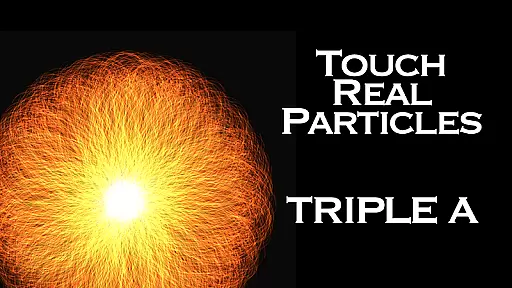
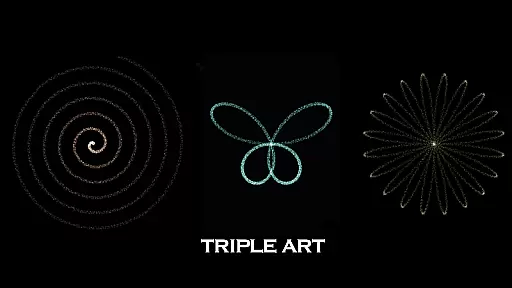
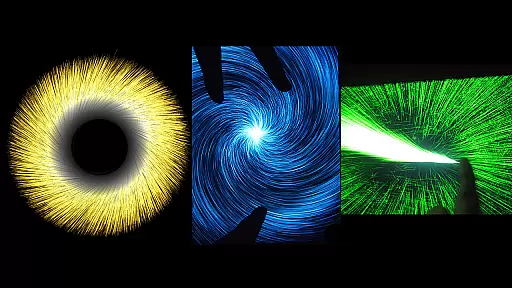
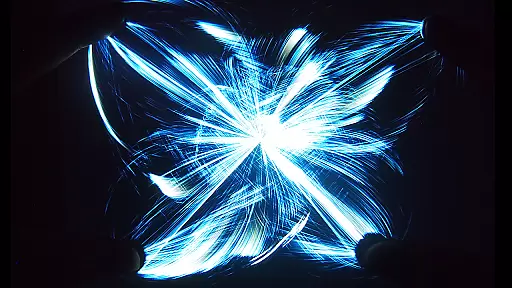
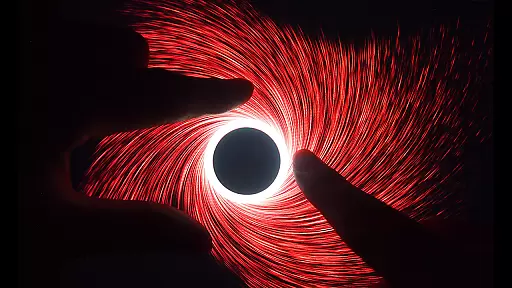
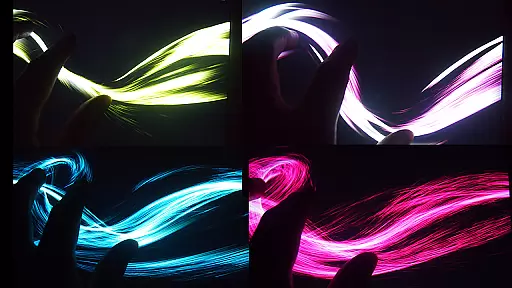
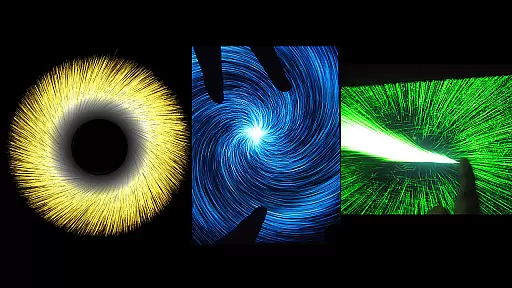
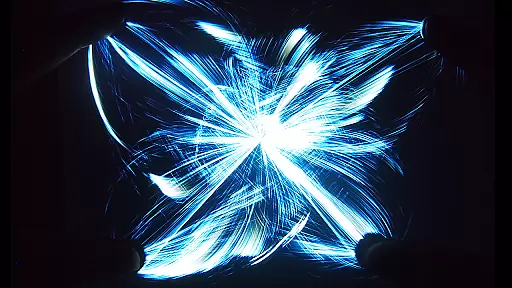
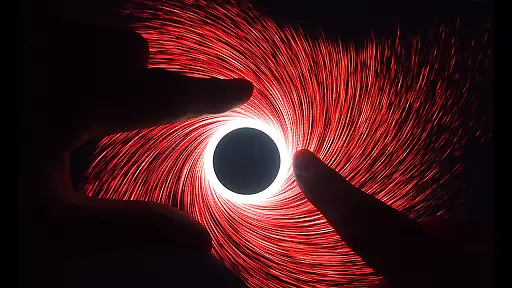
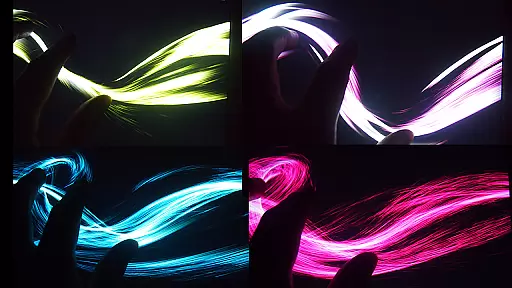
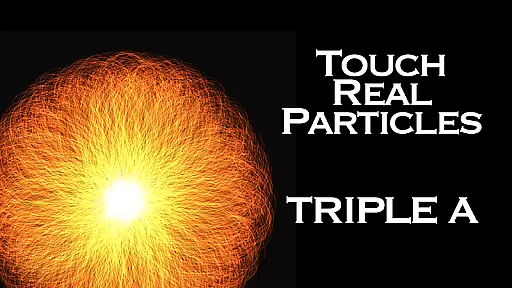
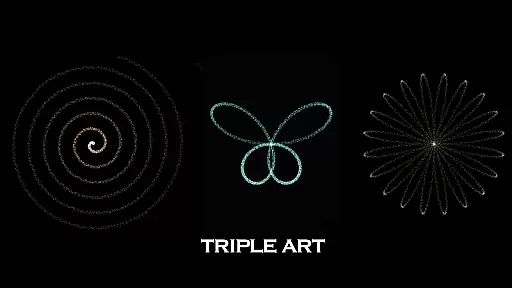
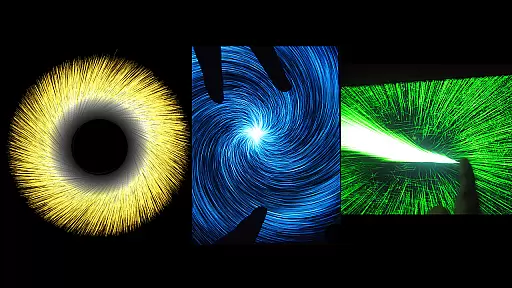
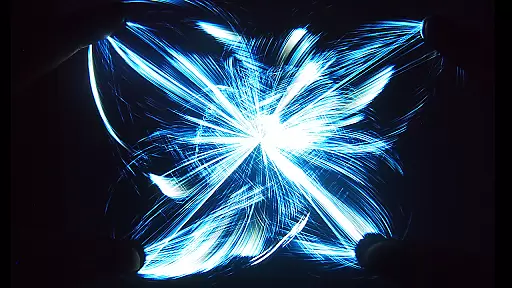
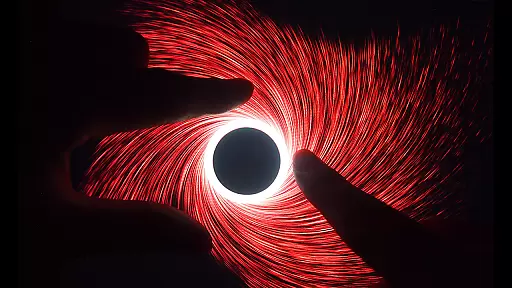
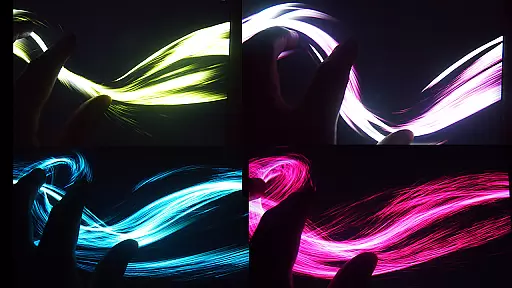
Triple A HD is an innovative entertainment app that combines the best features of five digital art applications created by SungLab. This interactive visualizer offers a unique experience for users seeking focused meditation, creative thinking, or relaxation. With built-in music tracks and mesmerizing visual effects, it provides an engaging experience suitable for all ages.
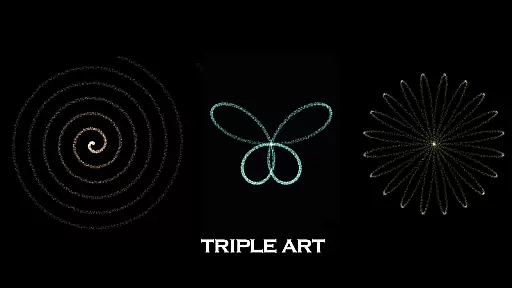
The app includes 5 art modes with 6 unique effects each, totaling 25 stunning visual effects. These evoke images of vortexes, flowers, butterflies, rainbows, and more. The HD version offers enhanced performance with three times more particles through optimized calculations, making it an ideal choice for those seeking a premium digital art experience.
Whether you're looking to relieve stress, entertain children, or simply enjoy a relaxing break, Triple A HD delivers an unparalleled New Media Art Appreciation experience right on your mobile device.
Triple A HD stands out with its advanced multi-touch functionality and diverse artistic modes. The app utilizes 5-finger, 2-hand multi-touch controls, allowing for intuitive interaction with the visual effects. Users can choose from 5 distinct art modes including Art Particle, Art Wave, Art Gravity, Art Linear, and Art Lightning, each offering unique visual experiences.
The app achieves impressive performance at 60 FPS while emitting up to 100,000 particles, creating spectacular visual displays. Users can customize particle length, quantity, and size to personalize their experience. Additionally, the app offers 10 built-in music selections by Aden, which can be turned on or off according to preference.
Unlike the standard version, Triple A HD provides an ad-free experience with enhanced performance capabilities. Through optimized calculations, the HD version delivers three times more particle quantity, resulting in even more breathtaking visual effects. This makes it perfect for users seeking the most immersive and visually stunning experience possible.
Triple A HD stands out in the Entertainment category by offering an impressive range of content that ensures users have a varied and engaging experience. The app combines the best features from five different digital art applications created by SungLab, including Art Wave, Art Particle, Art Gravity, Art Linear, and Art Lightning. This fusion results in 25 mesmerizing effects spread across five distinct art modes, each comprising six unique effects.
The application also includes numerous additional captivating features that evoke images of vortexes, flowers and leaves, butterflies, rainbows, and much more. With such a wide array of visual content, users can enjoy countless hours of creative exploration and relaxation. Furthermore, Triple A HD offers ten built-in music tracks composed by Aden, which can be toggled on or off according to user preference.
This extensive variety of interactive visualizers not only provides entertainment but also serves as a tool for focused meditation and stress relief. Whether seeking a digital toy for children, a calming activity for individuals experiencing burnout or sleep disorders, or simply an enjoyable break, Triple A HD caters to all these needs with its rich content library that is both refreshing and continually engaging.
User engagement duration and retention are critical factors for any entertainment app, and Triple A HD excels in keeping users captivated for extended periods. The app's fastest speed performance at 60 FPS, along with the ability to emit an astonishing 100,000 particles, creates a visually stunning experience that encourages prolonged use. Additionally, the customization options for particle length, quantity, and size allow users to tailor their experience, further enhancing engagement.
Moreover, Triple A HD's multi-touch functionality supports 5-finger, 2-hand interactions, providing an intuitive and immersive interface that makes it easy for users of all ages to dive into the experience without frustration. This ease of use contributes significantly to user retention as it minimizes the learning curve typically associated with complex digital art tools.
The HD version offers an ad-free experience with enhanced performance through optimized calculations that triple the particle quantity compared to its predecessor. By removing ads and improving overall performance, Triple A HD ensures that users remain engaged without interruptions, leading to higher satisfaction and longer retention. These features collectively create an environment where users are more likely to return frequently and stay engaged over time.
Stunning visual effects
Intuitive multi-touch controls
Relaxing built-in music
Customizable particle effects
Ad-free experience
Premium price point
High device requirements
Limited practical application
No offline support
Complex for beginners

Exclusive creator communities
 4.70
4.70
Simulation of Dashboard / Touch Screen for Tesla. (Works without actual Tesla).
4.4
Stream over 80 hours of exclusive mashups and remixes by DJ Rehab.
4.0
Open-source, fast, simple and powerful IPTV app
4.90
Real ghost box scanner with echo, reverb, EMF, & multi-stream channels.
3.80
Browse popular images and videos from Reddit on Android TV!
3.90
Premium version to enjoy your favorite anime
4.60
Original short dramas with diverse genres for a rich viewing experience!
4.80
World's largest dedicated anime collection
4.70
Stream Movies & TV Series: Original Shows, Family Movies & New Releases Weekly
4.60
Just play games to earn gift cards. Keep playing, keep earning.
4.50
Himnario LLDM - Fast and Easy to read , updated Hymnal 2019 Edition Official
4.20
Daily immersive workout plan: Body warm up & finger yoga exercises
3.80
Fool your friends & Family with Fake ultrasound test report
3.60
Watch whatever you want, whenever you want, wherever you want.
3.30
NFL, NBA, NHL, MLB, local sports coverage, shows, movies & news!
3.20
With the Steam Mobile App, you can take Steam with you anywhere.
3.00
Watch everything you want.
2.90
Music visualizer and party effects for your Nanoleaf devices
4.4


User Reviews