
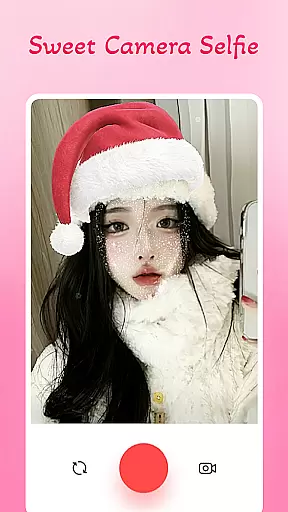
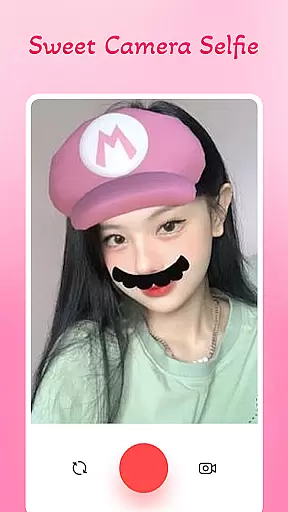
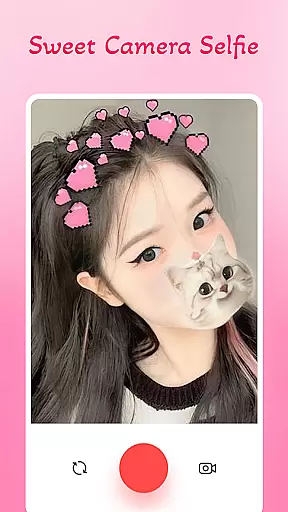
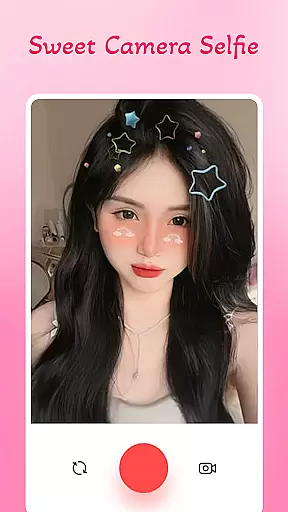
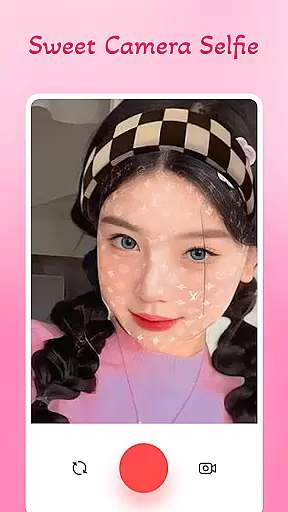
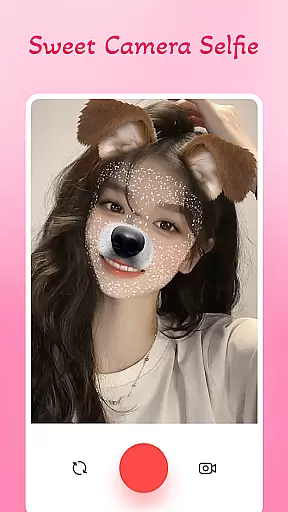
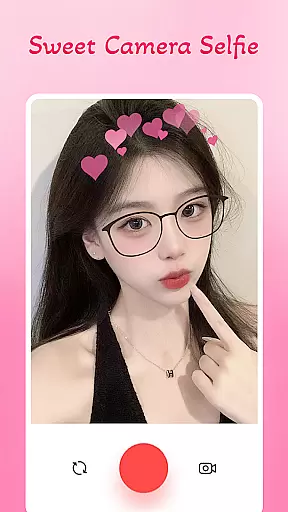
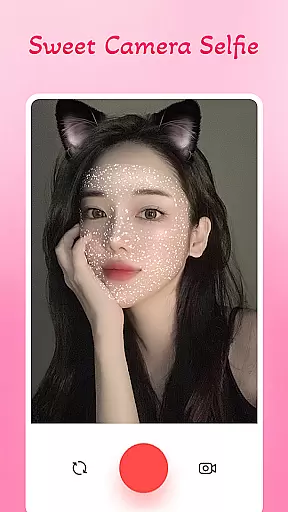
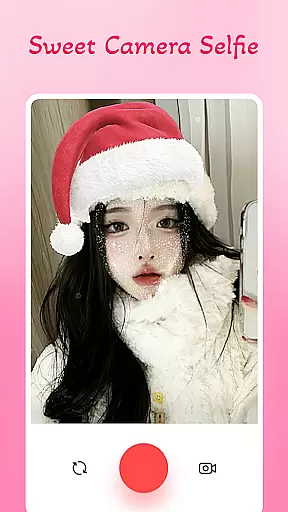
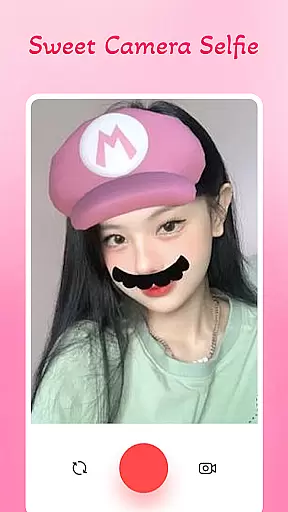
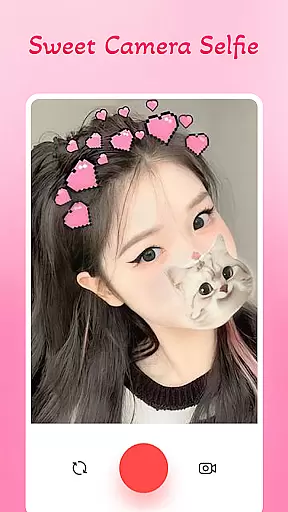
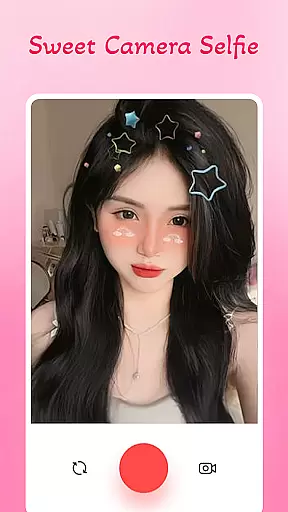
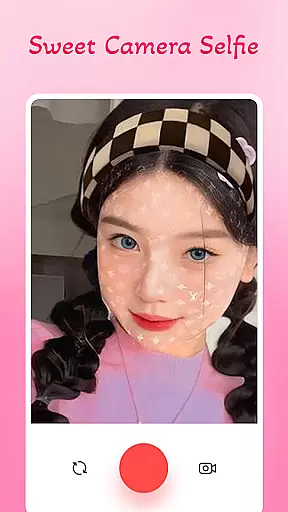
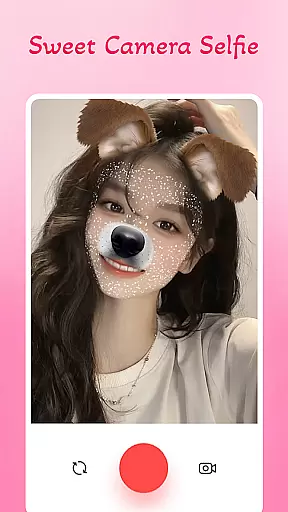
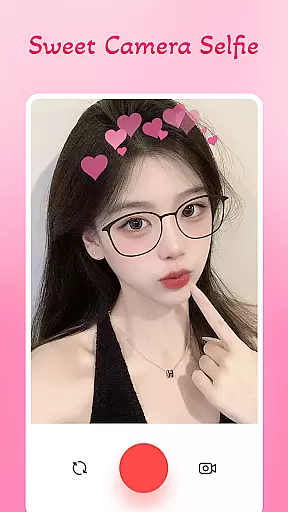
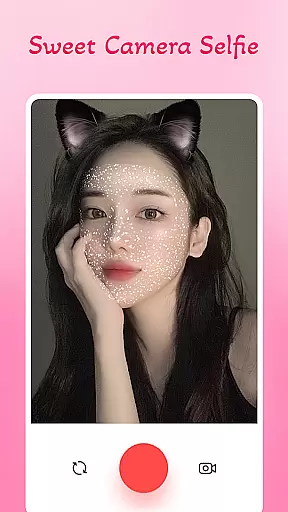
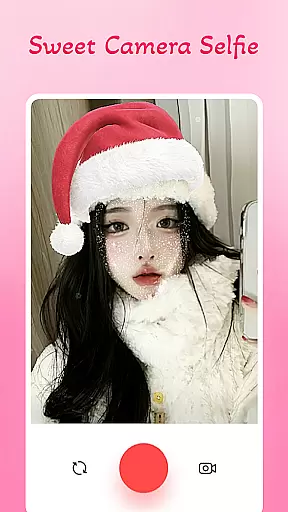
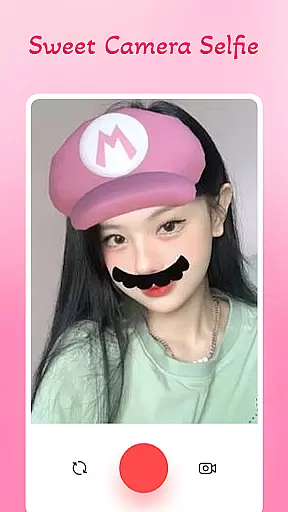
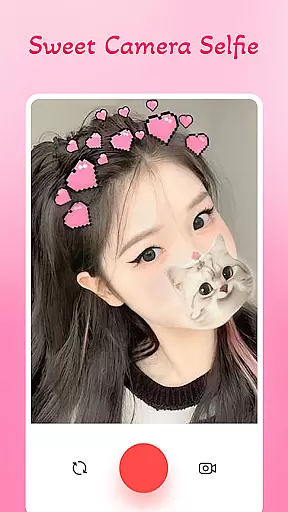
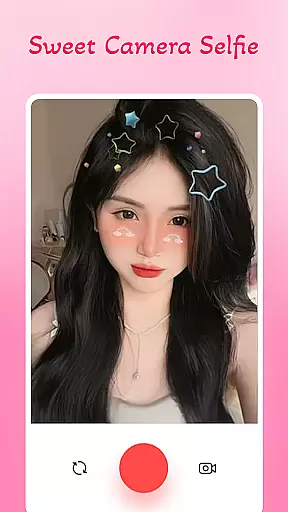
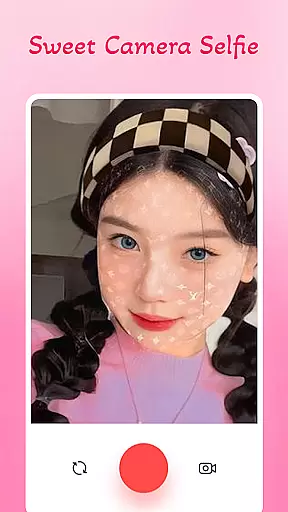
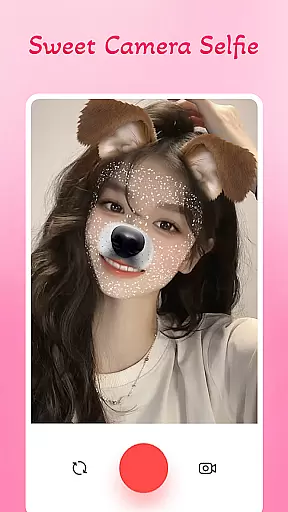
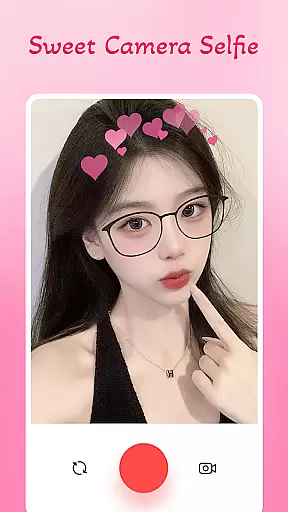
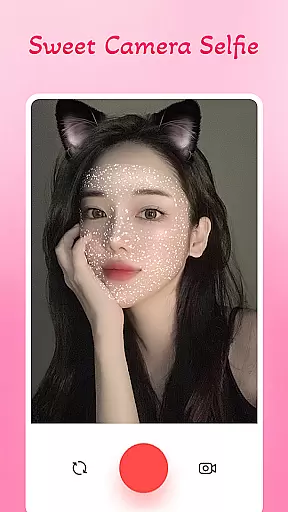
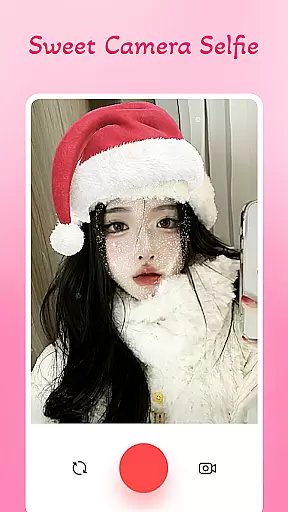
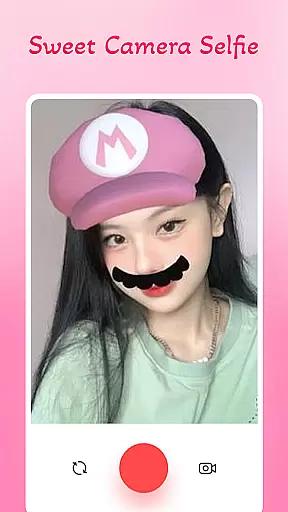
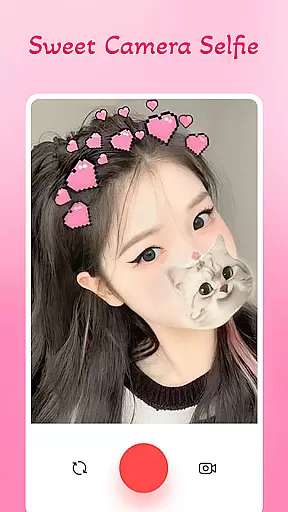
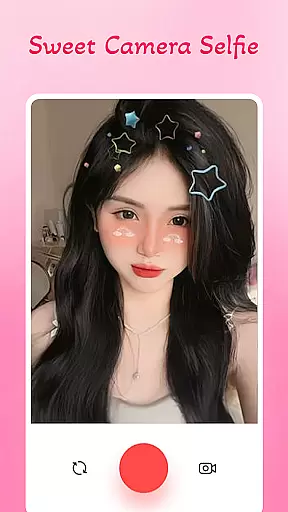
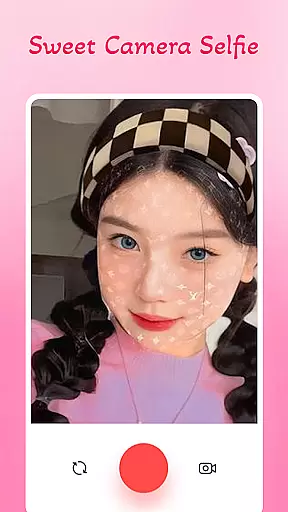
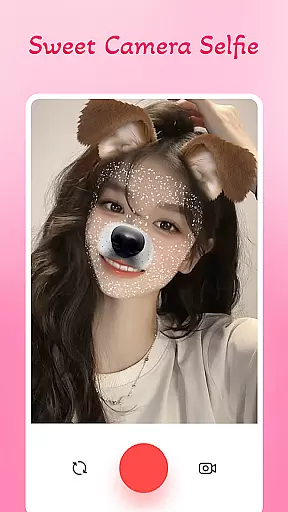
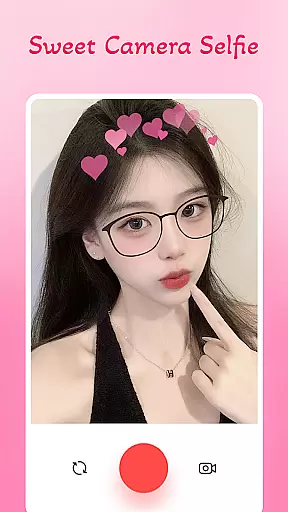
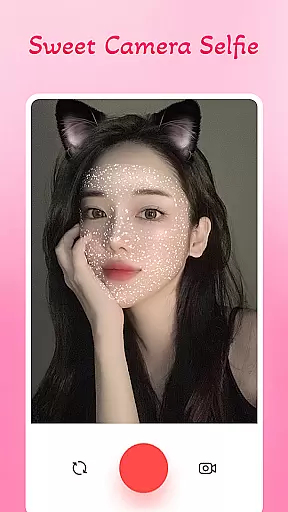
Sweet Camera Selfie Editor is a feature-rich beauty camera app designed to enhance your selfies with professional-grade tools and playful elements. This app offers an extensive selection of filters, funny face stickers, and beautification features that allow users to create stunning and unique pictures effortlessly.
With its intuitive interface and powerful editing capabilities, Sweet Camera Selfie Editor caters to both amateur photographers looking to add charm or humor to their photos and those seeking to refine their images with advanced beauty settings. Whether you want to apply heart crowns, animal face stickers, or skin-smoothing effects, this app provides everything needed to transform ordinary selfies into extraordinary works of art.
The app's lightweight design ensures smooth performance across all devices, while easy sharing options let users instantly showcase their creations on social media platforms. Perfect for expressing creativity and enhancing natural beauty, Sweet Camera Selfie Editor is the ultimate tool for anyone passionate about photography and self-expression.
Sweet Camera Selfie Editor stands out with its comprehensive set of features tailored for creating eye-catching selfies. The app includes a Professional Selfie Beauty Camera mode that offers a variety of filters specifically designed to enhance picture quality. Users can choose from numerous beautiful sticker effects such as animal faces, emojis, and heart crowns, adding fun and personality to every photo.
One of the key highlights is the Face Filters Beauty Editor, which allows detailed customization of selfies. This feature helps smooth skin, lighten eyes, and apply special effects that turn simple photos into artistic masterpieces. Additionally, the app provides easy-to-use editing tools suitable for all experience levels, ensuring that everyone can achieve professional-looking results with minimal effort.
Sweet Camera Selfie Editor also excels in sharing capabilities. Once users have perfected their photos, they can instantly upload them to social networks directly from the app. This seamless integration makes it convenient to share beautiful creations with friends and followers, making it an ideal choice for those who love to express themselves through visually appealing content.
Sweet Camera Selfie Editor offers an extensive product database that caters to a wide range of selfie-enhancement needs. The app includes a vast selection of filters, stickers, and editing tools designed to transform your selfies into unique works of art.
Each feature within the Sweet Camera Selfie Editor is crafted with attention to detail, ensuring users have access to high-quality effects that bring out the best in their photos. From professional beauty filters to playful animal face stickers, the depth of the product database provides countless ways to express creativity.
The true value for users lies in the app's ability to offer diverse options that suit various moods and occasions. Whether it's smoothing skin with the Face Filters Beauty Editor or adding whimsical elements with heart crowns and emojis, users can achieve their desired look effortlessly.
With Sweet Camera Selfie Editor, you're not just enhancing photos; you're unlocking a comprehensive toolkit that empowers you to create stunning visuals that stand out on social networks.
Personalization is at the core of Sweet Camera Selfie Editor, allowing users to fine-tune their selfie experience with remarkable precision. The app leverages advanced algorithms to ensure that each filter and sticker adapts seamlessly to different facial features, providing a natural yet enhanced appearance.
Through its intuitive interface, Sweet Camera Selfie Editor enables users to customize their images with specific adjustments tailored to individual preferences. This includes modifying the intensity of beauty filters, resizing and positioning stickers, and applying effects that complement the photo's composition.
Users benefit from this precise personalization by achieving results that reflect their unique style and personality. The app's powerful editing tools make it simple to experiment with various looks, ensuring every selfie is a true representation of the user's creative vision.
Ultimately, Sweet Camera Selfie Editor sets itself apart through its commitment to delivering personalized experiences that empower users to express themselves fully while maintaining authenticity in every edited photo.
User-friendly interface
Wide range of filters
Fun sticker options
Advanced beauty tools
Easy social sharing
Limited video editing
Occasional ads
Premium feature costs
Storage requirements
Device compatibility

Winter picture editor: Christmas stickers, frames for photos & Christmas cards.
 4.40
4.40
Beauty Camera - Selfie Camera with beauty editing tool, makeup, filter, sticker
4.60
Design unique tattoos and preview them on your body image using Tattoo Maker App
3.30
Download Today
4.40
Change your hairstyle and color instantly with AI-powered virtual makeovers.
3.90
Try On Style with AI: Virtual Dressing Room & Personal Fashion Stylist App
4.00
Beauty Camera & Selfie Camera snap Beauty selfie with filter, makeup, stickers
4.80
Beauty for every eye, lip & face. Earn rewards, play games, connect with others.
4.30
Never run out of your go-to beauty & get 5% off with auto-replenish deliveries!
4.00
Use your phone as a makeup mirror, shaving mirror. Magnifying mirror with light!
4.80
Top brand haircare & fragrance
4.60
Beauty Mirror - True mirror app with light, shaving mirror, makeup mirror app
4.50
Professional HD Camera App: Capture Bright HD Selfie & Record Stunning Moments
4.40
Your on-demand aesthetician
4.40
This application is for the Luvme Hair official website: shop.luvmehair.com .
4.30
Snap stunning selfies with AI from the Sweet Beauty Camera editor
4.10
The all new Cosmo Prof app offers exclusive pro products, deals, and training.
4.00
Enhance Your Look with Face Analysis, Hair Style Changer, Beauty Score, Rating
3.90
Enjoy convenience wherever you are with the Tune Up, The Manly Salon app.
3.20


User Reviews