Color haircut changer style on
 3.30
3.30
A tool that brings skin care and technology together at your fingertips.
4.50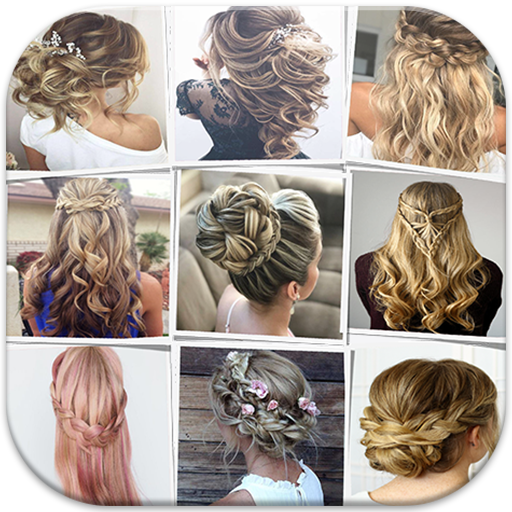
Make beautiful Hairstyles for girls with your own hands in little bit of time
4.00
Crown Heart Emoji Photo Editor has given you the chance to look cute girl
4.40
Try interesting trending filters allows you switch to a cute girl
4.70
Edit Your Photos and Videos with Beauty Filters & Get Makeup Artist Tutorials
3.60
Manage your daily skin care beauty regimen & track your skin's progress.
4.70
Beauty Camera & Selfie Camera snap Beauty selfie with filter, makeup, stickers
4.80
Never run out of your go-to beauty & get 5% off with auto-replenish deliveries!
4.00
Use your phone as a makeup mirror, shaving mirror. Magnifying mirror with light!
4.80
Photo enhancer 360, image enhancement, restore old photos, colorize photo ai
4.70
The mirror app you were looking for, simple and easy to use. Try Mirror now.
4.60
Professional HD Camera App: Capture Bright HD Selfie & Record Stunning Moments
4.40
Your on-demand aesthetician
4.40
This application is for the Luvme Hair official website: shop.luvmehair.com .
4.30
Snap stunning selfies with AI from the Sweet Beauty Camera editor
4.10
This barber game allows you to create and design hair styles on diverse people
3.80
Enjoy convenience wherever you are with the Tune Up, The Manly Salon app.
3.20
Your future self face age old or young from camera selfie into beautify videos
4.4


