
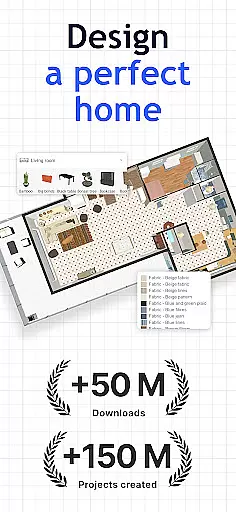
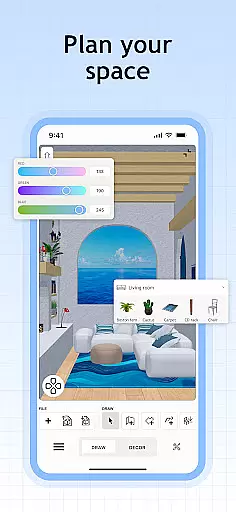
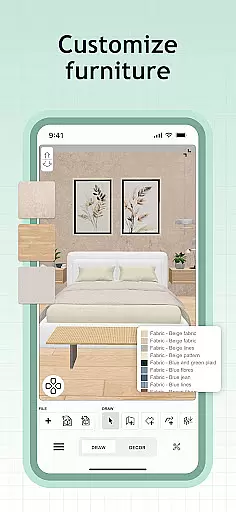
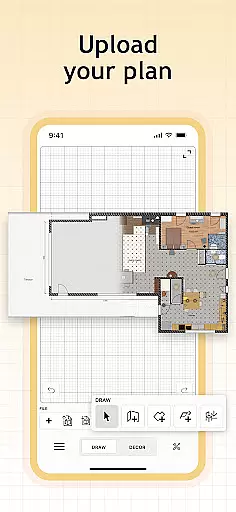
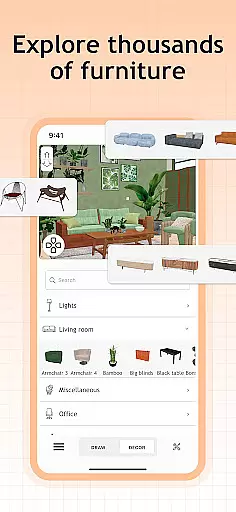
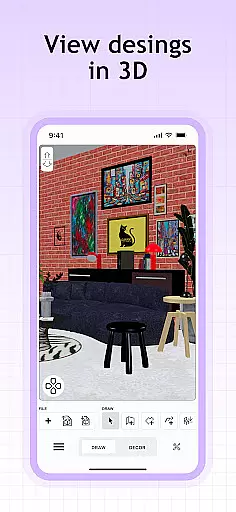
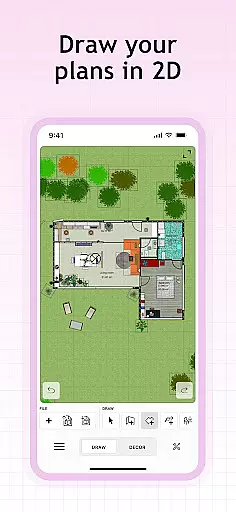
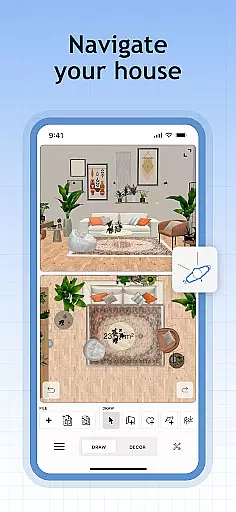
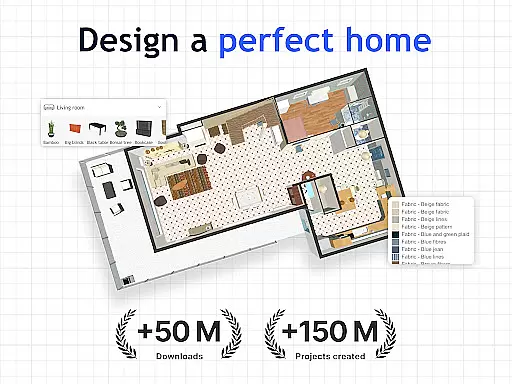
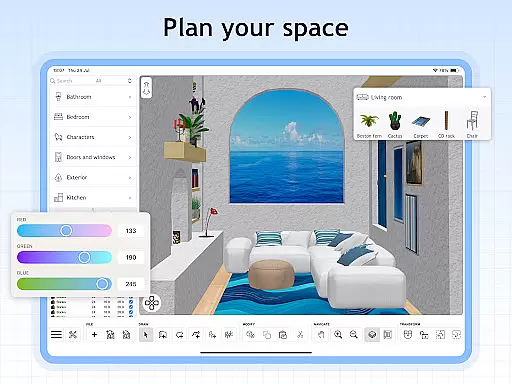
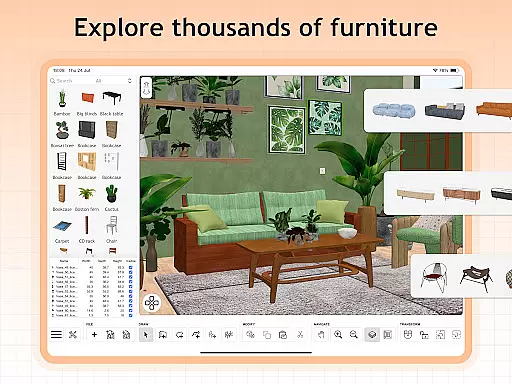
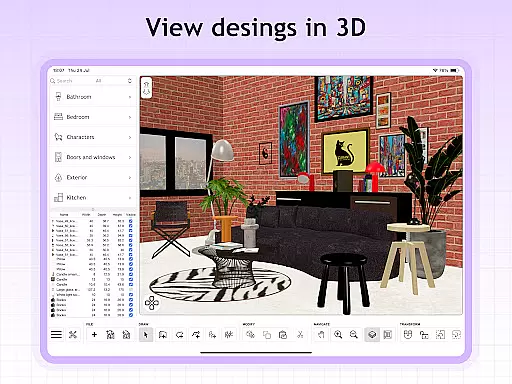
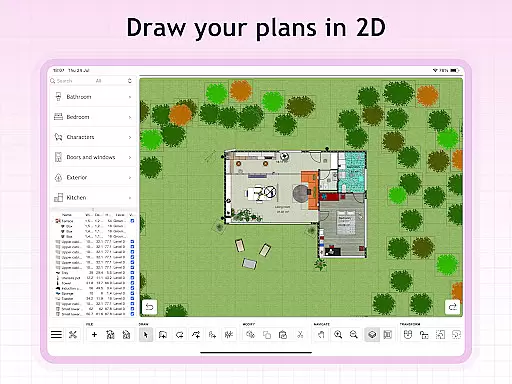
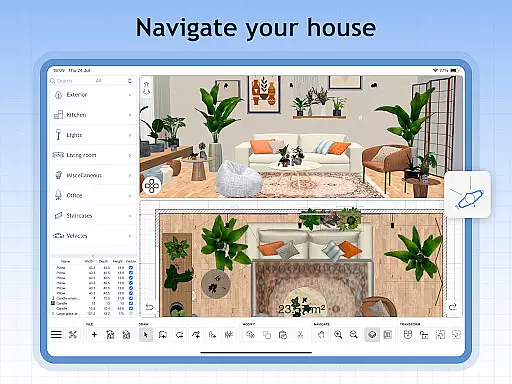
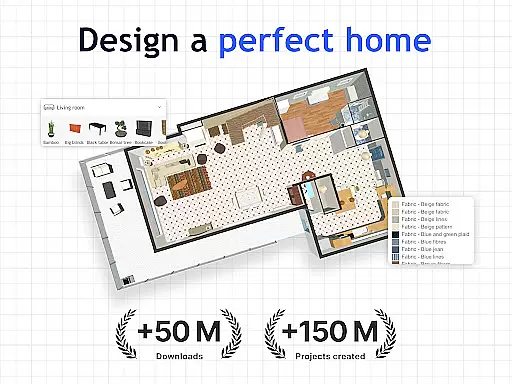
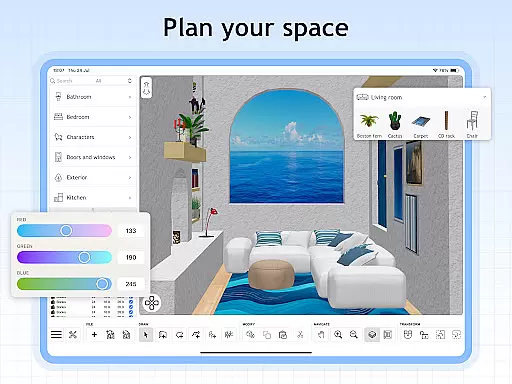
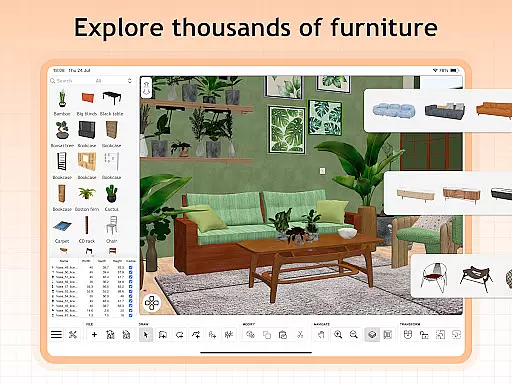
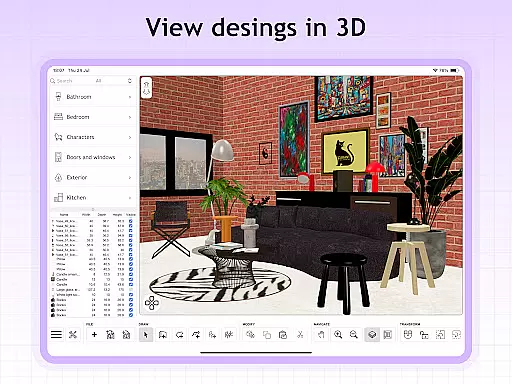
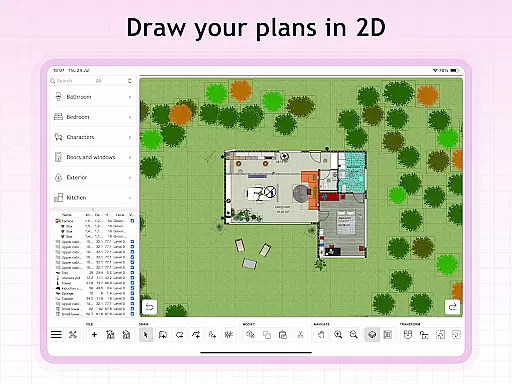
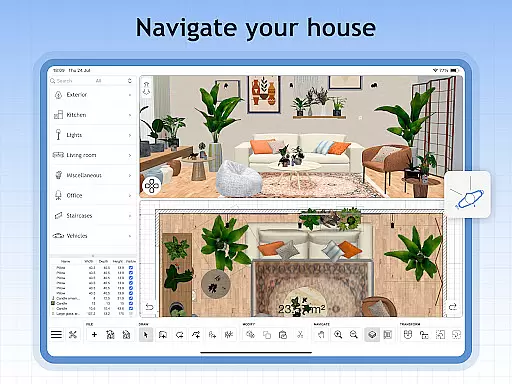
Sweet Home 3D is a premier house and apartment design planner that offers an intuitive platform for creating detailed 2D floor plans with instant 3D visualization. This application allows users to choose from over 800 furniture pieces, lighting options, and decor items to furnish their spaces precisely as envisioned.
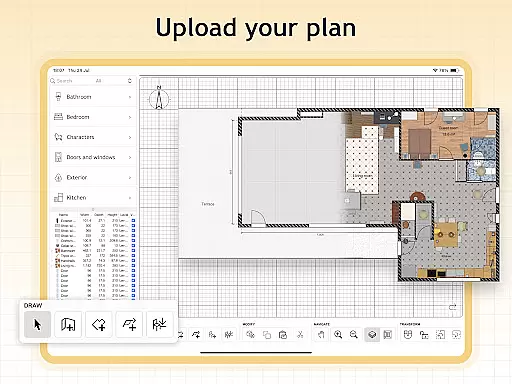
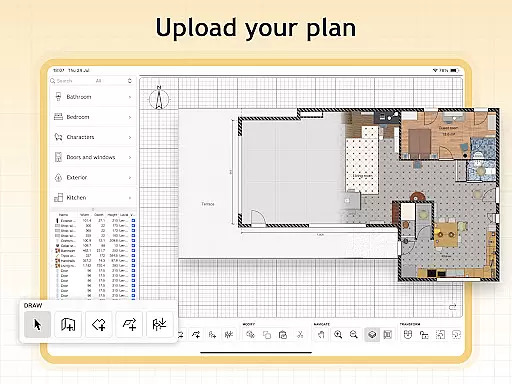
With Sweet Home 3D, users can navigate a user-friendly interface featuring drag-and-drop functionality, visualize designs in both 2D and 3D simultaneously, import custom 3D models, set precise dimensions, and save their work for future review. The app supports multiple languages, making it accessible globally.
This tool is ideal for homeowners, interior designers, and real estate professionals who need to plan and visualize spaces accurately and efficiently. Its comprehensive features ensure that every detail of the design process is covered, providing unparalleled planning experience.
Sweet Home 3D stands out with its extensive range of features designed to enhance the home design process. Users can create easy-to-use 2D floor plans that instantly convert into 3D visualizations, allowing them to explore their designs from different perspectives.
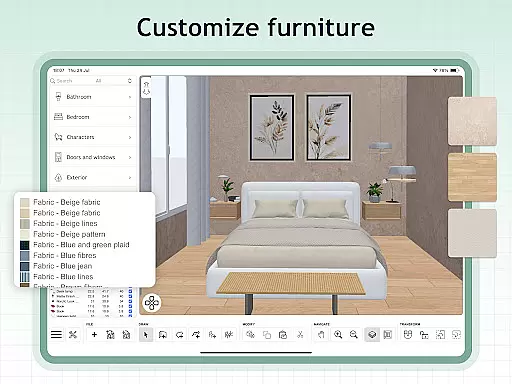
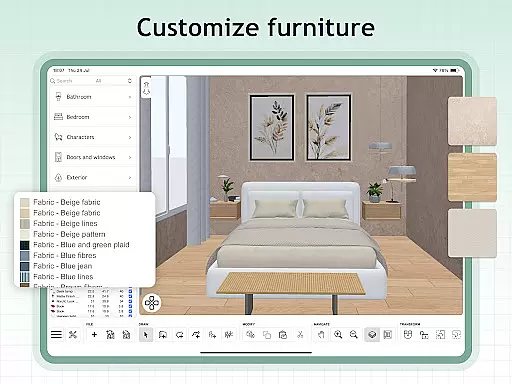
The app includes over 800 customizable items with adjustable dimensions and colors, ensuring that each design element fits perfectly within the envisioned space. Additionally, users can import unlimited custom 3D models and textures, offering limitless possibilities for unique designs.
Furthermore, Sweet Home 3D provides access to a supportive online community where users can seek tips, inspiration, and feedback. This collaborative environment enhances the design experience, making it not only functional but also engaging and educational.
In the realm of house and home design, ensuring the authenticity of property listings is paramount. Sweet Home 3D excels in this area by providing users with a reliable platform to visualize their existing or planned spaces with accurate measurements and real-world furniture models. The app's extensive library of over 800 furniture pieces, each replicating actual products, allows for genuine representation of living spaces.
The software enables users to import custom 3D models, which means that even unique decor elements can be faithfully represented. This feature ensures that every item placed within a design is an authentic match to what could be physically installed in the user's home, enhancing the realism and dependability of the planning process.
Furthermore, Sweet Home 3D supports precise adjustments to room layouts and architecture, allowing users to replicate their exact dimensions. This precision contributes to the overall authenticity of property listings created within the app, as users can trust that their designs will closely mirror reality.
With Sweet Home 3D, users are empowered to create property listings that they can confidently use for planning purposes, knowing that each element is accurately represented both in 2D and 3D views. This level of authenticity provides peace of mind and a solid foundation for any home improvement project.
Sweet Home 3D offers an array of home management features that cater to those looking to either renovate or decorate their living spaces. One of its key strengths lies in the ability to adjust room layout and architecture with meticulous attention to detail. Users can modify wall lengths, angles, and heights, ensuring that the digital blueprint aligns perfectly with their physical space.
In addition to architectural modifications, the app provides comprehensive tools for managing interior elements. Users can choose from a vast selection of furniture and decor items, all of which come with adjustable properties such as color and size. This flexibility allows homeowners to experiment with different arrangements and styles without committing to any physical changes.
The application also facilitates organization through its project-saving capabilities. Users can save multiple versions of their designs, allowing them to track progress and make revisions over time. This feature is particularly useful when exploring various design options or when seeking feedback from others.
By integrating both 2D and 3D visualization, Sweet Home 3D enhances the home management experience. Users can seamlessly switch between views, gaining insights into how their choices affect spatial dynamics. This dual perspective not only aids in better decision-making but also enriches the overall planning process.
User-friendly interface
Extensive furniture library
Precise dimension settings
Real-time 2D and 3D views
Multi-language support
Limited free trial
Subscription required
No refunds for remaining period
Auto-renewal by default
Complex for beginners

Use Home by ShowingTime to easily manage showings, tours, feedback and more
 3.60
3.60
The official app for Home Assistant. Control your home anywhere in the world.
4.30
Control your Daikin, Amana & Goodman heating & cooling systems from anywhere
4.40
Convert your Phone to HiSense Smart TV Remote Control
4.70
IP camera view and playback, for your WiFi cam or home security cctv system.
3.70
View houses and apartments for rent, updated daily.
4.80
WiZ smart light system
4.40
3D House Design and AI Room Planner - from floor plans to full interior design.
4.40
Universal Tv Remote Control for all Tv. Cast for chromecast & all Tv Controller
4.20
Houses for Sale & Homes for Rent: Buy Homes, Rent Apartments & Sell Real Estate
4.80
Turn old phones into security cameras, baby monitors, pet cams, and more.
4.70
Find your next home, house, apartment, condo, casa, flat, rental, studio, or bed
4.70
Resident Center, powered by Buildium, is designed with simplicity in mind.
4.50
SmartRent - Opening Doors To A Smarter World
4.40
For all of your Airthings devices
4.30
Book your local plumber 24/7, track your service order & get exclusive coupons
4.00
Technology powering many in-home services for residents across the United States
3.80
Find the perfect paint color with advanced tools to explore and visualize color.
3.80
Unlock AI-based barcode scanning and support the development of Grocy Android
4.5


User Reviews