
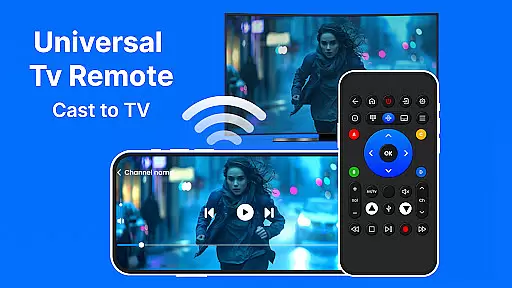
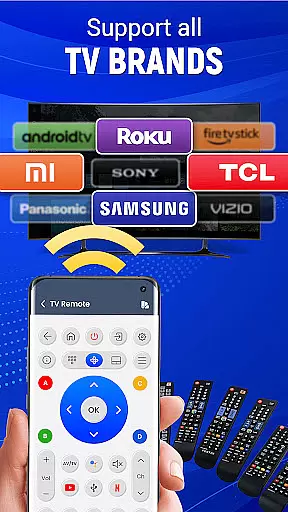
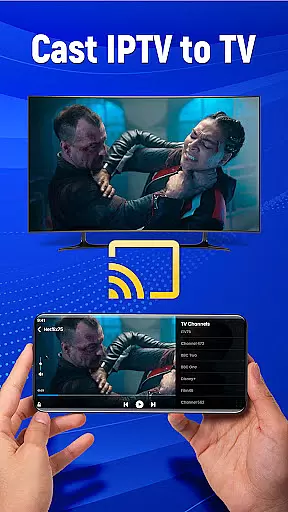
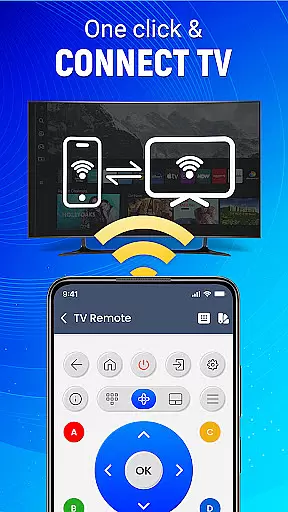
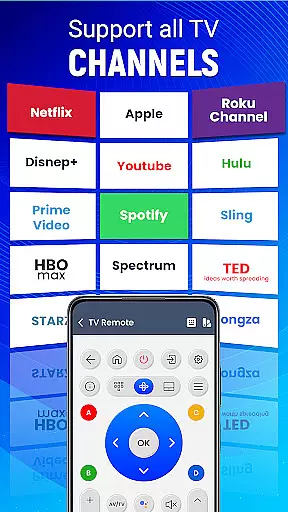
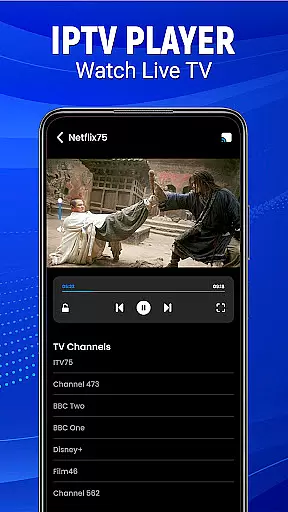
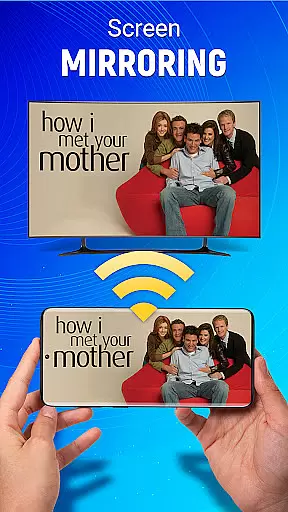
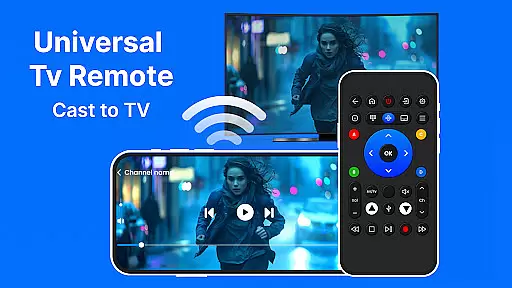
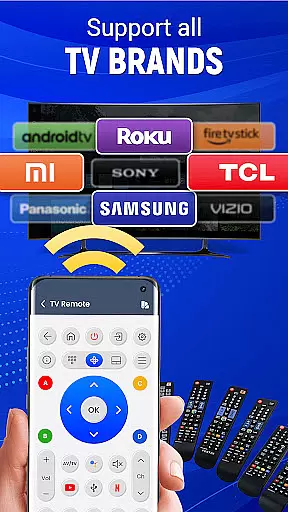
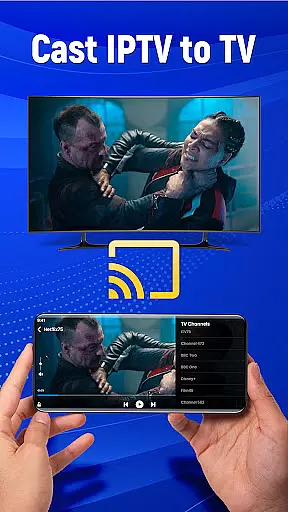
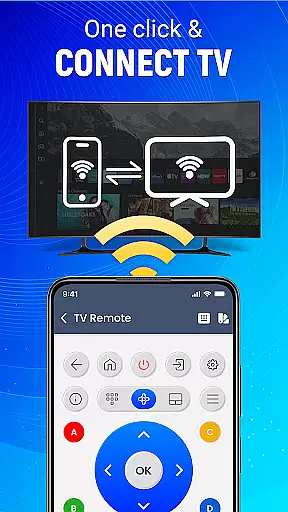
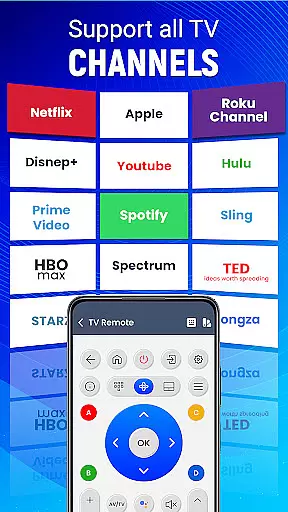
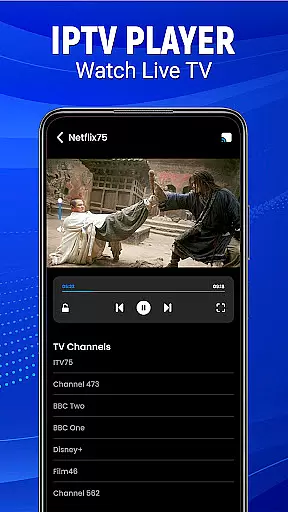
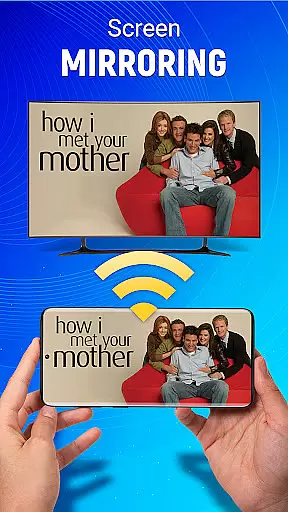
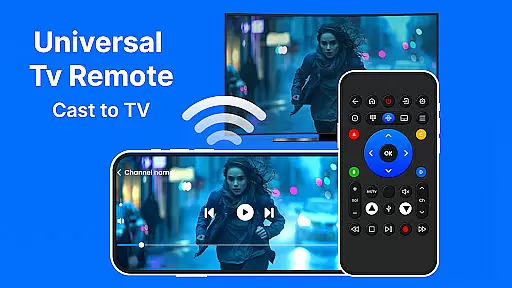
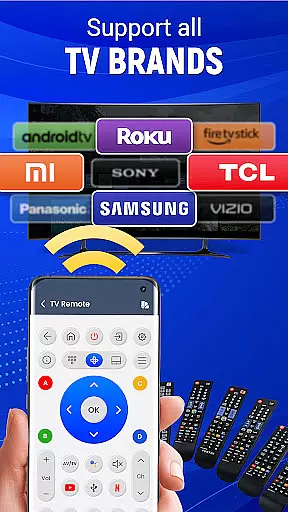
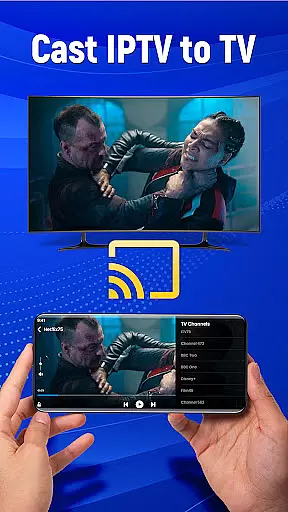
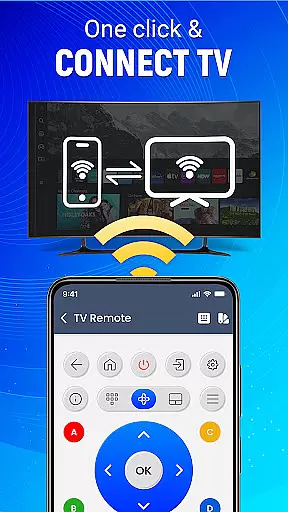
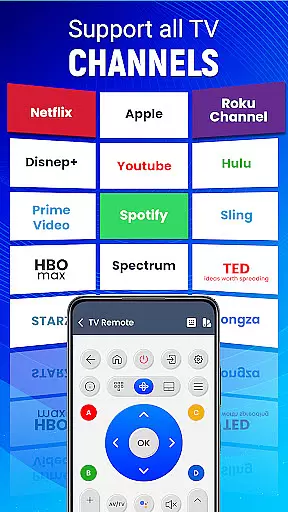
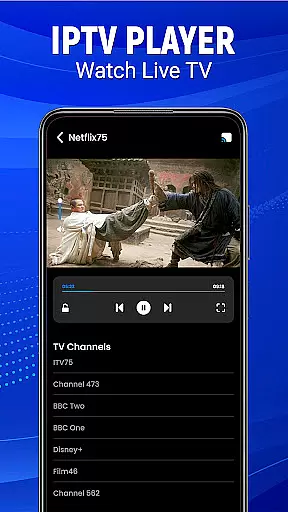
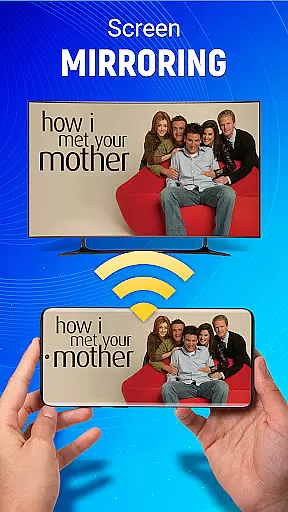
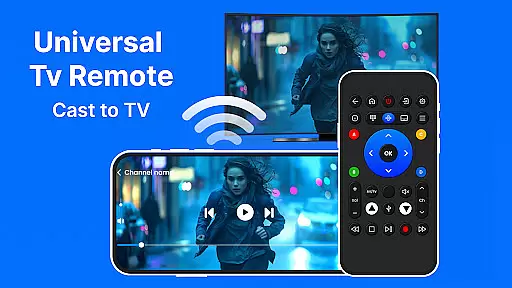
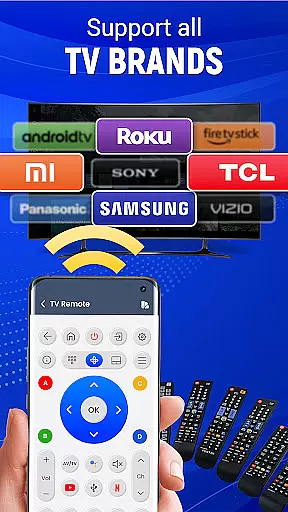
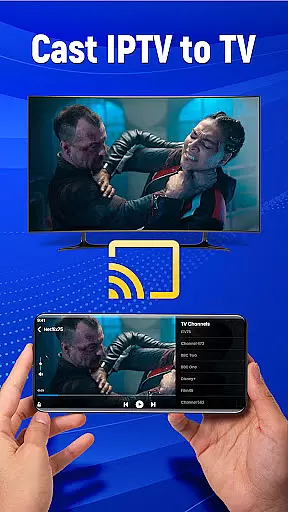
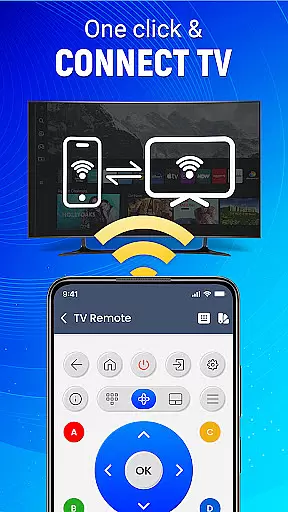
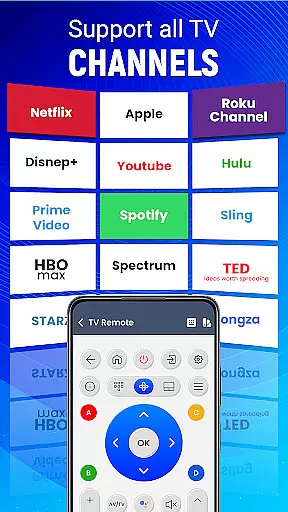
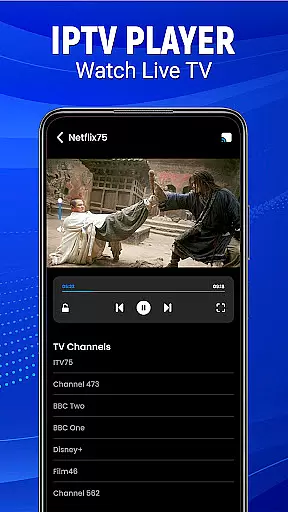
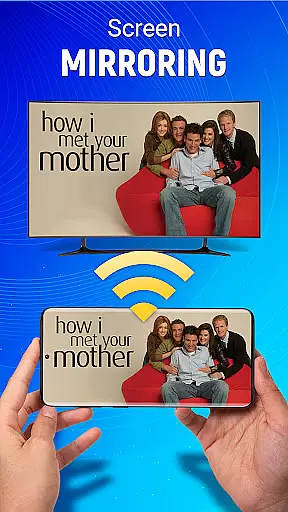
Universal TV Remote-Cast to TV is a versatile home utility application that transforms your smartphone into a universal remote control for televisions. The app supports all major TV brands and offers multiple connectivity options including infrared and Wi-Fi, making it compatible with both older and newer TV models. Its intuitive interface allows users to effortlessly change channels, adjust volume, switch input sources, and even cast their mobile screen to the TV.
Beyond basic remote functions, this app features advanced capabilities such as voice commands and gesture navigation, enabling users to control their TVs through simple taps, swipes, or spoken instructions. The smart customization options let you personalize your remote layout while the seamless screen mirroring function allows for wireless content sharing from your mobile device to your television. Whether you're managing multiple devices or seeking a single solution for all your entertainment needs, Universal TV Remote provides comprehensive control at your fingertips.
This application is particularly valuable for households with multiple TVs from different brands, as it eliminates the need for multiple physical remotes. Its ability to work anywhere within Wi-Fi range makes it an ideal solution for modern smart homes where convenience and efficiency are paramount.
The Universal TV Remote-Cast to TV application distinguishes itself through its extensive feature set designed to enhance user convenience and control. One of its most notable characteristics is the dual connectivity option, supporting both traditional infrared signals and modern Wi-Fi connections. This hybrid approach ensures compatibility with virtually any television model, regardless of age or brand specifications. The app's automatic brand detection system simplifies the initial setup process, typically completing pairing in just a few minutes.
Advanced functionality includes sophisticated voice command recognition, allowing users to operate their TVs through natural language processing. The innovative gesture navigation system enables intuitive control through simple touch gestures on the smartphone screen. Users can customize their virtual remote interface by rearranging buttons, creating favorite channels list, and setting preferred volume levels. The app's screen casting feature supports high-definition content streaming from mobile devices to television screens without requiring additional hardware.
Additional practical features include comprehensive source management tools for switching between different input devices, detailed channel guides with preview thumbnails, and integrated media player controls. The application maintains a lightweight footprint while delivering reliable performance across various Android devices. These features collectively create a powerful yet user-friendly remote control solution that adapts to diverse user preferences and technical requirements.
In the context of smart home management, ensuring the authenticity and reliability of connected devices is crucial. Universal TV Remote-Cast to TV takes this responsibility seriously by providing verified compatibility with a wide range of television brands. This universal remote app ensures that users can trust the listed device support, which spans major manufacturers.
The application employs a rigorous testing protocol to guarantee that each compatible TV model meets specific operational standards. Through this meticulous verification process, users can be confident that their particular television model will work seamlessly with the app's features, including screen mirroring and voice commands.
Furthermore, regular updates are issued to expand the list of supported devices and maintain synchronization with the latest TV models on the market. This commitment to accuracy means that homeowners can rely on Universal TV Remote-Cast to TV as a dependable tool for managing their entertainment systems without worrying about compatibility issues.
Universal TV Remote-Cast to TV offers an array of sophisticated home management features designed to simplify how users interact with their televisions. By transforming an Android phone into a powerful remote control, it consolidates multiple functions into one accessible platform, streamlining the user experience.
This innovative app allows for effortless setup and customization, enabling users to tailor their remote control interface according to personal preferences. With capabilities such as gesture navigation and voice command functionality, managing your television becomes not only more convenient but also more intuitive.
Additionally, advanced functionalities like casting mobile screens to TV and controlling other smart home devices enhance the overall utility of this application. These features contribute to creating a cohesive smart home ecosystem where all components work in harmony, elevating the standard of home entertainment management.
User-friendly interface
Wide device compatibility
Voice command support
Customizable layout
Seamless screen casting
Requires line-of-sight for IR
Wi-Fi setup complexity
Battery consumption
Limited iOS support
Occasional connection issues

The official app for Home Assistant. Control your home anywhere in the world.
 4.30
4.30
B-hyve Pro App for landscape irrigation professionals
4.70
An awesome mobile app for Home Security Surveillance - uses ZoneMinder
3.20
Draw your floor plan smartly. Make house design blueprint with home planner app
3.60
Fully control your Philips TV with this all-in-one remote control app.
4.20
Night Owl Protect helps you secure, protect, and connect your world!
4.60
Plan your remodel AI home renovation easily using planner 5D and home decor AI.
4.40
3D House Design and AI Room Planner - from floor plans to full interior design.
4.40
Samsung remote app helps control all Samsung Smartthings TVs. Fast and Stable!
4.10
View houses and apartments for rent, updated daily.
4.80
Search for Homes, Rentals, Agents & Schools
4.70
Turn old phones into security cameras, baby monitors, pet cams, and more.
4.70
AI-powered home design, interior design, home decor, and room design solutions
4.50
Parcel Pending Resident App
4.50
Resident Center, powered by Buildium, is designed with simplicity in mind.
4.50
Fire & Power Safety
4.50
Set up your devices, customize settings, and monitor your home—from anywhere
4.40
Make your phone a surveillance camera remote with a home camera app for Android!
4.40
Our app allows Sunrun customers to monitor systems, pay bills, and get support.
3.80


User Reviews