
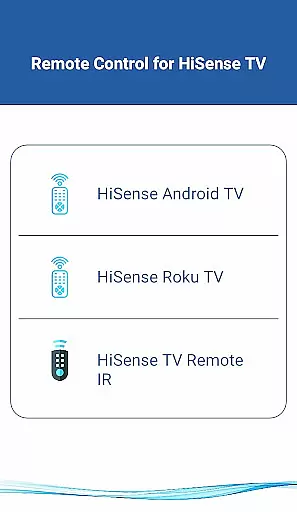
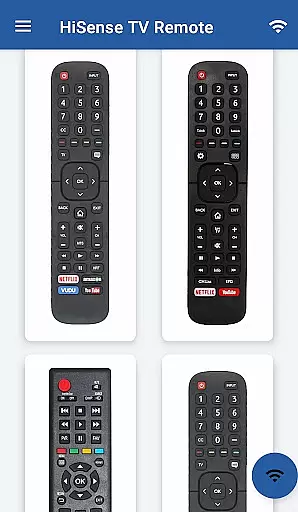
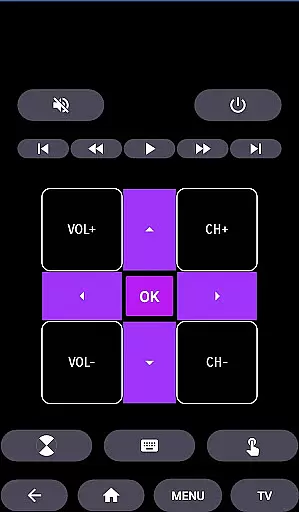
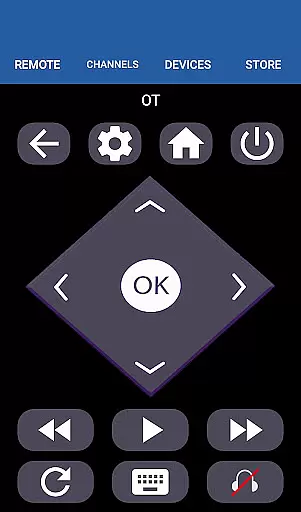
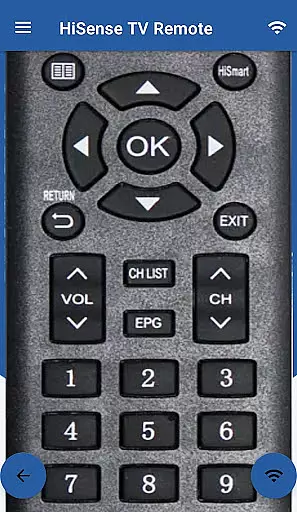
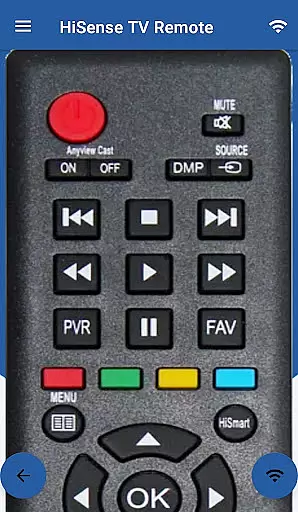
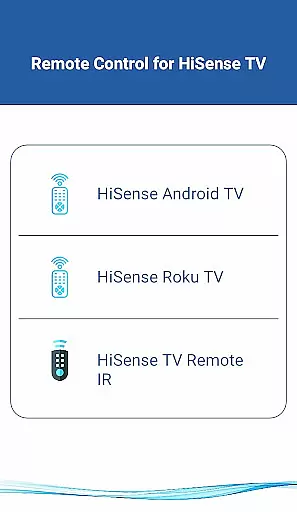
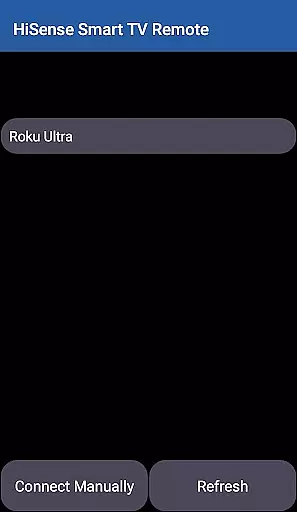
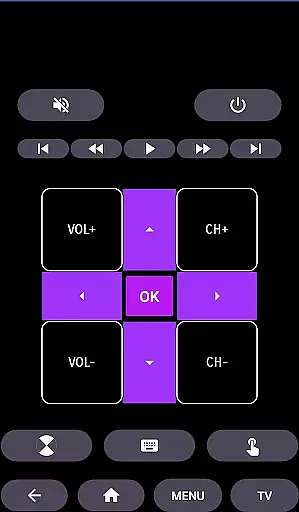
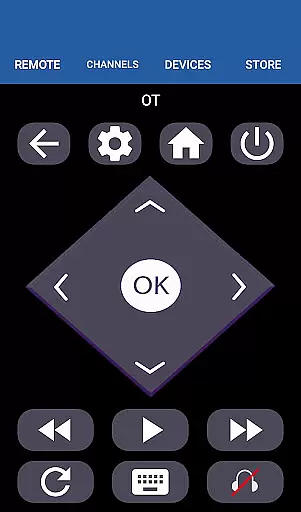
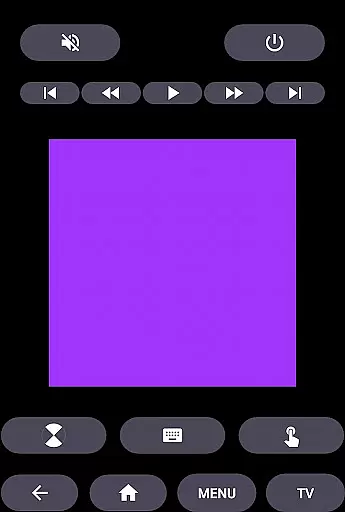
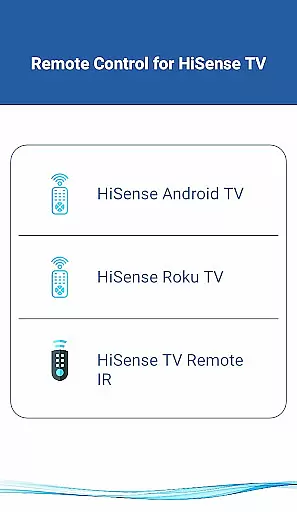
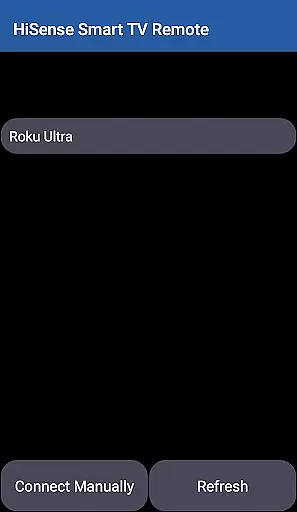
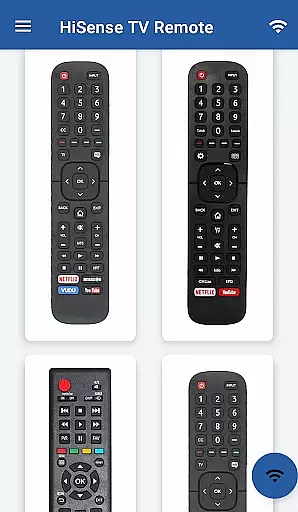
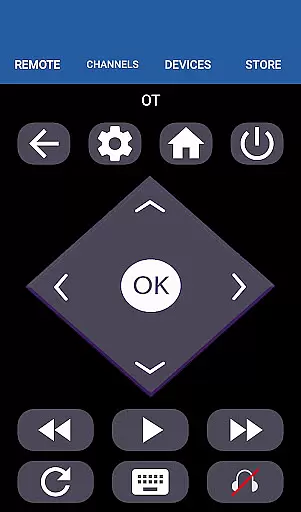
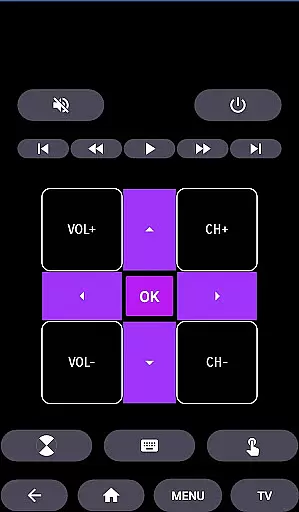
HiSense Smart TV Remote transforms your mobile device into a versatile remote control for HiSense Smart TVs. The app supports multiple operating systems including Android OS, Android TV, and Roku OS, while also maintaining compatibility with traditional IR-based devices. By connecting through the same Wi-Fi network as your TV or utilizing an IR blaster on your phone, this application offers seamless control over various functions such as power, volume, channel navigation, multimedia controls, and more.
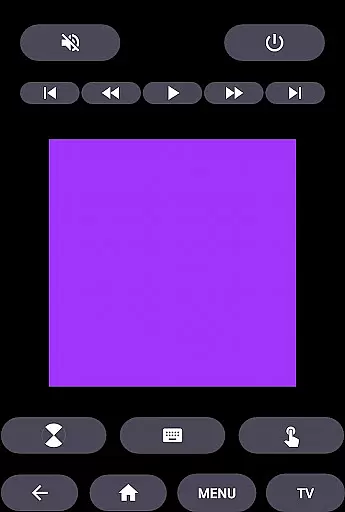
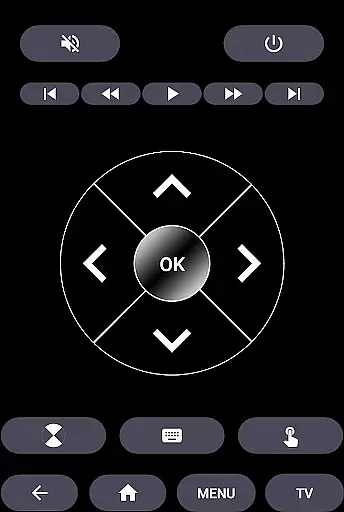
The app's intuitive interface provides users with a touchpad and all standard remote functions, enhancing the interaction with their smart TVs. Whether you are looking to switch channels, adjust the volume, or navigate menus, HiSense Smart TV Remote delivers a comprehensive solution that eliminates the need for physical remotes and their associated issues like battery drainage and breakage.
For households with HiSense Smart TVs, this app presents a valuable tool that simplifies and modernizes the way you interact with your television set. It is particularly useful in scenarios where the original remote is lost or damaged, ensuring uninterrupted access to your entertainment system.
HiSense Smart TV Remote boasts an array of features designed to provide complete control over your television experience. One of its standout capabilities is cross-platform support, which includes Android OS, Android TV, Roku OS, and traditional IR devices. This ensures that regardless of your TV model or operating system, the app can seamlessly integrate and offer full functionality.
The app facilitates effortless connectivity by requiring both the mobile device and the TV to be on the same Wi-Fi network. Once connected, users can input a PIN displayed on their TV screen to start using the remote instantly. For traditional IR devices, the app leverages the phone's built-in IR blaster to send commands directly to the TV.
With dedicated buttons for ON/OFF, volume adjustments, channel surfing, muting, navigation, multimedia controls, home button, and even a virtual touchpad, HiSense Smart TV Remote covers all essential functions expected from a high-quality remote control. Additionally, it extends its utility beyond HiSense TVs by supporting other brands like Philips and offering compatibility with Android Chromecast OS, making it a universal tool for managing various smart TVs within your home environment.
When it comes to managing your smart home devices, ensuring the authenticity and reliability of listings is crucial. The HiSense Smart TV Remote app provides accurate and verified information about supported devices, guaranteeing users can confidently connect their mobile device with their HiSense Smart TV.
The app supports a wide range of HiSense Smart TVs, including models with Android OS and Roku OS, as well as traditional IR devices. This comprehensive compatibility ensures that users can seamlessly integrate the remote control functionality into their existing home setup without worrying about false or misleading information.
By offering precise details on network requirements, such as the need for both the TV and mobile device to be on the same Wi-Fi network, the app enhances user trust. The requirement to enter a PIN displayed on the TV further reinforces the legitimacy of the connection process, providing peace of mind regarding the security of the link.
Overall, the HiSense Smart TV Remote app delivers authentic property listings by accurately detailing supported functionalities and connectivity methods, empowering users to manage their smart home ecosystem effectively.
Beyond just serving as a remote control, the HiSense Smart TV Remote app offers an array of home management features designed to simplify daily tasks. With functionalities ranging from basic ON/OFF commands to advanced multimedia controls, this app transforms your mobile device into a versatile tool for managing various aspects of your entertainment system.
Users can enjoy complete control over volume adjustments, channel switching, muting options, and navigation through intuitive touchpad support. These features allow for effortless interaction with your HiSense Smart TV, making routine operations smoother and more efficient.
In addition to standard remote functions, the app also supports specialized commands for different types of TVs, including Android TV and Roku TV models. This versatility extends its utility beyond mere convenience, positioning it as a central hub for coordinating multiple devices within your smart home environment.
Ultimately, the HiSense Smart TV Remote app stands out not only for its ability to replace physical remotes but also for enhancing overall home management capabilities, thereby improving the user's digital living experience.
User-friendly interface
Wide device compatibility
Comprehensive remote functions
Eliminates need for physical remote
Seamless Wi-Fi connectivity
Requires compatible smartphone
Dependent on Wi-Fi network
No official HiSense affiliation
Limited without IR blaster
Potential connection issues

Tailored Care Guides For Houseplants, Indoor Plants, Garden Plants & Flowers.
 4.60
4.60
Calculate baluster spacing with ease and precision.
4.4
Design house plans in 2D & 3D, style furniture, and preview renovation layouts
3.70
Innovative and budget-friendly housing options
4.60
Book your local plumber 24/7, track your service order & get exclusive coupons
4.00
Find the perfect paint color with advanced tools to explore and visualize color.
3.80
Design your dream home with 3D planning app, Visualize your dream home in 3D.
4.20
Real estate app to find homes for sale or rent in the right neighborhood for you
4.70
Connect with reliable pros for maintenance services, plumbing, and home design!
4.80
Search for Homes, Rentals, Agents & Schools
4.70
Find your next home, house, apartment, condo, casa, flat, rental, studio, or bed
4.70
Your guide to apartments & rental homes. Find your next place to rent with AG.
4.60
Parcel Pending Resident App
4.50
Make Renting Easy
4.40
Smart AI plant care schedules, Real plant experts, support & Thriving community!
4.20
Find contractors for all home renovation projects. Remodeling, repair, and more.
4.20
Samsung remote app helps control all Samsung Smartthings TVs. Fast and Stable!
4.10
This Fire TV Remote control's your Fire TV Device and Insignia Fire TV Remote
3.70
Draw your floor plan smartly. Make house design blueprint with home planner app
3.60


User Reviews