
One app to unlock your health
 4.30
4.30
A rapid reference for prehospital providers caring for pediatric patients.
4.4
Master AEMT with 1,400+ study items, TEIs, practice tests, and scoring.
4.10
OKN Strips, OptoDrum, OKN
4.5
The Better Pharmacy Experience
4.90
Over 1,200 review questions and 5 exams—pass the NREMT with EMT Review Plus!
4.10
The world's best selling 3D Human Anatomy app with groundbreaking 3D technology
2.00
Get your lab results on your smartphone with MyQuest.
4.40
The Client Portal app empowers you to manage care from one secure place
4.10
Enables quick access to medical data and contacts in case of emergency (ICE)
4.70
Medication reminder, Medicine list, Trackers for BP, glucose, weight, water, etc
4.70
Coaches you through labour using hypnobirthing techniques & tracks contractions
4.70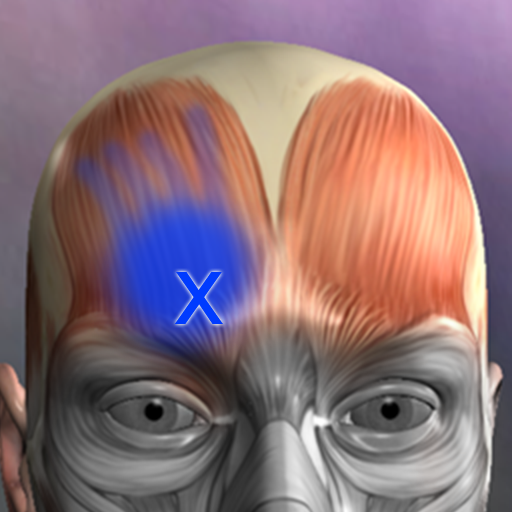
Discover the source of pain with Muscle Trigger Point Anatomy.
4.70
Blue Cross and Blue Shield of Texas member information
4.60
Download the PulsePoint app and use your CPR skills to save a life!
4.60
Internal medicine literature at your fingertips.
4.50
Download OctaApp for easy access to your plasma donation info
4.40
Assess and treat left neglect more effectively in stroke and brain injury rehab.
4.30
Good for You. Great for Life.
4.00


