
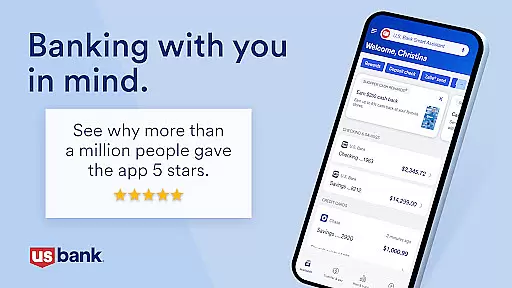
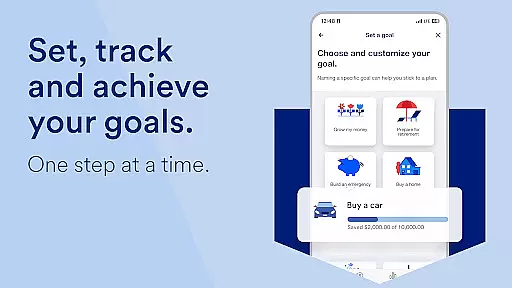
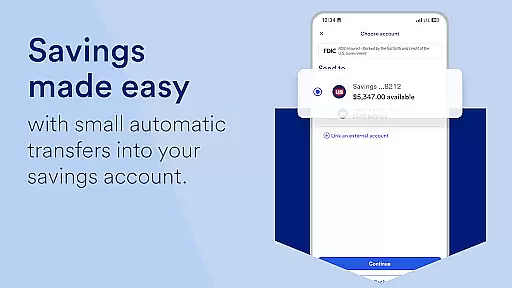
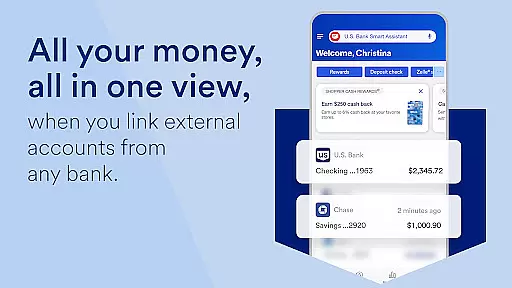
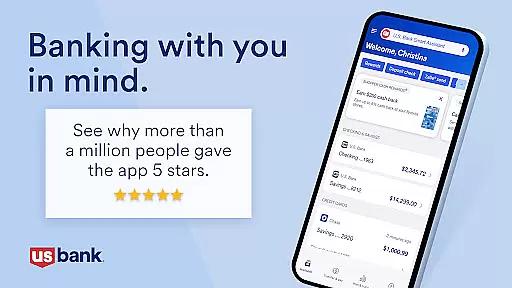
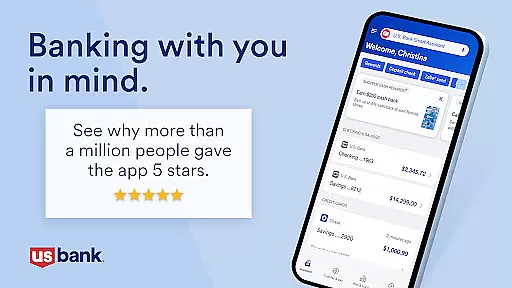
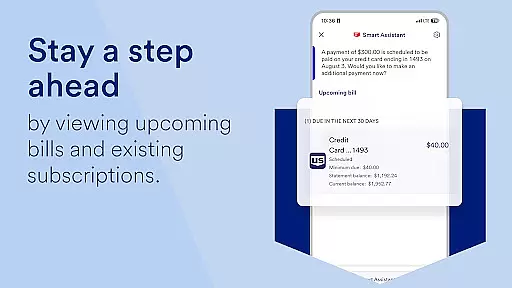
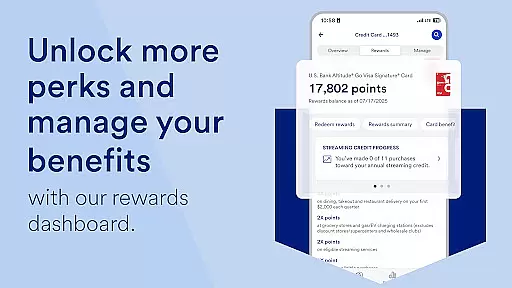
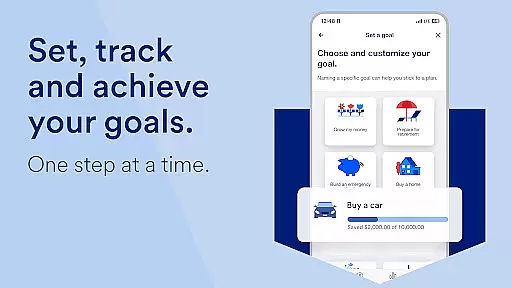
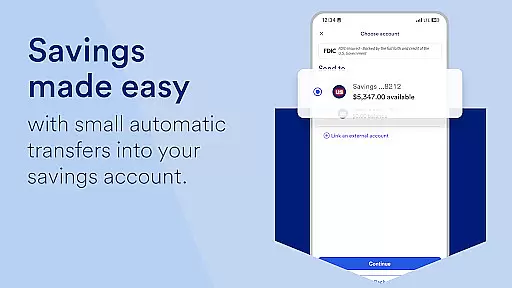
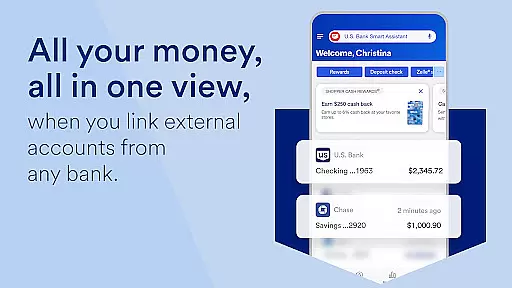
U.S. Bank Mobile Banking is a comprehensive financial management application that provides users with a secure and convenient way to manage their banking needs on-the-go. The app allows customers to log in with their existing credentials from usbank.com or enroll directly through the app, offering peace of mind with alerts for duplicate charges, suspicious activity, and low balances.
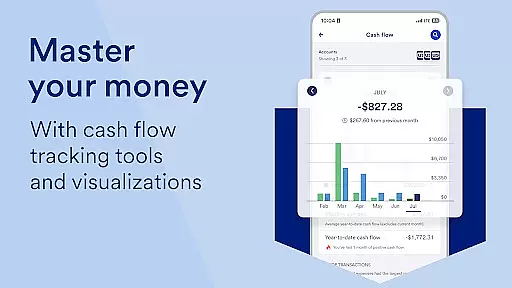
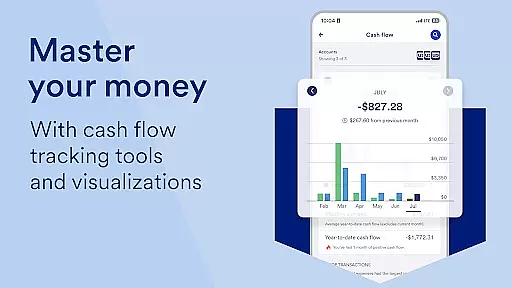
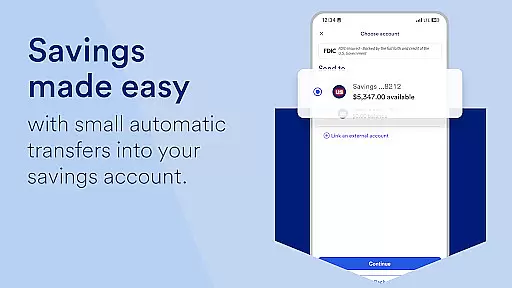
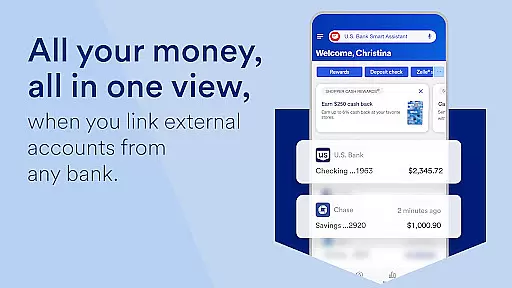
With U.S. Bank Mobile Banking, users can view all their accounts and balances in one place, including checking, savings, credit cards, loans, and more. It also offers personalized insights into monthly spending across key categories like Food & Dining, helping users make informed decisions about saving and growing their money based on their spending history.
The app's standout feature is the U.S. Bank Smart Assistant®, which lets users manage accounts and move money simply by asking questions or giving commands. Additionally, it supports easy money movement via Zelle® for sending and requesting funds, quick check deposits, bill payments, and transfers between U.S. Bank accounts. This makes it an invaluable tool for anyone looking to streamline their financial management process while maintaining top-notch security.
U.S. Bank Mobile Banking stands out with its robust set of features designed to enhance user experience and provide unparalleled convenience. One of its key features is the ability to securely access credit scores and manage account settings such as setting travel notifications, locking and unlocking cards, and adding cards to mobile wallets. These functionalities ensure that users have full control over their financial assets at all times.
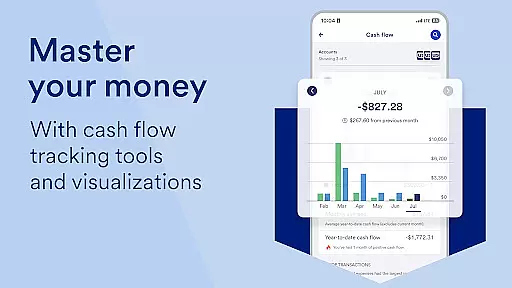
Another significant aspect is the Personalized Insights section, which reviews monthly spending patterns and provides tailored recommendations on how to save and grow money. This feature leverages advanced algorithms to analyze individual spending habits and offer actionable advice, making it easier for users to achieve their financial goals.
Furthermore, the integration of the U.S. Bank Smart Assistant® adds another layer of innovation by enabling voice-activated commands for managing accounts and moving money. Users can ask questions like 'What’s the routing number for my checking account?' or instruct the app to 'Transfer $50 from checking to savings.' This hands-free approach not only simplifies daily banking tasks but also enhances accessibility for users who prefer voice interactions over traditional touch-based navigation.
Account and fund security is a critical aspect of any financial application, ensuring that users' sensitive information and assets are protected. U.S. Bank Mobile Banking takes this responsibility seriously by implementing robust security measures to safeguard your data and transactions.
The app provides multiple layers of protection, starting with secure login credentials that are the same as those used for online banking at usbank.com. For users who do not have online access, enrollment can be done directly through the app. Once logged in, users benefit from real-time alerts on duplicate charges, suspicious activity, and low balances, which help them stay informed about their account's status.
In addition to monitoring tools, U.S. Bank Mobile Banking offers features such as the ability to set travel notifications and lock or unlock cards, adding an extra layer of control over card usage. The app also supports mobile wallet integration, allowing customers to make payments without exposing their actual card numbers, thus reducing the risk of fraud.
By prioritizing security at every step, U.S. Bank Mobile Banking ensures peace of mind for its users, enabling them to manage their finances confidently and securely, knowing that their personal and financial information is well-protected against unauthorized access.
A seamless transaction experience is essential for a mobile banking app, and U.S. Bank Mobile Banking excels in providing users with efficient and convenient ways to move money and manage their finances. With a focus on ease-of-use and speed, the app streamlines various financial activities, making them accessible anytime, anywhere.
Users can send and request money instantly with friends and family using Zelleu00ae, a service integrated within the app. This feature allows for quick transfers between U.S. Bank accounts, facilitating easy management of funds across different accounts. Additionally, the app enables users to deposit checks quickly, with increased limits for added convenience.
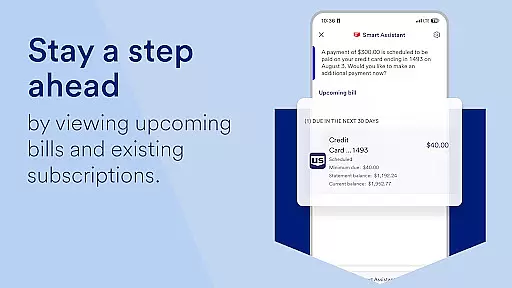
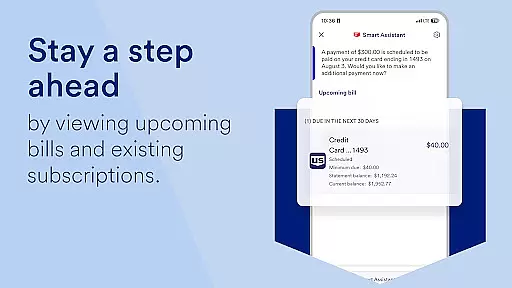
Beyond simple transactions, U.S. Bank Mobile Banking also simplifies bill payments and management. Customers can pay bills and manage them all in one spot, eliminating the need to visit multiple websites or use several apps. The inclusion of U.S. Bank Smart Assistantu00ae further enhances the transaction experience by allowing users to perform actions like checking routing numbers or transferring funds via voice commands.
Overall, U.S. Bank Mobile Banking delivers a comprehensive and user-friendly transaction experience, empowering customers to handle their financial needs efficiently while maintaining high standards of security and reliability.
User-friendly interface
Comprehensive account management
Advanced security measures
Personalized financial insights
Voice-activated smart assistant
Limited investment tools
No cryptocurrency support
Occasional bugs reported
Some features require enrollment
Dependent on internet connectivity

Companies owe you money.
 4.80
4.80
Manage your Discover account conveniently from anywhere.
4.80
All your crypto & stocks in one secure and trusted app.
4.40
Your Big Financial Friend
4.70
Get, Earn, and Save Money
4.30
The Citi Mobile® App lets you manage your accounts virtually anytime, anywhere
4.80
Currency Converter (200+ currencies) with live exchange rates and offline mode.
4.70
Read and extract public data on NFC Contactless banking card (VISA, MasterCard
4.30
Powerful Money Manager, Expense & Savings Tracker, Budget Planner - Pro Version
4.70
Secure, simple money transfer app. Send money to Mexico and worldwide fast.
4.80
PayMe helps you claim money from settlements on companies that harmed you.
4.80
Loan Calculator, Mortgage Calculator, Compound Interest Calculator
4.70
Pay, bank & build credit.
4.70
Download the MySynchrony App to manage your accounts securely and conveniently!
4.60
Our Chase Mobile App makes it easy for you to bank on the go 24/7.
4.60
Get up to 500, get paid early, earn interest and find work with no hidden fees.
4.40
Manage budget, save money, or file tax. Build, track & improve your credit score
4.40
Mine Bitcoin in the cloud! Earn BTC daily with high-speed mining power.
4.30
Bank better with our new app
3.80


User Reviews