
Design and brew great homebrewing beer, mead, cider and wine recipes on the go!
 3.60
3.60
Daily lessons from A Course in Miracles with scheduled reminders
4.80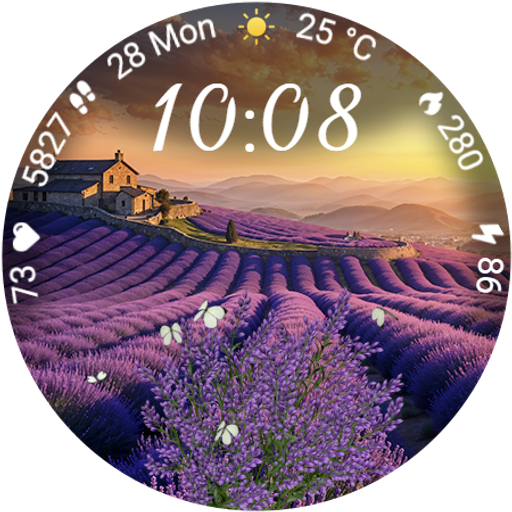
Immerse yourself in the serenity of lavender fields and white butterflies
4.2
Discover the "To Be a Christian" App: Your Guide to Deepening Faith!
5.00
This is a simple and highly functional alarm clock "Smart Alarm" paid version.
4.20
The go to app for taking unlimited notes!
4.50
Good magnifier app to see tiny things bigger and more clearly!
4.80
See wait times and check into a hair salon ahead of time with Online Check-In.
4.80
No more juggling multiple apps, now you can control everything in one place!
4.60
Kasa Smart is your portal to your TP-LINK Smart Home.
4.70
Tap to the beat with interactive videos — warm up your reflexes & have fun
4.70
Digital smart watch face made for Wear OS.
4.70
The all-new Cync app. The simple, connected app for Cync and C by GE.
4.50
Discover your Nationality, Family Origin, and Ancestry from one selfie
4.50
The Work of Byron Katie— the mobile app for inner peace.
4.40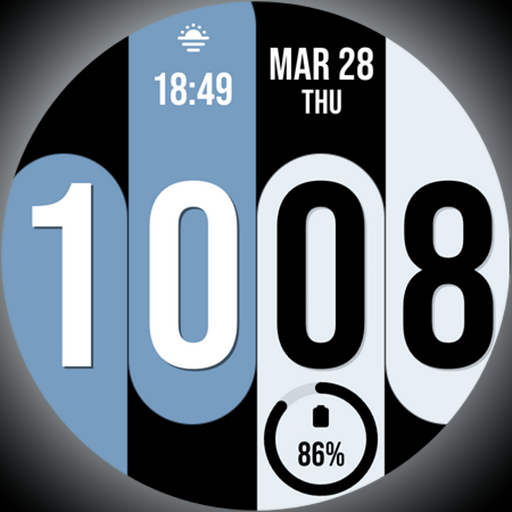
Unique Dual Colors with 6 Custom Complications for Wear OS watches!
3.40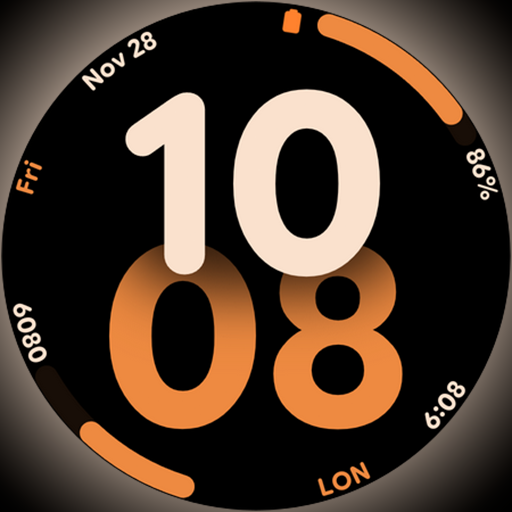
Big bold digital watch face with 30 colors, 6 complications and AOD.
4.2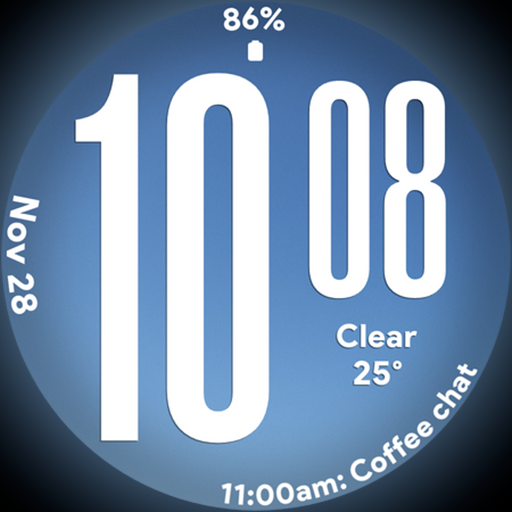
Big bold weather watch face with dynamic backgrounds and 3 complications
4.1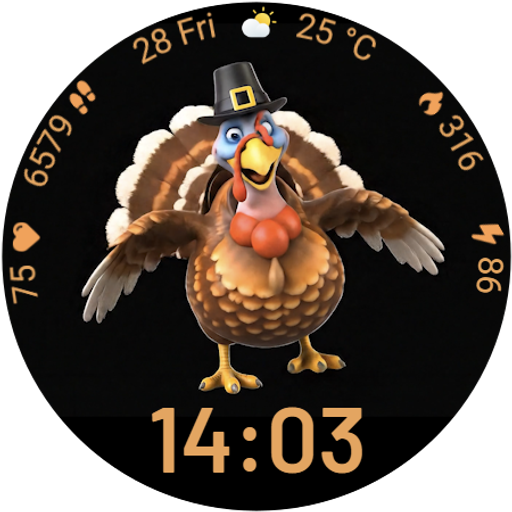
Cute animated Thanksgiving watchface for your WearOS smartwatch
4.0


