
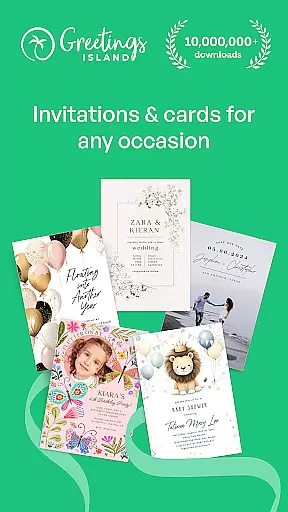
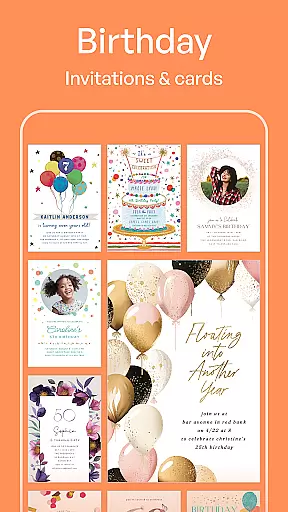
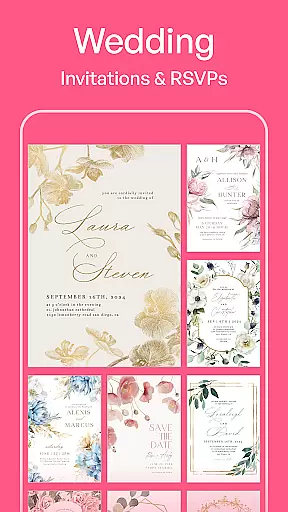
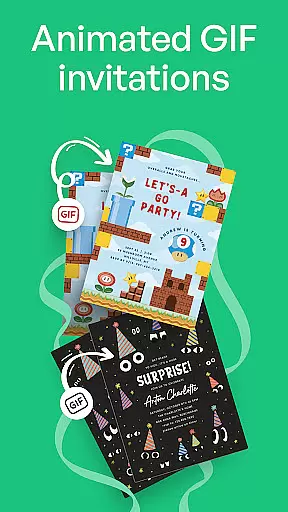
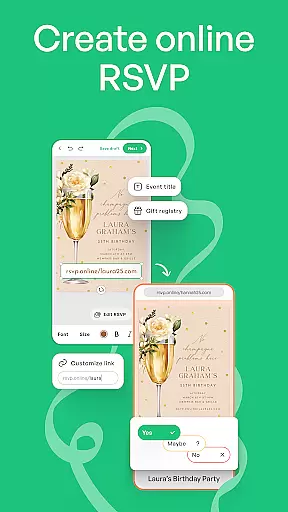
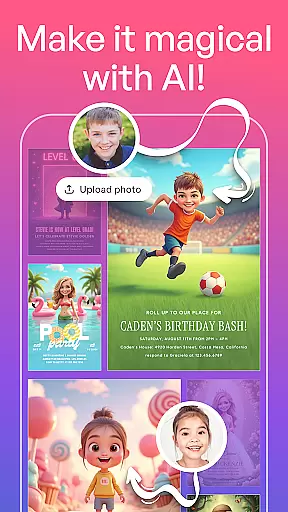
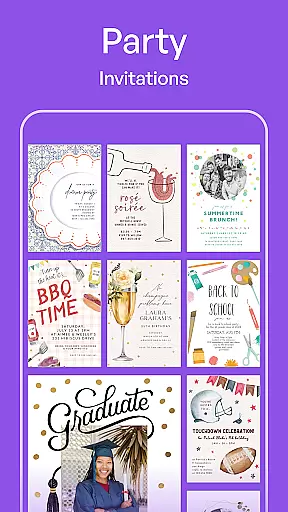
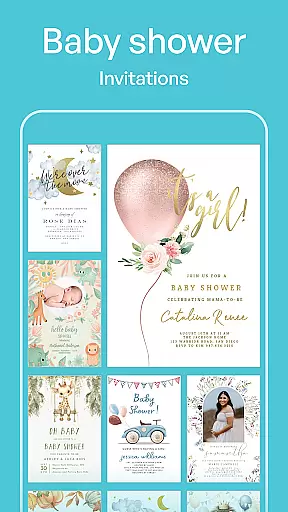
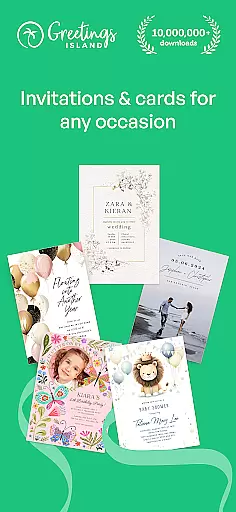
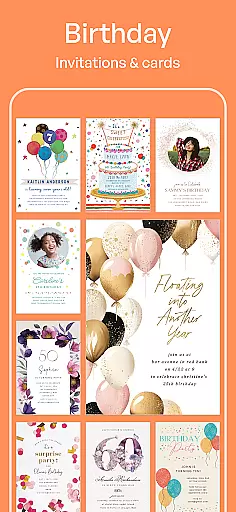

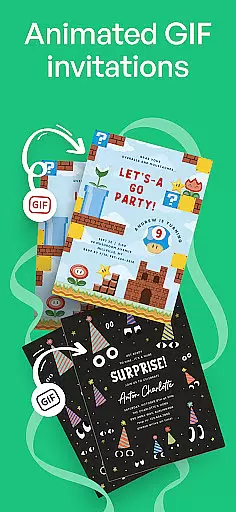
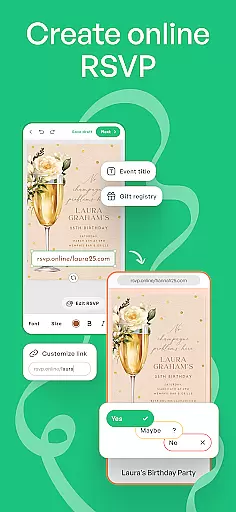
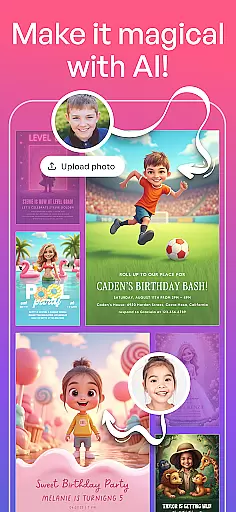

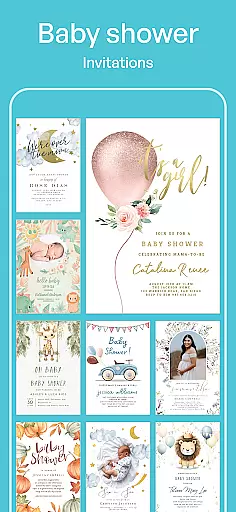
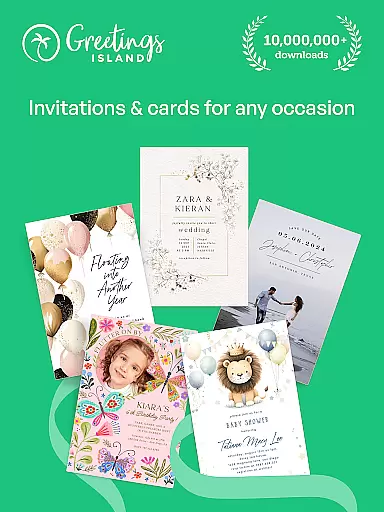
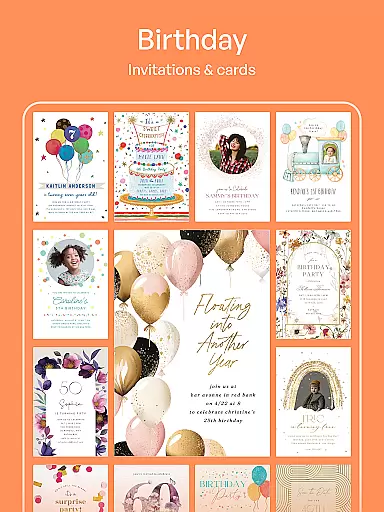
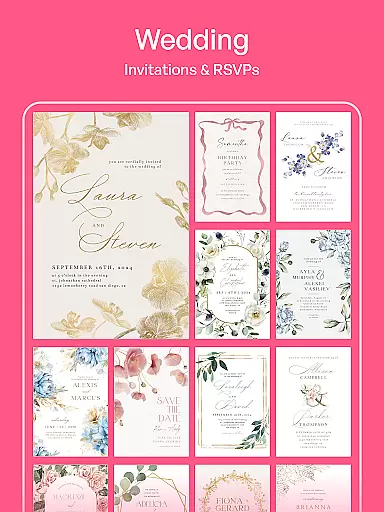
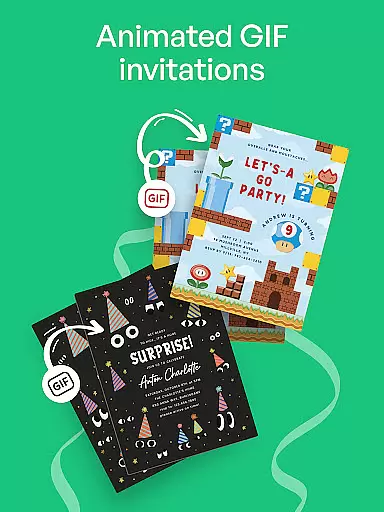
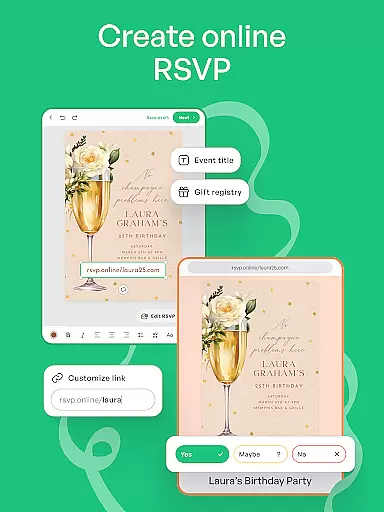
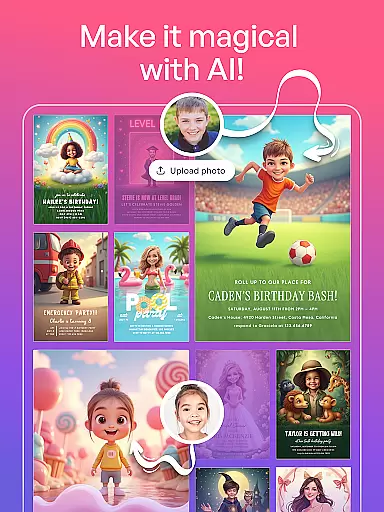
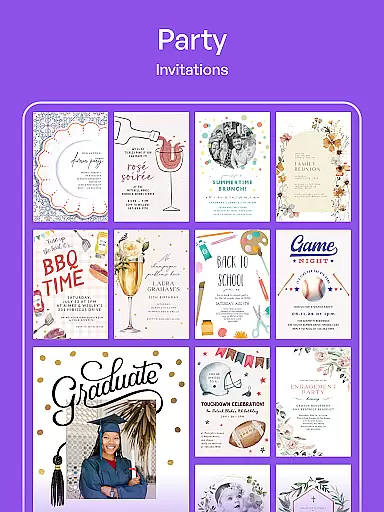
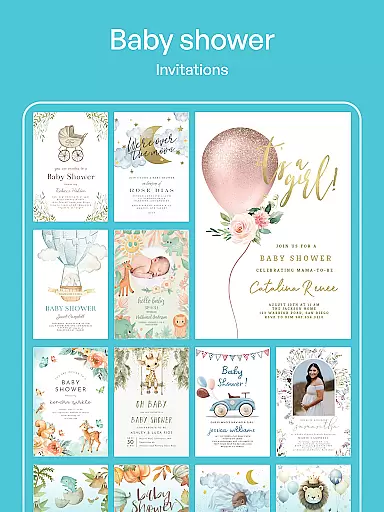
Invitation Maker is a comprehensive design app tailored for creating personalized invitations and greeting cards. With its intuitive interface, users can effortlessly craft stunning digital invites for various occasions including weddings, birthdays, baby showers, and parties.
The app offers an extensive library of professionally designed templates that ensure every invitation looks polished and professional. Its full customization feature allows users to personalize each detail, from text and colors to photos, making each card unique. Additionally, the platform supports paperless invites, enabling instant sharing via email or social media.
Whether planning a small gathering or a large event, Invitation Maker provides all the necessary tools in one place, streamlining the invitation process while offering creative freedom and convenience.
Invitation Maker stands out with its diverse range of features designed to simplify and enhance the invitation creation process. The app includes an impressive selection of templates suitable for any event type, ensuring users have a strong starting point for their designs.
Customization is at the heart of Invitation Maker's functionality. Users can modify every aspect of their invitations, including fonts, colors, images, and layout, allowing for complete creative control. This flexibility ensures that each invitation reflects the user's personal style and the event's theme.
Another key feature is the ability to go paperless. By sharing digital invitations through email or social media platforms, users reduce waste and save time. Moreover, premium users gain access to over 5,000 exclusive designs, enjoy an ad-free experience, and benefit from watermark-free creations, enhancing both the design process and final product quality.
Creating and customizing tasks within Invitation Maker provides users with the flexibility to design invitations tailored specifically to their event needs. This feature is crucial for ensuring that every invitation or card not only meets the aesthetic preferences of the user but also conveys all necessary information effectively.
The app offers an extensive range of professionally crafted templates suitable for any occasion, from weddings and birthdays to more personal events like baby showers. Users can effortlessly choose a template that resonates with the theme of their event and then proceed to personalize it by adjusting texts, colors, and images according to their preference.
This level of customization ensures that each invitation or greeting card created is unique and carries a personal touch. It allows users to express their creativity without limitations, making sure that the final product perfectly aligns with their vision and the nature of the event they are planning.
By leveraging this feature, users benefit from having complete control over the design process, which enhances the overall experience of inviting guests. The ability to fine-tune every aspect of the invitation guarantees that recipients will receive something truly special, setting the tone for the upcoming event right from the moment they open the invite.
Setting reminders in Invitation Maker plays a vital role in ensuring that both hosts and guests stay informed about upcoming events. This functionality is essential for timely communication and helps prevent any last-minute rushes or missed dates by keeping everyone on track with scheduled activities.
Users have the flexibility to configure reminder notifications based on their specific requirements. Whether it's sending out early bird alerts weeks before an event or scheduling last-minute updates just days prior, the app accommodates various timelines to suit different planning styles. Reminders can be customized not only in terms of timing but also content, allowing for personalized messages that cater to individual preferences.
This feature significantly contributes to better event management as it aids in coordinating efforts among all parties involved. By receiving timely prompts, guests can adjust their schedules accordingly, while hosts gain peace of mind knowing that important milestones leading up to the event won't slip through the cracks.
Incorporating reminder settings into the invitation creation process adds another layer of convenience and reliability. It empowers users to maintain seamless communication channels throughout the entire lifecycle of an event - from initial planning stages until its successful conclusion - thereby enhancing engagement levels across the board.
User-friendly interface
Wide template variety
Extensive customization options
Paperless invite capability
Premium design library
Limited free templates
Ads in free version
Watermark on free designs
Premium subscription required
Occasional bugs reported

Greeting card maker with photos best app| Birthday cards| All wishes eCards FREE
 4.50
4.50
Invitation card maker for birthday party & Wedding. Digital greeting card editor
4.90
Get live football here
4.30
Track birthdays, habits & goals. Unlimited countdowns and count-ups
4.20
The KRUU app - plan, celebrate, remember
4.80
The Official Football Ticketing App for Fans in Qatar
4.1
Microsoft Ignite is an event that showcases latest advancements in technology
4.00
Thanksgiving Wishes, Thanksgiving Stickers & Animated GIF for Whatsapp Stickers
4.4
Octrober 2025: We've updated the MyGenMobile App with a new look and feel!
4.40
TodayTix is the easiest way to get tickets to the best shows in your city.
4.90
For weddings, parties & events
4.60
PheedLoop Go! is the mobile event app for events powered by PheedLoop.
4.40
Invitation Card Maker, Design & share wedding, birthday & party invites fast
4.40
Freebie Games for Epic Games, Steam, Amazon, Rockstar etc.
4.40
Manages display and transfer of tickets from the Mundo Tickets platform
3.80
The Official App
3.70
Some connections are better kept private
4.4
It is an Event Planning Application.
4.4
Digital Income Wallet of the Final Libertadores 2025
4.5


User Reviews