
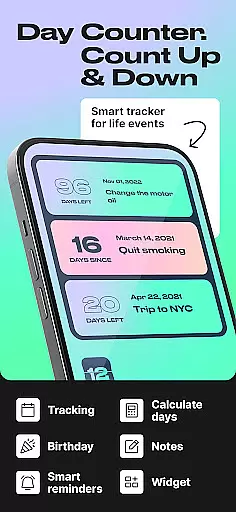
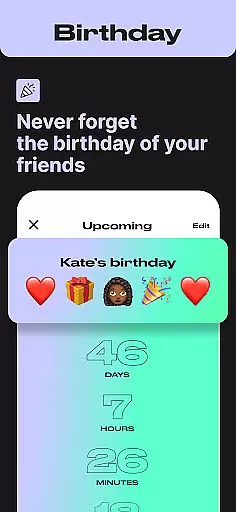
Day Counter is an intuitive Events app designed to help you effortlessly track important dates and milestones. With its dual-mode functionality, users can count up or countdown to any event, making it perfect for both personal and professional use. The app's unlimited counters allow you to manage everything from birthdays and holidays to work deadlines and habit streaks.
The app stands out with its clean, minimal design and customizable features like widgets, reminders, and notifications. Whether you're tracking sober days, monitoring productivity goals, or counting down to Christmas, Day Counter keeps you organized and informed. Its elegant interface ensures distraction-free time tracking while providing precise countdowns and count-ups for any occasion.
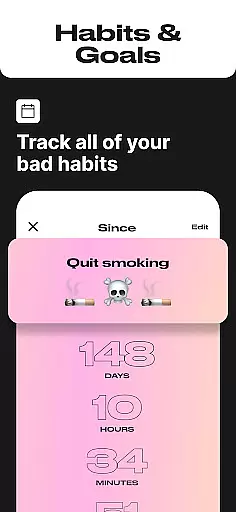
This versatile day tracker proves invaluable in daily life, helping users maintain better habits, remember special events, and achieve long-term goals. From remembering school events to tracking personal milestones, Day Counter serves as your personal productivity assistant, ensuring you never miss an important moment.
Day Counter distinguishes itself through several key features that cater to diverse user needs. The app's dual-mode functionality allows seamless switching between countdown and count-up modes, accommodating both future-oriented planning and past-focused tracking. This flexibility makes it suitable for various scenarios, from tracking exam preparation periods to monitoring sobriety milestones.
One of the app's standout characteristics is its unlimited counter capability. Users can create and manage multiple events simultaneously, each with personalized settings and notifications. The customizable notification system ensures you'll never miss an important milestone, while the review feature lets you analyze past events by week, month, or year. These capabilities make goal tracking and habit formation more manageable than ever.
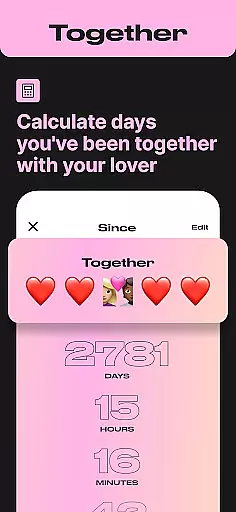
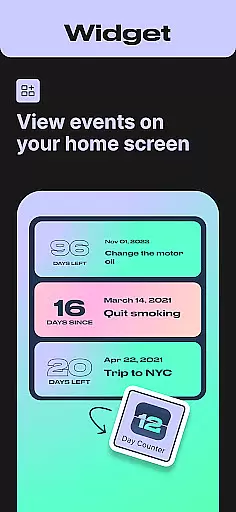
The app's widget support and reminder system enhance its usability, providing at-a-glance information and timely alerts. Its clean, minimal design maintains focus on essential features while offering sophisticated date calculation capabilities. From tracking days together with a partner to monitoring progress toward personal goals, Day Counter combines powerful functionality with elegant simplicity, making it an indispensable tool for managing time effectively.
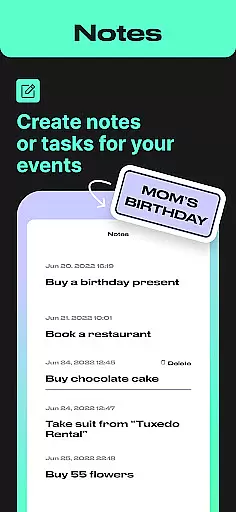
Task creation and detail customization are essential features for any event management app, allowing users to tailor their tracking experience to specific needs. Day Counter excels in this area by offering flexible options for creating countdowns and count-ups for various events.
The app provides intuitive controls for setting up new tasks with precision. Users can define exact dates, add meaningful labels, and categorize events based on personal or professional contexts. This level of customization ensures that every tracked moment carries personal significance.
Day Counter's strength lies in its unlimited counters feature, enabling users to manage multiple events simultaneously without constraints. Whether tracking sobriety milestones, work deadlines, or personal goals, the app maintains clarity and organization across all trackers.
This customization capability extends to notification settings, where users can personalize reminders for each event. The ability to fine-tune alert preferences ensures that important milestones never pass unnoticed, enhancing the overall value of the tracking experience.
Reminder settings in time-tracking applications serve as crucial tools for maintaining awareness of upcoming events and milestones. Day Counter implements a robust notification system that keeps users informed and engaged with their tracked moments.
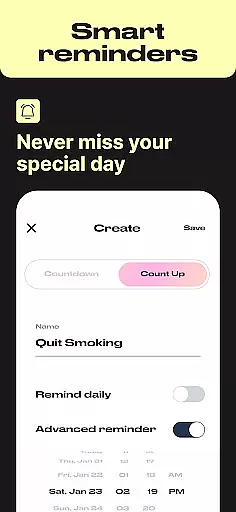
The app's custom notification feature stands out by allowing users to set personalized alerts for each created counter. This flexibility ensures that reminders are timely and relevant, whether tracking days until an exam or celebrating relationship anniversaries.
Day Counter's reminder system is designed with user convenience in mind. Notifications can be configured to appear at optimal times, helping users stay prepared for important events without feeling overwhelmed by unnecessary alerts.
Furthermore, the app's reminder functionality integrates seamlessly with its widget system, providing at-a-glance information about approaching deadlines and special occasions. This comprehensive approach to reminders enhances productivity while preserving the emotional significance of tracked events.
User-friendly interface
Unlimited event tracking
Customizable notifications
Clean minimal design
Versatile functionality
Limited advanced features
No desktop version
Premium subscription required
Occasional bugs
Basic widget options

TV Garden is a video player to play your own TV streams from around the world!
 4.0
4.0
Instant photo sharing for every occasion
3.80
The KRUU app - plan, celebrate, remember
4.80
Soft Proxy for Your Online World
4.4
Microsoft Ignite is an event that showcases latest advancements in technology
4.00
Design Invitations & Cards for Any Occasion
4.80
TV Garden - World Live TV : Play & cast your videos seamlessly!
3.20
Octrober 2025: We've updated the MyGenMobile App with a new look and feel!
4.40
Buy and Sell Tickets for Concerts, Sports, and Theater.
4.70
Find EDM shows near you! See your favorite artists live, and discover new music.
4.90
TodayTix is the easiest way to get tickets to the best shows in your city.
4.90
Discover events, experiences, and things to do near you - Anytime, Anywhere!
4.70
For weddings, parties & events
4.60
PheedLoop Go! is the mobile event app for events powered by PheedLoop.
4.40
Manage all your events, leads, ticketing, payments and check-ins.
4.30
Get live football here
4.30
ETH Mining provides secure way to mine Ethereum & earn ETH in Cloud mining app
3.50
It is an Event Planning Application.
4.5
The official app of the Carmel Christkindlmarkt!
4.2


User Reviews