
Watch whatever you want, whenever you want, wherever you want.
 3.30
3.30
Live TV, sports & holiday movies — stream on phone, tablet & TV
4.60
Stream Online TV - Watch Live IPTV Playlist & Channel with Built-In Player
4.50
Create melty bead designs by numbers, photos or your imagination
4.40
Real ghost box scanner with echo, reverb, EMF, & multi-stream channels.
3.80
Colorful flows will relax and calm you down, or get you trippy and creative!
4.90
Build and Share AI
4.20
Catch the latest episodes of The Voice or live stream NFL games with The NBC App
4.20
An app made just for kids
4.20
Pathfinder 2e initiative tracker with bestiary, HP, reaction, conditions, etc
4.80
Classic dynamic pixel art from Mark Ferrari.
4.70
Scan sets, track your builds, and enjoy intuitive digital instructions.
4.70
The JBL Portable app works with JBL portable Bluetooth speakers.
4.60
Rain and lightning effects for your Philips Hue lights
4.30
Atomus is a 10-finger multi-touch interactive visualizer.
4.30
With the Steam Mobile App, you can take Steam with you anywhere.
3.00
Unofficial Game Companion App” “Guides • Builds • Tips • Progression
4.4
EVP Recorder / Voice Recorder for ghost hunting, to communicate with ghosts.
4.3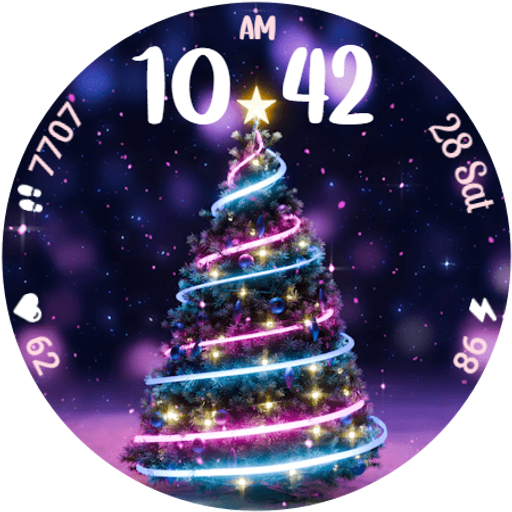
Neon Christmas Tree Animated: Festive Wear OS watch face with fitness info
4.1


