
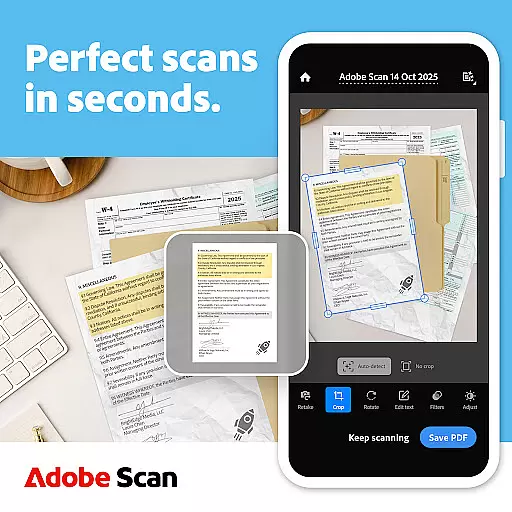
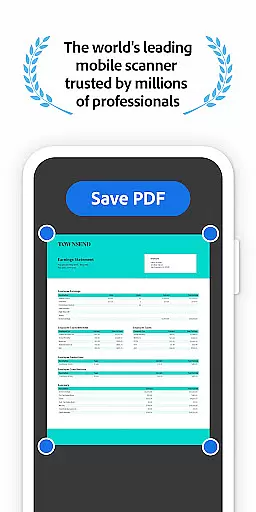
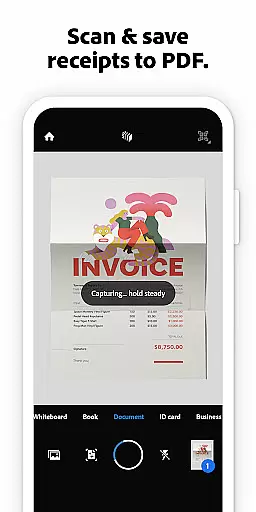
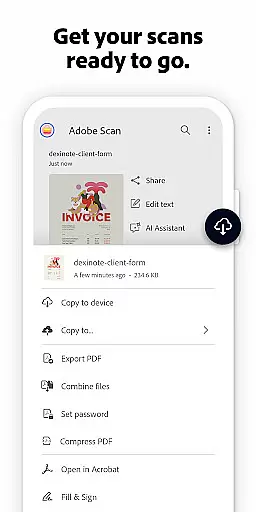

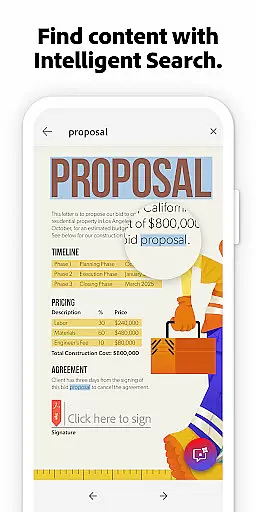
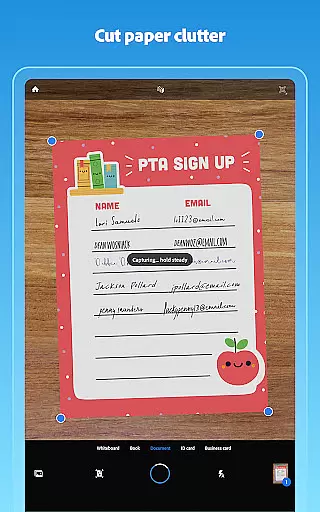
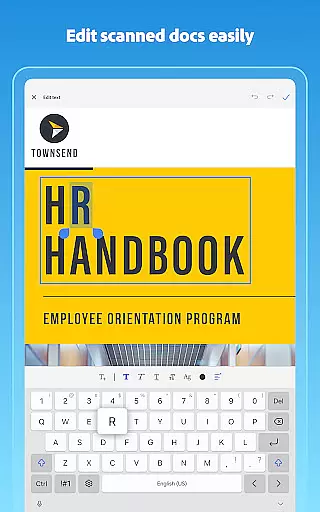
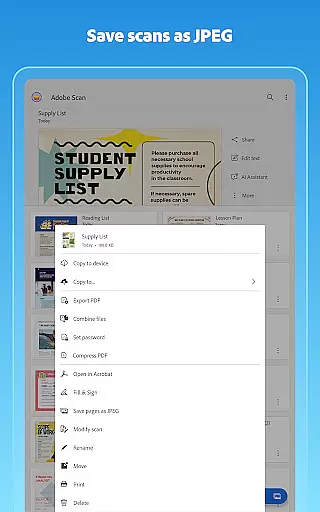
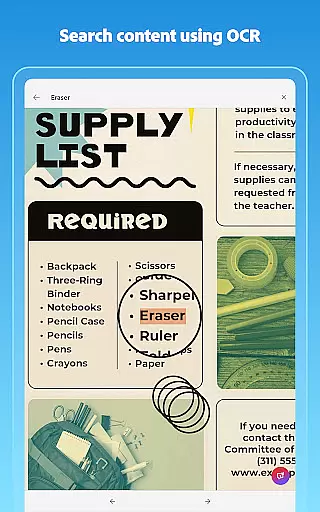
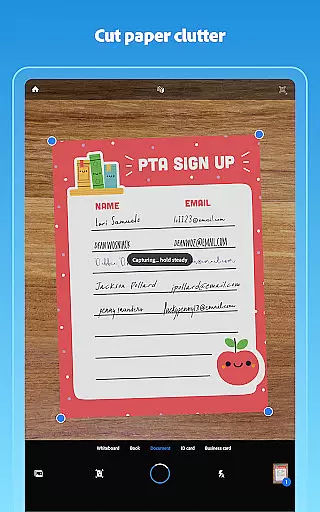
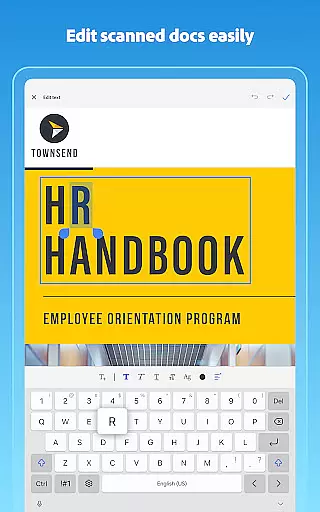
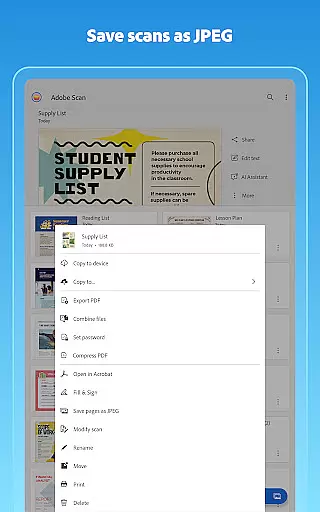
Adobe Scan AI PDF Scanner is a versatile mobile application that transforms your device into a powerful document scanner. It allows users to scan various types of documents, including receipts, notes, and business cards, converting them into high-quality PDFs or JPEGs. The app's advanced OCR technology makes scanned text searchable and editable, enhancing productivity.
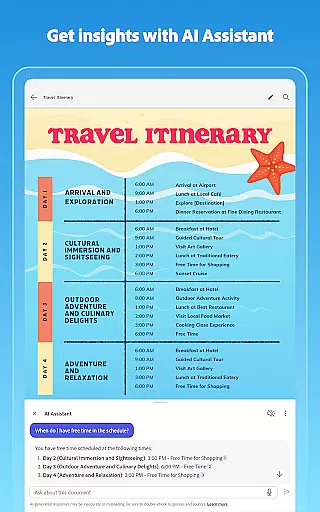
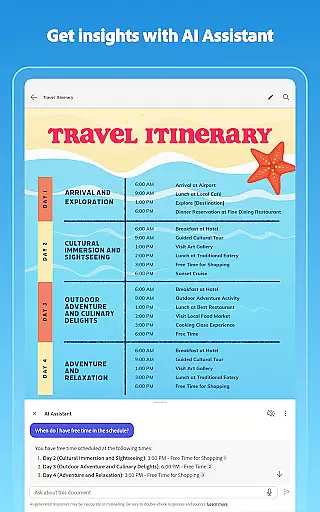
The application offers unique features such as the AI Assistant, which can extract key points from scans and help draft emails or reports. Its Generative Summary tool provides one-tap summaries of scanned documents. With capabilities like automatic straightening and enhancement of scans, Adobe Scan ensures professional-looking digital copies every time.
Whether you're managing work documents, school forms, or personal files, Adobe Scan AI PDF Scanner proves invaluable. By integrating with Adobe Document Cloud, it facilitates easy access and sharing across multiple platforms, making it an essential tool for anyone needing efficient document management on-the-go.
Adobe Scan AI PDF Scanner stands out with its comprehensive feature set designed to streamline document management. One notable feature is the Straighten tool, which automatically corrects curved or tilted scans, ensuring neat and professional PDF outputs without additional effort.
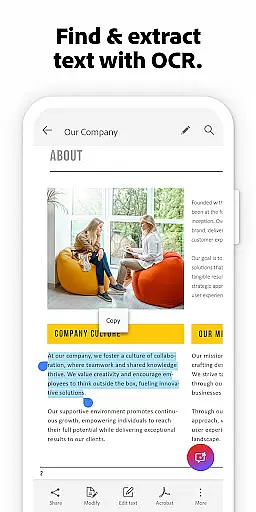
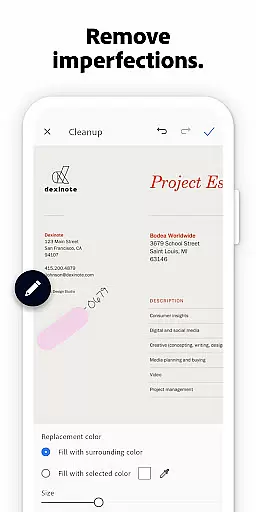
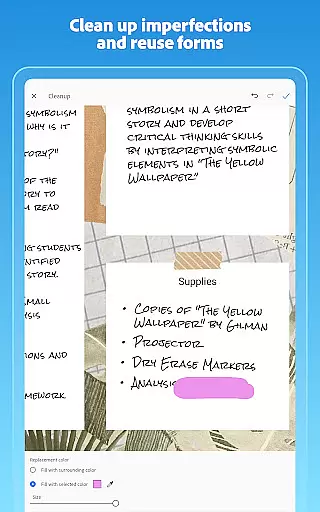
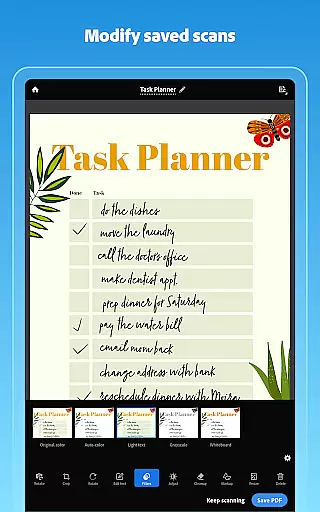
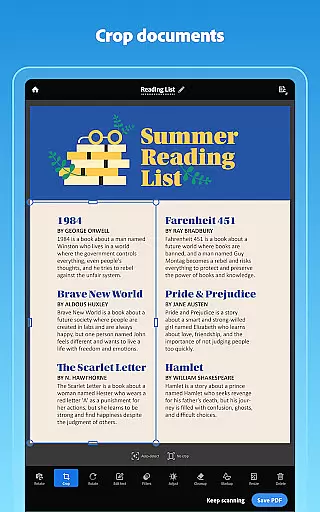
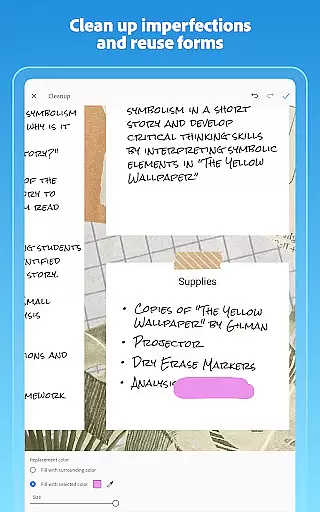
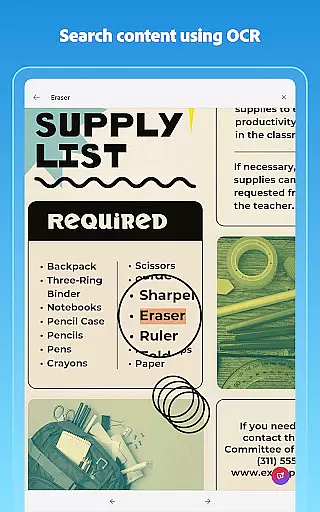
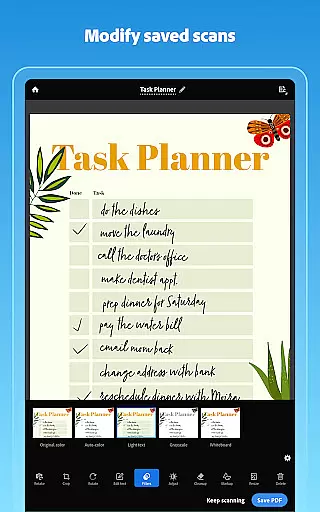
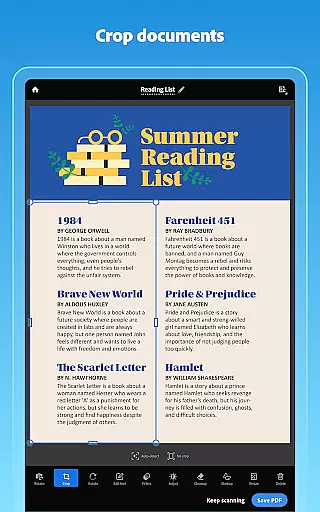
The app leverages advanced OCR technology to convert images to editable and searchable text, supporting both printed and handwritten content. Users can utilize tools like Modify for cropping, rotating, and adjusting colors, while Cleanup removes imperfections such as stains or creases. These functionalities ensure precise and clear scans tailored to user needs.
Additionally, Adobe Scan offers smart organization options, allowing users to create custom folders and save contact details directly from business cards. Integration with Adobe Document Cloud enables seamless access and sharing across devices. With in-app purchases, users can unlock extended OCR capacities and combine multiple scans into a single document, further boosting efficiency.
Collaborative work features are essential for modern business applications, enabling teams to work together efficiently regardless of location. Adobe Scan AI PDF Scanner offers robust collaboration tools that allow users to share scanned documents directly from the app.
The app's integration with Adobe Document Cloud ensures that all team members can access the latest version of a document instantly. This seamless synchronization facilitates real-time collaboration, allowing multiple users to view, comment, and make changes to PDFs simultaneously.
Additionally, the ability to export scans to Word, Excel, or PowerPoint formats enhances teamwork by providing flexibility in how documents are reused and shared. Team members can easily convert scanned contracts or study notes into editable formats, ensuring everyone has the resources they need to contribute effectively.
By combining powerful scanning capabilities with advanced collaboration features, Adobe Scan AI PDF Scanner empowers businesses to streamline their document workflows and improve overall productivity.
Effective task management is crucial for maintaining productivity and ensuring that important deadlines are met. Adobe Scan AI PDF Scanner supports task management by offering tools that help users organize and prioritize their scanned documents efficiently.
The app allows users to create custom folders for different types of documents, such as work files, personal records, or school forms. This organizational structure makes it easy to locate specific scans when needed, saving valuable time and reducing stress.
Moreover, the Smart Library feature automatically detects documents and receipts in your photo library, converting them into searchable PDFs. This functionality not only helps keep your digital workspace tidy but also ensures that critical information is always at your fingertips.
With its comprehensive suite of task management tools, Adobe Scan AI PDF Scanner enables users to stay on top of their responsibilities and manage their documents with confidence.
User-friendly interface
Advanced OCR capabilities
AI-powered document analysis
Automatic scan adjustments
Cloud integration for easy access
Limited free OCR pages
Premium features require subscription
Occasional ads in free version
Some advanced tools need learning
Internet connection often required

viewing and sharing of PDFs
 3.60
3.60
Find jobs and make money fast with JobStack.
4.60
Create curriculum vitae, a professional cover letter creator and resume designer
4.80
Windows App allows you to connect to remote PCs and virtual apps.
3.70
Employee Management Made Easy
4.80
Drive and earn extra money
4.50
Find part-time earning opportunities near you that pay within days.
3.20
Access All PDF Files
3.40
All-in-one Mobile solutions for employees & managers to succeed at work
4.30
TurboScan turns your phone into a full-featured PDF document scanner.
4.80
We help people get jobs
4.70
Ship, Track, Find a Location or Get a Quote with UPS. Anytime. Anywhere.
4.60
Amazon A to Z is the place to manage your work-life at Amazon.
4.50
From Gone to Back Again — In Just a Few Taps
4.50
ADP Mobile Solutions is an employee self service app
4.50
Make money as a delivery driver with DoorDash and work when you want as a Dasher
4.30
Smarter career moves start here. AI job alerts, insights & the right tools.
4.20
The All-in-One File Manager for Phone, TV, Watch, Cars, XR / VR, Chromebook
4.10
Work happy with AI Companion
4.10


User Reviews