

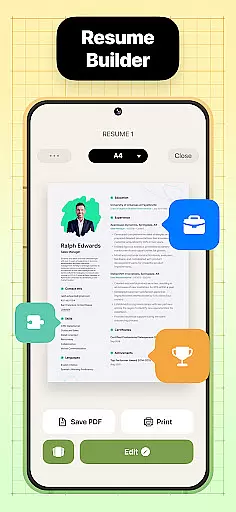
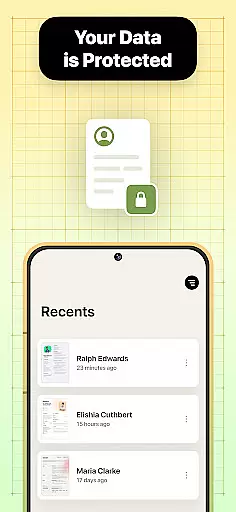

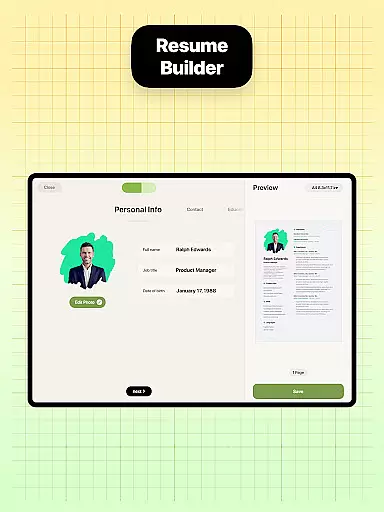
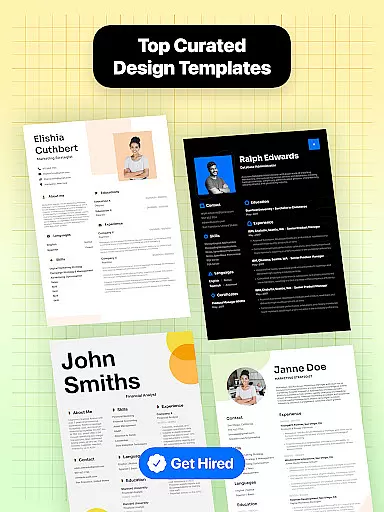
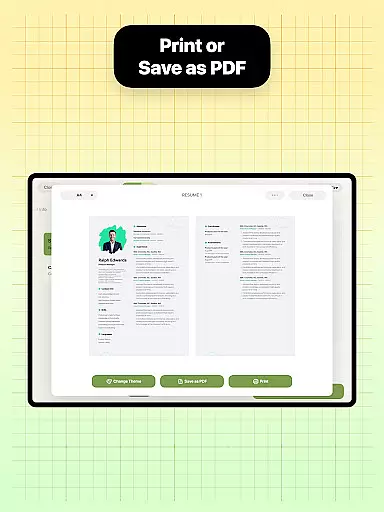
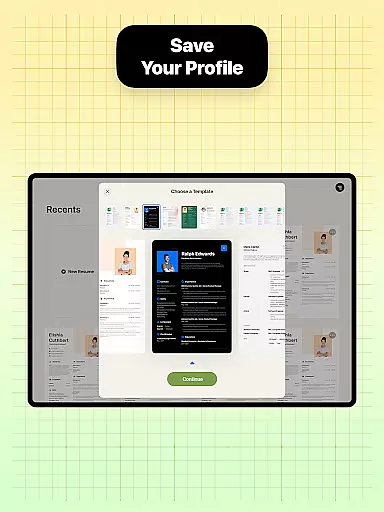
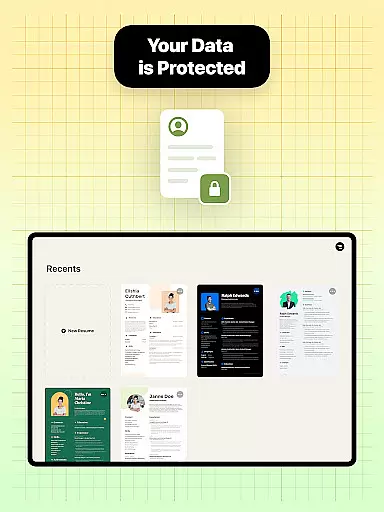

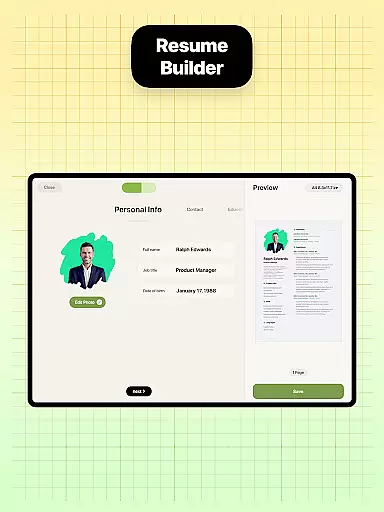
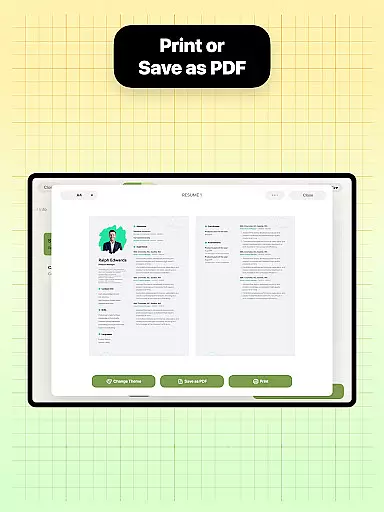
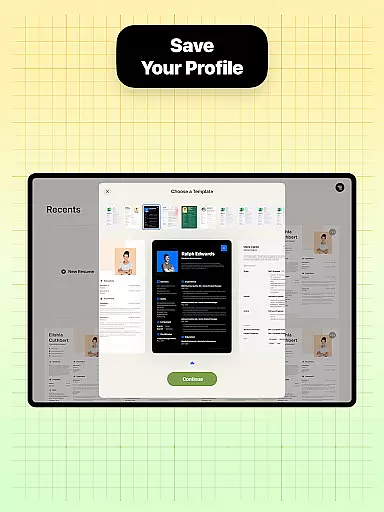
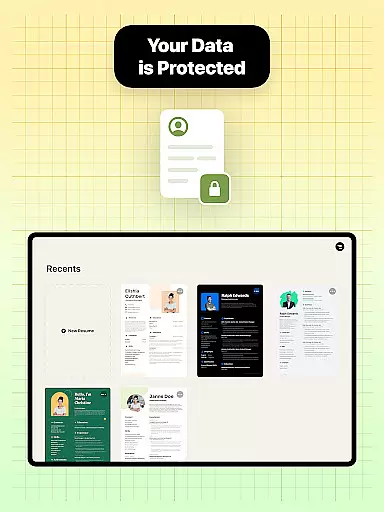
Resume Builder is a powerful business application designed to help users create professional resumes and CVs in PDF format quickly and easily. The app offers an intuitive interface that guides users through each step of the resume creation process, from selecting the right template to customizing content.
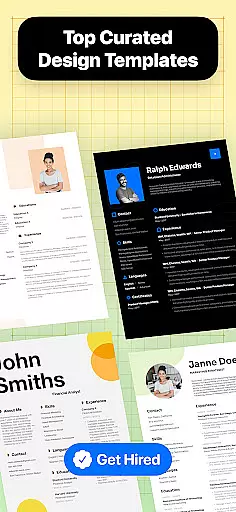
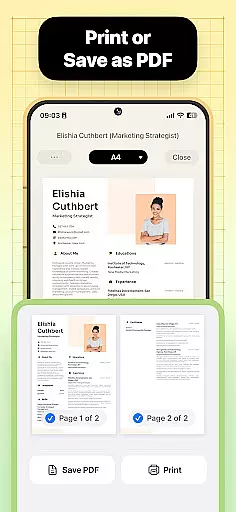
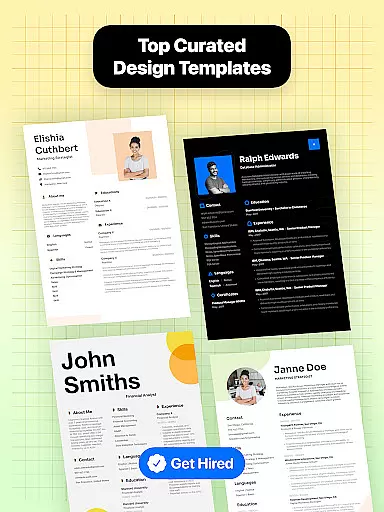
With Resume Builder, users can choose from a wide range of resume designs and templates tailored to different career stages and job applications. The app allows for easy personalization, ensuring that each resume reflects the user's unique personality and professional experience. Users can export their resumes in PDF format, save them to their devices, or share them directly with employers and recruiters.
This app is particularly useful for job seekers who need to create a strong first impression with a well-structured and visually appealing resume. Whether you're a recent graduate or a seasoned professional, Resume Builder provides the necessary tools to craft the perfect resume that stands out in any job application process.
Resume Builder offers a comprehensive set of features that make resume creation both efficient and effective. One of the standout features is the wide range of resume templates available, catering to various career stages and industries. Each template is designed to be visually appealing and professional, helping users make a strong impression on potential employers.
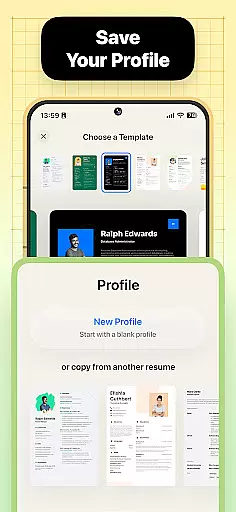
The app provides step-by-step guidance throughout the resume creation process, ensuring that users can easily navigate through each section. Customizable options allow users to tailor their resumes to specific job requirements, while real-time previews enable them to see their progress as they add professional experience and qualifications. This ensures that the final resume is not only well-structured but also optimized for the best possible presentation.
Additional features include the ability to download resumes in PDF format, built-in sharing functionality for easy distribution, and a user-friendly interface that simplifies editing and updating. These features collectively ensure that users have all the tools they need to create, manage, and share their resumes effectively, making Resume Builder an essential app for anyone serious about advancing their career.
Collaborative work features are essential for modern business applications, enabling teams to work together efficiently regardless of location. Resume Builder incorporates these features by allowing users to share their resumes easily with peers or mentors for feedback and refinement.
The app's built-in sharing functionality supports collaborative efforts by enabling direct sharing of resumes in PDF format. This ensures that team members can provide input on resume design and content, making it a collective effort to create the most professional and appealing CV possible.
Users benefit from real-time updates and seamless communication, ensuring that everyone involved in the resume-building process is on the same page. This collaborative approach not only saves time but also enhances the quality of the final resume, as multiple perspectives contribute to its development.
Task management is a critical component of productivity, helping users organize and prioritize their work effectively. Resume Builder excels in this area by providing a step-by-step guidance system that breaks down the resume creation process into manageable tasks.
Each stage of the resume-building process is clearly defined, from selecting the right template to customizing sections and content. This structured approach ensures that users can focus on one task at a time, improving both efficiency and the quality of the final product.
By offering customizable options for resume formats and real-time progress tracking, Resume Builder empowers users to manage their tasks effectively. This results in a more organized workflow, allowing users to create impressive and professional resumes with minimal stress and maximum efficiency.
User-friendly interface
Wide range of templates
Customizable options
Real-time previews
Built-in sharing function
Limited free templates
Premium features locked
Occasional bugs
Ads in free version
Export limited in free

The MyWalmart App is available for all associates in stores.
 4.70
4.70
Amazon A to Z is the place to manage your work-life at Amazon.
4.50
Get instant construction estimates: accurate home repair & material calculator.
4.70
Find work, shifts and gigs near you. Jobs lasting a few hours to a few months.
4.30
A secure, all-in-one team collaboration app
4.30
Build a store in minutes with our full suite of AI tools. Start for free!
4.20
USPS Mobile®Access USPS.com’s most popular tools on-the-go.
4.70
No more passwords, easier sign-in, and greater protection for your accounts.
4.60
Make money as a delivery driver with DoorDash and work when you want as a Dasher
4.30
Permission Guard is a security app that helps you manage app permissions.
4.80
Find jobs near you and temp work in minutes, from your phone.
4.50
The app that lets you deliver with Amazon.
4.50
All Your Gig Work. One App.
4.30
Say hello to the mobile work experience built to help you thrive at work.
4.30
Scan Business Cards & Conference Badges - Capture Leads at Events & Tradeshows
4.20
Work happy with AI Companion
4.10
Zoom built for Chrome OS
3.90
All document reader, pdf viewer app, read docs & excel files
3.80
Convert Your Lovable.dev Website into a Mobile App Instantly!
4.5


User Reviews