
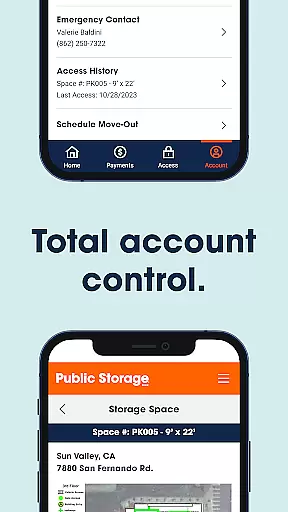

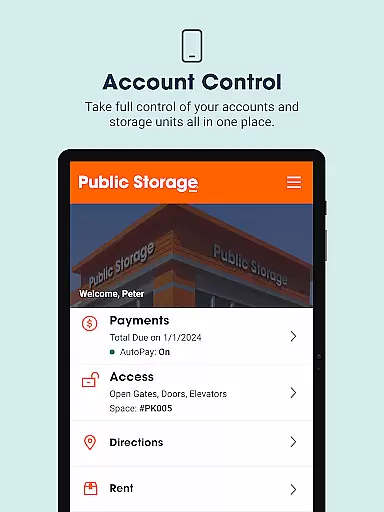


Public Storage is a comprehensive business app designed to simplify the self-storage experience for users. The app provides essential features such as gate access, bill payment, account management, and customer support, all accessible from your mobile device. With Public Storage, you can easily manage your storage units, ensuring a seamless and stress-free experience.
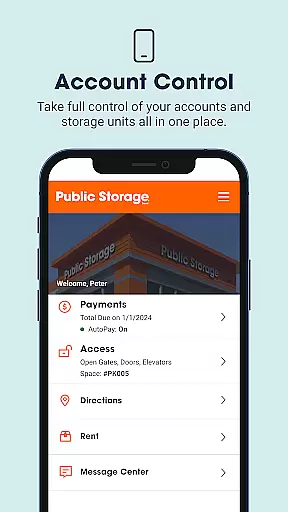
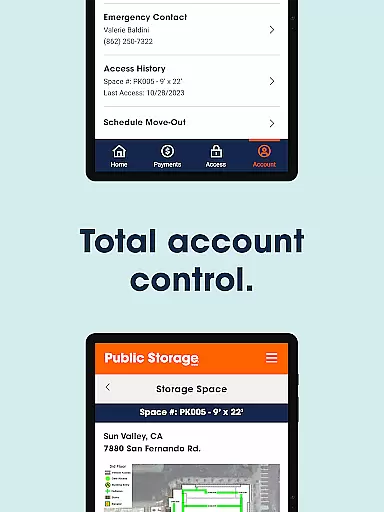
The app's standout feature is its ability to grant users gate access through their smartphones, eliminating the need for physical keypads at most locations. Additionally, it offers convenient bill payment options and account management tools, allowing users to handle multiple accounts in one place. Whether you need to pay your monthly bill or update your account settings, this app streamlines the process significantly.
Designed for both personal and business use, Public Storage is ideal for those who require flexible and accessible storage solutions. Its intuitive interface and robust functionality make it an invaluable tool for managing your storage needs efficiently, saving you time and reducing hassle.
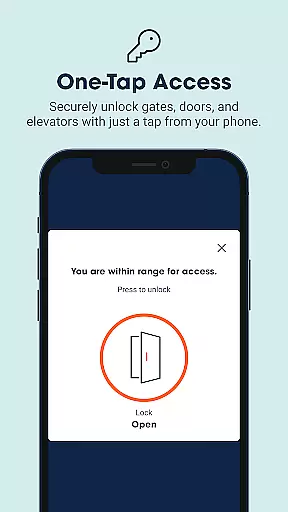
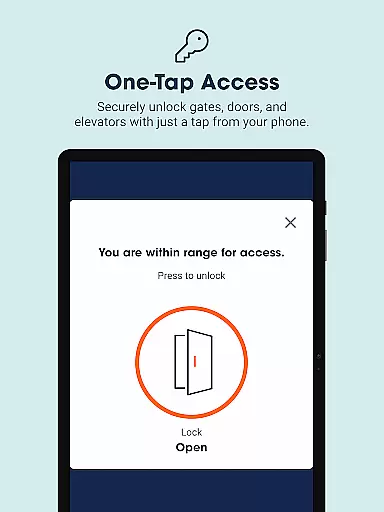
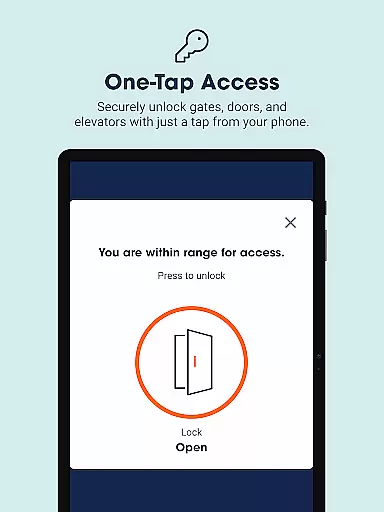
Public Storage stands out with its innovative features tailored to enhance user convenience. One of the app's primary advantages is the gate access functionality, which allows users to enter storage facilities without the need for traditional keypads. This feature uses geolocation technology to grant access when you're within range, making visits quicker and more efficient.
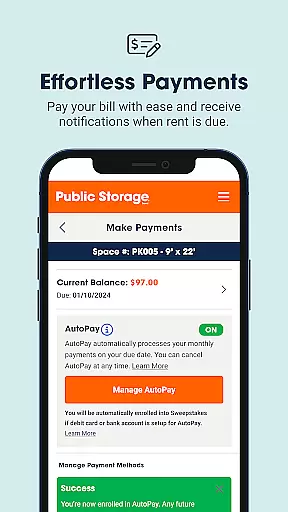
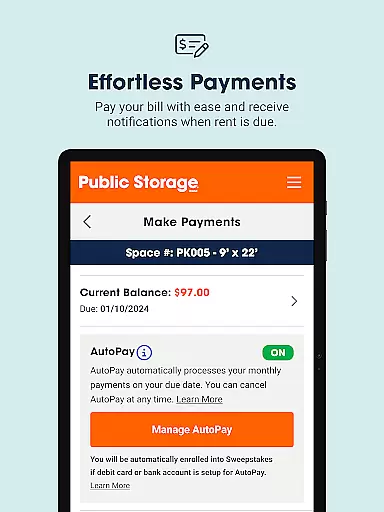
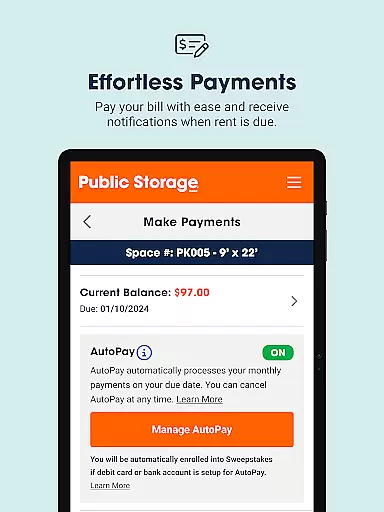
Beyond gate access, the app excels in bill management and payment processing. Users can pay their bills effortlessly with just one tap and even set up AutoPay to avoid late fees. Notifications ensure you never miss a payment deadline, providing peace of mind and financial stability. The app consolidates all account management tasks into a single platform, enabling users to update preferences and settings without needing to contact customer service.
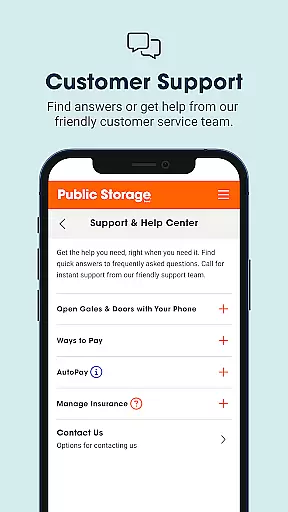
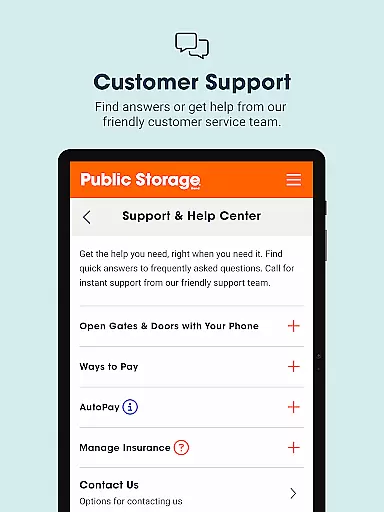
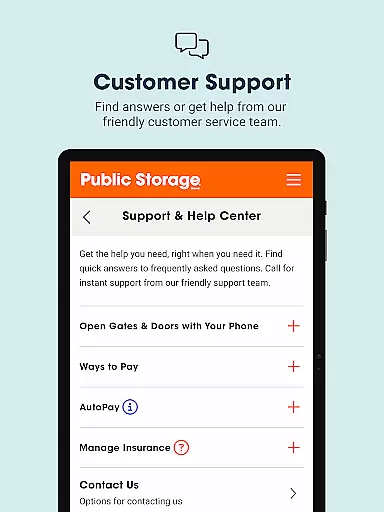
Customer support is another critical aspect where Public Storage shines. The app offers various ways to connect with the support team, including instant calls and messaging options. This ensures that users receive timely assistance whenever needed. Overall, these features combine to create a powerful tool that simplifies storage management while offering unparalleled convenience and reliability.
In the realm of business applications, collaborative work features are essential for streamlining operations and enhancing team productivity. Public Storage app excels in this area by providing users with the capability to manage multiple accounts and storage units seamlessly from a single platform.
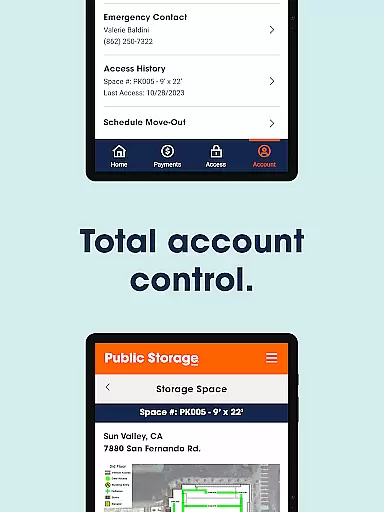
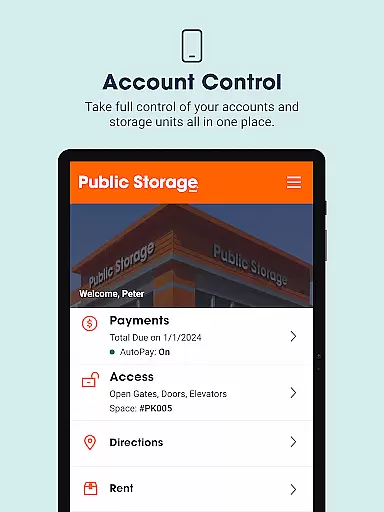
The app's architecture supports efficient account management, enabling users to update payment preferences and settings without the need for time-consuming calls to customer service or visits to a physical location. This unified control panel simplifies administrative tasks and empowers users to focus on their core business activities.
Furthermore, the app facilitates communication with the support team, ensuring that help is readily available when needed. Whether it's through instant phone support or sending quick notes for less urgent matters, the app ensures that all user queries are addressed promptly and effectively.
By integrating these collaborative features, Public Storage app not only enhances operational efficiency but also fosters a more connected and responsive user experience, which is crucial for businesses looking to optimize their storage management processes.
Effective task management is a cornerstone of successful business operations, allowing for organized workflows and timely completion of duties. The Public Storage app offers robust task management capabilities that enable users to handle their storage-related responsibilities with ease.
One of the standout features is the ability to pay bills effortlessly. With just a single tap, users can complete their monthly payments or set up AutoPay, ensuring they never miss a due date and avoid late fees. The app also sends notifications when rent is due, keeping users informed and in control of their financial obligations.
Beyond bill payments, the app provides gate access functionality, allowing users to open gates, doors, or elevators with a simple touch once within range. This feature significantly speeds up the process of accessing storage units, making each visit more efficient.
Overall, the Public Storage app's task management tools offer a comprehensive solution for businesses seeking to simplify their storage management tasks while maintaining high levels of organization and punctuality.
User-friendly interface
Efficient gate access
Convenient bill pay
Comprehensive account management
Responsive customer support
Limited international availability
Occasional connectivity issues
Requires stable internet
Some features may vary by location
Monthly subscription model

FX Plus adds media, networking, and cloud capabilities to FX File Explorer.
 4.10
4.10
BuildCalc - the easiest AND the most advanced construction calculator app.
4.80
Simple, Fast & Lightweight
3.90
Finance, Investing, Stocks, Trading and Stock news
4.60
All document reader, pdf viewer app, read docs & excel files
3.80
Find part-time earning opportunities near you that pay within days.
3.20
Access to Paylocity, empowering employees with information they need 24/7.
4.70
Job search app that finds jobs for you! Takes the work out of looking for a job!
4.90
We help people get jobs
4.70
FaxCover - Create fax cover pages. Works with any app or fax machine.
4.90
Create curriculum vitae, a professional cover letter creator and resume designer
4.80
Employee Management Made Easy
4.80
No more passwords, easier sign-in, and greater protection for your accounts.
4.60
Scan Business Cards & Conference Badges - Capture Leads at Events & Tradeshows
4.20
The Penny Puss app with DG penny finder
4.10
Find flexible, hourly jobs hiring near you in restaurant, retail & hospitality!
4.00
On the go? Take FedEx with you.
4.00
Delivery Track App - Tracking with Fedex, USPS, UPS, DHL. Monitor your Orders.
3.20
We are a dynamic team of creatives people of design, marketing, web & apps
3.00


User Reviews