
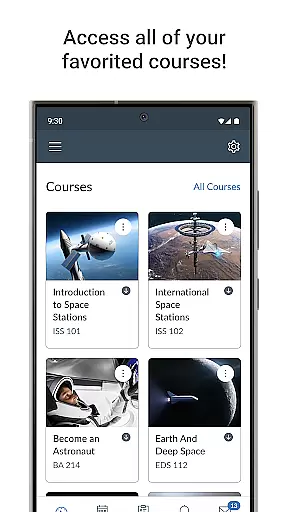
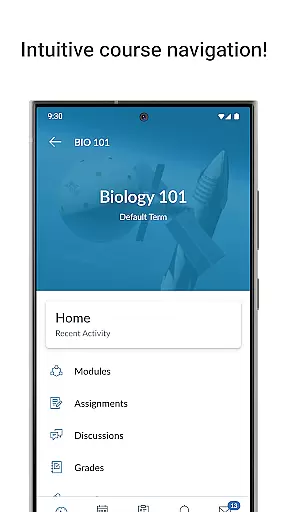
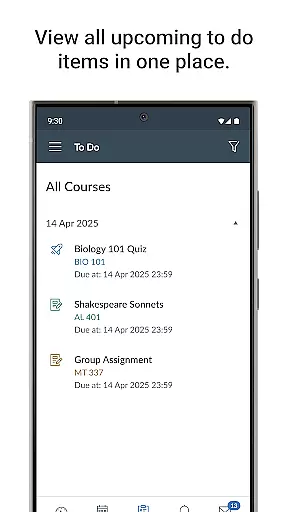
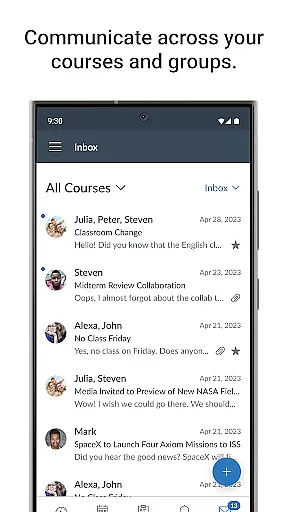
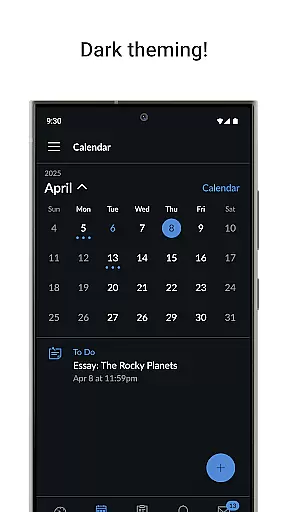
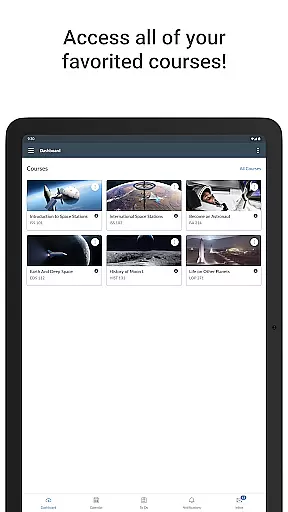
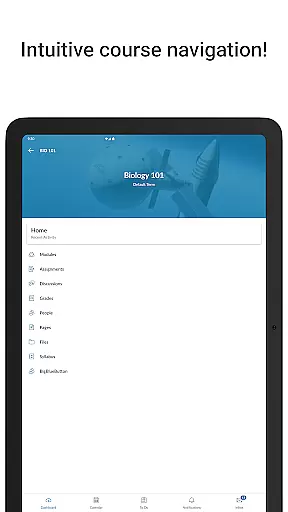
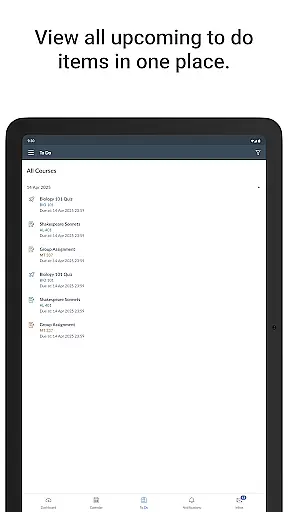
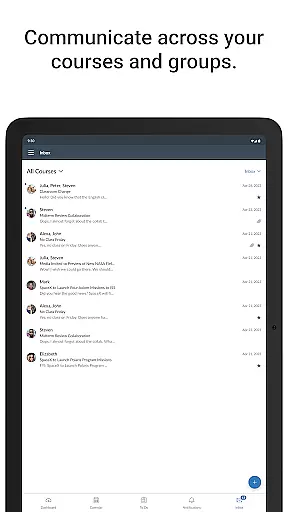
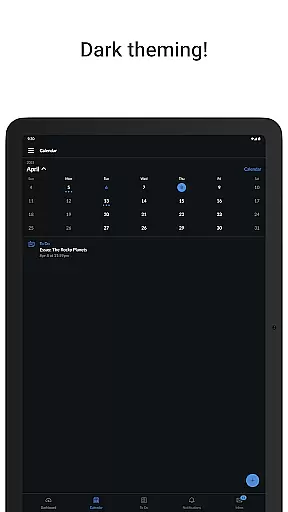
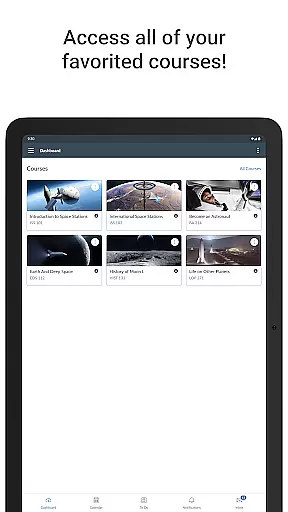
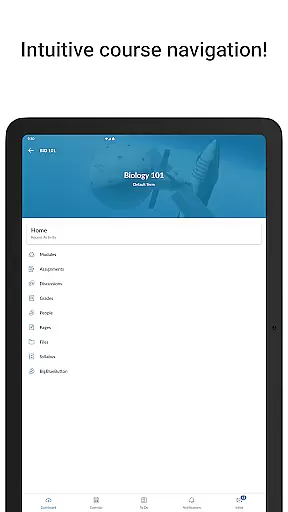
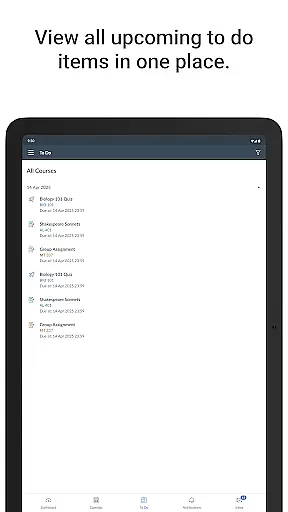
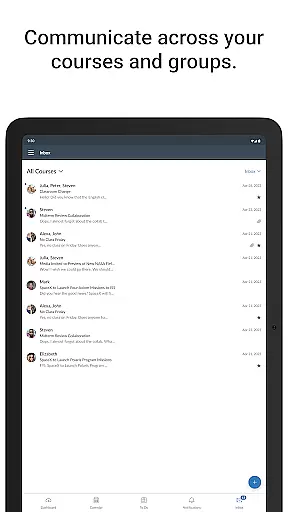
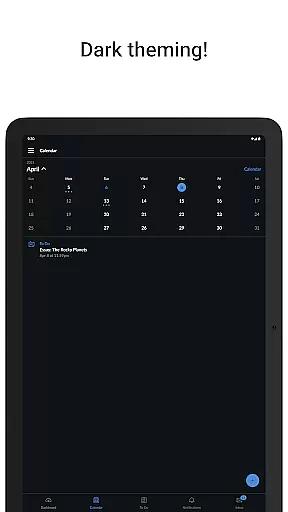
Canvas is a leading educational app designed to provide students with seamless access to their coursework from any mobile device. The platform offers an all-in-one solution for managing academic responsibilities, including viewing grades, accessing course materials, and submitting assignments. With its intuitive interface, Canvas ensures that students can efficiently organize their tasks through integrated to-do lists and calendars.
In addition to core academic functions, Canvas supports interactive learning by enabling students to participate in discussions, watch instructional videos, and take quizzes directly within the app. Push notifications keep users informed about new grades and important course updates, ensuring they never miss critical deadlines. This comprehensive functionality makes Canvas an essential tool for modern education, empowering both students and educators to stay connected and productive.
Canvas stands out with its robust feature set tailored specifically for educational needs. One of its key strengths is the ability to centralize all course-related activities, such as assignment submissions, grade tracking, and communication with instructors and peers. The app's calendar integration allows students to visualize their workload and deadlines, while the messaging system facilitates real-time interaction within the academic community.
Another notable feature is Canvas's multimedia support, which enables students to engage with course content through videos and interactive quizzes. The app also provides customizable push notifications, allowing users to tailor alerts based on their preferences. These features collectively enhance the learning experience by providing tools that are both functional and adaptable to individual study habits, making Canvas a versatile choice for digital education.
In the realm of education, content accuracy and authority are paramount. Canvas ensures that all course materials, assignments, and assessments are delivered with precision and integrity. The app sources its content directly from educational institutions, guaranteeing that students receive authentic and verified information.
Canvas employs a robust system to maintain the highest standards of content delivery. Through secure connections and regular updates, the app ensures that all academic resources reflect the latest changes and corrections made by instructors. This meticulous attention to detail provides students with reliable materials for their studies.
The benefit to students is significant. With accurate content, learners can trust that their efforts in studying and submitting work are based on correct information. This reliability supports better academic performance and enhances the overall learning experience within the app environment.
Personalized learning paths represent a transformative approach to education, adapting to individual student needs. Canvas facilitates this by offering customizable study plans and progress tracking tailored to each learner's pace and style. Students can organize their coursework according to personal priorities and deadlines.
The app's sophisticated algorithms enable adaptive learning experiences. By analyzing user interactions and performance metrics, Canvas suggests optimal routes through course materials. This personalized guidance helps students focus on areas needing improvement while advancing through subjects they grasp quickly.
Users gain substantial advantages from this feature. Personalized paths increase engagement by aligning studies with unique preferences and schedules. Moreover, this customization fosters a more effective learning process, as students can allocate time and resources where they're most needed, ultimately leading to enhanced educational outcomes.
User-friendly interface
Comprehensive course management
Real-time notifications
Supports multimedia learning
Accessible on multiple devices
Limited offline functionality
Occasional syncing issues
Requires stable internet
Some features need subscription
Interface can feel cluttered

Study the questions most likely to be asked during the Oral & Practical Exams.
 2.80
2.80
Astronomy Guide to the Night Sky
4.40
The official CCM Glossary app, including 700+ terms and definitions.
2.90
Quiz App to help case managers studying for CCMC Certification, 200+ Questions
3.40
THE ESTABLISHED "GO TO" ARMY BOARD PREPARATION APP!
4.30
Astronomy Guide To Night Sky
4.30
Visit Daniel's house & make believe. Play doctor, make music, & feed fish.
3.20
Learn to make peaceful contact with extraterrestrial civilizations
4.10
School Communication
4.30
Learn & Speak New Languages
4.70
The Only Official DVSA Theory Test Kit App
4.50
Turn scrolling hours into improving your knowledge, communication, intelligence
4.50
Learn math, step-by-step
4.30
Astronomy app ? Discover the universe scope, explore solar system model in 3D.
4.20
Build math skills in: addition, subtraction, multiplication and division.
4.10
Listen, request and record pronunciations in more than 450 languages. Everywhere
3.90
Hasbro’s classic CANDY LAND game is now a gorgeous interactive storybook app.
2.30
Grazing Risk Monitoring Service
4.3
Learn and joke with the Silly Turkey!
4.2


User Reviews