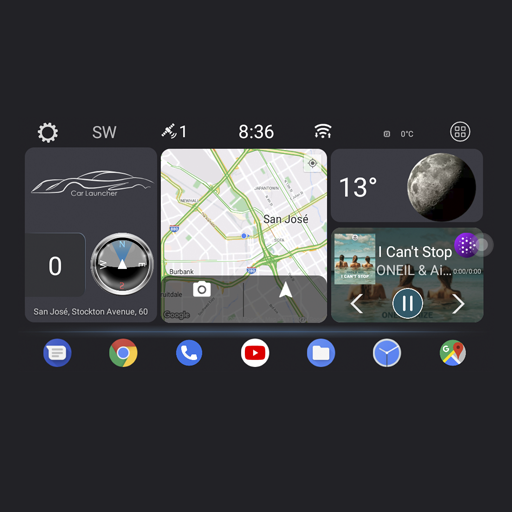
Theme for Car Launcher
 4.4
4.4
OBD diagnostics, Live Data, DPF regeneration for BMW
4.00
App Mirroring for Tesla Car's Browser
2.80
Discover new and used cars in Syria easily! Browse ads and connect with sellers.
3.70
Trip computer+car diagnostic tool with widest variety of features and dashboard!
4.70
Find, search, and browse 40,000+ used cars, SUVs, and trucks.
4.50
Find Fast EV Chargers | Charge Your Vehicle at 1,100+ Fast Car Charging Stations
4.60
O'Reilly Pro will streamline your parts lookup and ordering process!
3.20
Autotrader is your online solution for buying and selling new and used cars.
4.40
Take Control of Your Car
4.80
Practice the drills within MotoJitsu Master Riding Program Volume 1 & 2!
4.80
The ExtraMile App allows you to pay for fuel from the comfort of your car!
4.70
View your car’s service records and find out when maintenance is due.
4.70
DMV practice test 2025: Driver License permit test & written test for all states
4.70
CVT diagnostics with ELM327 for Nissan-based vehicles
4.40
Instant diesel savings. No credit checks or fees. Nationwide growing network.
4.40
Wonder how much horsepower and torque your car/truck makes? Look no further.
3.40
Read and delete OBD codes with any ELM327 OBD scanner. Coding functions included
3.40
Attention! This is the theme for the Car Launcher app
4.5


