
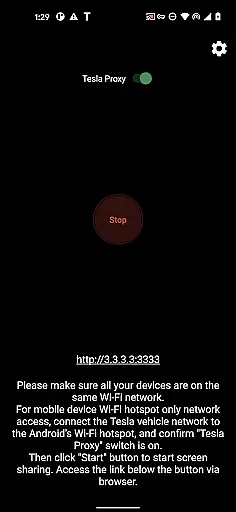
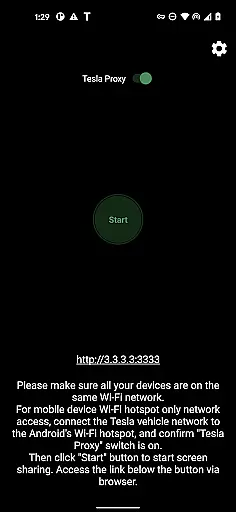
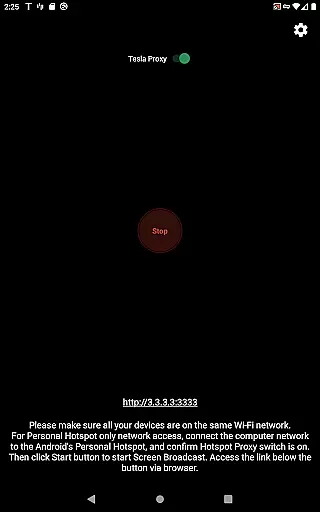
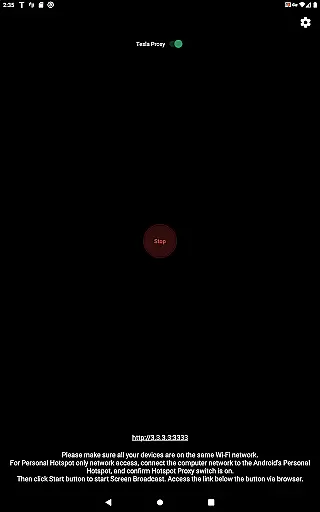
TeslaMirror is an innovative Android application that allows users to mirror their mobile device screens directly onto Tesla vehicle displays. Designed specifically for Tesla models with MCU2/3 hardware, this app supports a 144-hour free trial period and offers advanced streaming capabilities.
The app's core functionality includes screen mirroring through H.264/H.265 codecs or MJPEG mode, remote control features, and lossless audio transmission. These features make it particularly useful when the vehicle is parked, enabling users to safely interact with their mobile apps through the car's infotainment system.
What sets TeslaMirror apart is its ability to provide high-quality video streaming up to 1080p@60fps while maintaining system compatibility and security. The application ensures private, direct communication between the user's phone and Tesla vehicle without any external server involvement, making it a valuable tool for Tesla owners looking to enhance their in-car entertainment and productivity experience.
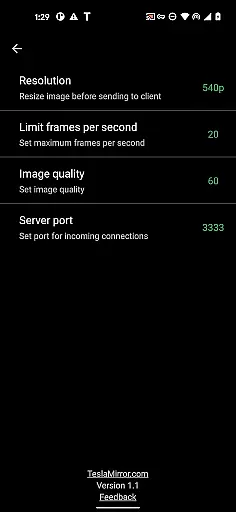
TeslaMirror distinguishes itself through several advanced technical features. The application supports multiple streaming protocols including H.264/H.265 for newer MCU3 hardware and MJPEG mode for broader compatibility. Users can achieve up to 1080p@60fps video quality with H.265 encoding on supported vehicles, while maintaining smooth performance through optimized bandwidth usage.
A key innovation is the implementation of a virtual VPN tunnel that enables secure communication between the Android device and Tesla's infotainment system. This proprietary solution bypasses standard IP restrictions while maintaining complete privacy - the web server runs locally on the user's device at a virtual IP address, ensuring no public internet exposure.
The remote control functionality represents another significant advantage, allowing users to interact with their mobile devices through the Tesla touchscreen interface. Combined with lossless audio transmission capabilities (for Android 10+ devices) and comprehensive accessibility support, these features create a seamless and integrated user experience that enhances the vehicle's native capabilities.
TeslaMirror provides comprehensive details about your Tesla vehicle's infotainment system, ensuring users have access to the latest software version required for optimal performance. This includes compatibility with MCU2/3 hardware found in Model 3, Model Y, and newer Model X and S vehicles.
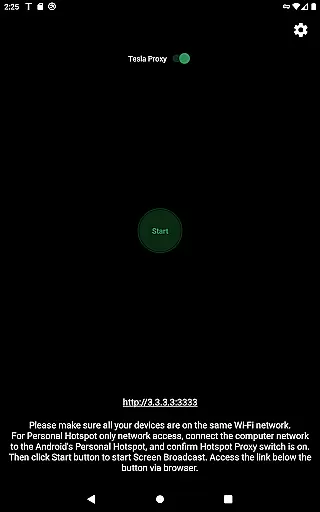
The app outlines specific requirements such as using a 5 GHz hotspot for the best connection, which is crucial for maintaining high-quality streaming. It also specifies that Wi-Fi 6 access points are not supported, guiding users to configure their mobile hotspots accordingly.
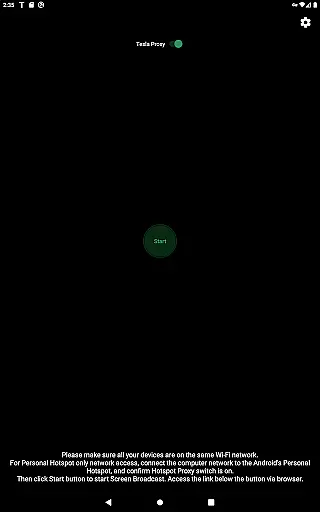
Users benefit from clear instructions on how to set up the app, including parking the vehicle and connecting it to the Android phoneu2019s hotspot. These steps ensure that all vehicle data is accurately mirrored, providing an experience tailored to the capabilities of the user's specific Tesla model.
By detailing these elements, TeslaMirror empowers Tesla owners to maximize their vehicle's technological potential, enhancing both convenience and entertainment while parked safely.
TeslaMirror offers a transparent pricing model by providing a free 144-hour trial period upon purchase through Google Play. This allows users to test the application thoroughly before committing financially, ensuring satisfaction with its performance and features.
In cases where users are not satisfied, the app provides a straightforward refund process. By simply contacting TeslaMirror support with the order details, users can request a refund within the trial period, promoting trust and confidence in the purchase.
The app clearly outlines its value proposition, emphasizing unique features like being the first to support Tesla app mirroring on Google Play. This positions TeslaMirror as a premium product, justifying its cost through innovative functionality and seamless integration with Tesla vehicles.
Overall, TeslaMirror ensures that users fully understand the costs involved and the value they receive, making it easier to decide if the app meets their needs for vehicle-to-device connectivity.
High-quality streaming
Secure local connection
Remote control feature
Lossless audio support
Easy setup process
No Netflix support
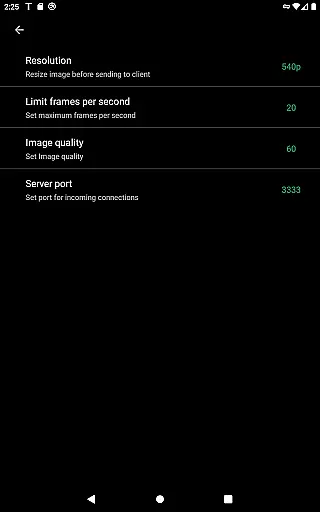
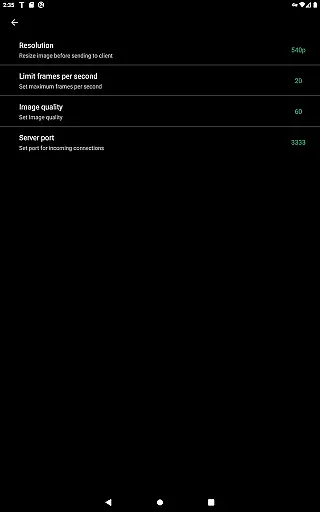
MCU2 limited to 540p
Parked vehicle required
VPN permission needed
DRM content restricted

Attention! This is the theme for the Car Launcher app
 4.0
4.0
Realtime Charts is a plugin for the Torque Pro App (OBD 2 & Car)
4.20
CVT diagnostics with ELM327 for Nissan-based vehicles
4.40
Better fuel to help keep you on the road
3.20
Autolist - The Largest Selection of Local Used Cars and Trucks
4.50
Digital Car Key/Launcher, Screen Mirror, Android Dashboard, Remote Wireless Link
4.40
Automotive Electrical Wiring Diagrams
4.40
Monitor your behind-the-wheel behavior to become a safer driver and save.
4.10
Available in select states.
4.00
7-Day Returns on All Cars
4.80
Trip computer+car diagnostic tool with widest variety of features and dashboard!
4.70
Find Fast EV Chargers | Charge Your Vehicle at 1,100+ Fast Car Charging Stations
4.60
Launcher for use in the car
4.40
Instant diesel savings. No credit checks or fees. Nationwide growing network.
4.40
Ultimate OBD2 Car Scanner: Diagnostics, Service and Modification Tool
4.30
OBD2 car scanner and diagnostics: read Check Engine, DTC, economy....
4.30
AI Powered - Automotive Mechanic Assistant
4.30
ODB2 based monitoring application for the Chevy Bolt (2017-2021)
4.00
Take state-specific DMV permit tests and ace the exam.
3.90


User Reviews