
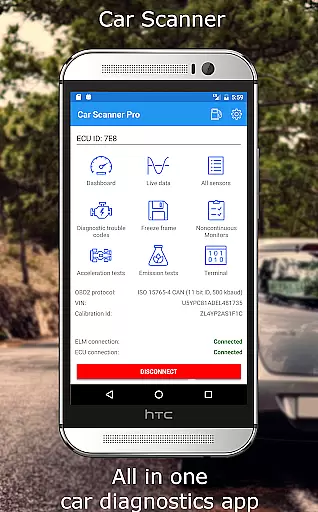
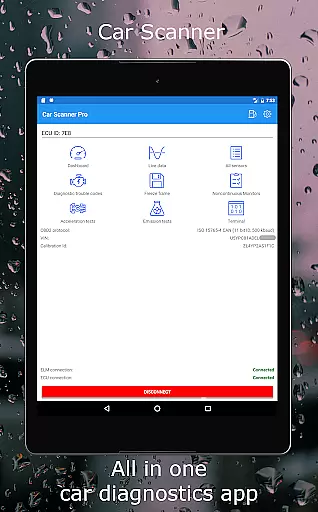
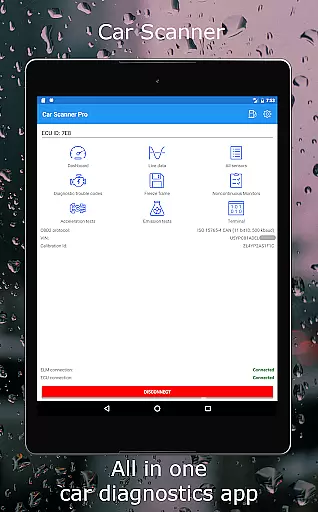
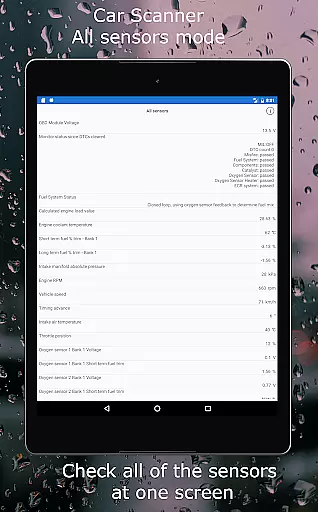
Car Scanner ELM OBD2 is a comprehensive vehicle diagnostics and performance monitoring tool designed for car enthusiasts and professionals. This application connects to your vehicle's OBD2 system through a Wi-Fi or Bluetooth adapter, providing real-time data on engine performance, fault codes, and sensor readings. With support for a wide range of vehicles produced after 1996, it offers an invaluable resource for understanding your car's health and optimizing its performance.
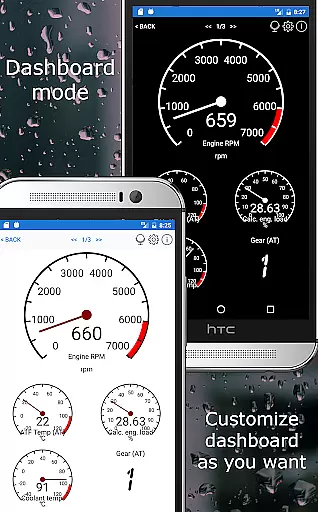
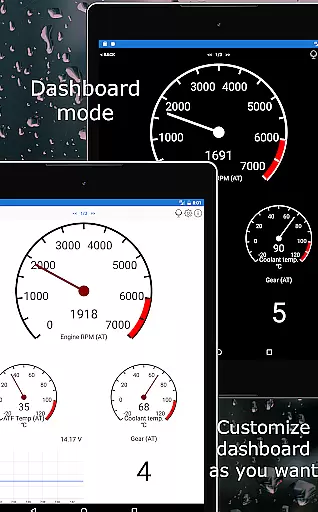
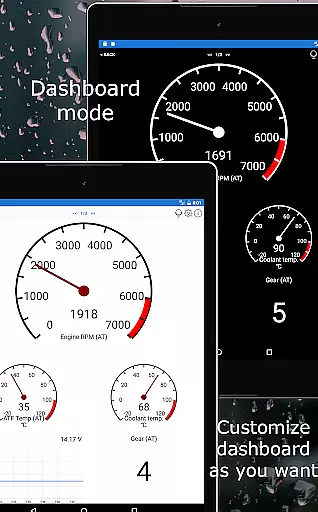
The app stands out with its customizable dashboard, enabling users to create personalized layouts displaying the specific gauges and charts they need. It also features advanced functionalities such as Mode 06 tests, readiness checks for emission tests, and even HUD mode for projecting data onto the windshield. Whether you're diagnosing issues, preparing for an emissions test, or simply monitoring your vehicle's metrics, Car Scanner ELM OBD2 delivers essential insights to keep your car running smoothly.
Car Scanner ELM OBD2 boasts an impressive array of features that cater to both amateur mechanics and professional technicians. One of its standout capabilities is the highly customizable dashboard, allowing users to tailor the interface with desired gauges and charts. This flexibility ensures that whether you're interested in engine temperature, fuel consumption, or RPMs, the information most relevant to you is always at your fingertips.
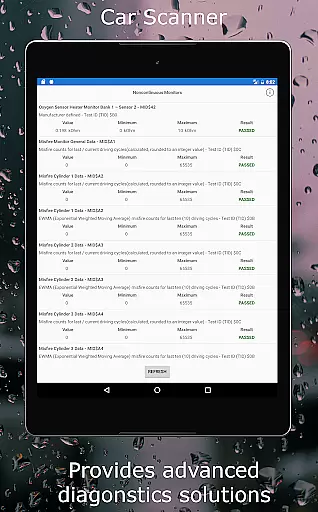
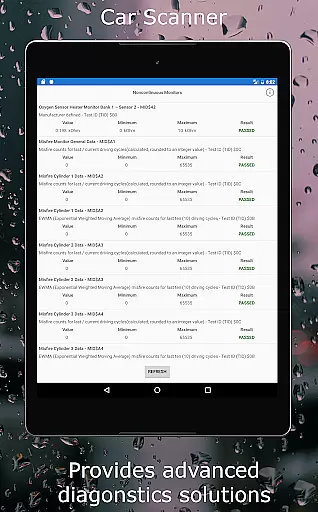
In addition to customization, the app provides extensive diagnostic tools. Users can read and reset DTC fault codes, access a vast database of code descriptions, and view free-frames to understand sensor states when faults occur. The inclusion of Mode 06 testing offers unparalleled insight into your vehicle's self-monitoring results, aiding in more accurate diagnostics and potentially reducing repair costs. Furthermore, the app supports coding functions for several car brands, enabling changes to hidden settings like video in motion and ambient light configurations, thus adding another layer of personalization and control over your vehicle's features.
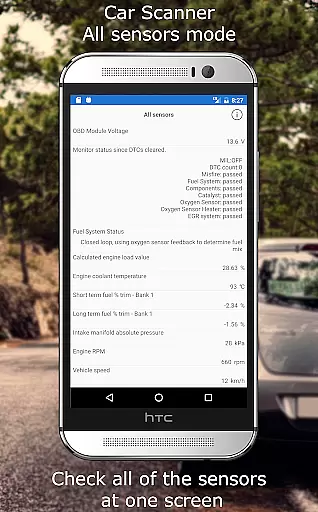
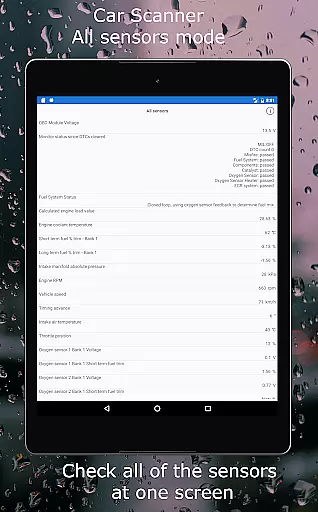
Car Scanner ELM OBD2 provides comprehensive access to detailed vehicle information by connecting to the car's OBD II system. This includes real-time data on car performance, sensor readings, and engine management details.
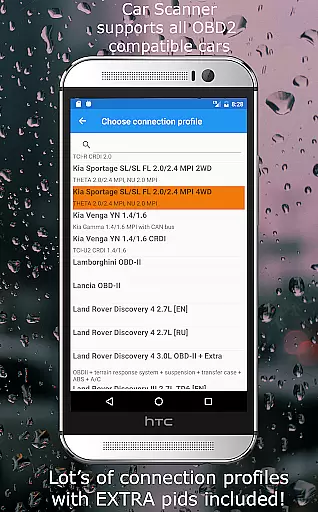
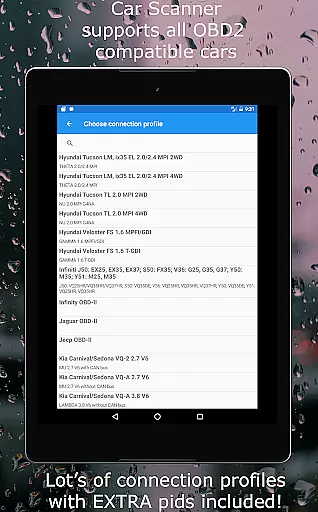
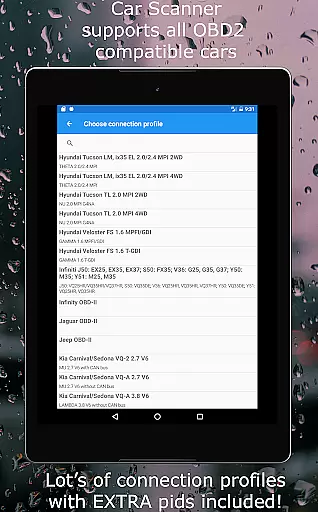
The app supports a wide range of vehicles using the OBD 2 standard, typically those manufactured after 2000. It also offers specialized connection profiles for brands like Toyota, Mitsubishi, GM, Ford, Volkswagen, and more, enhancing its compatibility and depth of information retrieval.
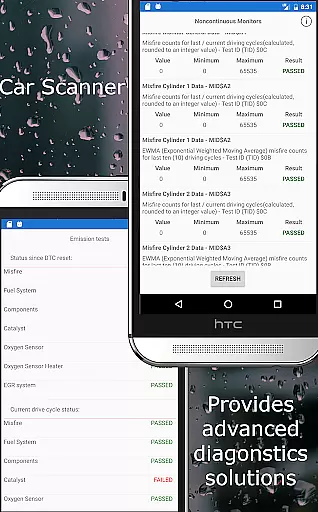
Through this application, users can view fault codes, monitor sensor statuses, and even check if their vehicle is prepared for emission tests. The inclusion of Mode 06 allows users to obtain ECU self-monitoring test results, aiding in effective vehicle maintenance and cost management.
One of the standout features of Car Scanner ELM OBD2 is its provision of price transparency concerning vehicle diagnostics and repairs. By reading and resetting DTC fault codes, users can avoid unnecessary repair costs by addressing only the necessary issues.
The app includes an extensive database of DTC code descriptions, ensuring that users are well-informed about any potential problems without hidden charges. Additionally, it offers unique functionalities such as video in motion activation and ambient light configuration for certain car models, adding further value without extra costs.
Furthermore, Car Scanner provides these extensive features for free, making it one of the most comprehensive diagnostic tools available on the Play Market without any concealed fees or subscriptions.
User-friendly interface
Extensive vehicle compatibility
Customizable dashboard
Advanced diagnostic tools
Free version offers many features
Requires compatible adapter
Some features are brand-specific
Performance varies by car model
Occasional connectivity issues
Not all cars support every feature

Theme for Car Launcher
 4.5
4.5
Realtime Charts is a plugin for the Torque Pro App (OBD 2 & Car)
4.20
* This app needs an adapter cable and a certain OBD2 adapter to work *
4.20
Launcher for use in the car
4.40
Club Car Wash Mobile App—the fast lane to managing your wash membership.
3.30
Shop cars & see your financing
4.60
PayByPhone: A quick and easy way to pay for parking.
3.80
Earn and save with Fuel Rewards®
3.20
Easy connect & control your cars from afar. Remote Lock & unlock car and carplay
4.60
The Texaco App allows you to pay for fuel from the comfort of your car!
4.80
Oil change service & coupons for car maintenance at Valvoline Instant Oil Change
4.70
MySubaru: Download. Connect. Love.
4.70
Find Your Local Store or Shop Online for the Car, Truck, or SUV Parts You Need
4.70
AI Powered - Automotive Mechanic Assistant
4.30
By enthusiasts, for enthusiasts
4.00
BlueDriver® is a Premium Diagnostic OBD2 Scan Tool. www.BlueDriver.com
3.90
Mobile Phone Parking - So easy to park
3.70
Theme for Car Launcher
4.1
Ferrari inspired analog & digital watch face with quick access and premium style
4.0


User Reviews