
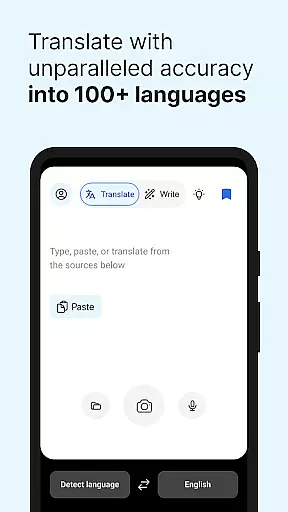
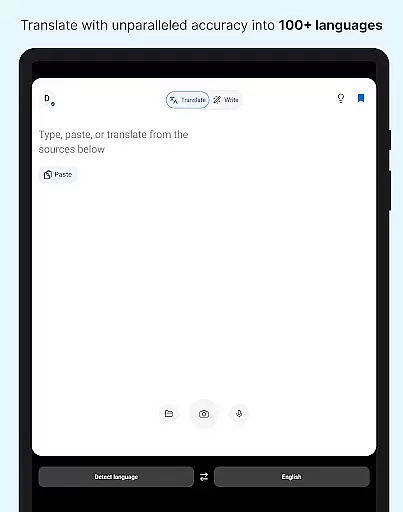
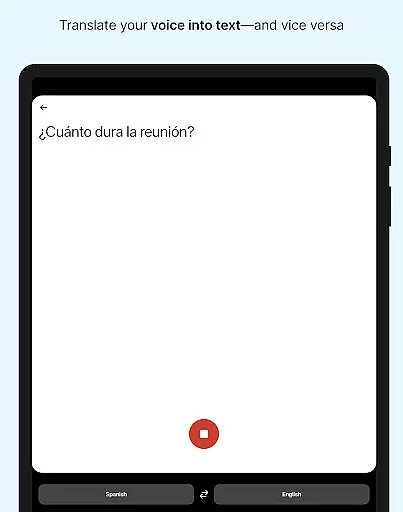
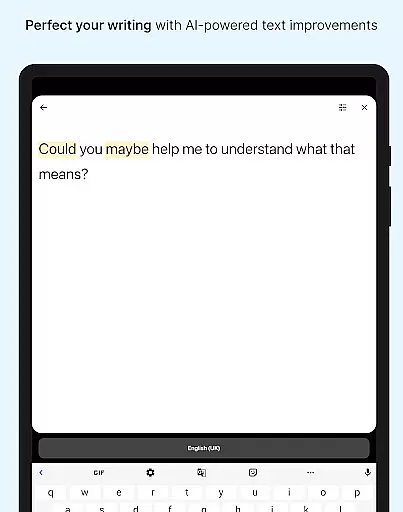
DeepL Translate is a powerful translation tool designed for seamless cross-language communication. The app offers multiple translation methods including camera translation, photo translation, and dictation, allowing users to translate text instantly through various mediums. With support for over 60 languages, DeepL ensures accurate translations for both individuals and organizations.
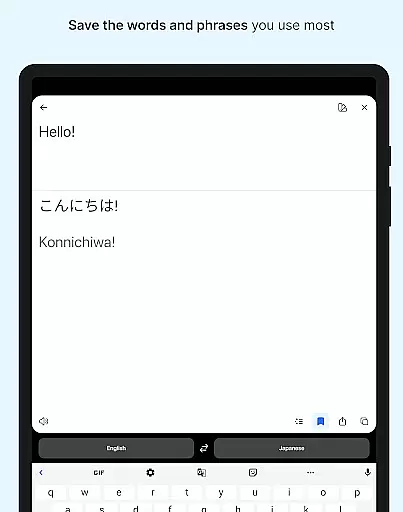
In addition to basic translation features, the app provides advanced functionalities such as text-to-speech, file translation, and quick detection of input text. Users can also save frequently used phrases in Favorites and access past translations through History. For professional needs, DeepL offers specialized features like Glossary and Tone adjustments under its paid plans, making it an ideal choice for businesses and language enthusiasts alike.
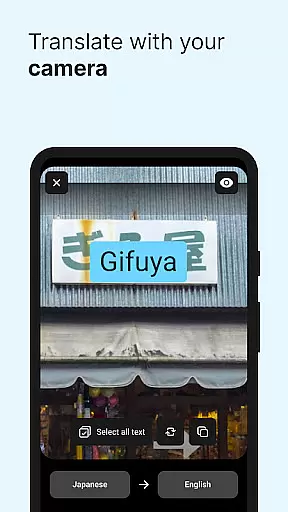
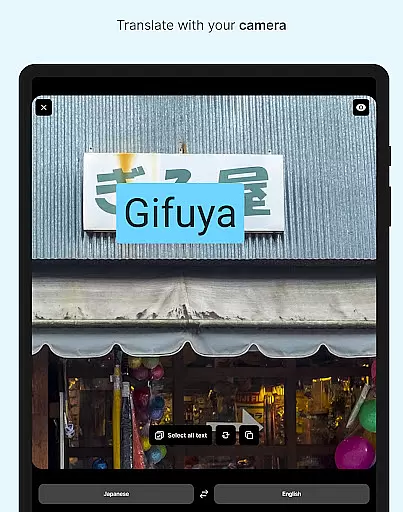
DeepL Translate stands out with its diverse range of innovative features tailored to meet different translation needs. One of its key highlights is the Camera and Photo translation, which allows users to capture or upload images to extract and translate text instantly. This feature is particularly useful for travelers or professionals dealing with printed materials in foreign languages.
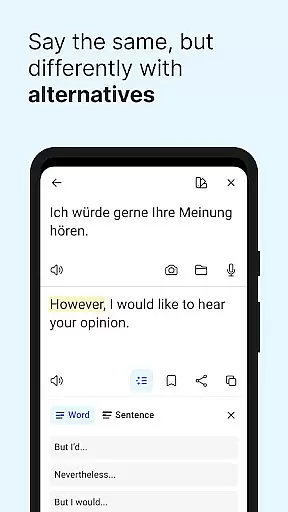
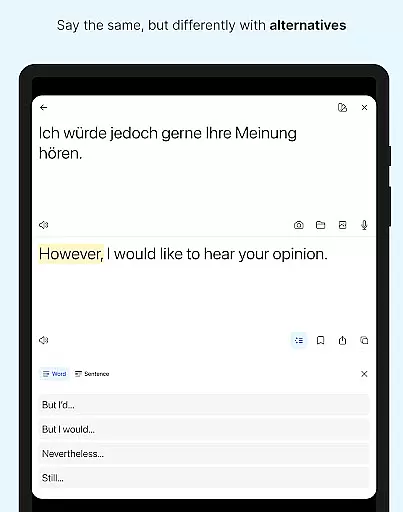
The app also includes Dictation and Text-to-Speech capabilities, enabling hands-free translation and auditory feedback. Its Quick Detection function begins translating text as you type, while Alternative Translations provide multiple options for single words or phrases. Additionally, the Transliteration feature helps users read non-Latin scripts in the Latin alphabet, enhancing accessibility across languages. These robust features make DeepL a versatile tool for both casual and professional use.
DeepL Translate offers an extensive range of language support, acting as a virtual library with over 70 languages available for translation. This vast selection ensures that users from various linguistic backgrounds can access and translate content reliably.
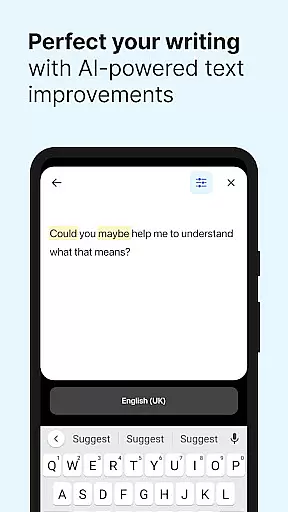
The app's dedication to accuracy is evident in its use of advanced neural networks, which provide high-quality translations while respecting the original text's context and tone. This approach guarantees that the essence of the source material is preserved, offering users a trustworthy translation experience.
For those concerned with copyright authenticity, DeepL Translate assures users that all translations are generated through its proprietary algorithms without infringing on existing copyrights. This makes it a reliable tool for professionals who require accurate translations for official documents or creative works.
Furthermore, DeepL Translate's paid plans offer additional features such as Glossary and Tone options, allowing organizations to customize translations according to their specific terminology and desired level of formality. These premium offerings enhance the app's utility for business and professional environments where precision and consistency are paramount.
DeepL Translate excels in format compatibility by enabling users to translate text from multiple sources including camera images, photos, spoken words, and various file types. This versatility allows users to seamlessly integrate translated content into their workflows regardless of the original format.
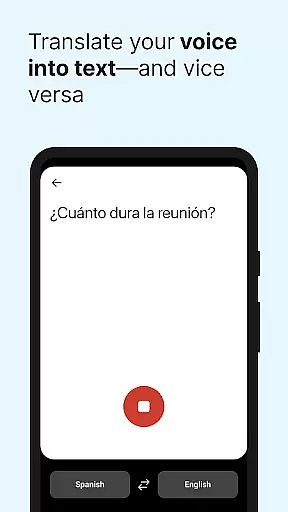
The app supports dictation and text-to-speech functionalities, catering to auditory learners and those who prefer hands-free operation. By converting spoken language into written text and vice versa, DeepL Translate bridges communication gaps across different media formats.
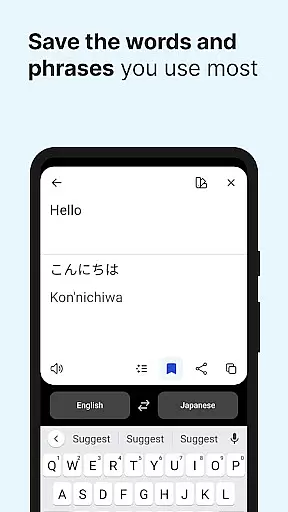
Additionally, the ability to save favorite translations and review history provides a personalized user experience. Users can easily revisit past translations, edit them if necessary, and reuse them in current projects, streamlining their translation processes.
With its comprehensive feature set, DeepL Translate ensures that whether users are working with simple text inputs or complex file structures, they can expect consistent and accurate translations every time. This commitment to compatibility and precision makes it an invaluable resource for anyone navigating multilingual content.
Wide language support
Accurate translations
User-friendly interface
Advanced paid features
Free core functionality
Limited free features
Paid plan required
Some bugs reported
Occasional delays
High system requirements

"BIG A, little a. What begins with A?"
 4.10
4.10
Plan of Life that Saint Josemaría recommended
4.80
The ultimate military vehicle identification (Equipment ID) guide.
4.40
Scan. Price. Grade.
4.60
Enjoy your favorite books
3.50
F9 Cookbook Mobile App
4.60
Research your family history to explore ancestors and search for your heritage
4.50
A lightweight reader for comics and mangas files (.cbr, .cbz, .cbt, .pdf, ...)
4.80
Learn to tie more than 200 knots in 3D!
4.90
World's most comprehensive dictionary app: 13 languages, all online or offline!
4.80
Learn Thai with 195,000+ entries, crisp Thai sounds, big text; works offline.
4.80
Read the KJV Bible with Strong’s offline: reading plans, audio Bibles, and more.
4.70
Read aloud texts, audiobooks, PDFs or any eBook with text to speech AI audio
4.60
Werewolf novels & romance stories in audiobooks for book lovers! Werewolf storie
4.60
Read the Quran in Arabic alongside its translation, with color coded Tajweed.
4.50
Learn Electricians' Handbook PRO complete guide beginners to advance.
4.40
Pretty Moon information App with Complications and Tile
4.30
Essential Technical Rescue Field Operations Guide 6, the Industry Standard Guide
4.20
“There was one last piece of cake. My little sister said ‘Me too!’”
4.00


User Reviews