
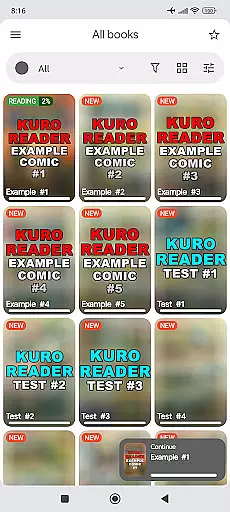

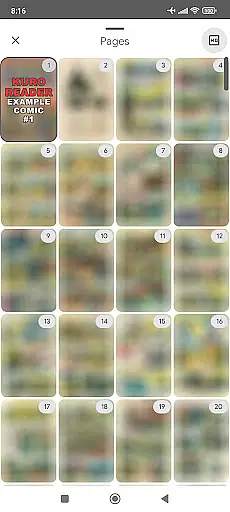
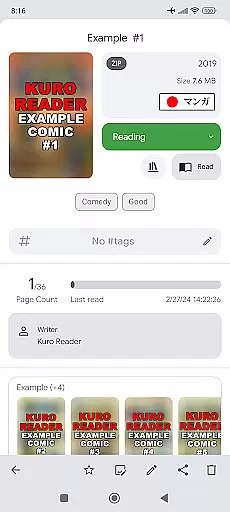
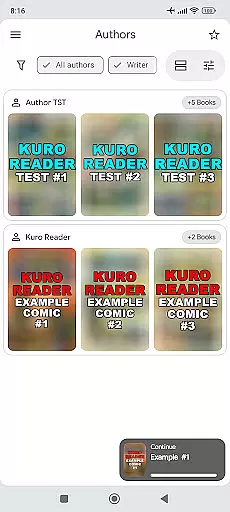
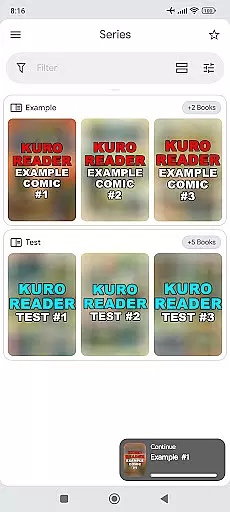
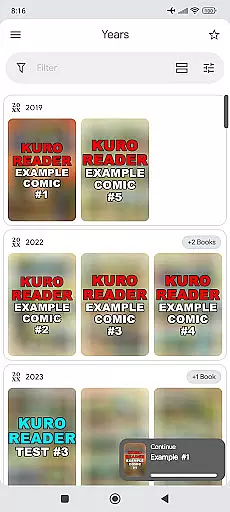
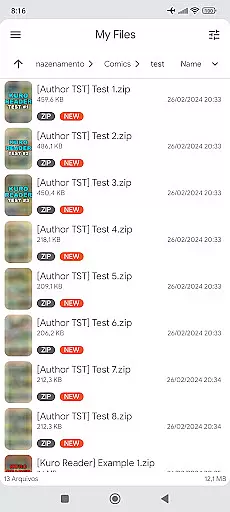
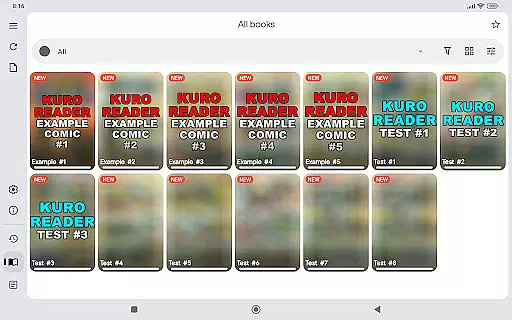

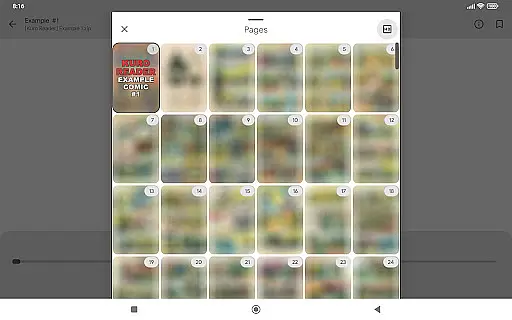
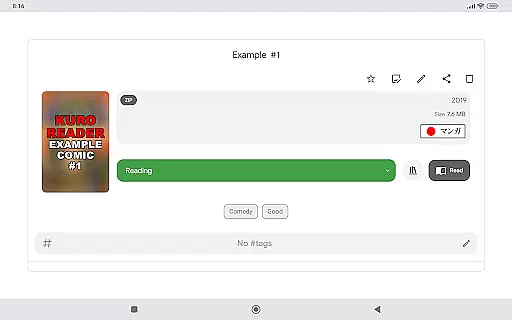
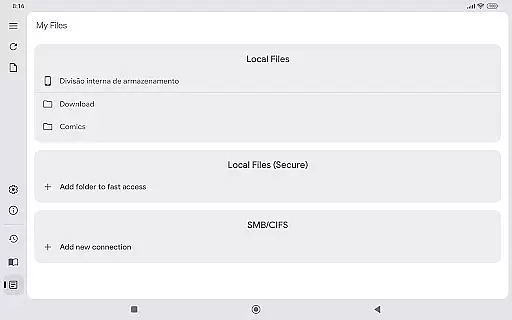
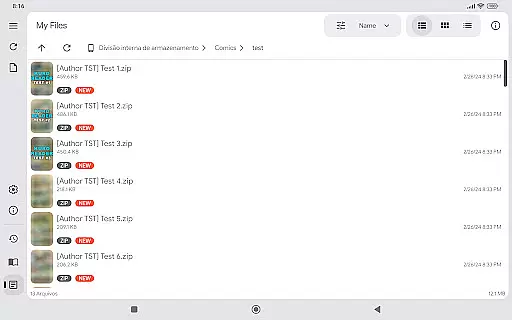
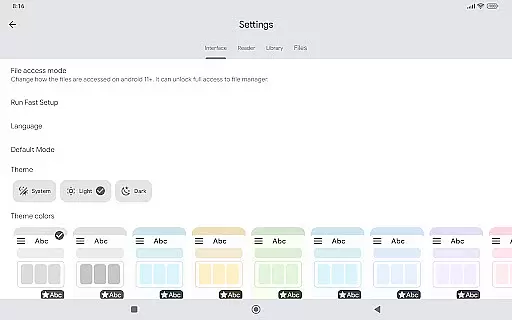
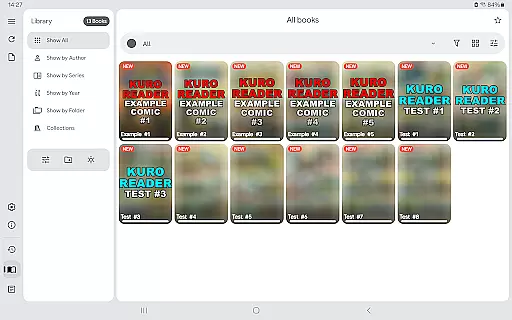
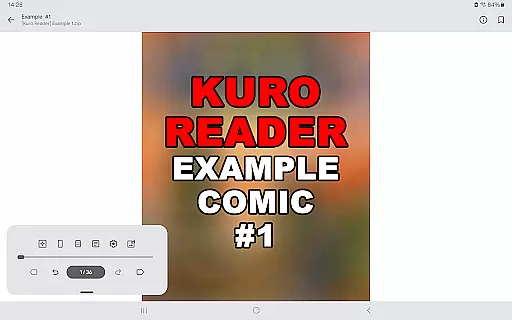
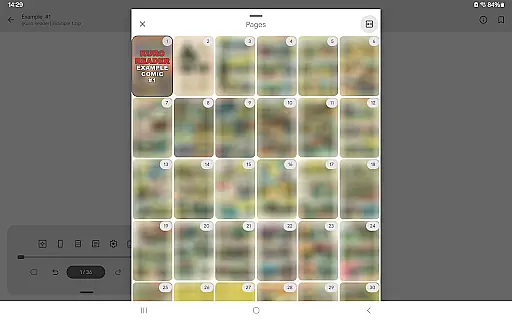
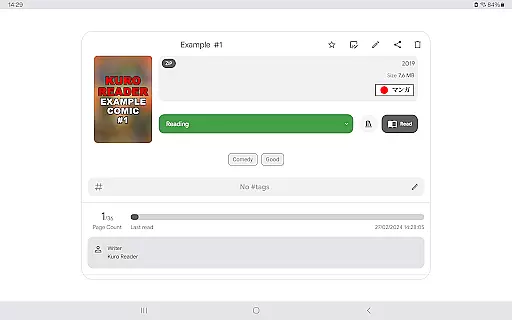
Kuro Reader+ Pro is a premium comic and eBook reader designed for book enthusiasts who value both functionality and customization. This app supports an extensive range of file formats including CBZ, CBR, PDF, and more, making it versatile for various reading materials. With advanced features like metadata editing, custom collections, and fingerprint lock, users can organize and secure their library with ease.
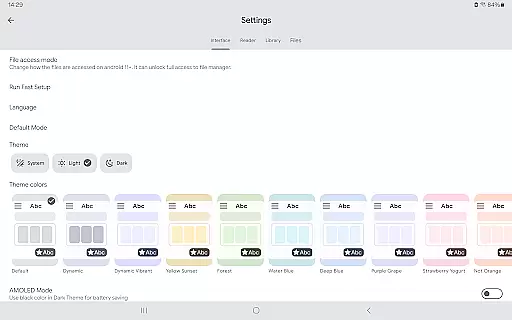
One of the standout aspects of Kuro Reader+ Pro is its specialized reading modes. Whether you prefer Manga mode for right-to-left reading or Webtoon mode for vertical strips, the app caters to diverse reading styles. Additionally, the availability of multiple themes, including dark and AMOLED options, ensures a comfortable reading experience in any environment. By supporting the app, users also contribute to ongoing development and improvements.
Kuro Reader+ Pro offers a rich set of features that enhance the reading experience. The app provides multiple interface customizations, allowing users to tailor the appearance to their preferences. With support for ComicInfo.xml, readers can enjoy extended metadata capabilities, adding depth to their library organization. The app also includes practical functions such as saving images directly from comics and basic metadata editing.
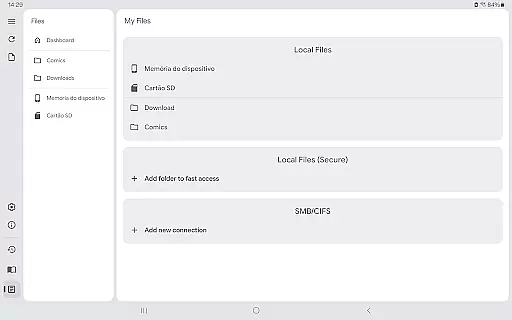
Security and accessibility are prioritized with features like fingerprint and screenshot lock, ensuring that your content remains private on supported devices. Readers can also make use of bookmarks, favorites, and custom tagging to manage their collection efficiently. Furthermore, Kuro Reader+ Pro supports SMB networks, enabling seamless access to files across different devices. These comprehensive features make it a top choice for avid readers.
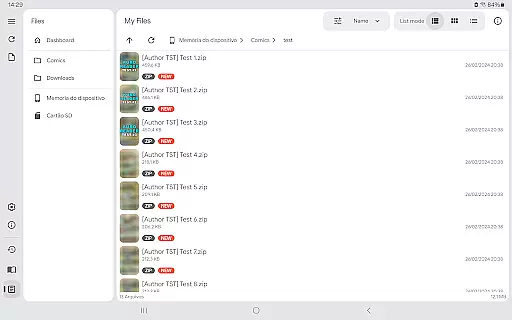
Kuro Reader+ Pro offers a comprehensive reading experience with support for various file formats including cbz, cbr, cbt, cb7, zip, rar, tar, 7z, and PDF files. This extensive compatibility ensures that users can access a wide range of legally purchased e-books and comics.
The app emphasizes copyright authenticity by providing features like basic comic metadata editing and extended metadata support through ComicInfo.xml. These tools allow users to manage their collections while respecting intellectual property rights.
With its multilingual interface supporting languages such as English, French, German, and Chinese, Kuro Reader+ caters to a global audience. The app's commitment to legal content consumption makes it a reliable choice for avid readers who value original works.
One of Kuro Reader+ Pro's standout features is its exceptional format compatibility. Users can enjoy content in multiple formats including cbz, cbr, cbt, cb7, and standard archive files like zip and rar. This versatility ensures that readers aren't limited by file type restrictions.
The application goes beyond just comic formats by also supporting PDF files, making it suitable for both graphic novels and traditional documents. Such broad format support enhances the overall user experience and accessibility.
Additionally, advanced features like one-touch image saving and fingerprint lock (on supported devices) demonstrate the app's attention to both convenience and security. These practical tools complement the core format compatibility, creating a well-rounded reading solution.
Extensive format support
Customizable interface
Advanced security options
Specialized reading modes
Multilingual support
No included content
Paid features only
Requires technical knowledge
Limited free version
Occasional bugs

"BIG A, little a. What begins with A?"
 4.10
4.10
This is the pro version King James bible Offline that we have
4.70
Battle Royale Chapter 5 Season 2 HD Wallpapers Emotes Skins and BattlePass
3.00
Learn Electricians' Handbook PRO complete guide beginners to advance.
4.40
Research your family history to explore ancestors and search for your heritage
4.50
My Bible offers a comprehensive app by providing offline access, daily verses.
4.80
A KJV Bible with Apocrypha and precept-based study concordance
5.00
Identify birds of North America by call or picture | Bird Identification
4.20
A highly sophisticated app for all of your mobile reading—any format, any time
4.50
Offline dictionary for learning Cantonese as a second language
4.90
Universal Zoom, learn about sizes & distances of the universe and microcosmos
4.80
World's most comprehensive dictionary app: 13 languages, all online or offline!
4.80
Read aloud texts, audiobooks, PDFs or any eBook with text to speech AI audio
4.60
Build family tree & discover DNA, family history heritage, origins and ancestors
4.60
Master AKC Rally signs with in-depth hints, diagrams, and expert guidance.
4.50
Read the Quran in Arabic alongside its translation, with color coded Tajweed.
4.50
Bible Spiritual Companion
4.40
“It is fun to have fun, but you have to know how!”
4.40
Cute bedtime story for kids
4.30


User Reviews