
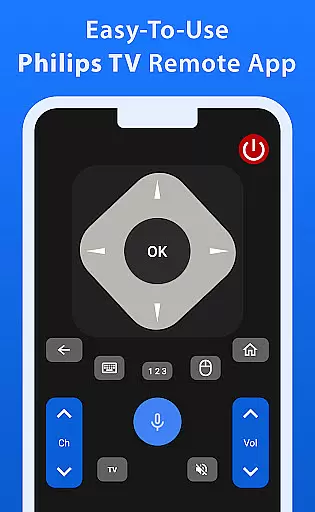
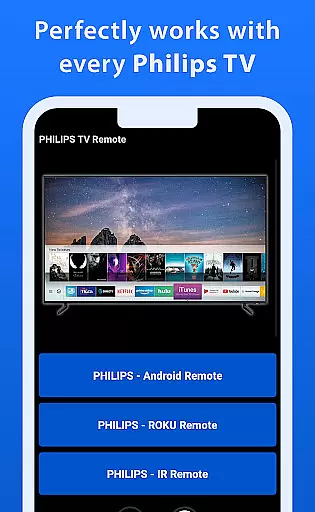
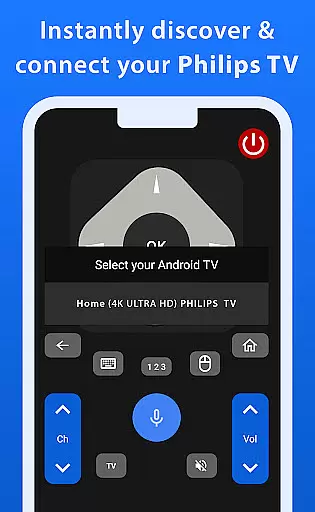
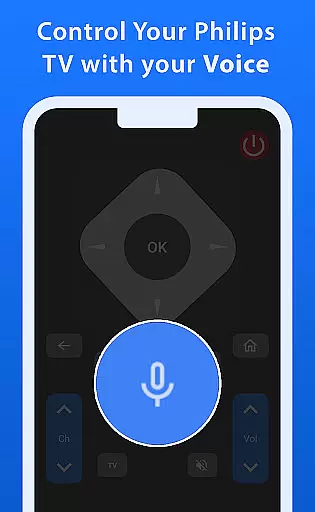
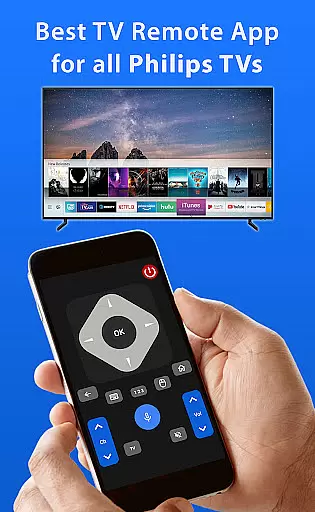
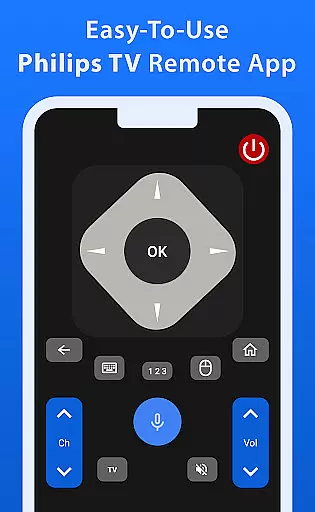
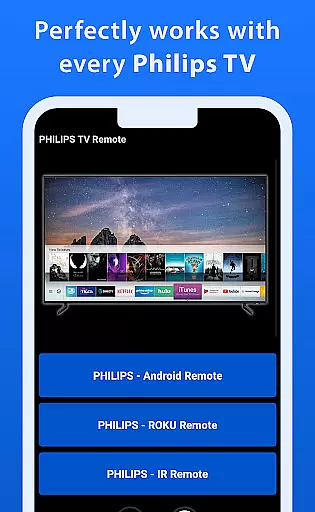
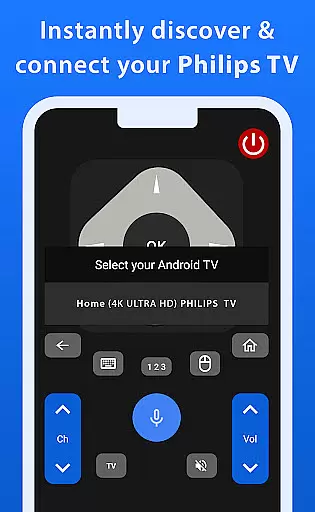
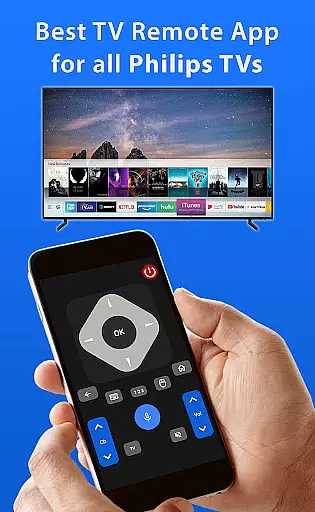
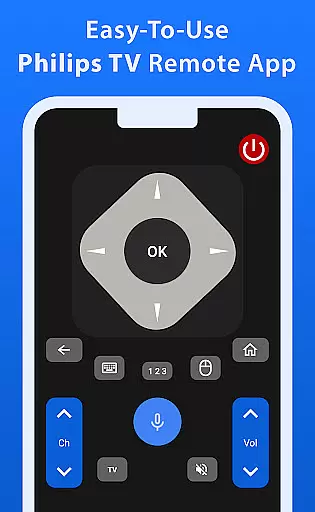
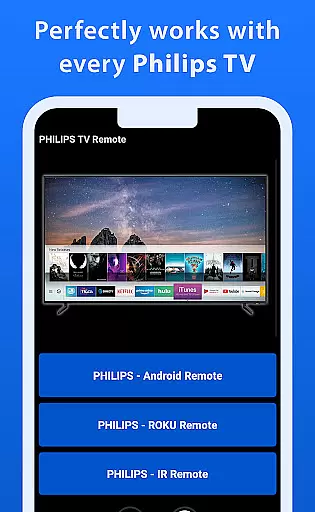
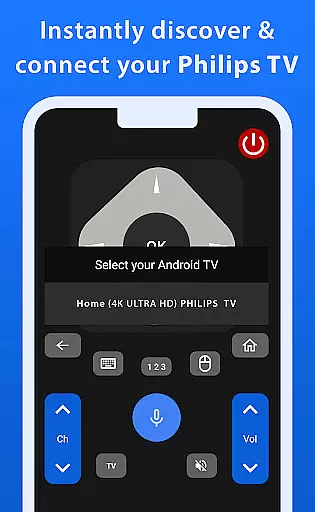
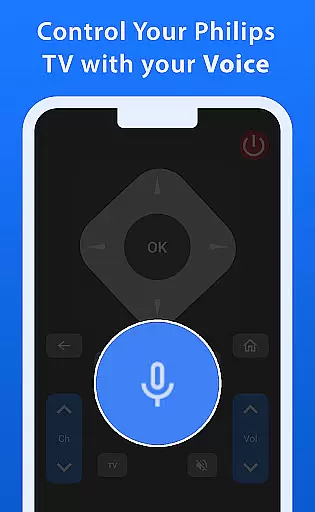

Philips TV Remote is a comprehensive remote control app designed to provide seamless control over all Philips TVs, including Android, Roku, and IR-enabled models. With its intuitive interface, the app allows users to perform essential TV operations such as changing channels, adjusting volume, accessing apps, and navigating menus with ease.
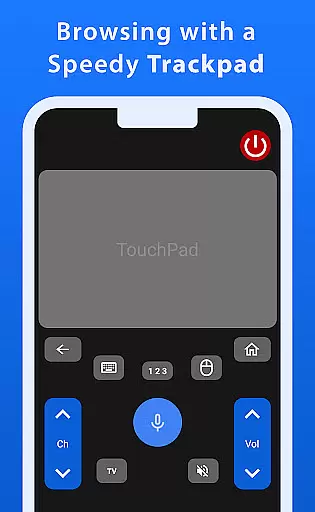
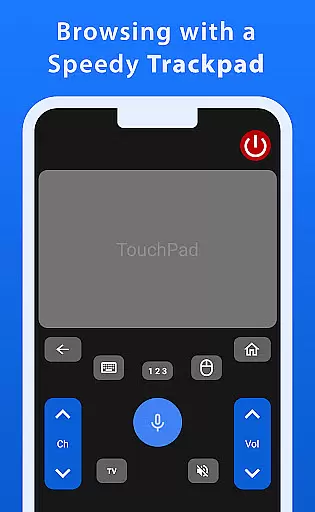
What makes this app stand out are its advanced features like a responsive trackpad for smooth navigation and voice control functionality, enabling effortless command of your TV. Whether you're managing settings or searching for shows, Philips TV Remote ensures a hassle-free and enjoyable TV experience.
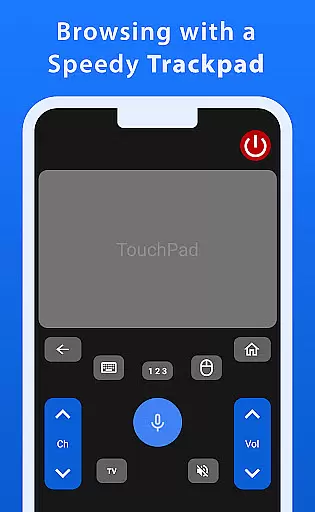
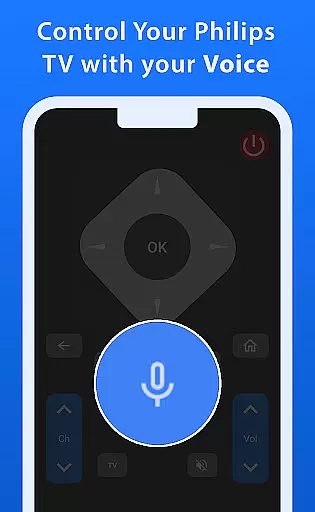
Philips TV Remote offers an array of powerful features that enhance the TV viewing experience. The app includes a fast and responsive trackpad, allowing users to navigate menus and options smoothly. Its voice control function lets users command their TV effortlessly, making it easy to search for shows or adjust settings without manual input.
In addition to basic remote functions, the app supports advanced capabilities such as app launching and menu navigation. These features ensure that users can fully operate their Philips TV from their mobile device, providing convenience and improving accessibility for everyday use.
When it comes to managing your Philips TV, ensuring the authenticity of control features is paramount. The Philips TV Remote app provides a reliable and accurate representation of all essential TV functions, ensuring users can trust the commands they send through their mobile devices.
The app meticulously mirrors the original TV remote functionalities, offering precise control over channel changes, volume adjustments, and menu navigation. This accuracy ensures that users experience seamless interaction without any discrepancies between the app's interface and the actual TV operations.
By delivering an authentic control experience, the app eliminates confusion and enhances user confidence. Whether adjusting settings or launching apps, users can be certain that every action corresponds directly to their TV's capabilities, providing peace of mind and a dependable tool for daily use.
Beyond basic TV control, the Philips TV Remote app offers advanced home management features that elevate the user experience. With its integrated trackpad functionality, users can navigate menus and input fields with smooth precision, making complex interactions feel natural and effortless.
Voice control stands out as a key feature, allowing users to command their TV with simple spoken instructions. This hands-free approach not only simplifies common tasks like searching for shows or adjusting settings but also makes the app accessible to individuals who may find traditional remote controls challenging.
These enhanced features contribute significantly to home entertainment management by streamlining operations and reducing the need for multiple controllers. As a result, users enjoy a more organized and efficient viewing experience, enhancing both convenience and enjoyment in their living spaces.
User-friendly interface
Voice control functionality
Responsive trackpad navigation
Supports multiple Philips TV models
Comprehensive remote features
No official Philips endorsement
Limited to Philips TV models
Requires compatible devices
Dependent on network stability
Potential connectivity issues

Use Home by ShowingTime to easily manage showings, tours, feedback and more
 3.60
3.60
PRO Version of GLB AR Viewer
4.4
Wobble Fix Tool
4.40
Find paints using a Color Muse & ColorSnap® Match
3.60
Download today to join the community to help bring lost pets home faster.
4.70
Rent on-the-go with TurboTenant’s app made just for renters
4.50
Design your dream home with 3D planning app, Visualize your dream home in 3D.
4.20
Samsung remote app helps control all Samsung Smartthings TVs. Fast and Stable!
4.10
Houses for Sale & Homes for Rent: Buy Homes, Rent Apartments & Sell Real Estate
4.80
View houses and apartments for rent, updated daily.
4.80
Home Ideas | Renovation Advice | Local Pros. Go From Dream to Home with Houzz.
4.70
Find your next home, house, apartment, condo, casa, flat, rental, studio, or bed
4.70
Innovative and budget-friendly housing options
4.60
Control the scent and ambiance of your home and car, right from your phone.
4.50
SmartRent - Opening Doors To A Smarter World
4.40
Make your phone a surveillance camera remote with a home camera app for Android!
4.40
Schlage Lock Company LLC
4.00
Technology powering many in-home services for residents across the United States
3.80
Calculate baluster spacing with ease and precision.
4.0


User Reviews