
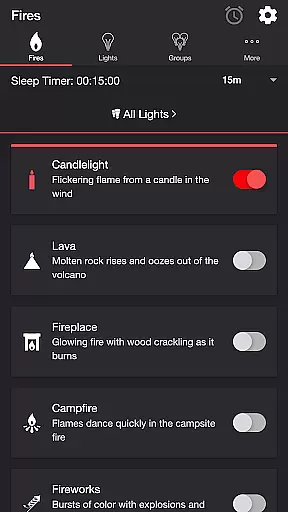
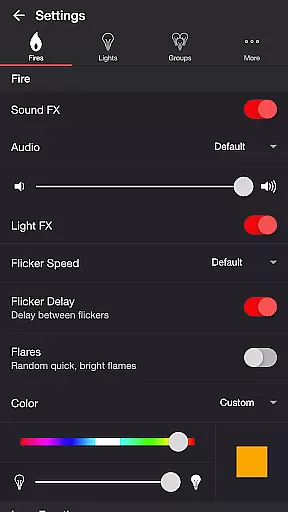
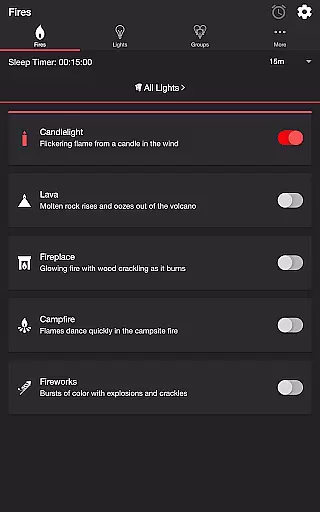
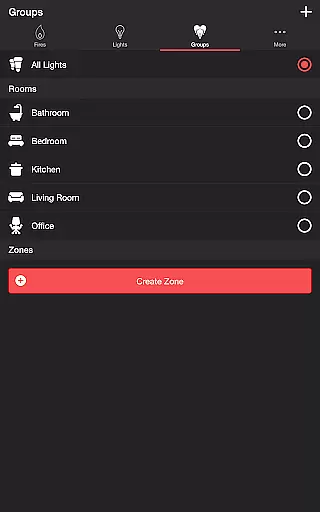
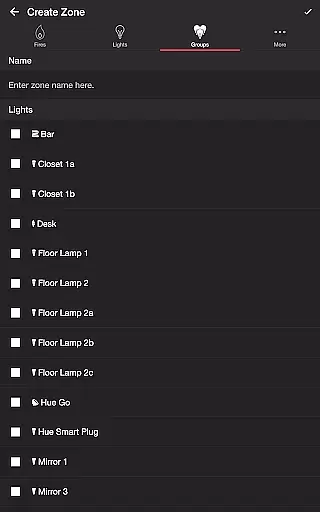
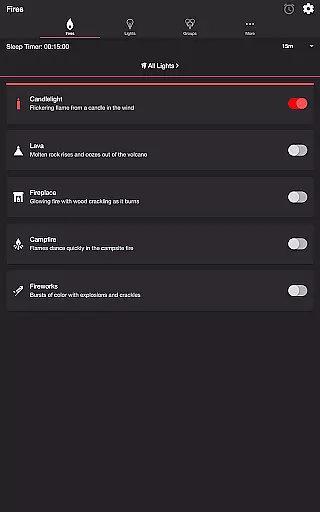
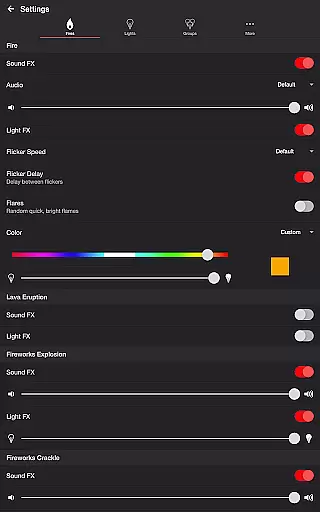
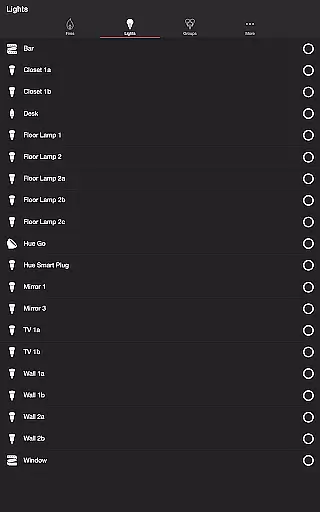
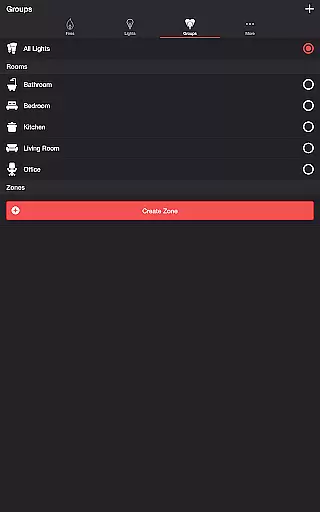

Firestorm for Hue is an entertainment application that allows users to create immersive lighting experiences using Philips Hue lights. The app simulates various fire-themed lighting effects, including Candlelight, Lava, Fireplace, Campfire, and Fireworks, each with customizable sound and light settings.
Users can adjust flicker speed, color, brightness, and toggle sound effects to match the desired mood. Additional features include a sleep timer with audio fade-out, Bluetooth speaker connectivity, and Chromecast support for synchronized audio-visual experiences. This makes it ideal for home ambiance creation or themed events.
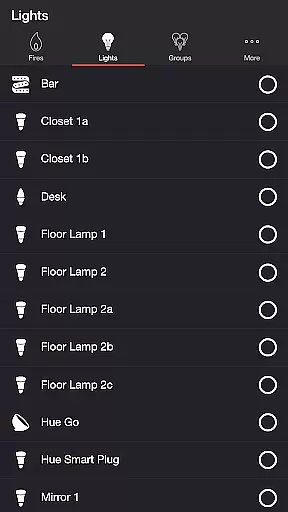
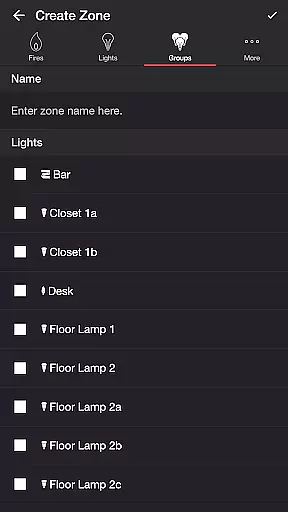
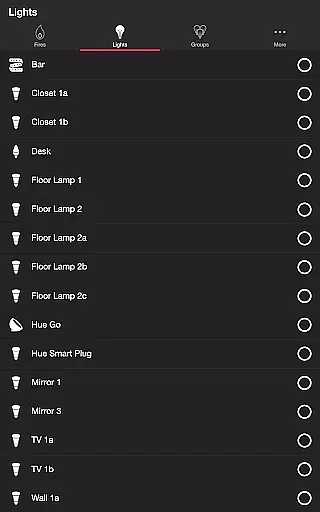
The app requires a Hue Bridge and offers advanced customization options for both individual lights and groups, enabling users to design complex lighting setups. With its intuitive interface and extensive settings, Firestorm for Hue delivers both functionality and creative freedom for Philips Hue owners.
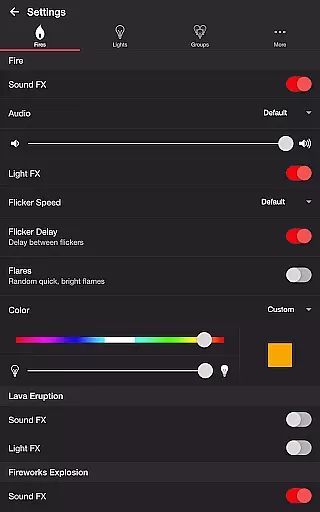
Firestorm for Hue stands out with its diverse range of customizable fire effects. Each effect, such as Lava Eruption and Fireworks Explosion, comes with dedicated settings for sound volume, light intensity, and timing intervals, allowing users to fine-tune their experience.
Beyond lighting effects, the app includes practical tools like a Sleep Timer, which automatically turns off lights after a set duration, and a Delay Light FX feature to synchronize wireless audio. Users can also integrate background sounds like birds, crickets, or frogs to enhance the atmosphere.
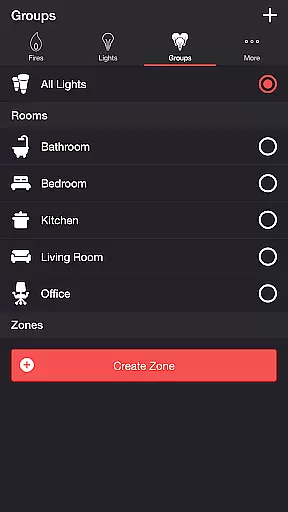
For convenience, Firestorm supports multiple control options, including direct Bluetooth speaker connections and casting to Chromecast-enabled devices. Its compatibility with Philips Hue zones and groups ensures seamless management of complex lighting arrangements, making it a versatile tool for both casual and advanced users.
Firestorm for Hue offers an impressive range of content options that cater to diverse user preferences. With five distinct fire modes including Candlelight, Lava, Fireplace, Campfire, and Fireworks, the app provides a rich selection of visual and audio experiences.
The application goes beyond simple light control by incorporating detailed sound effects for each fire mode. Users can customize their experience with various audio tracks such as Default, Lava, Fireplace, and Campfire sounds, ensuring a fresh and engaging atmosphere every time.
What sets Firestorm for Hue apart is its sophisticated settings menu that allows for precise customization of both visual and audio elements. From flicker speed adjustments to eruption intervals and background sounds, users can create unique combinations that keep their entertainment experience feeling new and exciting.
Firestorm for Hue excels in maintaining user engagement through its comprehensive feature set and customization options. The app's intricate control over Philips Hue lights, combined with synchronized sound effects, creates an immersive environment that encourages extended usage sessions.
Retention is further enhanced by the app's sleep timer functionality, which allows users to program automatic shutdowns while gradually fading out audio. This thoughtful feature ensures that users can enjoy uninterrupted relaxation without worrying about manually turning off their devices.
The ability to save custom configurations and automatically restart selected modes creates a seamless recurring cycle of entertainment. These retention-focused features, coupled with Bluetooth and Chromecast support, provide users with compelling reasons to return to the app regularly, establishing Firestorm for Hue as an essential tool for home ambiance creation.
Highly customizable
Wide range of effects
User-friendly interface
Bluetooth support
Sleep timer feature
Hue Bridge required
No offline mode
Premium cost
Limited device support
Complex for beginners

Watch whatever you want, whenever you want, wherever you want.
 3.30
3.30
Exclusive creator communities
4.70
EVP Recorder / Voice Recorder for ghost hunting, to communicate with ghosts.
4.2
Journey to the world’s oldest rainforest and meet its Indigenous Custodians.
4.2
Pathfinder 2e initiative tracker with bestiary, HP, reaction, conditions, etc
4.80
Direct access to the most complete Guitar Tab Archive in Spanish: LaCuerda.net
4.60
Fool your friends & Family with Fake ultrasound test report
3.60
Alice Box is an Instrumental Trans Communication app.
3.80
Connect. Discover. Control.
3.60
Scan sets, track your builds, and enjoy intuitive digital instructions.
4.70
The JBL Portable app works with JBL portable Bluetooth speakers.
4.60
Tarot & Oracle Card Readings
4.50
Series,Películas y Telenovelas
4.50
* Multiple Matches * Intuitive UI * Scoring Made Easy!
4.40
Browser for Chromecast to stream webvideos, online movies, IPTV & HD livestreams
4.40
Experience the video editing experience brought by our intuitive interface
4.10
Stream live TV shows, sports, news, movies & more - all without cable.
3.00
With the Steam Mobile App, you can take Steam with you anywhere.
3.00
Air Horn - Siren Sounds Prank, Fun way to wake up your Friends and Family
4.3


User Reviews