
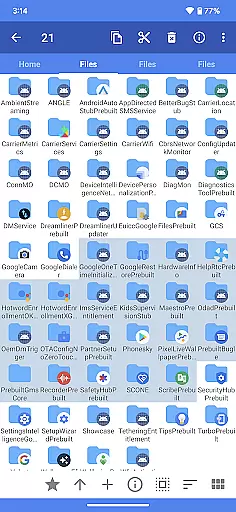
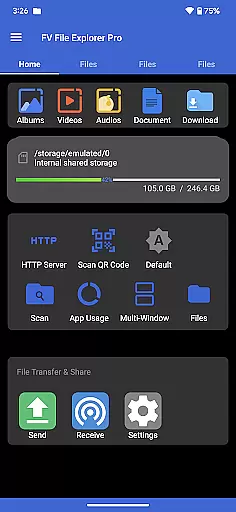
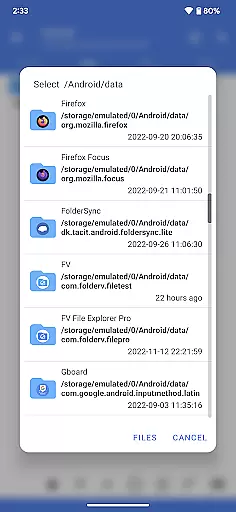
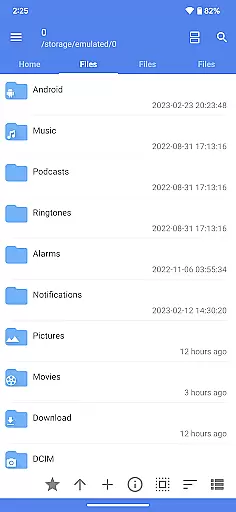
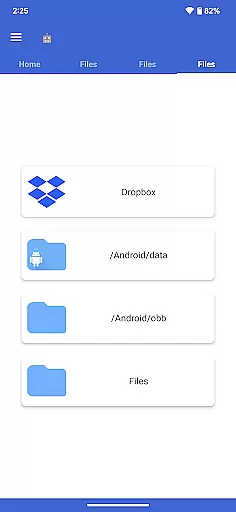
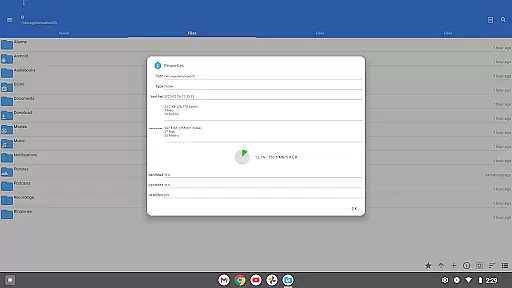
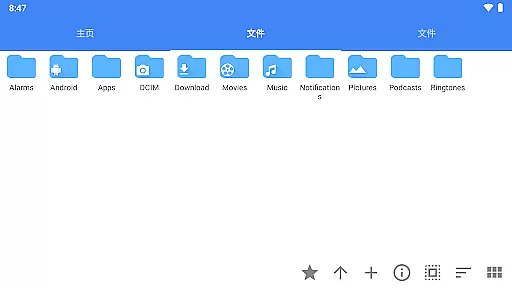
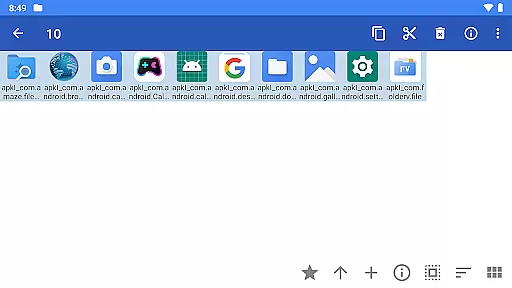
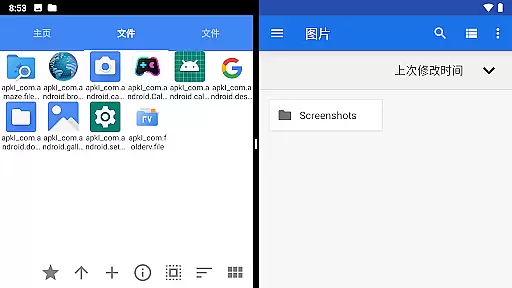
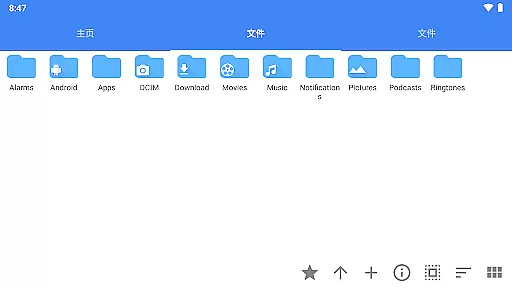
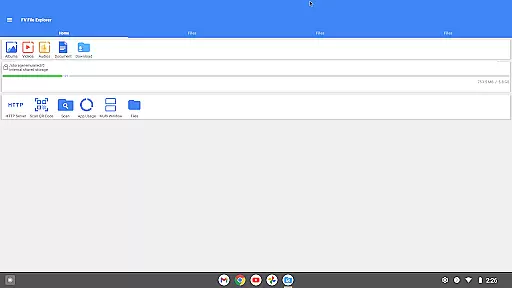
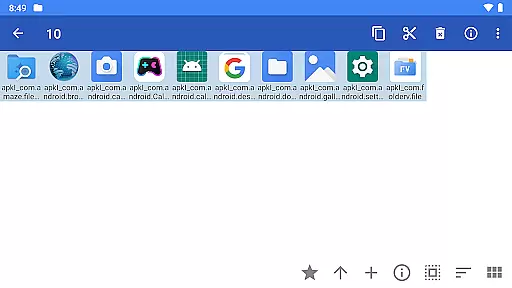
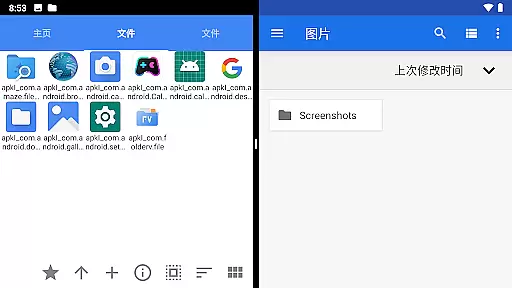
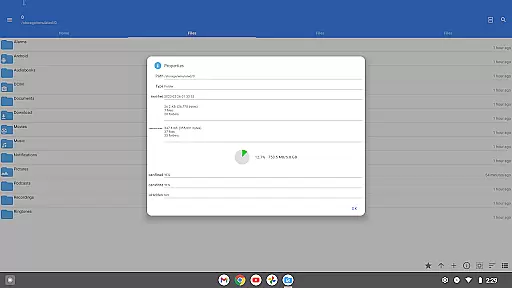
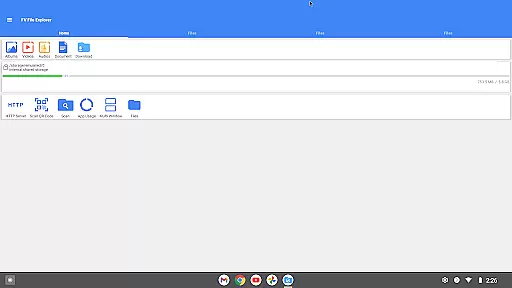
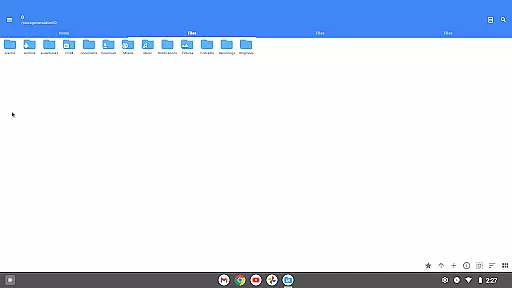
FV File Pro is a robust file management tool designed specifically for Android devices. This application allows users to efficiently manage their files, including accessing restricted directories like /Android/data and /Android/obb on Android 13 without requiring root access. With a sleek Material Design UI, it supports viewing multiple image formats such as JPG, PNG, BMP, TIFF, and more.
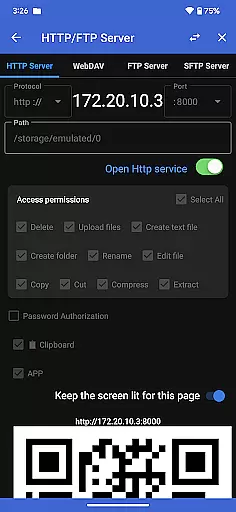
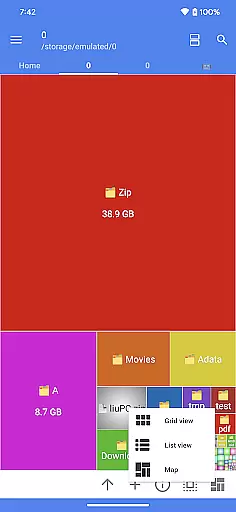
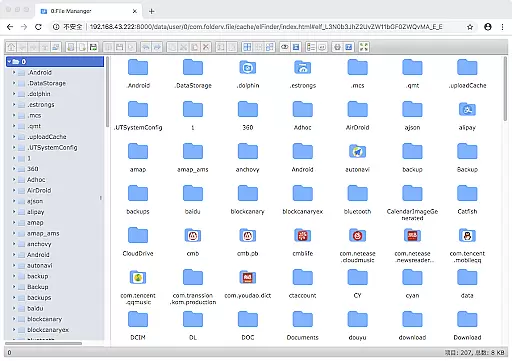
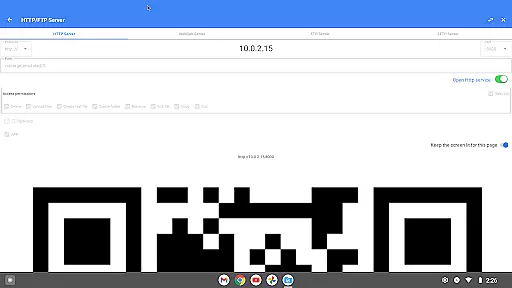
Additionally, the app provides powerful features like managing files over wireless networks via HTTP, FTP, or SFTP within the LAN, eliminating the need for data cables. It also includes a WebDAV server feature, enabling seamless file transfers between your Mac and mobile device. The treemap visualization for storage offers an intuitive way to understand disk usage, representing files as colored rectangles proportionate to their sizes.
FV File Pro stands out with its comprehensive set of features tailored for efficient file management. One notable feature is the ability to extract multiple compressed file formats including ZIP, RAR, 7z, ISO, and DMG. This makes handling various types of archives straightforward and efficient.
The app also excels in network-based file management. Users can manage their files wirelessly through HTTP, FTP, or SFTP protocols within a local area network (LAN), facilitating easy transfer of documents, pictures, and text files between computers and mobile devices without using mobile data. Additionally, the integrated WebDAV server allows users to connect to the server directly from their Mac's Finder by entering the server address.
Another innovative feature is the treemap visualization for storage, which helps users visually comprehend their storage distribution. Each file is represented as a colored rectangle, the size of which corresponds to the file's size, making it easier to identify large files and manage disk space effectively.
FV File Pro stands out as a robust file management tool designed for Android users, focusing on delivering accurate and effective core functionalities. The app provides an extensive suite of features including seamless access to restricted directories such as /Android/data and /Android/obb without requiring root permissions, which is crucial for advanced users who need to manage app data and game files.
One of the key aspects of FV File Pro is its support for a wide array of file formats. Whether it's image files like JPG, PNG, BMP, or compressed files such as ZIP, RAR, and 7Z, the app ensures that users can view, extract, and manage their files with precision. This versatility in handling different file types speaks volumes about the app's commitment to functionality and user convenience.
Moreover, the inclusion of network-based file management through HTTP, FTP, or SFTP protocols allows users to effortlessly transfer files between devices within the same LAN without any physical connections. This feature not only enhances productivity but also saves on mobile data usage, making it an eco-friendly choice for file sharing among colleagues or family members.
The hallmark of a great tool is an interface that combines simplicity with intuitiveness, and FV File Pro excels in this domain. By adopting Material Design principles, the app offers a visually appealing and user-friendly environment that makes navigation straightforward even for those who may not be tech-savvy.
A significant advantage of FV File Pro is its Treemap visualization feature, which presents storage usage in a highly intuitive manner. Each file is represented as a colored rectangle, the size of which corresponds to the file's actual size. This visual representation helps users quickly identify large files or folders that may be consuming excessive storage space, thus simplifying the task of managing device memory.
In addition to its graphical prowess, the app integrates practical tools such as QR code and barcode scanning, markdown file previews, and WebDAV server capabilities. These features are seamlessly woven into the interface, ensuring that while the app is packed with powerful functions, it remains uncluttered and easy to use. Such attention to detail in UI design significantly enhances the overall user experience, making file management not just efficient but also enjoyable.
User-friendly interface
Wireless file management
Advanced image support
Comprehensive file extraction
Efficient storage visualization
No iOS version available
Some features require premium
Limited customer support
Occasional bugs reported
Interface can be complex

 4.10
4.10 4.50
4.50
Just swipe the edge to do something!
4.40
Unit and currency converter with easy and simple UI.
4.80
HD Video player and downloader for all formats, fast & smooth 4K video playback.
4.60
Making emulation easy for everyone!
4.30
With videos, electrical calculators, and built-in ebook, Ugly’s has your answer.
4.50
Mirror your screen to Fire TV - Super fast and simple
4.40
Protect your device with antivirus, storage cleanup, and system monitoring
4.70
Support Fossify apps with a warm thank you!
5.00
Connect wirelessly to your computer to watch movies, browse the web, play games
5.00
Change your GPS location instantly. Simulate routes anywhere in the world.
4.90
NFC Tools can read and write NFC tags.
4.70
Mirror your screen to Chromecast and Android TV - Super fast and simple
4.60
Use your phone as a webcam on your computer over WiFi or USB.
4.40
Universal TV remote control all TVs, Roku, LG, Samsung, Fire, Vizio, Sony, TCL.
4.40
A simple app to back up and restore SMS & MMS messages and call logs.
4.10
Amateur Radio app for APRS: Track friends, exchange messages, get tactical info.
3.90
Create your own live wallpaper or check out thousands already made presets
3.90


User Reviews