
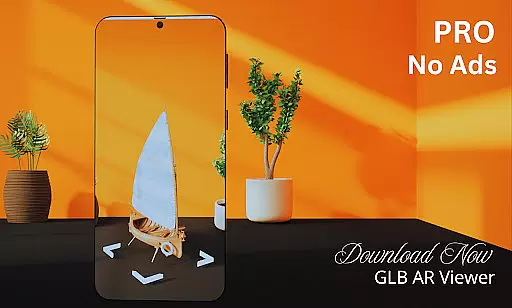
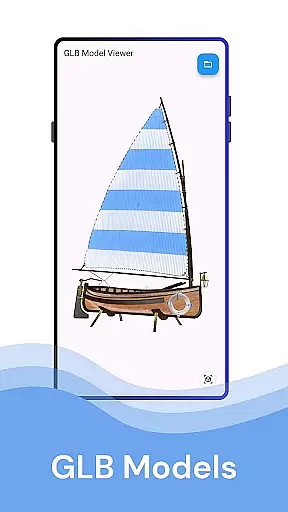
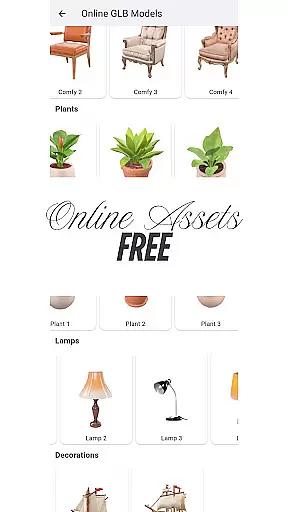
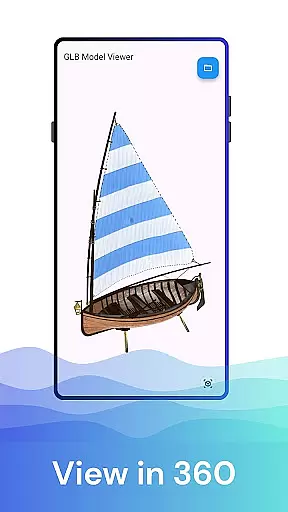
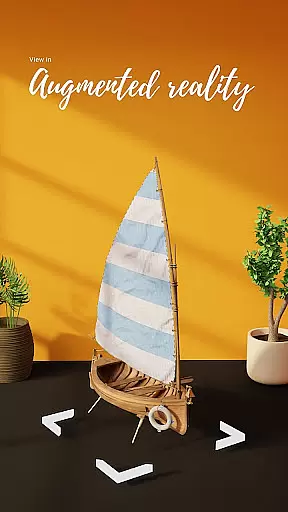

GLB AR Viewer 3D PRO is a cutting-edge application designed for users to seamlessly view and interact with 3D GLB models. The app supports both standard 3D viewing and immersive Augmented Reality (AR) experiences, making it an essential tool for anyone working with or interested in 3D content. Whether you're a professional 3D artist, a developer testing game assets, or simply someone fascinated by 3D design, this app allows you to load and explore GLB files directly on your mobile device.
One of the standout features of GLB AR Viewer 3D PRO is its ability to integrate ARCore technology, enabling users to project 3D models into their real-world environment. This functionality provides a unique way to visualize designs, test models, or showcase creative work in a realistic setting. With its intuitive interface and responsive touch controls, the app ensures that interacting with complex 3D models is both simple and enjoyable.
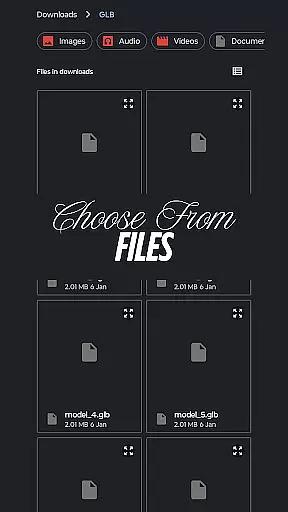
GLB AR Viewer 3D PRO offers a robust set of features tailored for efficient 3D model visualization. First and foremost, the app allows users to open .glb files directly from their device storage, providing quick access to 3D models without any complicated setup. Once loaded, users can take advantage of interactive controls such as rotation, zooming, and panning, all powered by intuitive touch gestures.
In addition to standard 3D viewing, the app includes an advanced Augmented Reality (AR) mode. Using ARCore technology, users can place 3D models within their physical surroundings, offering a dynamic way to assess scale, design, and spatial relationships. The app's lightweight architecture ensures fast performance without unnecessary bloat, while its clean, user-friendly interface makes navigation effortless. These features collectively make GLB AR Viewer 3D PRO a versatile tool for professionals and hobbyists alike.
When it comes to property listings, the GLB AR Viewer 3D PRO app ensures that users can visualize properties with a high degree of authenticity. The app allows real estate professionals and potential buyers to load .glb files containing 3D models of properties directly onto their devices.
This feature provides an immersive experience by enabling users to view these models in standard 3D or through Augmented Reality (AR), placing life-like renderings into their actual environment. This means that whether you're assessing the architectural details or envisioning your future space, what you see is as close to reality as possible without being physically present.
The ability to interact with 3D models using touch gestures such as rotating, zooming, and panning further enhances the authenticity of each listing. Users can explore every angle and feature at their own pace, ensuring they have a comprehensive understanding before making any decisions.
GLB AR Viewer 3D PRO extends its utility beyond just viewing properties; it also serves as a tool for home management. With its interactive controls, homeowners and property managers can plan renovations or rearrangements by visualizing changes in their real-world environment through AR.
The app's user-friendly interface makes it easy for anyone to use, regardless of technical expertise. Its clean and minimal UI ensures that managing your home's layout or preparing for remodeling projects is a smooth experience.
For educators and students in the field of interior design or architecture, this app offers an invaluable resource for exploring and learning about spatial arrangements and aesthetics. By bringing 3D models to life in full AR, it bridges the gap between theoretical knowledge and practical application.
Fast loading times
Intuitive AR features
User-friendly interface
Interactive model controls
Ideal for professionals
Limited file format support
AR requires specific hardware
No advanced editing tools
Premium version needed
Occasional performance lags

Unlock AI-based barcode scanning and support the development of Grocy Android
 4.2
4.2
Turn your phone into a wifi cam with smart features and umlimited reach.
4.20
Design house plans in 2D & 3D, style furniture, and preview renovation layouts
3.70
Control Fire TV & mirror your phone screen instantly over Wi-Fi.
3.30
SmartRent - Opening Doors To A Smarter World
4.40
Resident Center, powered by Buildium, is designed with simplicity in mind.
4.50
Innovative and budget-friendly housing options
4.60
Connect with reliable pros for maintenance services, plumbing, and home design!
4.80
Houses for Sale & Homes for Rent: Buy Homes, Rent Apartments & Sell Real Estate
4.80
Turn old phones into security cameras, baby monitors, pet cams, and more.
4.70
Map-based search app for apartments and homes for rent.
4.60
AI Home Designer & Room Planner: Decorate your interior space with AI
4.40
3D House Design and AI Room Planner - from floor plans to full interior design.
4.40
Set up your devices, customize settings, and monitor your home—from anywhere
4.40
For all of your Airthings devices
4.30
The official app for Home Assistant. Control your home anywhere in the world.
4.30
Design your dream home with 3D planning app, Visualize your dream home in 3D.
4.20
Draw house plans, floor plans 3d & house design with house plan drawing 3d app
3.60
Find paints using a Color Muse & ColorSnap® Match
3.60


User Reviews