
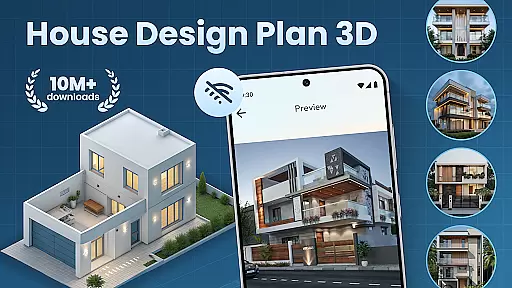
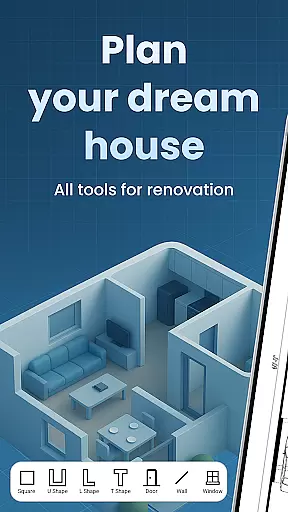
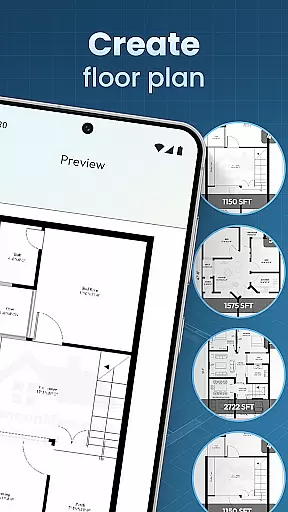
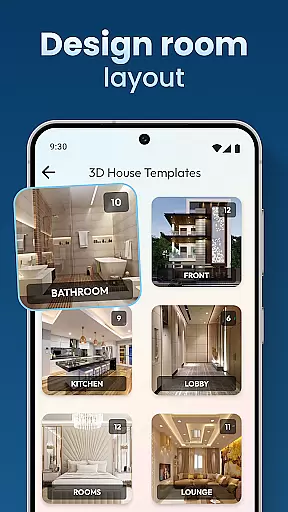
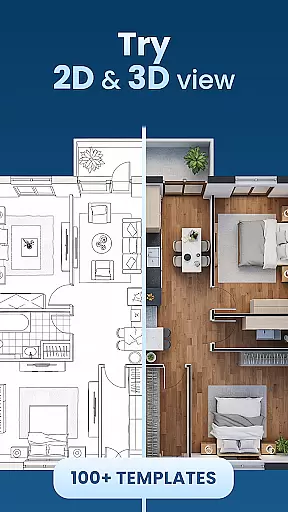
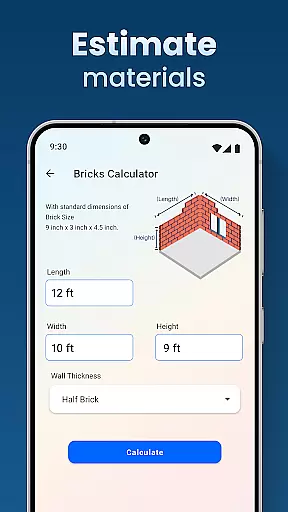
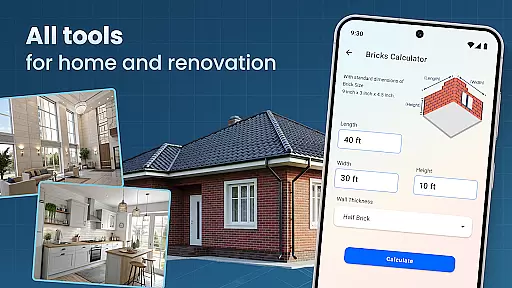
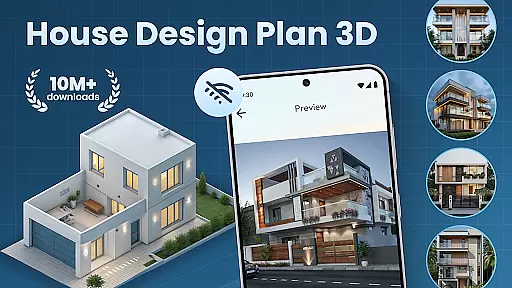
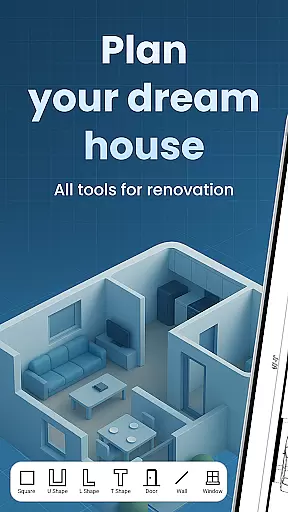
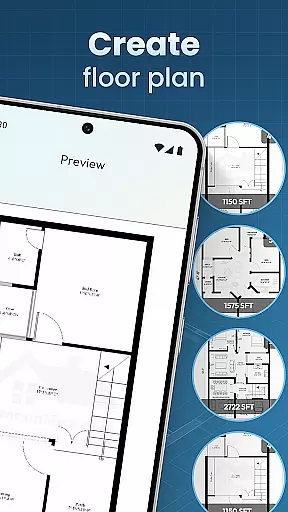
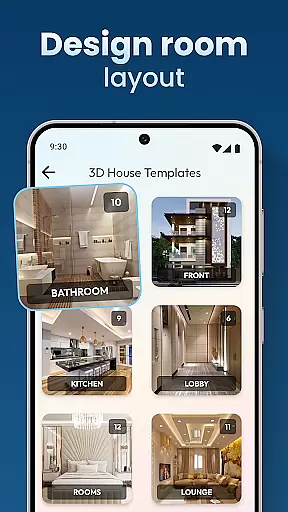
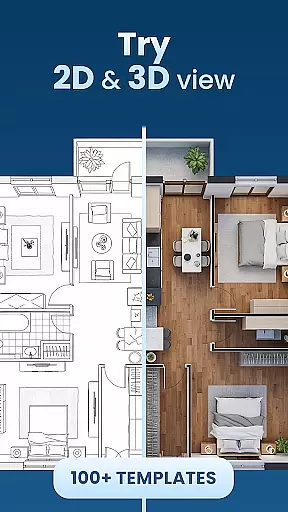
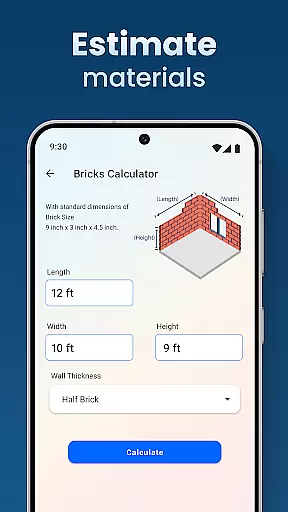
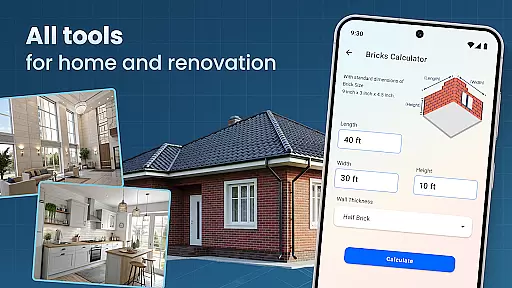
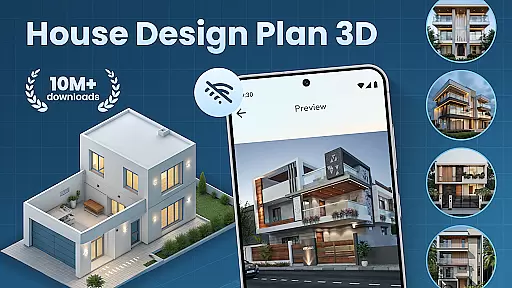
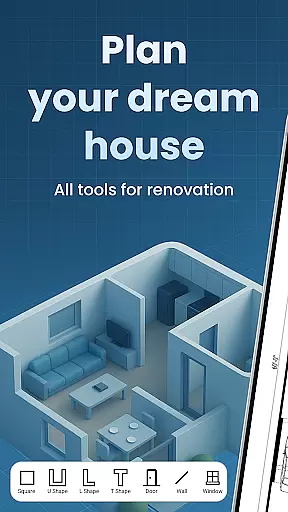
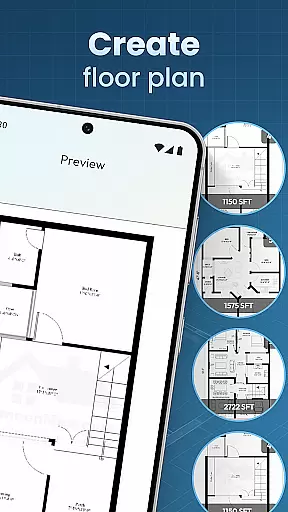
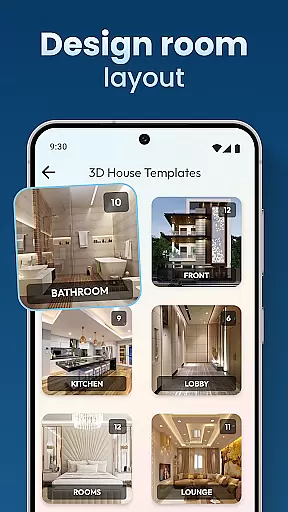
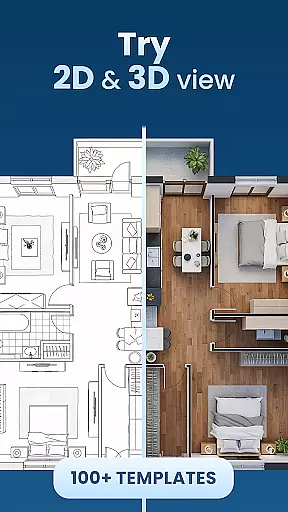
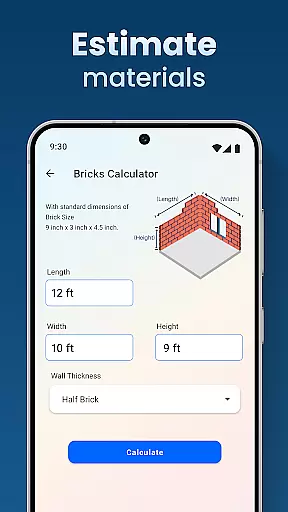
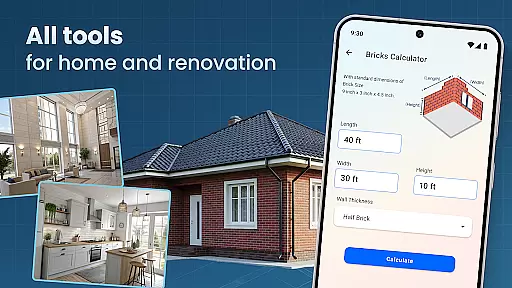
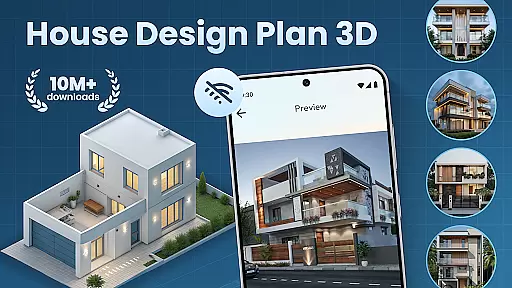
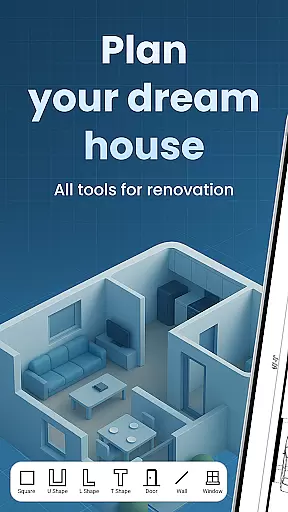
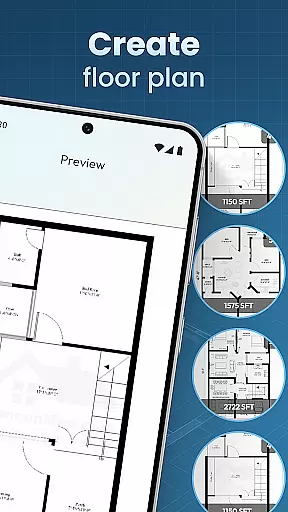
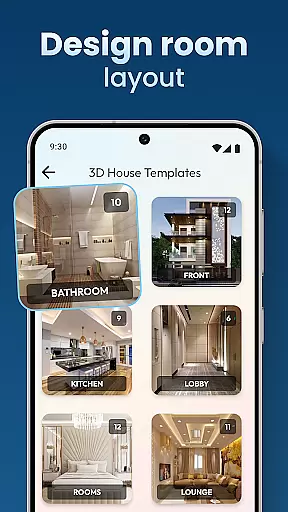
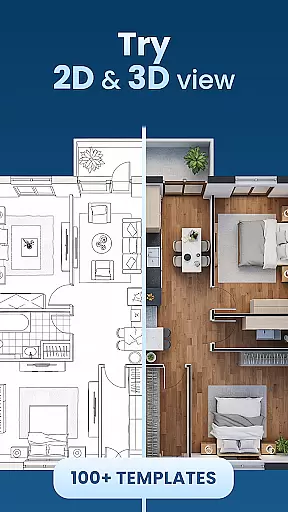
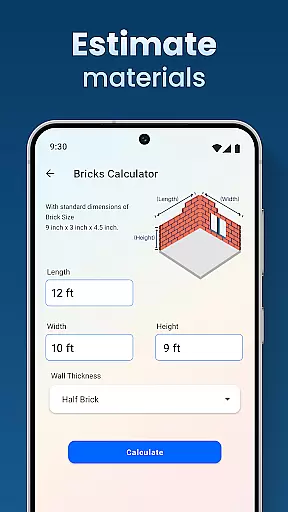
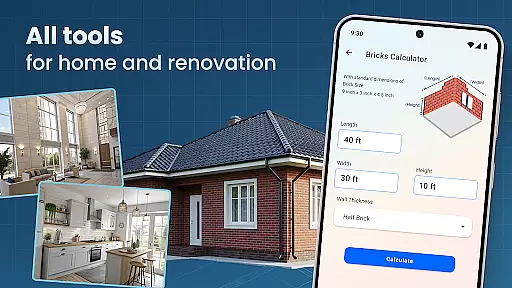
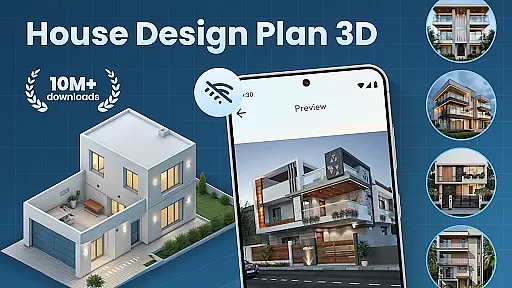
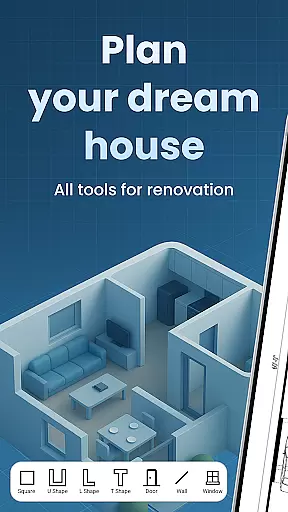
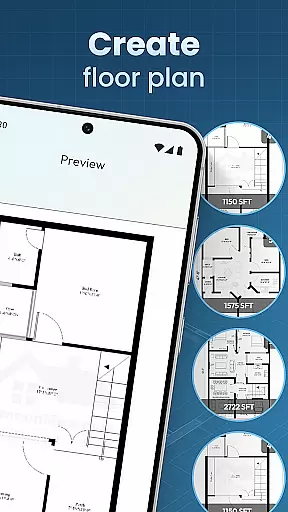
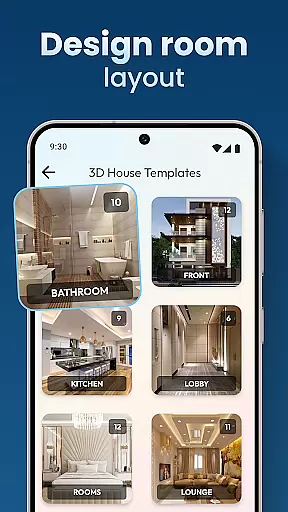
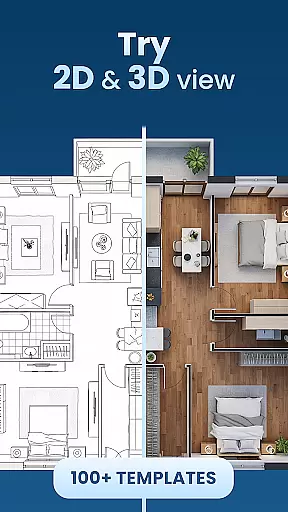
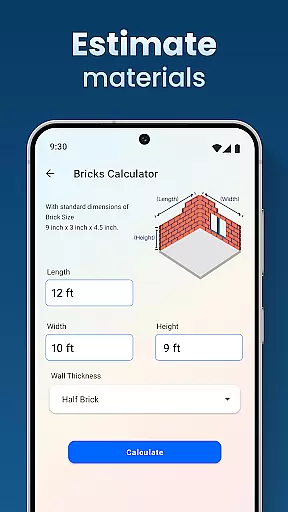
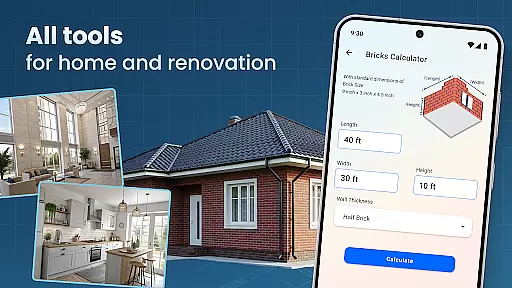
House Design Plan 3D App is a comprehensive home design tool that allows users to create detailed floor plans and visualize their dream spaces in fully-rendered 3D. The app provides an intuitive drag-and-drop interface for designing room layouts, customizing interiors, and experimenting with various furniture arrangements and color schemes. Whether you're a beginner or an experienced designer, this app offers the tools needed to craft professional-quality home designs.
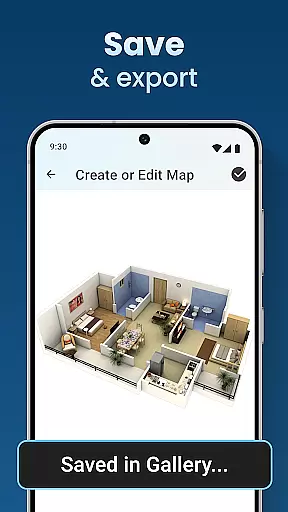
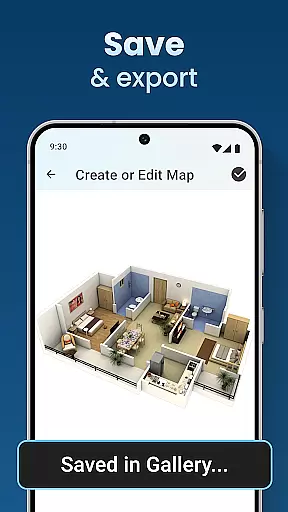
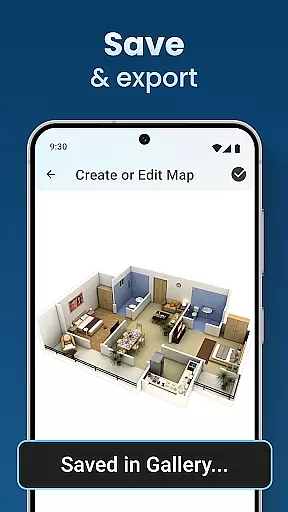
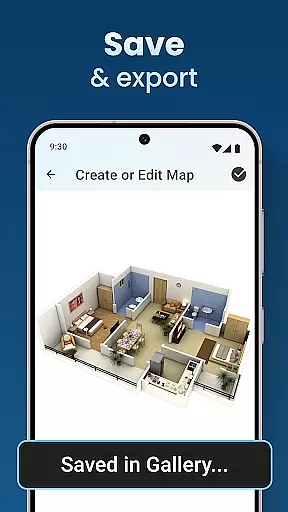
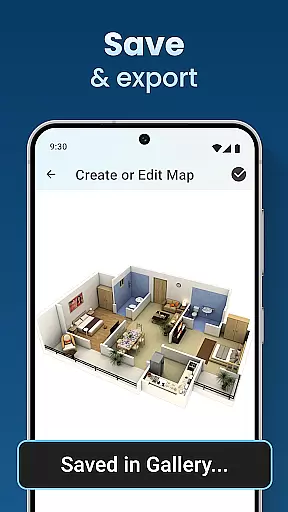
The application stands out with its real-time 3D rendering capabilities, enabling users to see immediate visual feedback on their design choices. It includes guided step-by-step assistance for new users and offers advanced features like design templates and precision modeling tools for seasoned designers. With options to save projects and preview them in detail, House Design Plan 3D App ensures both convenience and accuracy in planning your ideal living space.
One of the standout features of House Design Plan 3D App is its robust set of design tools. Users can create floor plans from scratch using the drag-and-drop functionality, customize every aspect of room furnishings, and apply different styles using the Decorate House Designer toolkit. The app also provides real-time 3D visualization, allowing users to see how their design choices will look in a realistic setting before finalizing any decisions.
In addition to its powerful design capabilities, the app offers several unique advantages. Its guided help system makes it accessible for beginners, while advanced users will appreciate the precision modeling tools and design templates. The ability to save and preview projects ensures that users can refine their designs over time. Furthermore, the app's integration of lighting, textures, and furniture selection creates a truly immersive design experience that meets professional standards.
In the realm of house and home design, ensuring the authenticity of property listings is paramount. The House Design Plan 3D App addresses this need by providing users with accurate and realistic 3D renderings of their home designs. This feature allows users to visualize every detail of their dream space, from furniture placement to room dimensions, ensuring that what they plan is exactly what they can build.
The app employs advanced 3D modeling technology to create precise floor plans and structured layouts. Users can drag and drop elements to design their spaces, with real-time updates in a 3D view. This interactive process not only enhances user engagement but also guarantees that the final design is both feasible and true to the user's vision.
By offering guided help and design templates, the app further reinforces the authenticity of its property listings. Whether you're a novice or an experienced designer, these tools ensure that your projects meet professional standards, making it easier to turn conceptual ideas into tangible plans.
Beyond just designing homes, the House Design Plan 3D App offers robust home management features that streamline the entire design process. With functionalities ranging from saving and previewing projects to a complete set of tools for interior design, users can efficiently manage every aspect of their home planning journey.
One standout feature is the ability to save and revisit projects, allowing users to track their progress over time. This ensures that no creative idea is lost and that users can refine their designs at their own pace. Additionally, the app provides comprehensive tools for customizing room furnishings, selecting textures, flooring, and lighting, which collectively contribute to a highly personalized home management experience.
Moreover, the app integrates design and functionality seamlessly, enabling users to optimize their living spaces effectively. By simulating different furniture arrangements and color schemes, users can make informed decisions about their home's layout and aesthetics. This holistic approach not only simplifies home management but also empowers users to bring their dream homes to life with confidence.
User-friendly interface
Real-time 3D rendering
Customizable templates
Guided step-by-step help
Comprehensive design toolkit
Limited free features
Occasional performance lags
Advanced tools require learning
In-app purchases necessary
Not ideal for complex structures

PRO Version of GLB AR Viewer
 4.3
4.3
The official app for Home Assistant. Control your home anywhere in the world.
4.30
Universal TV remote Control for Roku TV brands via WiFi remote
4.2
Download today to join the community to help bring lost pets home faster.
4.70
Parcel Pending Resident App
4.50
Fully control your Philips TV with this all-in-one remote control app.
4.20
AI floor creator to design your dream house, plan rooms & style your home
4.00
Plants, Beauty, Collectibles
4.60
Connect with reliable pros for maintenance services, plumbing, and home design!
4.80
Houses for Sale & Homes for Rent: Buy Homes, Rent Apartments & Sell Real Estate
4.80
Find homes for sale and apartments for rent in the best neighborhood.
4.70
Map-based search app for apartments and homes for rent.
4.60
Control the scent and ambiance of your home and car, right from your phone.
4.50
The only mappable smart lights for custom decoration.
4.50
Make Renting Easy
4.40
Control your thermostat, comfort, and home monitoring from your phone
4.30
Turn your phone into a wifi cam with smart features and umlimited reach.
4.20
Technology powering many in-home services for residents across the United States
3.80
An easier way to make payments and maintenance requests from anywhere.
3.50


User Reviews