
Blushify is a beauty camera for makeup, face editing, and glowing selfies!
 4.70
4.70
Glow up with science: cosmetics, ingredients scanner, tracking & face analysis
4.10
Shop Smarter, Dress Better, and Shine Brighter!
4.10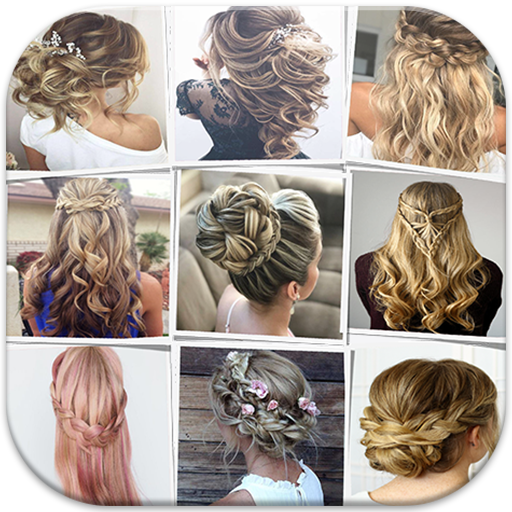
Make beautiful Hairstyles for girls with your own hands in little bit of time
4.00
The Official Voting App
3.90
Enhance your selfies with face beauty makeup tool and an easy background remover
4.70
True mirror app with zoom, LED light, for makeup & shaving anywhere!
4.20
Create, design and dress up your own beautiful characters in cute fashion styles
3.50
This barber game allows you to create and design hair styles on diverse people
3.80
Salon appointment booking and scheduling software for beauty pros and barbers.
4.80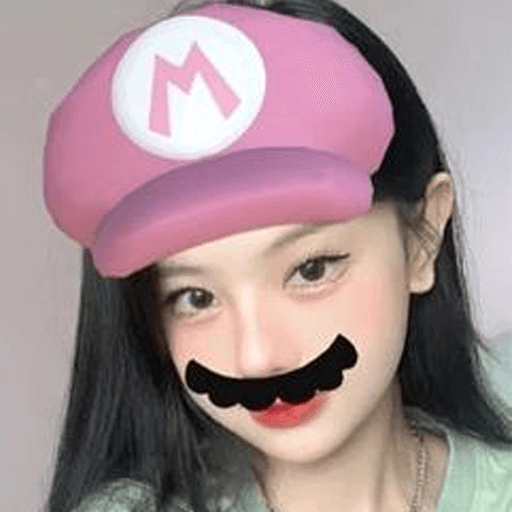
Try interesting trending filters allows you switch to a cute girl
4.70
Monthly Perfume Subscription
4.70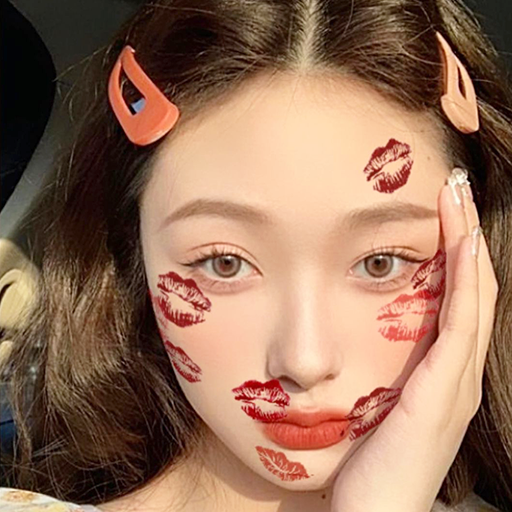
Transform your sweet selfies with Selfie Beauty Camera Filters And Effects!
4.60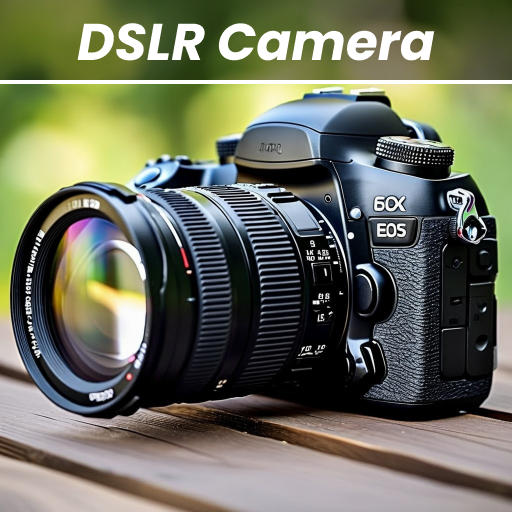
DSLR Hd camera capture high quality 4k hd picture with filters and blur editor
4.50
Professional HD Camera App: Capture Bright HD Selfie & Record Stunning Moments
4.40
Crown Heart Emoji Photo Editor has given you the chance to look cute girl
4.40
Download Today
4.40
Never run out of your go-to beauty & get 5% off with auto-replenish deliveries!
4.00
Enhance Your Look with Face Analysis, Hair Style Changer, Beauty Score, Rating
3.90


