
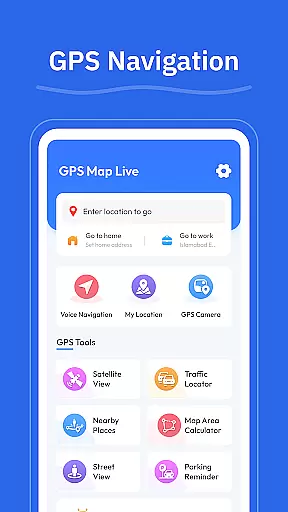
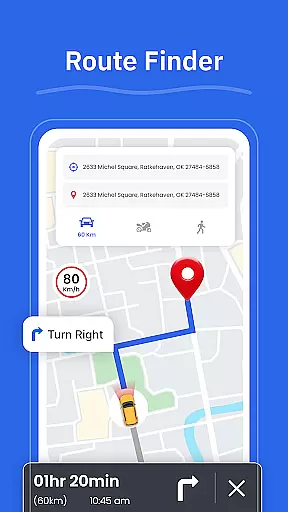

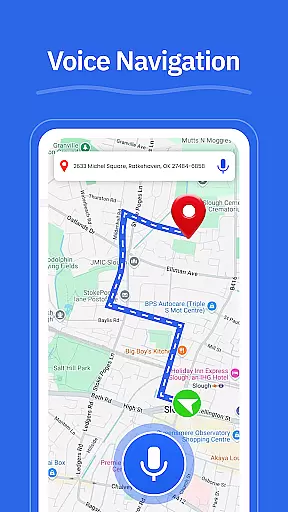

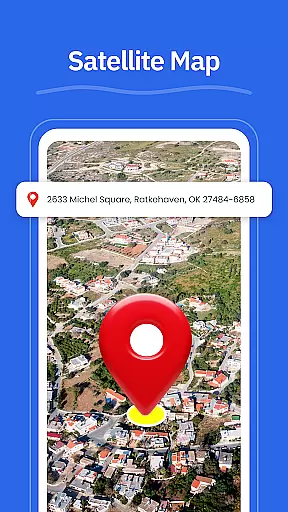
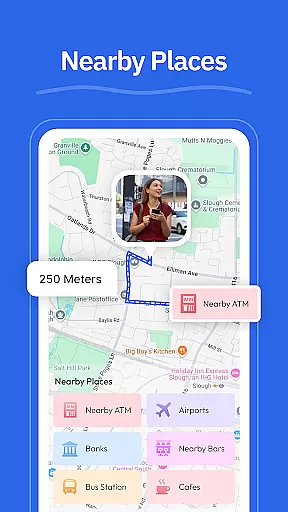
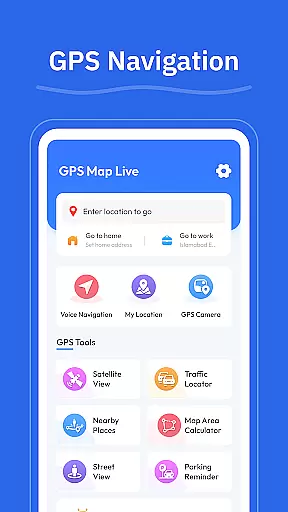

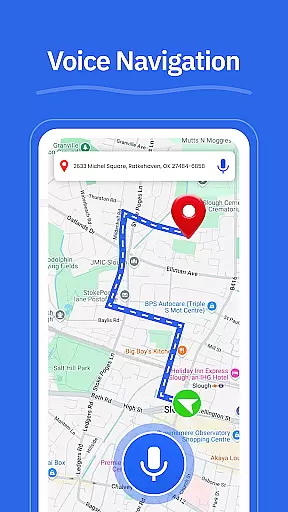

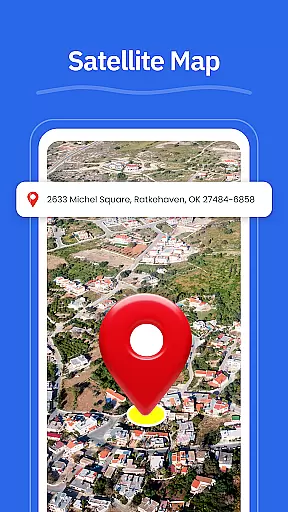
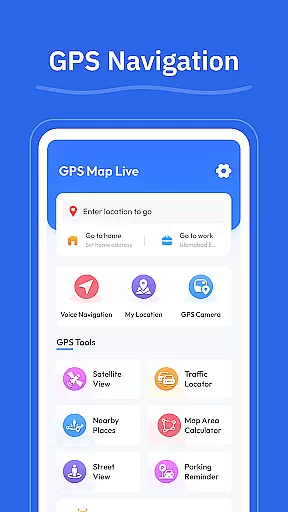

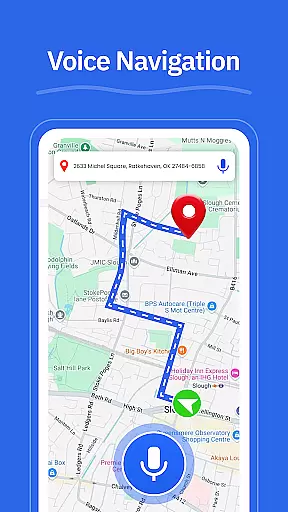

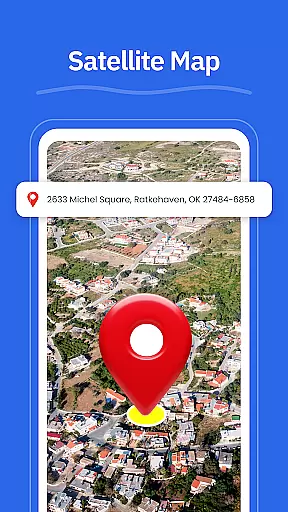
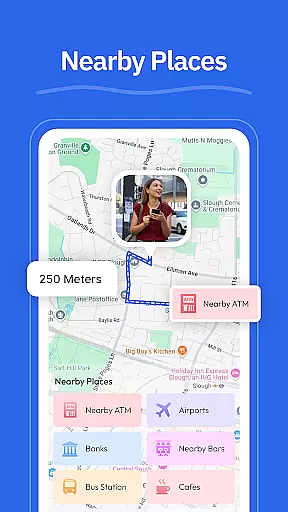
GPS - Maps, Driving Directions is a reliable navigation app tailored for travelers exploring the United States. The app offers smooth GPS maps, clear driving directions, and helpful location tools, making it ideal for navigating busy cities, highways, and local roads. With features like turn-by-turn voice guidance, real-time GPS tracking, and street view, users can confidently explore new areas while receiving accurate route suggestions based on current road conditions.
In addition to navigation, the app provides practical tools such as a GPS camera for geo-tagging locations, nearby place searches for gas stations and restaurants, and a route finder that adapts to traffic patterns. Whether commuting daily or embarking on a cross-country road trip, this app ensures seamless travel experiences across the U.S., enhancing both short commutes and long journeys.
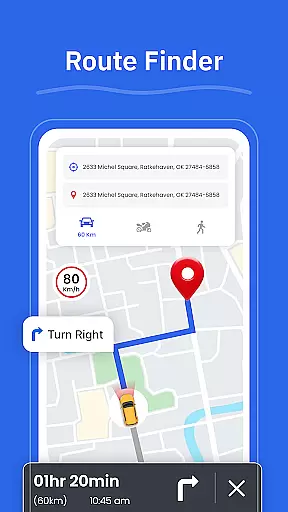
GPS - Maps, Driving Directions stands out with its comprehensive set of navigation features designed for all types of travelers. The app's turn-by-turn voice guidance allows drivers to focus on the road without needing to look at their screens constantly. Its route finder analyzes real-time road conditions to suggest optimal paths, saving time during peak traffic hours. Additionally, the street view feature lets users preview neighborhoods and landmarks before arriving, providing extra confidence when traveling to unfamiliar places.
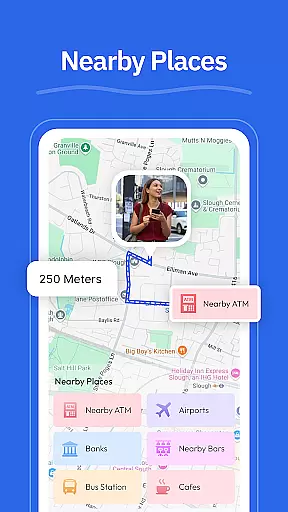
Other notable features include a GPS camera that tags photos with location data, allowing users to save and revisit memorable spots easily. The nearby places function helps locate essential services like gas stations, ATMs, and restaurants, ensuring convenience on the go. With My Location offering real-time GPS tracking, users always know where they are, even in remote areas. These robust features collectively create a powerful tool for effortless navigation throughout the United States.
Map accuracy is essential for reliable navigation, and GPS - Maps, Driving Directions excels in this area. The app provides precise location data across the United States, ensuring users can trust the information displayed on their screens.
The application's maps are regularly updated to reflect the latest road conditions, new routes, and changes in infrastructure. This commitment to up-to-date data means that whether you're navigating busy city streets or planning a cross-country trip, you'll have access to current and accurate mapping information.
With real-time GPS tracking, users can view their exact position on clear and detailed maps. This feature not only enhances orientation but also allows for dynamic rerouting if your journey takes an unexpected turn.
Overall, the map accuracy provided by this app ensures that travelers can move confidently, knowing they have a trustworthy tool at their disposal for all types of journeys.
Effective route planning is a cornerstone of efficient travel, and GPS - Maps, Driving Directions offers robust features to support this need. Users can input their destination and receive optimized driving directions tailored to current road conditions.
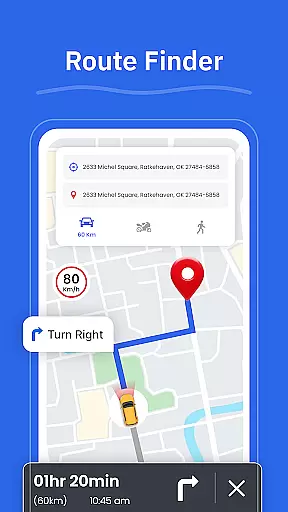
The Route Finder functionality analyzes various factors such as traffic congestion, road closures, and construction updates to suggest the best possible paths. This helps drivers avoid delays and reach their destinations more quickly and with less stress.
In addition to standard routing options, the app includes alternative route suggestions which allow users flexibility in choosing how they travel. Whether prioritizing speed, scenery, or avoiding tolls, there's an option available for every preference.
By providing turn-by-turn voice guidance along with visual cues from Street View images, the app ensures that even complex maneuvers are executed smoothly. These comprehensive route planning capabilities make daily commutes and long road trips alike more enjoyable experiences.
User-friendly interface
Accurate GPS tracking
Voice-guided navigation
Real-time traffic updates
Comprehensive location tools
Limited international maps
Occasional ads in free version
High battery consumption
Offline mode not extensive
Subscription required for premium

Find shortest way and save energy . Distance and area calculator.
 4.70
4.70
CamSam PLUS - The speed and red light camera warning system!
4.40
Turn your tablet or Android powered unit into a full blow Android Auto headunit.
2.30
Phone Tracker and GPS Location Sharing
4.20
Explore with GPS Navigation with GPS offline, voice GPS, speed camera radar
4.60
GPS Navigation: Get map directions and find the shortest routes to avoid delays!
4.00
Gas Station & Fuel Rewards Points
3.70
Explore Earth with live GPS, satellite view & street navigation
3.60
Live Satellite view app for find GPS navigation Direction and live location map
3.70
Bolt is a ride-hailing app for requesting fast, safe, and affordable transport
4.80
Navigate with your watch and keep the phone in your pocket!
4.60
Complete offline 1:50k South Island topo map including DOC Hunting Permit Areas
4.60
America’s largest public fast charging network, with over 500 charging stations.
4.50
Track accurate speed & distance with GPS Speedometer. Check speed limit & time.
4.50
Instant diesel discounts - save big with each fill up!
4.40
Get matched with a nearby driver — you’ll be on your way in minutes.
4.30
Get real-time bus and train schedules for easy, hassle-free city transportation.
3.90
Your guide to the recreational opportunities of the Bureau of Land Management!
3.40
Explore the world with Live Satellite View, 3D Maps, GPS Navigation & Earth Map.
2.90


User Reviews