
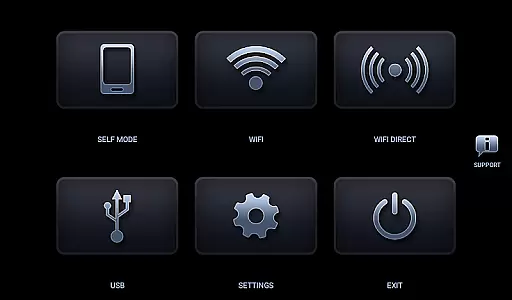
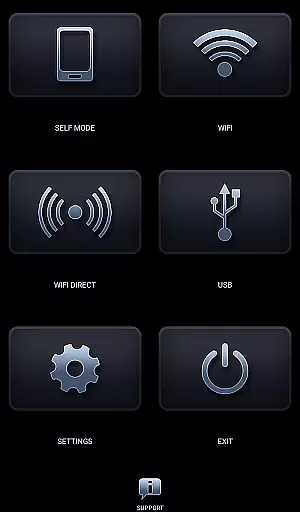
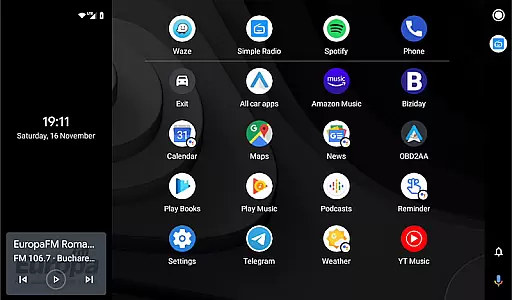
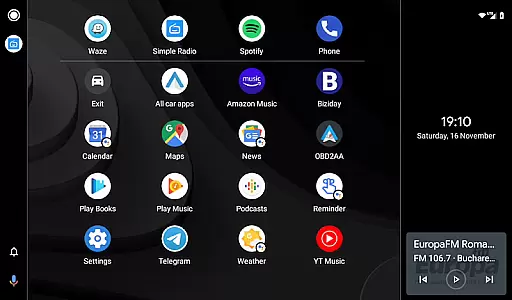
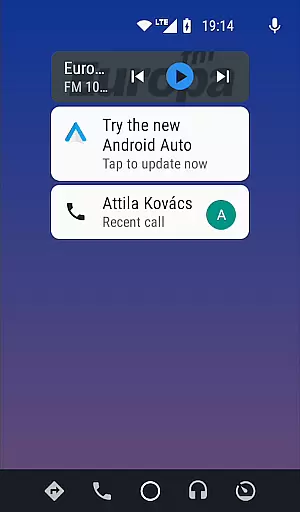
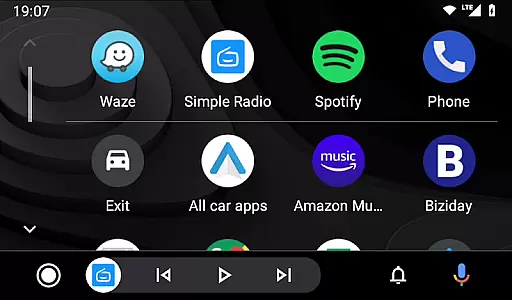

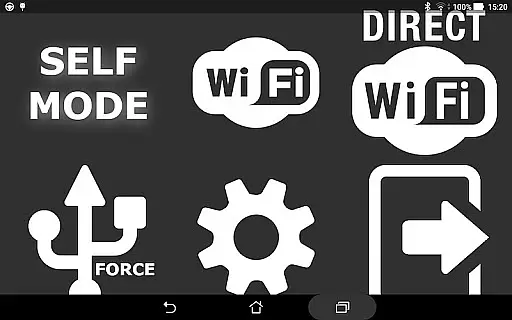
Headunit Reloaded Emulator HUR is a specialized application designed to emulate the Android Auto environment on compatible head units. This app allows users to seamlessly integrate their mobile devices with car entertainment systems, providing an enhanced driving experience.
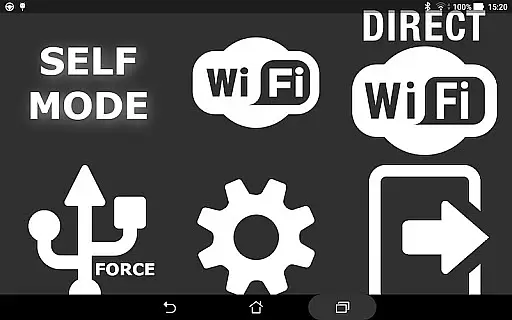
The core functionality includes USB mode for direct connection, WiFi support through hotspot connectivity, and Self-mode for running both Android Auto and HUR on the same device. These features make it versatile across different usage scenarios and hardware setups.
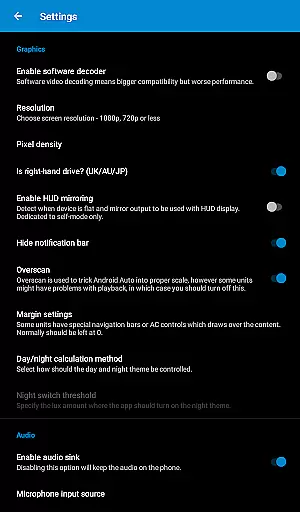
Whether you're using Joying, Eonon, or other Android-powered head units, this app ensures smooth video playback and system integration during drives. The ability to customize settings like software decoding adds practical value for users seeking optimized performance.
Headunit Reloaded Emulator HUR offers several notable features that cater specifically to drivers who use Android Auto. First, its USB Mode simplifies the connection process by prompting users to set HUR as the default app upon plugging in their devices.
For those preferring wireless solutions, the WiFi functionality enables automatic startup via Bluetooth triggers from the WiFi Launcher app. Users can also switch between hotspot and client roles depending on their setup preferences.
Additionally, Self-mode provides a unique advantage by allowing both Android Auto and HUR to operate simultaneously on one device. With comprehensive compatibility across various head unit brands and models, this app stands out for its adaptability and user-focused design.
Map accuracy is a critical feature for any navigation app, ensuring that users can rely on precise location data while driving. Headunit Reloaded Emulator HUR offers compatibility with various Android-powered head units like Joying, Xtrons, and others, which means the map data must be consistently updated to reflect real-time changes in road conditions.
The app achieves this by integrating seamlessly with Android Auto, allowing users to connect via USB or Wi-Fi. When using the app in USB mode, users need to ensure that HUR is set as the default app for the action, guaranteeing optimal performance. For Wi-Fi connectivity, the app provides clear instructions on setting up a hotspot and connecting the car's unit, ensuring minimal discrepancies in map data transmission.
By supporting different connection modes and compatible with multiple devices, Headunit Reloaded Emulator HUR ensures that drivers receive accurate and reliable map information. This precision helps users make informed decisions about their routes, avoid traffic congestion, and reach their destinations efficiently, enhancing both safety and convenience on the road.
Effective route planning is essential for drivers who want to optimize their travel time and avoid unnecessary detours. Headunit Reloaded Emulator HUR excels in this area by offering multiple connectivity options such as USB, Wi-Fi, and Self-mode, each designed to provide a smooth and responsive user experience.
When using the app, users can select their preferred method of connection based on their device's capabilities and personal preferences. For instance, those with newer Android devices might opt for Wi-Fi through the WiFi Launcher app, which automatically starts HUR when the caru2019s Bluetooth connects. This flexibility allows for dynamic route adjustments according to current traffic patterns and road conditions.
Moreover, the app supports hardware key integration and intent support, enabling advanced customization for power users. By providing comprehensive FAQs and troubleshooting guides, Headunit Reloaded Emulator HUR ensures that even novice users can take full advantage of its sophisticated route planning features. Ultimately, these tools empower drivers to plan efficient journeys, saving time and reducing stress during commutes.
User-friendly interface
Versatile connectivity options
Wide device compatibility
Customizable settings
Comprehensive support resources
Potential black screen issues
Limited to Android Auto
Requires additional apps for WiFi
Device-specific configurations
Dependent on hardware capabilities

CamSam PLUS - The speed and red light camera warning system!
 4.40
4.40
Route tracker, Speedometer, Odometer, Fuel, HUD mode, save route as .GPX
4.40
Parcel map, property lines, owner, acres, land use, zoning and more from Regrid.
4.60
Affordable rides and food delivery with incredible discounts in just one app.
4.50
Find routes fast with GPS Maps, GPS Navigation & driving directions.
4.10
ParkWhiz, an Arrive Mobility brand, part of the Arrive Network
4.30
Neshan: map & navigation app with 20M+ monthly active users
4.50
Lets explore the world's famous places by using Live Cams, GPS & Satellite View.
4.20
Use GPS Maps and GPS Voice Navigation to find your way and get directions
4.10
Truck Safe GPS Navigation & Maps: Parking, Fuel, Diesel, Weight Station
4.80
Offline maps & GPS for hiking, travel, fieldwork & outdoor adventures
4.70
Navigate with your watch and keep the phone in your pocket!
4.60
Track accurate speed & distance with GPS Speedometer. Check speed limit & time.
4.50
The fastest and most convenient way to pay for parking on our lots.
4.40
Use GPS maps or search by property owner, address or parcel to view parcel data
4.30
Maps, Driving Directions & GPS navigation using directions app & GPS App
4.30
Route Planner is travel map to get turn by turn navigation & driving directions
3.90
Your guide to the recreational opportunities of the Bureau of Land Management!
3.40
Your real-time window to the world. Explore anywhere, anytime.
3.30


User Reviews