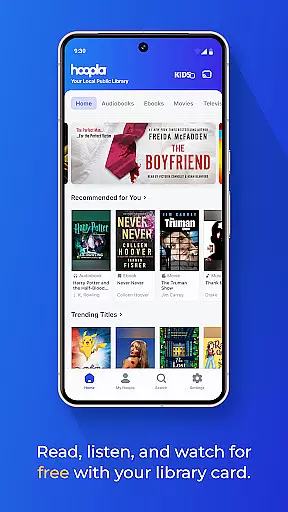
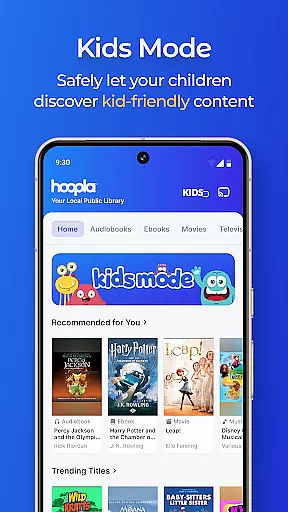
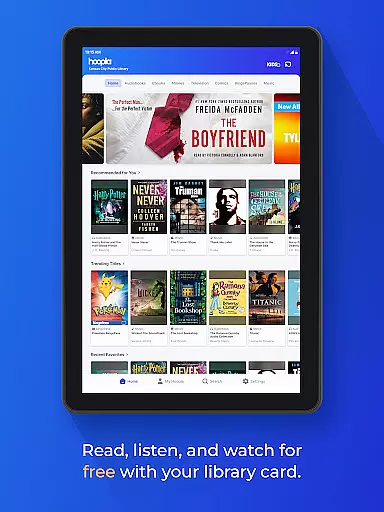
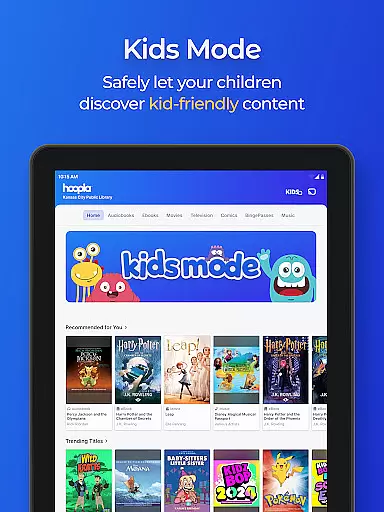
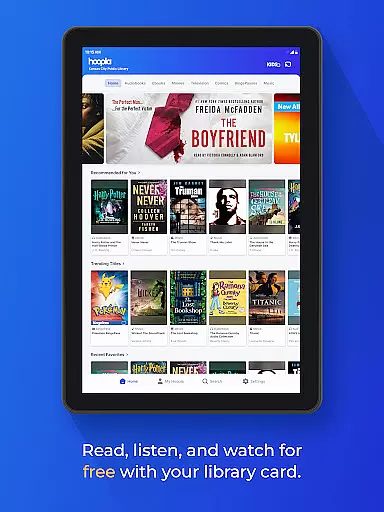
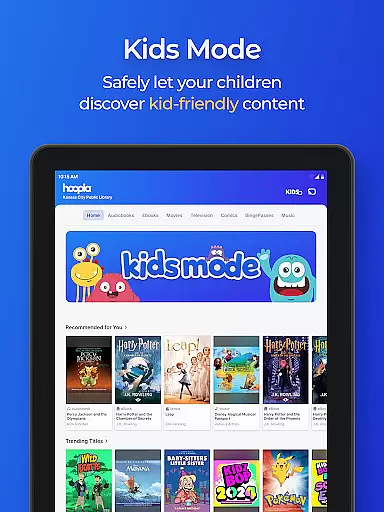
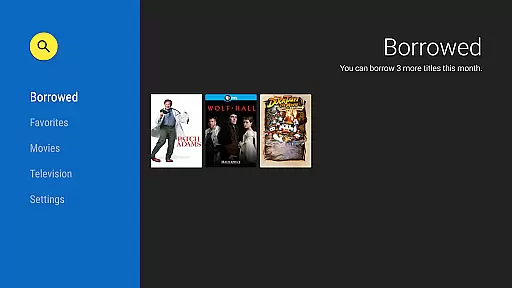
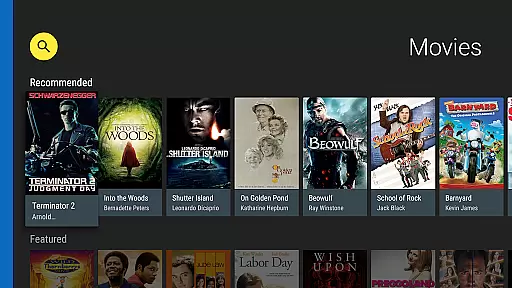
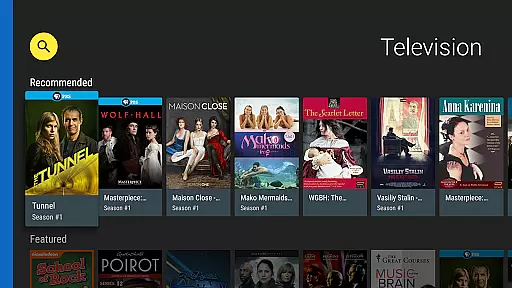
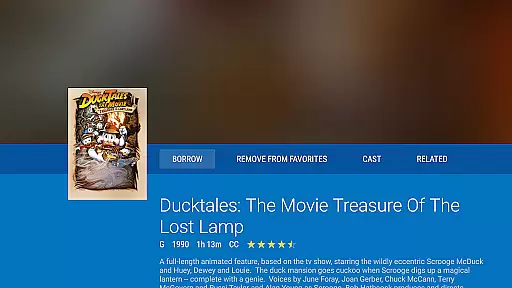
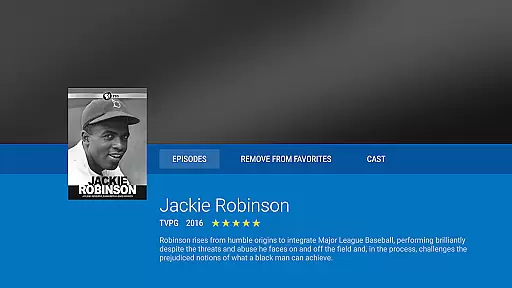
Hoopla Digital is a comprehensive digital media platform that provides users with access to over 1.5 million titles, including eBooks, audiobooks, comics, movies, TV shows, music, and more. The app stands out by offering all these resources without ads or late fees, making it an ideal choice for avid readers, listeners, and viewers who want to explore diverse content.
One of the key features of Hoopla Digital is its seamless integration with local libraries. Users can access this vast collection simply by using their library card from a participating library, eliminating the need for subscriptions. Whether you're commuting, working out, or relaxing at home, Hoopla ensures your entertainment and knowledge needs are met through its versatile streaming and downloading options.
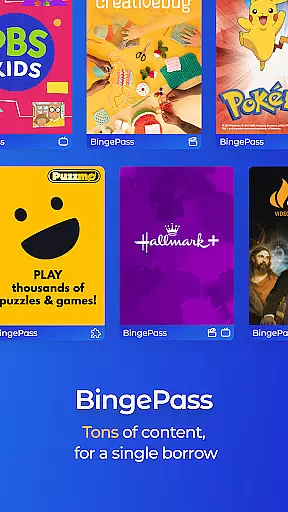
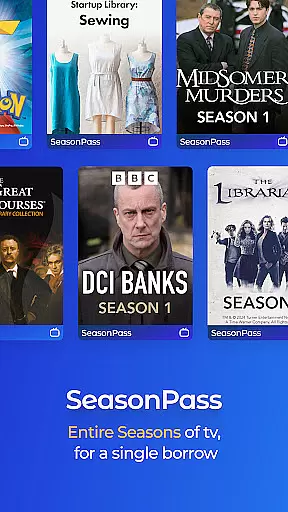
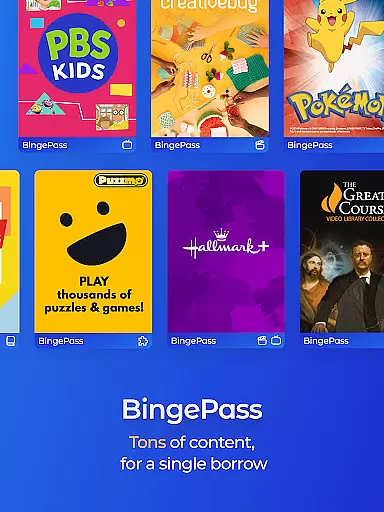
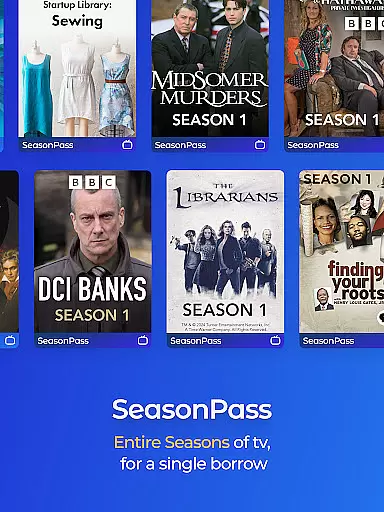
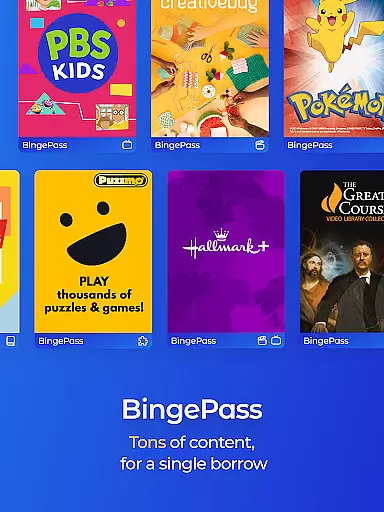
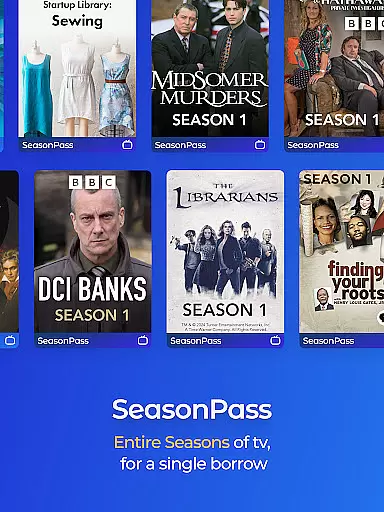
The app's user-friendly interface allows easy navigation across different types of media, while features like BingePass and SeasonPass offer unlimited access to entire collections for a limited time. With compatibility across multiple devices and platforms, including Android Auto, Hoopla Digital enhances accessibility and convenience, ensuring users can enjoy their favorite content anytime, anywhere.
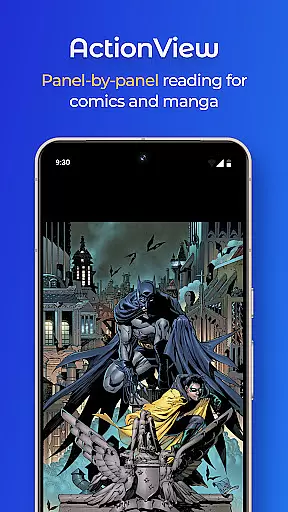
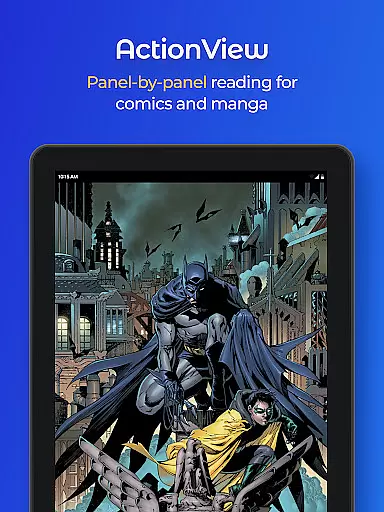
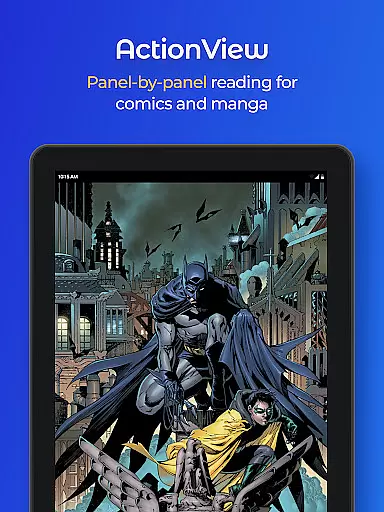
Hoopla Digital offers a rich array of features designed to enhance user experience. One standout feature is the ActionView technology, which provides a panel-by-panel reading experience for comics and manga, bringing stories to life in a unique way. This innovative approach caters to fans of graphic novels and manga, offering them an immersive reading experience.
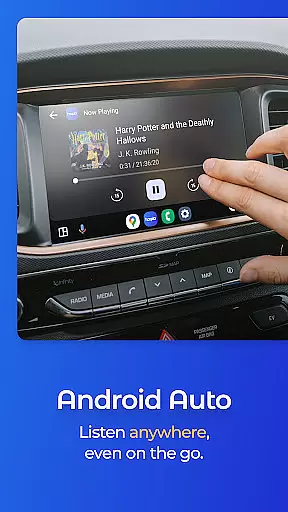
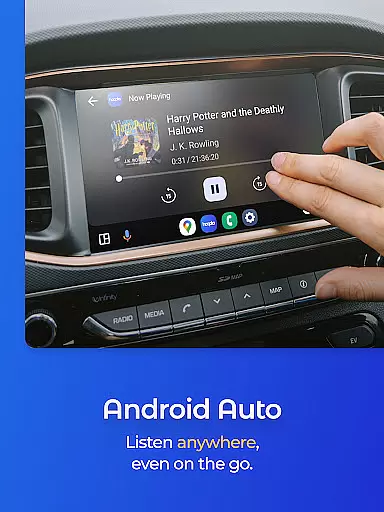
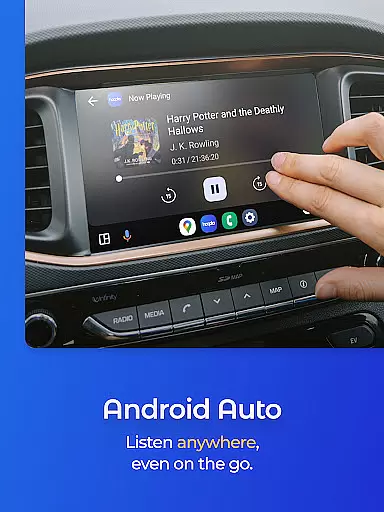
Another notable feature is the ability to stream or download content. Users can either stream titles immediately or download them for offline enjoyment, providing flexibility based on their preferences and internet availability. Additionally, Hoopla supports Android Auto, allowing users to access audiobooks and other content hands-free while driving, thus enhancing safety and convenience.
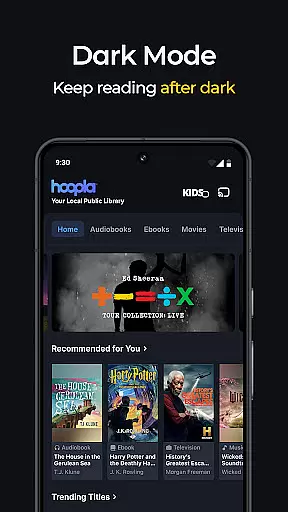
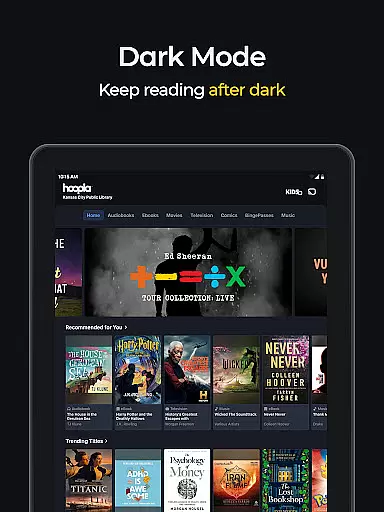
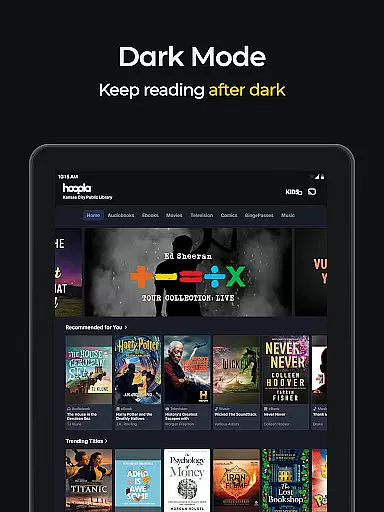
Hoopla also includes practical features such as Dark Mode, which reduces eye strain during nighttime use, and easy access across devices, ensuring bookmarks and progress sync seamlessly. These features collectively contribute to a personalized and comfortable user experience, making Hoopla Digital a top choice for digital media consumption.
With Hoopla Digital, users can access a vast collection of over 1.5 million titles, including eBooks that cater to diverse tastes and interests. This extensive library encompasses gripping mysteries, thought-provoking non-fiction, heartwarming romance, and captivating historical tales.
The platform takes pride in offering content that resonates with readers from all walks of life, ensuring an inclusive literary experience. Each eBook is carefully curated and sourced from reputable publishers, guaranteeing copyright authenticity and legal access to digital content.
By partnering with participating libraries, Hoopla provides free access to this rich repository of reading materials, eliminating the need for subscriptions or additional fees. Readers can enjoy their favorite books without worrying about copyright infringement or unauthorized content.
This commitment to maintaining a large and authentic eBook collection ensures that users always have fresh and engaging reading options at their fingertips, making Hoopla Digital a reliable choice for book enthusiasts seeking quality literature.
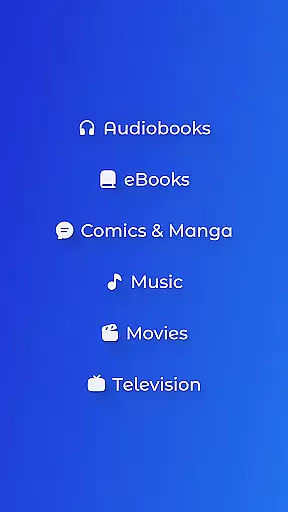
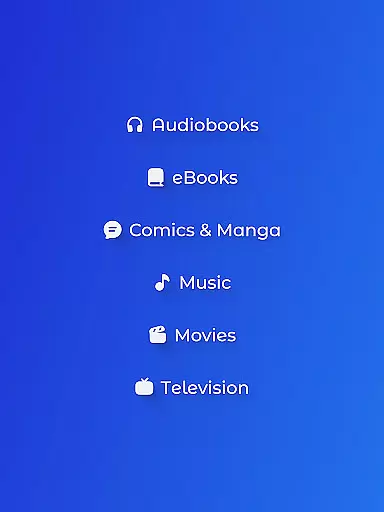
Hoopla Digital excels in format compatibility, allowing users to enjoy various types of media beyond just eBooks. The app supports audiobooks, comics, graphic novels, manga, magazines, music, movies, and TV shows, providing a comprehensive entertainment experience within a single platform.
Whether you prefer listening to audiobooks during your commute or streaming movies on a lazy afternoon, Hoopla's multi-format support caters to different preferences and lifestyles. The app seamlessly integrates these formats, enabling users to switch between reading, listening, and watching without any hassle.
Additionally, Hoopla offers flexible consumption methods by allowing titles to be streamed immediately or downloaded for offline enjoyment. This feature ensures that users can access their favorite content anytime, anywhere, regardless of internet connectivity.
By supporting multiple formats and providing both streaming and download options, Hoopla Digital enhances user convenience and accessibility, making it an ideal choice for those seeking versatile digital content solutions.
User-friendly interface
No subscription required
Vast content library
Offline access available
Seamless device syncing
Library card needed
Limited to participating libraries
Content availability varies
Occasional streaming issues
Download limits per month

The Bible Audio Guide
 4.80
4.80
Mirror Bible - eye-opening paraphrase translation of the NT by Francois du Toit
4.30
Words spoken by native English speakers and full definitions.
4.60
Find, discuss, and organize your world of books and shows.
4.60
“It is fun to have fun, but you have to know how!”
4.40
ISAIAH EXPLAINED with Avraham Gileadi Ph.D.
4.00
Full text, sheet music, and recordings of the print edition
4.60
Build family tree & discover DNA, family history heritage, origins and ancestors
4.60
Liturgy of the Hours and Mass for every day of every year. No Internet needed!
5.00
A KJV Bible with Apocrypha and precept-based study concordance
5.00
“I am the Lorax. I speak for the trees.”
4.80
The favorite Christmas story comes to life!
4.80
Enjoy daily devotionals, Bible verses, audio courses, and more.
4.80
This is the pro version King James bible Offline that we have
4.70
8 Dr. Seuss short stories in 1 app!
4.70
KJV Bible works offline with Audio, Hebrew & Greek lexicon (concordance) & more!
4.20
"BIG A, little a. What begins with A?"
4.10
Knots 360 Pro ( 3D ) shows you animated 192 knots in 3D perspective
4.10
University of North Carolina Herbarium presents the flora of TN, AL, & MS.
4.4


User Reviews