
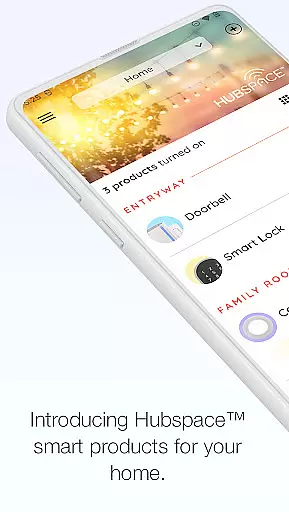
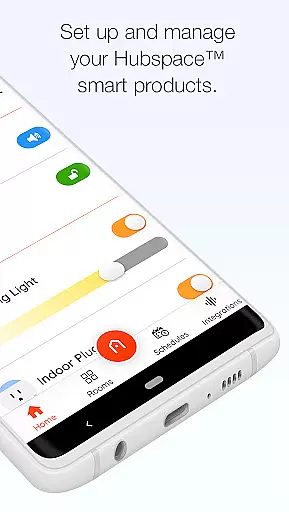
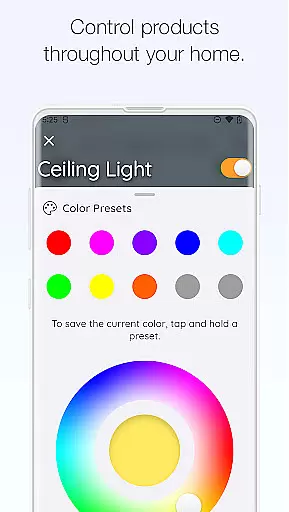
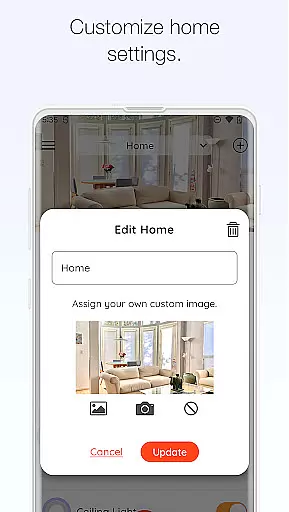
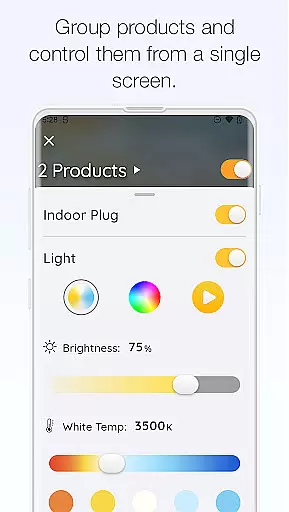
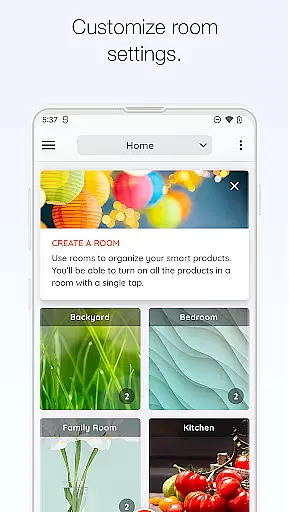
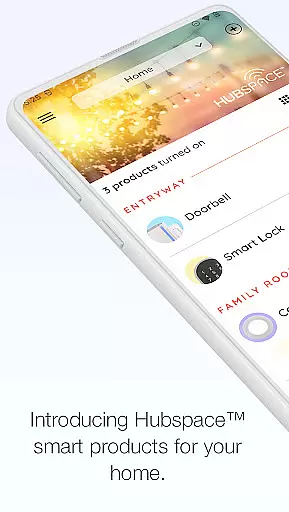
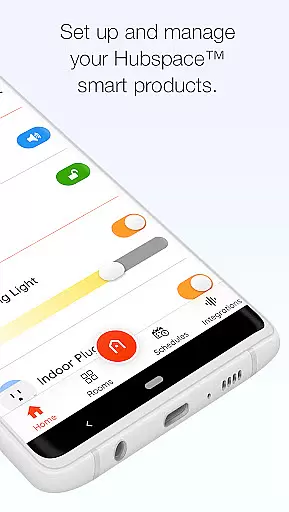
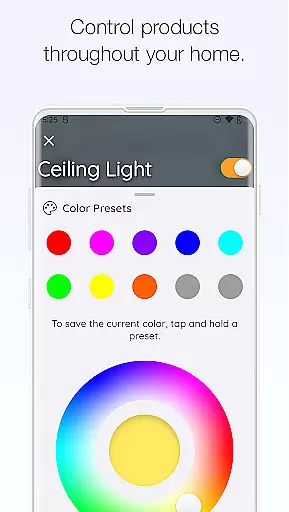
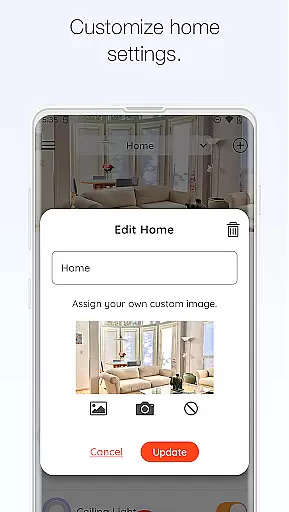
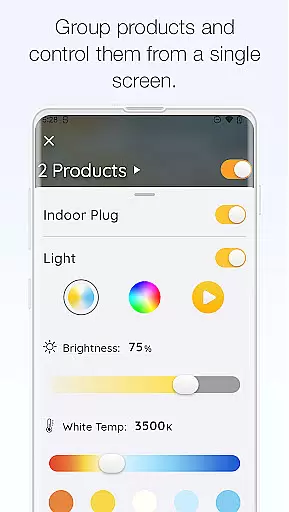
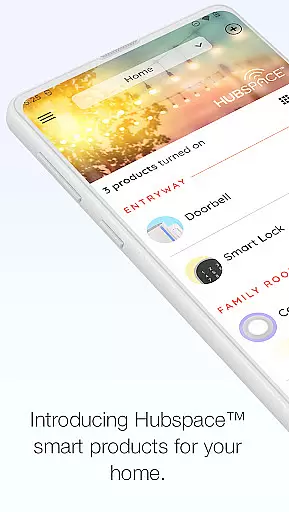
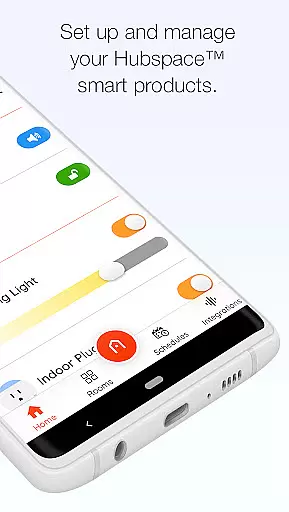
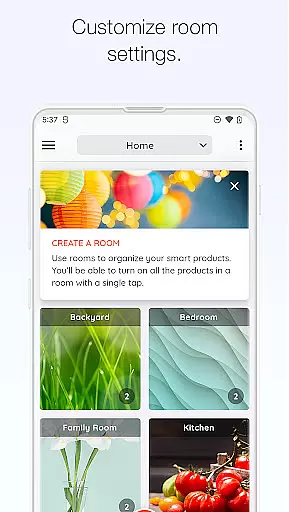
Hubspace is a smart home management application designed to help users set up and control their Hubspace smart products efficiently. With this app, you can organize your smart devices by room and property, making it easy to manage multiple devices across different locations. The app provides essential controls such as on/off functionality, light color temperature adjustments, fan speed control, and the ability to group products for synchronized operation.
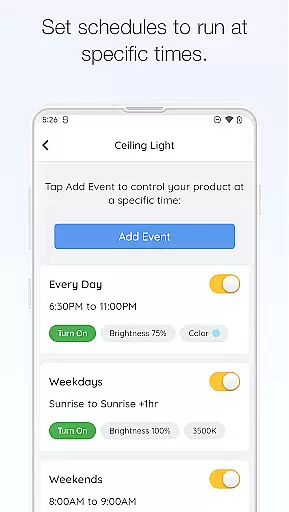
In addition to basic controls, Hubspace allows users to set schedules for their devices, ensuring optimal energy usage and convenience. Integration with popular voice assistants like Google Assistant and Alexa enhances the user experience by enabling voice commands. Whether you're at home or away, you can monitor and adjust your smart home settings remotely, providing peace of mind and increased efficiency in managing your connected home environment.
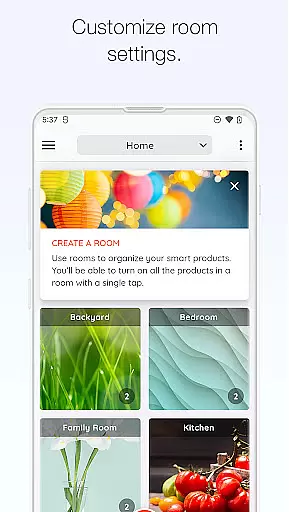
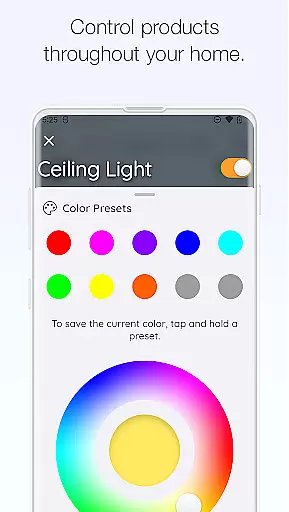
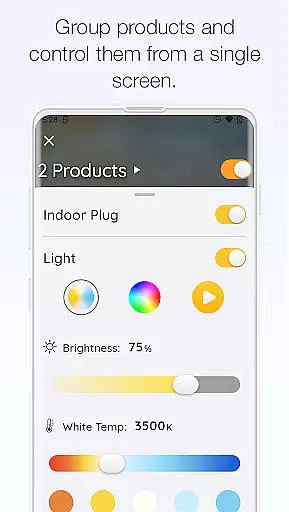
Hubspace offers a comprehensive suite of features that cater to various smart home management needs. One of its standout features is the ability to customize device settings extensively. Users can adjust light color temperatures and colors, control fan speeds, and create groups of products that can be managed collectively. This grouping feature is particularly useful for controlling multiple devices simultaneously, streamlining the management process.
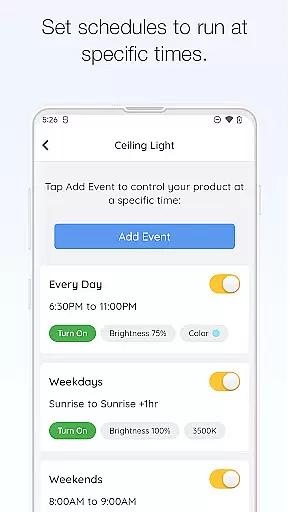
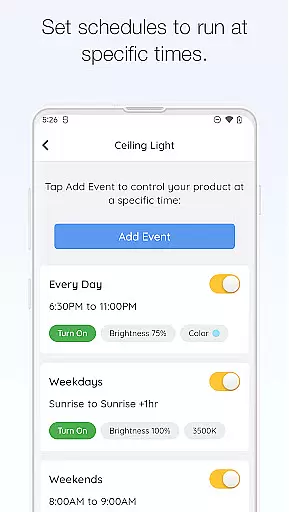
Scheduling is another key feature of Hubspace, allowing users to automate their smart home routines. By setting specific times for devices to turn on or off, users can optimize energy consumption and ensure their home is always comfortable. The app also supports integration with Google Assistant and Alexa, providing seamless voice control capabilities. These integrations not only enhance convenience but also offer a more intuitive way to interact with your smart home devices, making Hubspace a versatile tool for modern homeowners.
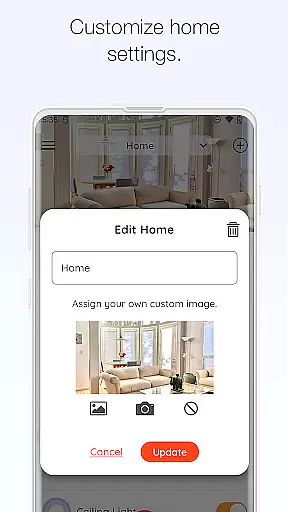
When managing a connected home through Hubspace, the authenticity of your property listings is paramount. The app allows users to organize smart products by room and property, ensuring that each device is accurately represented within its specific context. This organizational structure not only provides clarity but also enhances the user's ability to manage multiple devices efficiently.
Hubspace ensures that every product integrated into the system is verified for compatibility and functionality. By setting up smart products with the app, users can be confident in the legitimacy and accuracy of their connected home ecosystem. This verification process is crucial for maintaining the integrity of the smart home network.
The benefits of this feature are significant. Users can easily monitor and control their devices, whether at home or remotely, without worrying about unauthorized or counterfeit devices infiltrating their network. This peace of mind is essential for a seamless smart home experience.
Hubspace offers an array of home management features designed to simplify the way users interact with their connected homes. With functionalities such as scheduling, grouping products, and integrating with voice assistants like Google Assistant and Alexa, the app provides comprehensive control over smart devices. These features collectively contribute to a more organized and efficient home environment.
The ability to set schedules for devices ensures that users can automate routine tasks, saving time and energy. Grouping products allows for unified control over multiple devices, streamlining the management process. Integration with popular voice assistants further enhances accessibility and convenience, allowing for hands-free operation.
Ultimately, these home management features empower users to create a customized and responsive living space. By leveraging Hubspace's capabilities, users can enjoy greater comfort, security, and energy efficiency in their homes, making daily life more manageable and enjoyable.
User-friendly interface
Extensive device compatibility
Remote access capabilities
Voice assistant integration
Customizable scheduling options
Limited third-party integrations
Occasional connectivity issues
Requires stable internet connection
No advanced automation features
Customer support response time

Map-based search app for apartments and homes for rent.
 4.60
4.60
Make Renting Easy
4.40
Turn your phone into a wifi cam with smart features and umlimited reach.
4.20
Find paints using a Color Muse & ColorSnap® Match
3.60
Download today to join the community to help bring lost pets home faster.
4.70
Your guide to apartments & rental homes. Find your next place to rent with AG.
4.60
Control your Vivint Smart Home with the next generation Vivint App.
4.30
Apartment finder for apartments for rent. Compare prices, amenities & rentals.
4.50
MLS-powered real estate app to find homes for sale & apartments for rent
4.70
Search for Homes, Rentals, Agents & Schools
4.70
Home Ideas | Renovation Advice | Local Pros. Go From Dream to Home with Houzz.
4.70
Looking for the perfect apartment finder app? Find beautiful rental homes here!
4.60
The only mappable smart lights for custom decoration.
4.50
Control your Daikin, Amana & Goodman heating & cooling systems from anywhere
4.40
Plan your remodel AI home renovation easily using planner 5D and home decor AI.
4.40
Find contractors for all home renovation projects. Remodeling, repair, and more.
4.20
AI floor creator to design your dream house, plan rooms & style your home
4.00
IP camera view and playback, for your WiFi cam or home security cctv system.
3.70
Universal TV remote Control for Roku TV brands via WiFi remote
4.2


User Reviews