
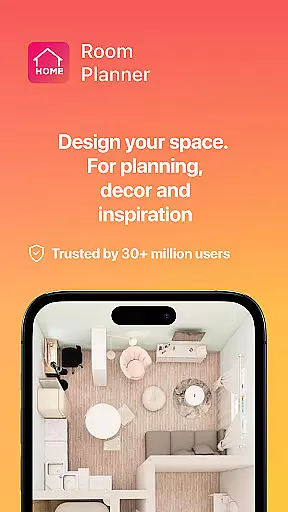
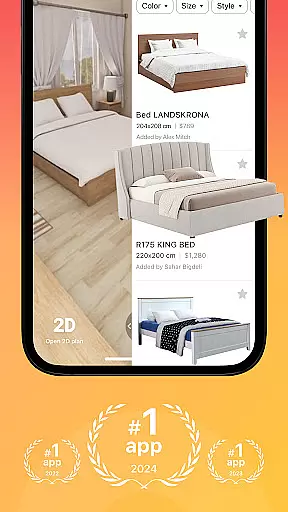


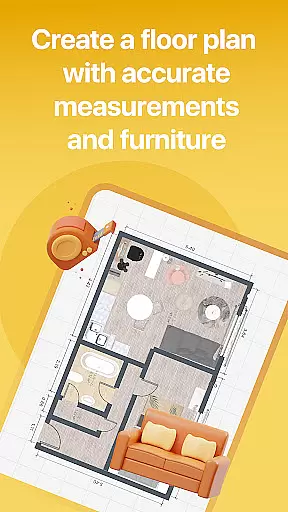

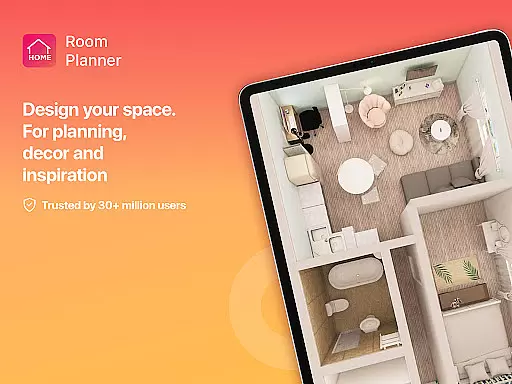
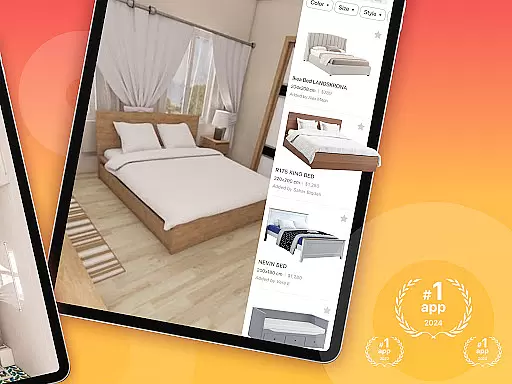


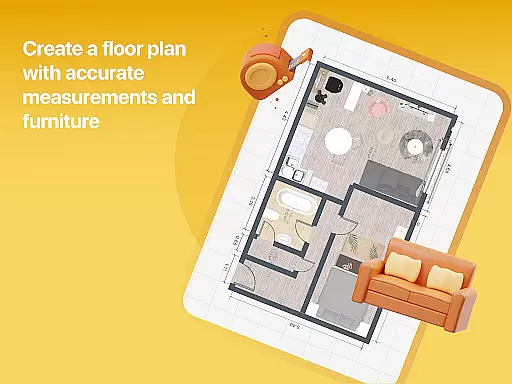

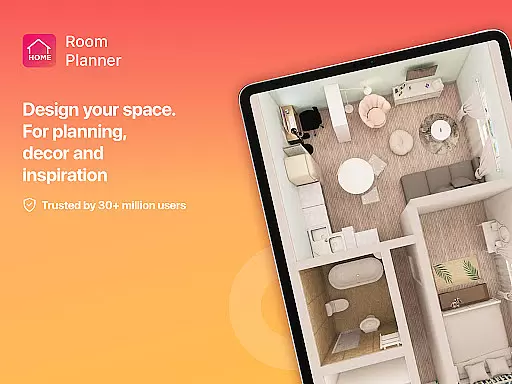
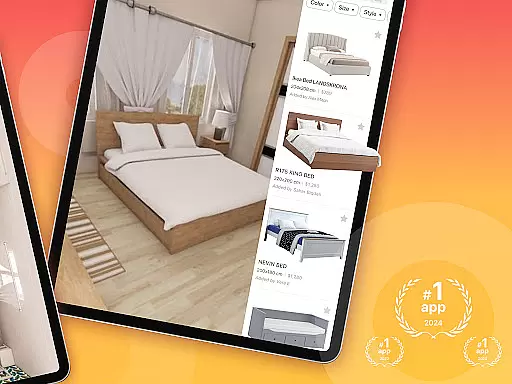
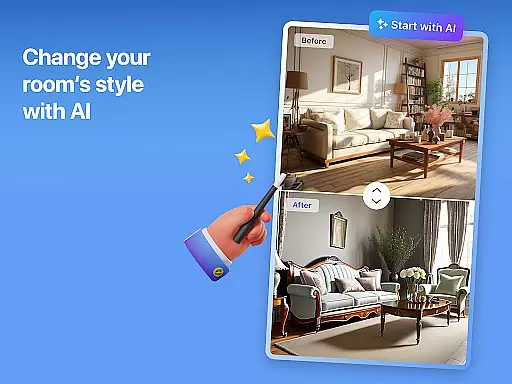


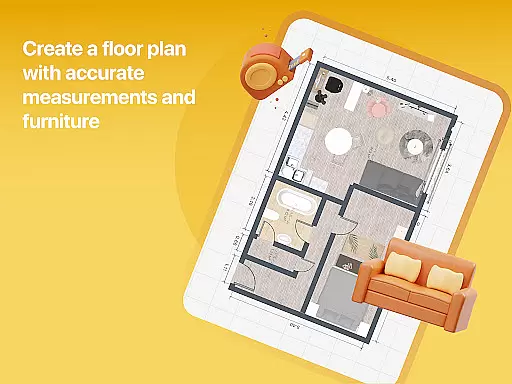

Home Planner is a comprehensive home design and 3D modeling application that allows users to create detailed floor plans with precision. The app provides an intuitive interface for arranging walls, doors, and windows while offering advanced visualization tools. Users can explore over 200,000 furniture items in its catalog, customize every detail of their designs, and access pre-made projects for inspiration.
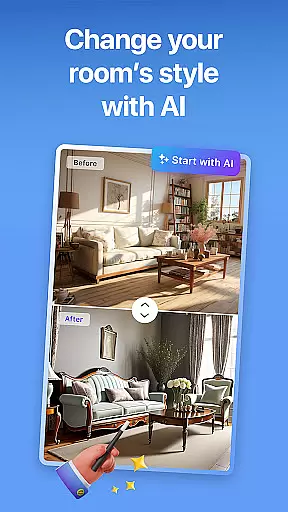
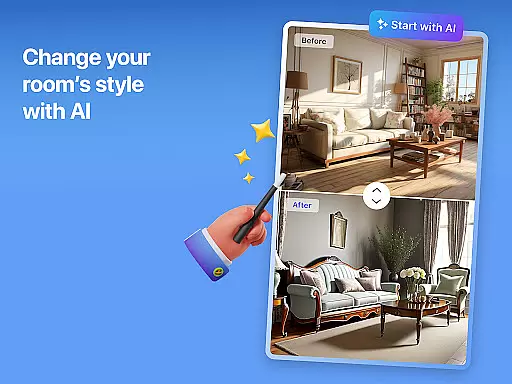
The app's standout feature is its ability to transform house designs into immersive 3D experiences through virtual reality previews. This functionality enables users to step inside their designs before making real-life changes. Additionally, Home Planner supports high-quality renders and realistic snapshots, ensuring users can visualize their projects with stunning accuracy. Whether redesigning a single room or planning an entire house, this tool offers smart AI assistance at every step.
With seamless sharing capabilities and offline functionality, Home Planner is suitable for both personal and professional use. It allows collaboration with partners, contractors, or roommates while providing flexible subscription options for accessing premium features. From small apartments to large estates, the app caters to all levels of design complexity, making it an ideal choice for anyone passionate about home design.
Home Planner stands out with its robust set of features tailored for home design enthusiasts. One key feature is the built-in measuring tape and measure app functionality, which ensures precise layouts by allowing users to accurately map spaces before implementing changes in real life. This attention to detail extends to the app's massive furniture catalog, featuring over 200,000 items from top brands, enabling endless customization possibilities.
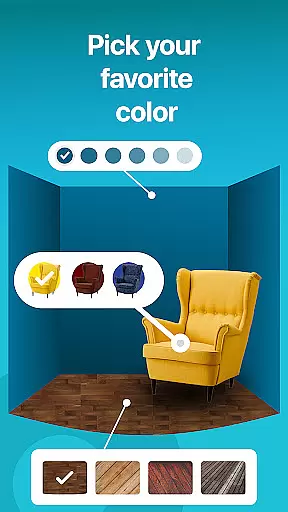
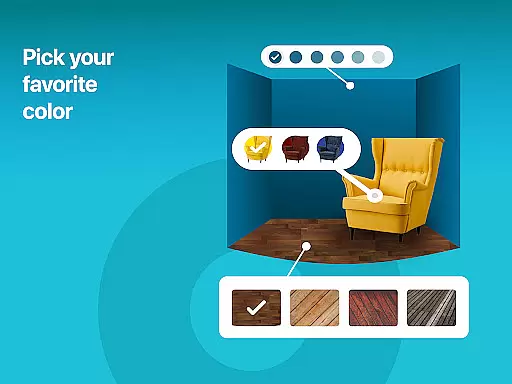
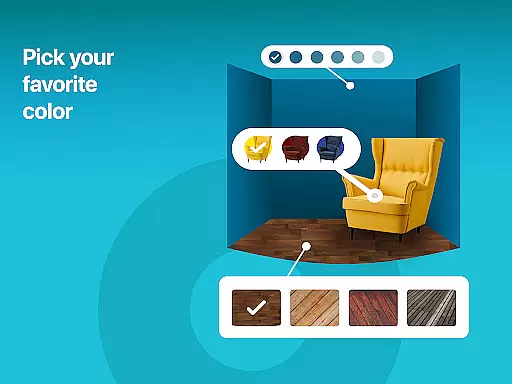
Another notable aspect is the app's powerful 3D modeling and virtual reality preview tools. These features allow users to visualize their designs from multiple angles, experiment with styles, colors, and materials, and even step inside their creations using VR technology. The inclusion of professional pre-made projects and themed house designs further enhances usability, offering templates that simplify the creative process for beginners while inspiring seasoned designers.
Finally, Home Planner offers high-quality rendering capabilities and lifelike snapshots, ensuring users can refine every element of their designs with confidence. Its seamless sharing functionality and offline mode make it versatile for various scenarios, whether on-site measurements or remote brainstorming sessions. Combined with flexible subscription options, these features position Home Planner as a leading solution for both casual users and professionals in the home design space.
Authentic property listings are crucial for making informed decisions in home design and renovation. Home Planner ensures the highest level of accuracy by providing verified dimensions, materials, and spatial configurations for every item in its catalog.
The app employs a rigorous verification process, cross-referencing manufacturer specifications with user-generated measurements to maintain data integrity. This meticulous approach guarantees that every virtual representation matches its real-world counterpart.
Users benefit from reliable planning capabilities, knowing that their designs are based on precise product information. This feature eliminates costly mistakes during the purchasing phase and streamlines the entire renovation process.
Regular updates and community feedback loops further enhance the authenticity of property listings, ensuring that users work with the most current and accurate information available in the market.
Effective home management extends beyond basic design functionality, and Home Planner excels in providing comprehensive tools for maintaining and organizing living spaces. The application offers advanced features for tracking maintenance schedules, managing household inventory, and documenting renovation histories.
Through its intuitive interface, users can set reminders for seasonal tasks, log service visits, and maintain detailed records of home improvements. These features help homeowners stay on top of necessary maintenance while preserving property value over time.
The app's smart organization system allows users to categorize and store important documents, warranties, and receipts digitally. This centralized repository proves invaluable during future renovations or when preparing for property sales.
By integrating these sophisticated home management features, Home Planner transforms from a simple design tool into an essential companion for long-term property stewardship and efficient household administration.
User-friendly interface
Extensive furniture catalog
Advanced 3D modeling
Virtual reality previews
Offline functionality
Premium features locked
Subscription costs
Steep learning curve
Limited free templates
High system requirements

Map-based search app for apartments and homes for rent.
 4.60
4.60
Technology powering many in-home services for residents across the United States
3.80
Calculate baluster spacing with ease and precision.
4.0
Wobble Fix Tool
4.40
Floor Plan Creator Home Design with 2D interior design and 3d view.
3.90
Real estate app to find homes for sale or rent in the right neighborhood for you
4.70
MLS-powered real estate app to find homes for sale & apartments for rent
4.70
3D House Design and AI Room Planner - from floor plans to full interior design.
4.40
Make your phone a surveillance camera remote with a home camera app for Android!
4.40
Home Ideas | Renovation Advice | Local Pros. Go From Dream to Home with Houzz.
4.70
A Smarter Home in Seconds
4.70
SmartRent - Opening Doors To A Smarter World
4.40
AI Home Designer & Room Planner: Decorate your interior space with AI
4.40
Control your Vivint Smart Home with the next generation Vivint App.
4.30
Control your thermostat, comfort, and home monitoring from your phone
4.30
Fully control your Philips TV with this all-in-one remote control app.
4.20
Control Fire TV & mirror your phone screen instantly over Wi-Fi.
3.30
An awesome mobile app for Home Security Surveillance - uses ZoneMinder
3.20
PRO Version of GLB AR Viewer
4.5


User Reviews