
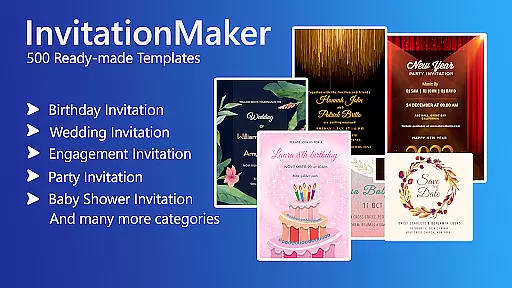

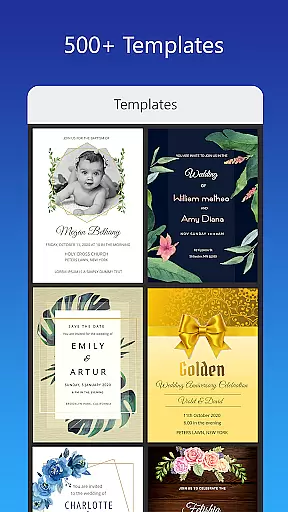
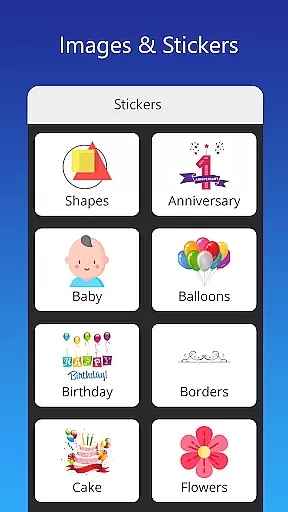
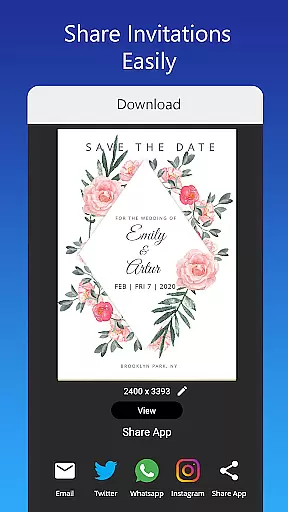
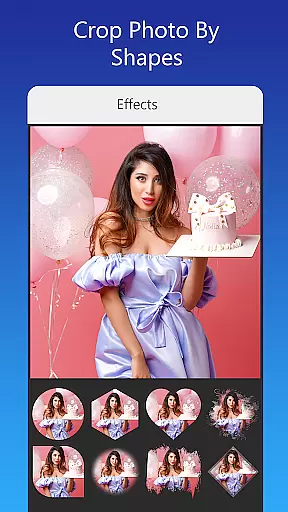
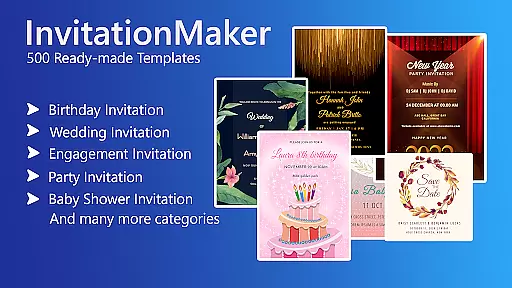

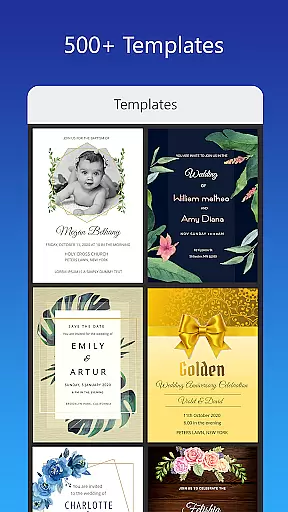
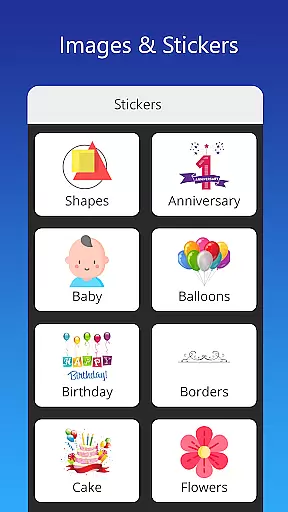
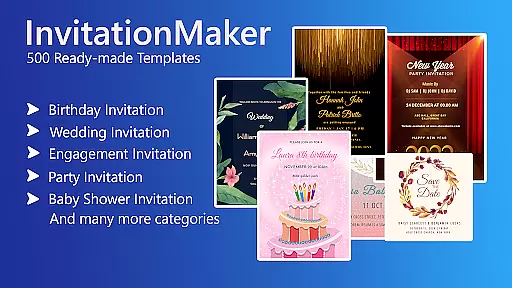

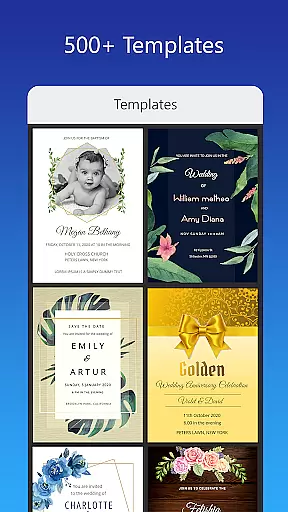
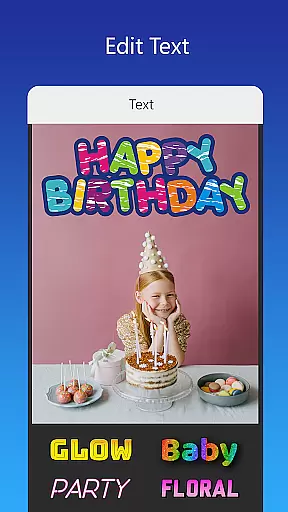
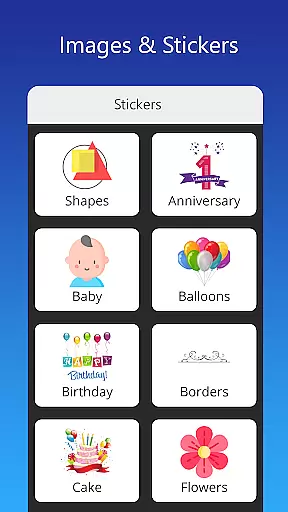
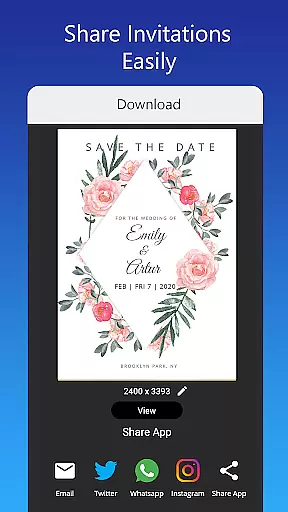
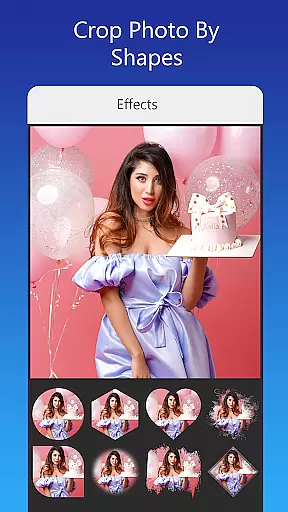
Invitation Card Maker, Design is a versatile app that allows users to create personalized invitation cards for various events such as birthdays, weddings, engagements, anniversaries, and baby showers. With over 200 ready-made templates, users can design invitations in just two minutes. The app offers features like background images, gradient colors, photo frames, and unlimited stickers, enabling users to customize their designs with ease.
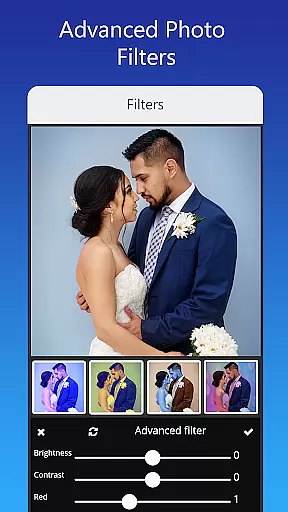
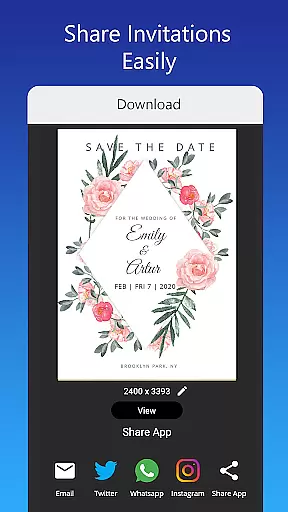
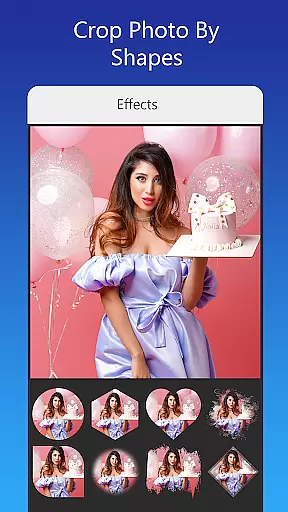
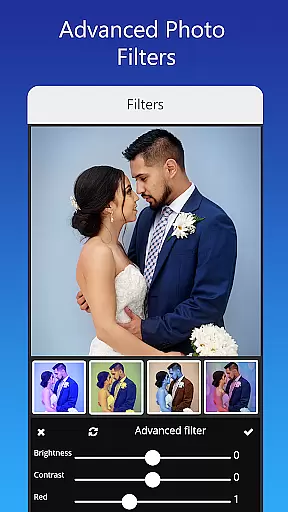
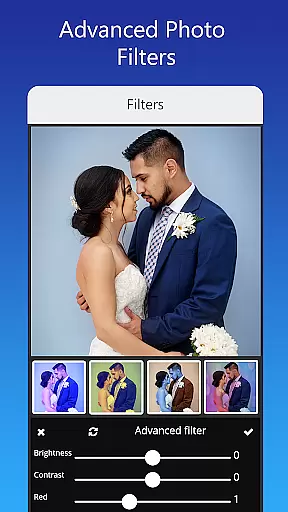
In addition to its extensive template library, the app provides advanced editing tools including brightness, contrast, overlay image, and crop by shape. Users can also resize their invitation cards and share them on social networks like Facebook, Instagram, Snapchat, WhatsApp, and Twitter. Whether you're planning a themed birthday party or a formal wedding, Invitation Card Maker, Design has everything you need to make your event special.
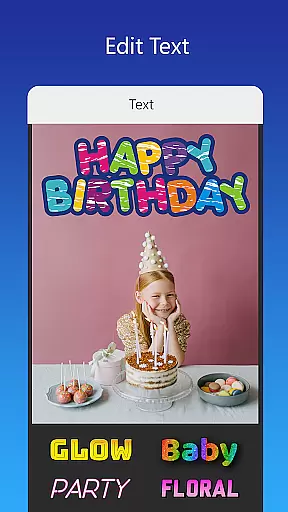
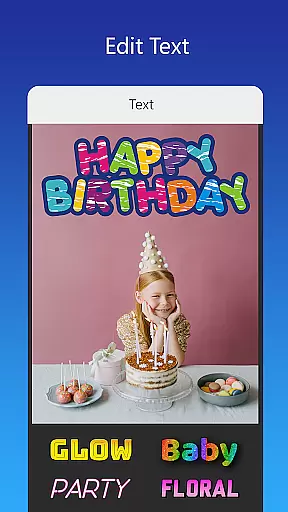
One of the standout features of Invitation Card Maker, Design is its vast array of customization options. Users can edit or replace text, names, event locations, and timings within the invitation. The app supports various font styles, and users can even upload their own fonts or download new ones for different languages and decorations. This flexibility ensures that every invitation matches the theme of the event perfectly.
The app also includes beautiful photo filters and effects for advanced editing. Users can replace images with a single tap without altering the overall design. Furthermore, Invitation Card Maker, Design allows users to save their projects for future editing and download digital cards or print them directly. These features make it an indispensable tool for anyone looking to create stunning and unique invitations effortlessly.
Creating personalized invitations and greeting cards is made easy with the Invitation Card Maker, Design app. This feature allows users to craft unique designs for various events such as birthdays, weddings, and anniversaries. With over 200 ready-made templates, users can customize every detail including text, names, event locations, and timings.
The level of detail customization extends to uploading personal fonts or downloading new ones that match specific languages or decorative styles. Users can also apply beautiful photo filters and effects for advanced editing, ensuring each invitation reflects personal taste and the theme of the event.
Moreover, the ability to replace images with a single tap without altering the overall design ensures convenience and efficiency. The app provides an extensive library of background images, gradient colors, photo frames, and unlimited stickers, empowering users to create invitations that stand out.
This meticulous attention to detail in task creation and customization means users can produce professional-quality invitations from the comfort of their homes, saving time and resources while adding a personal touch to every special occasion.
The Invitation Card Maker, Design app goes beyond just creating visually appealing invitations by incorporating practical features like reminder settings. This functionality ensures that both the creator and recipients of the invitations never miss an important date or event. By integrating reminders within the app, users can set notifications for deadlines related to RSVPs, event dates, and other crucial timings.
Users have the flexibility to customize these reminders according to their preferences. Whether it's a gentle nudge a week before the event or a same-day reminder, the app caters to various scheduling needs. This feature is particularly useful for event planners who manage multiple events and require timely alerts to stay organized.
In addition to setting reminders, the app allows users to share digital invitations via social networks like Facebook, Instagram, Snapchat, WhatsApp, and Twitter. This seamless integration not only enhances user engagement but also ensures wider reach and participation in events.
By combining aesthetic appeal with functional utility, the Invitation Card Maker, Design app offers a comprehensive solution for all invitation needs, making sure no detail is overlooked and every event is remembered.
User-friendly interface
Extensive template library
Advanced editing tools
Customizable text and fonts
Social media sharing
Limited free templates
In-app purchases required
Occasional bugs
Ads present
Learning curve for beginners

Find tickets to upcoming concerts, sports events, festivals, shows, attractions
 4.70
4.70
TV Garden is a video player to play your own TV streams from around the world!
4.1
Rocket Monkey - Space rocket launch schedule for launch sites around the world
4.20
Instant photo sharing for every occasion
3.80
Birthday Greetings provides Birthday Card, Frames, Gifs & Father's day Wishes
4.80
TV Garden - World Live TV : Play & cast your videos seamlessly!
3.20
Plan your wedding for free on the go: vendors, budget, website and checklists!
4.80
Find Live Event Ticket Deals to Sports, Concerts, Festivals, & Comedy For Less!
4.80
Buy and sell tickets to sports, concerts, theater, festivals, and comedy events
4.10
Fantasy of Lights Event App
5.00
TodayTix is the easiest way to get tickets to the best shows in your city.
4.90
Wedding planner app with wedding venues, wedding checklist, countdown & budget.
4.60
Fast Scans. Happy Fans. For Every Hometown!
4.60
Meet people over dinner
4.40
Octrober 2025: We've updated the MyGenMobile App with a new look and feel!
4.40
Microsoft Build is an annual developer conference hosted by Microsoft
4.20
Watch live football matches and streaming events on our Arabic TV app!
3.50
Create Birthday Cards in Birthday Invitation Maker and Birthday Card Creator App
3.00
It is an Event Planning Application.
4.2


User Reviews