
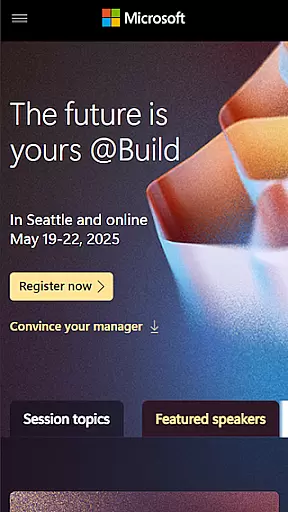
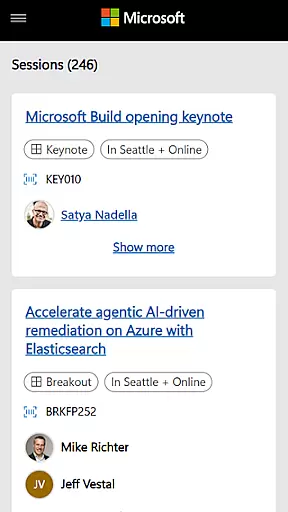
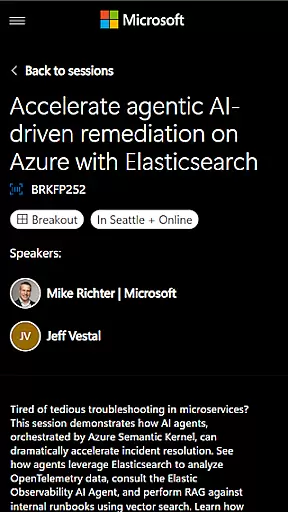
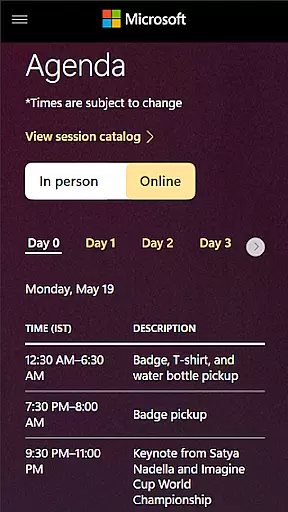
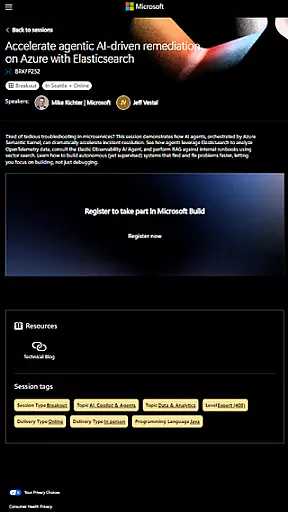
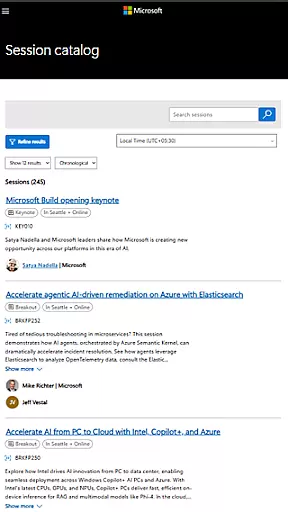
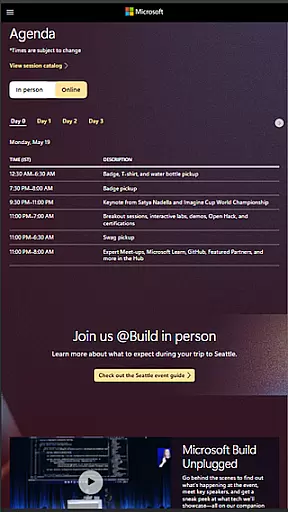
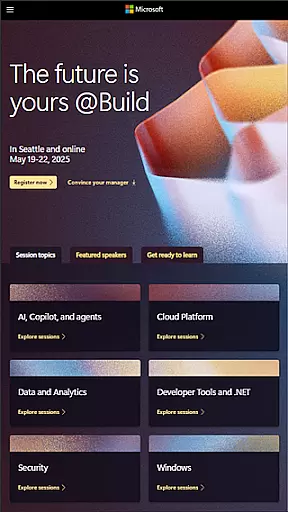
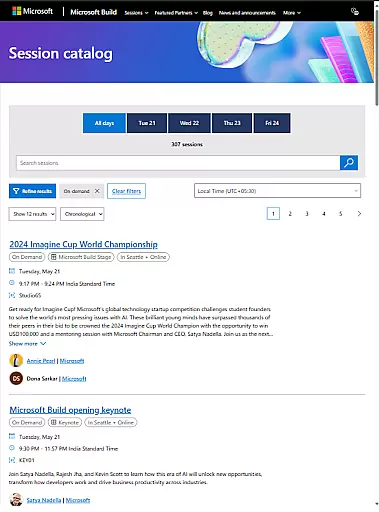
Microsoft Build is an annual developer conference hosted by Microsoft, focusing on the latest innovations in software development, cloud technologies, and artificial intelligence. The app serves as a comprehensive guide for attendees, providing access to event schedules, speaker information, session details, and more. Designed for developers, engineers, IT professionals, and tech enthusiasts, it ensures users can make the most of this premier technology event.
The app's core functionality includes real-time updates on sessions, personalized agenda planning, and networking opportunities with fellow attendees. Whether you're looking to attend keynotes from industry leaders or participate in hands-on labs, Microsoft Build helps streamline your event experience. Its value lies in delivering critical event information directly to users, enhancing both engagement and productivity during the conference.
Microsoft Build offers several notable features that enhance the event experience. First, the app provides real-time updates on all conference activities, ensuring users never miss important sessions or announcements. This feature is particularly valuable for staying informed about last-minute changes or additions to the schedule.
Another standout aspect is the personalized agenda planner, which allows attendees to create customized schedules based on their interests. Users can bookmark sessions, track speaker events, and receive reminders for upcoming talks. Additionally, the app facilitates networking by offering tools to connect with other participants, fostering collaboration within the developer community. These features collectively ensure a seamless and enriching conference experience.
Task creation and detail customization are essential features for event planning and management. Microsoft Build offers a comprehensive platform where users can create tasks related to sessions, workshops, and networking opportunities. This functionality allows attendees to personalize their schedules by selecting specific events, setting preferences, and adding notes or reminders.
The app provides an intuitive interface that simplifies the process of organizing one's agenda. Users can easily browse through various technical sessions and hands-on labs, choosing those that align with their interests or professional needs. Each task created can be customized with additional details such as time, location, and priority level, ensuring that participants make the most out of the conference.
By leveraging these capabilities, attendees benefit from a tailored experience that maximizes their learning potential and engagement. The ability to customize task details also facilitates better time management and preparation, allowing users to focus on gaining insights into Microsoftu2019s newest tools and platforms without missing any critical sessions.
Reminder settings play a crucial role in ensuring that attendees do not miss out on important events or sessions during the Microsoft Build conference. The app offers flexible reminder options that can be adjusted according to individual preferences. Users can set up notifications for upcoming keynotes, technical sessions, and social gatherings, ensuring they stay informed and engaged throughout the event.
This feature supports multiple types of reminders, including push notifications, email alerts, and calendar integrations. Such versatility allows participants to choose the method that best fits their communication style and availability. Moreover, reminders can be scheduled at various intervals before an event starts, providing ample time for preparation and transition between activities.
Ultimately, effective reminder settings enhance user engagement by keeping attendees well-informed about their personalized agendas. By reducing the likelihood of missed sessions or overlapping commitments, this functionality contributes significantly to a seamless and productive conference experience.
User-friendly interface
Real-time updates
Personalized agenda
Networking tools
Comprehensive event info
Limited to event dates
Few offline features
Requires login
Heavy on notifications
Platform specific

Audio guide companion APP for SEE's Michelangelo's Sistine Chapel
 3.50
3.50
CUE Live utilizes ultrasonic sound waves to sync devices at CUE enabled events
4.80
Some connections are better kept private
4.4
Greeting card maker with photos best app| Birthday cards| All wishes eCards FREE
4.50
Instant photo sharing for every occasion
3.80
Digital Income Wallet of the Final Libertadores 2025
4.3
Beautiful invitation cards + easy RSVP tracking for any event. Design Invites.
4.80
Thanksgiving Wishes, Thanksgiving Stickers & Animated GIF for Whatsapp Stickers
4.1
Buy tickets for any event!
3.90
The KRUU app - plan, celebrate, remember
4.80
Birthday Greetings provides Birthday Card, Frames, Gifs & Father's day Wishes
4.80
Find Live Event Ticket Deals to Sports, Concerts, Festivals, & Comedy For Less!
4.80
Save money on concert, sport, and theater tickets, and discover upcoming events.
4.80
The Ultimate Tournament Hub
4.70
Manages display and transfer of tickets from the Mundo Tickets platform
3.80
TV.Garden is a video player to play your own TV streams from around the world!
3.40
Create Birthday Cards in Birthday Invitation Maker and Birthday Card Creator App
3.00
TV Garden is a video player to play your own TV streams from around the world!
4.0
The official app of the Carmel Christkindlmarkt!
4.0


User Reviews