
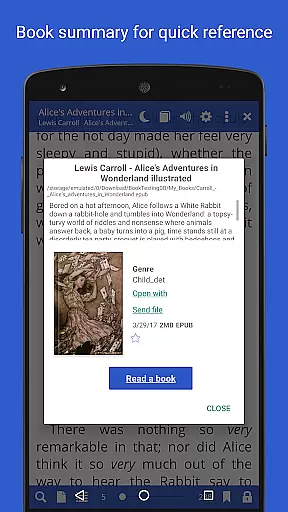
Librera PRO is a versatile reading application designed for book enthusiasts who require support for multiple document formats. This app supports PDF, EPUB, MOBI, DjVu, and many more, making it an all-in-one solution for digital reading. Its user-friendly interface offers configurable reading modes, including Day and Night options, and unique features like the Musician's mode for auto-scrolling.
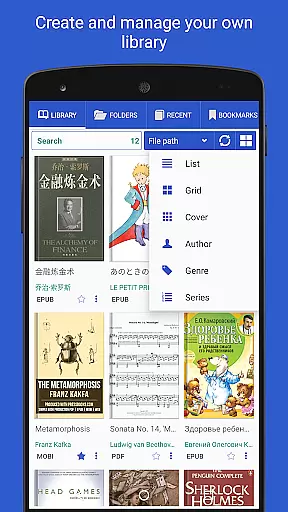
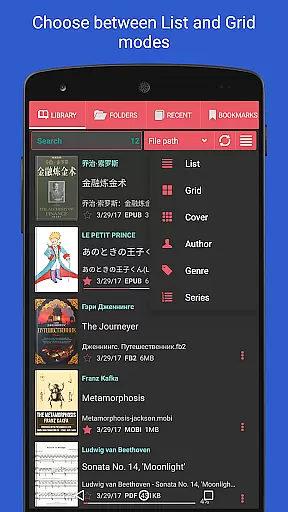
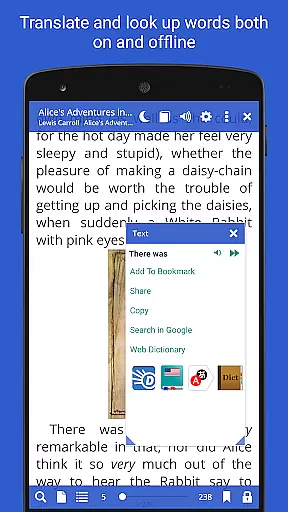
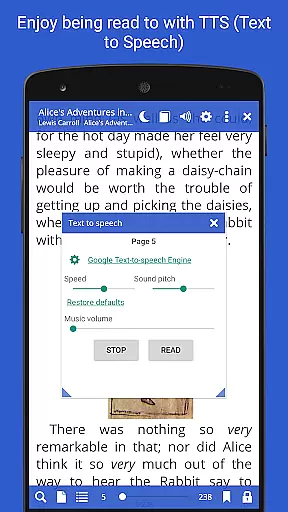
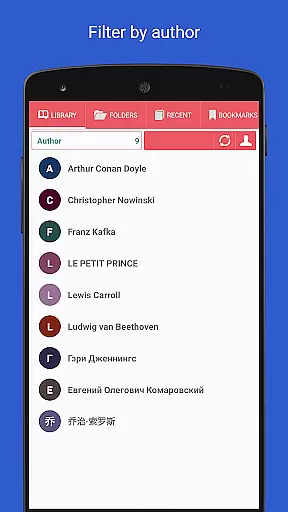
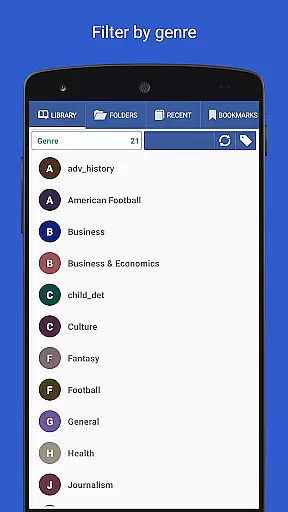
Beyond basic reading, Librera PRO allows users to create personalized libraries by scanning specified folders and organizing books with tags and filters. The app also integrates online translators and offline dictionaries, enhancing comprehension across languages. With additional capabilities such as TTS read-aloud functionality and customizable CSS for superior text display, Librera PRO caters to both casual readers and professionals seeking an enhanced reading experience.
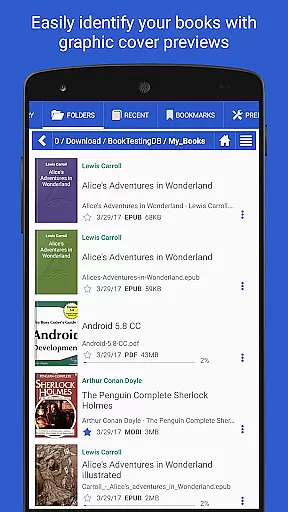
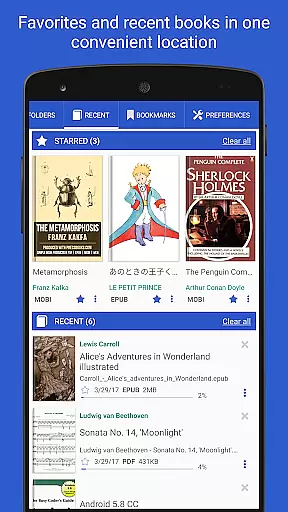
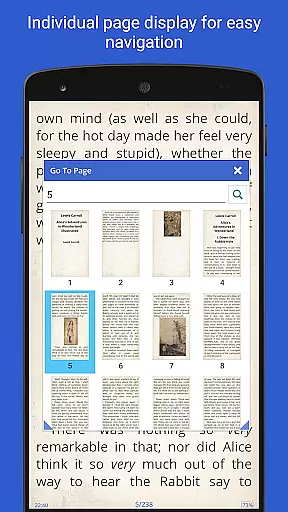
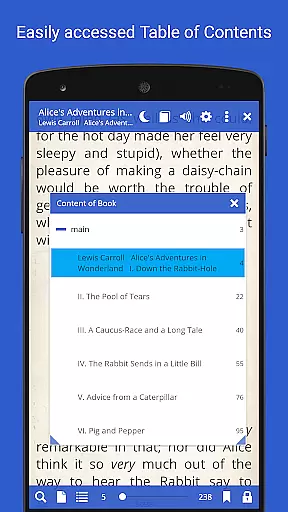
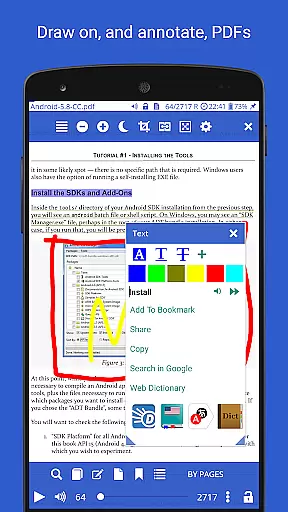
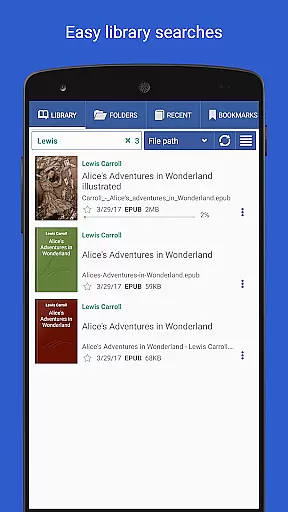
Librera PRO stands out with its comprehensive feature set tailored for diverse reading needs. One of its key highlights is the ability to handle numerous document formats, ensuring compatibility with virtually any e-book or document file. Users can browse their libraries through an in-app file explorer, bookmark pages, and even annotate texts directly within the app.
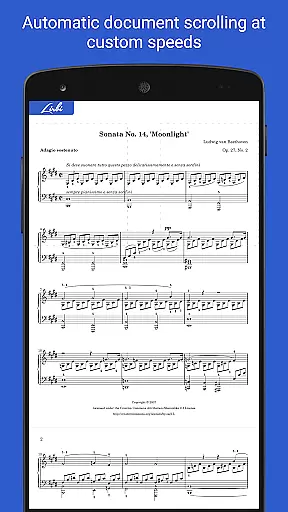
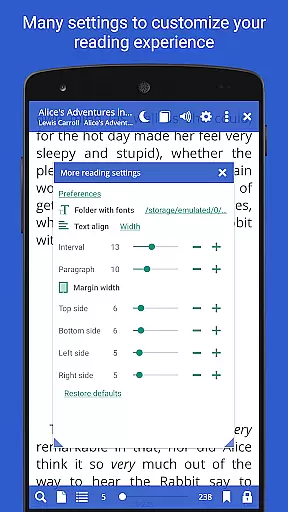
The app provides advanced customization options, including vertical-scroll lock, configurable scrolling speeds in Musician's mode, and support for right-to-left languages. Integration with online catalogs (OPDS) enables seamless book searching and downloading. Moreover, Librera PRO syncs reading progress across devices, allowing users to pick up where they left off on any device. These robust features make Librera PRO an indispensable tool for avid readers and professionals alike.
Librera PRO offers an extensive e-book library that supports a wide array of document formats including PDF, EPUB, MOBI, and more. This ensures users have access to a vast collection of reading materials tailored to their preferences.
The app's support for various formats not only enhances its library size but also guarantees the authenticity of content by enabling direct access to original copies. Users can trust that they are accessing legitimate documents without copyright infringement concerns.
With features like online document format conversion and integration with major offline dictionaries, Librera PRO provides tools that enrich the reading experience while maintaining legal integrity. These capabilities make it a reliable choice for avid readers who value both variety and legality in their digital libraries.
One of Librera PRO's standout features is its exceptional format compatibility, accommodating over ten different file types such as DOCX, TXT, RTF, AZW3, CBR, CBZ, HTML, XPS, MHT, among others. This versatility allows users to manage and read virtually any document type within a single application.
The inclusion of right-to-left language support further demonstrates the app's commitment to universal accessibility. Readers of Persian/Farsi, Hebrew, Arabic texts will find this feature particularly beneficial as it preserves the intended reading flow and structure.
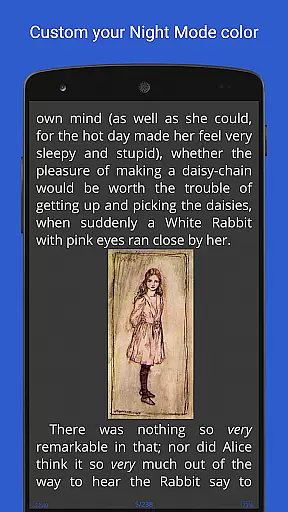
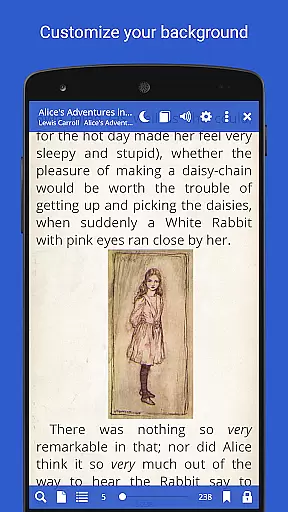
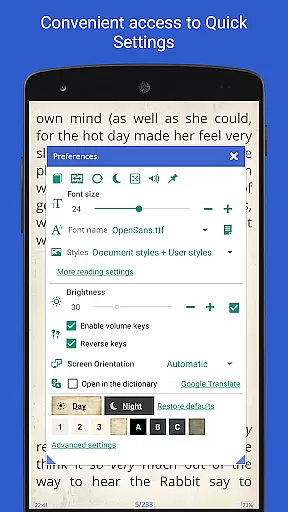
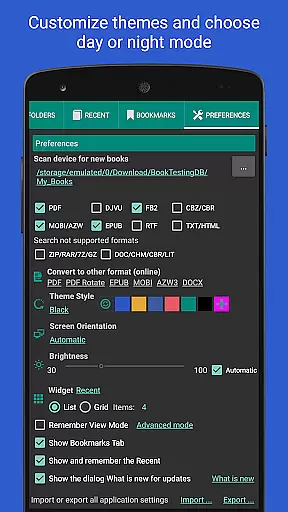
Additionally, Librera PRO facilitates seamless transitions between day and night modes, vertical-scroll lock options, and customizable CSS settings for an optimal viewing experience across all supported formats. Such comprehensive adaptability underscores the appu2019s dedication to user-centric design principles.
User-friendly interface
Wide format support
Customizable reading modes
Advanced library organization
Cross-device syncing
Paid PRO version required
Complex for beginners
Occasional performance lags
Limited free features
No cloud storage integration

“There was one last piece of cake. My little sister said ‘Me too!’”
 4.00
4.00
CleverBook Pro makes the popular guide for the game even better!
4.00
Master AKC Rally signs with in-depth hints, diagrams, and expert guidance.
4.50
Discover Stars and Planets: Live Map Shows Current Constellations in Full Detail
4.70
Personalized Chat with Bible
4.80
“It is fun to have fun, but you have to know how!”
4.40
All in one Calibre libraries on your phones and tablets.
3.80
What’s that bird? Just answer 5 questions, snap a photo, or record its song!
4.90
World's most comprehensive dictionary app: 13 languages, all online or offline!
4.80
“I am the Lorax. I speak for the trees.”
4.80
The Bible Audio Guide
4.80
8 Dr. Seuss short stories in 1 app!
4.70
"Five Dr. Seuss titles in one omBook!"
4.60
Full text, sheet music, and recordings of the print edition
4.60
Daily Bible app: King James Version with verses and audio for studying&prayer
4.40
Mirror Bible - eye-opening paraphrase translation of the NT by Francois du Toit
4.30
Essential Technical Rescue Field Operations Guide 6, the Industry Standard Guide
4.20
A guide for the Court of Atonement spiritual healing process.
4.2
University of North Carolina Herbarium presents the flora of TN, AL, & MS.
4.4


User Reviews