Get roadside help, discounts, travel tools & more — AAA is with you everywhere.
 4.80
4.80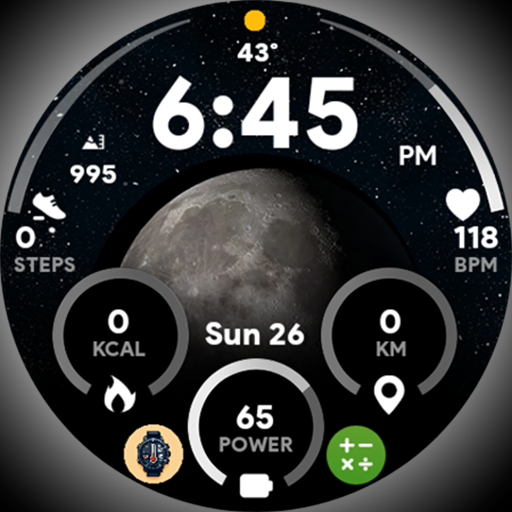
Unique informative Dial with Live Moon Phase at a glance!
3.60
The all-new Cync app. The simple, connected app for Cync and C by GE.
4.50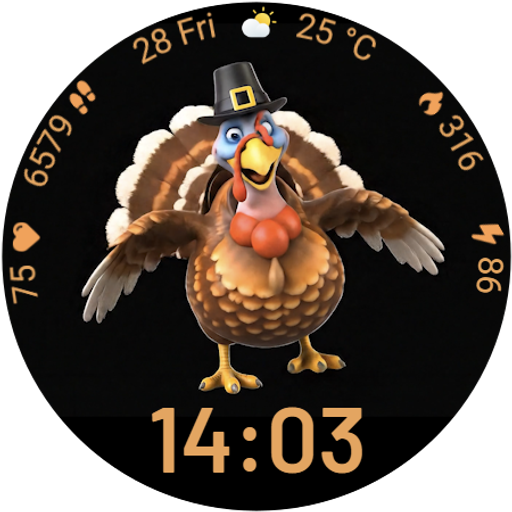
Cute animated Thanksgiving watchface for your WearOS smartwatch
4.0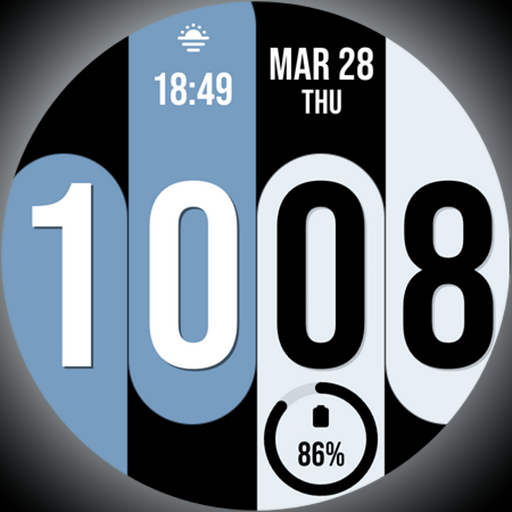
Unique Dual Colors with 6 Custom Complications for Wear OS watches!
3.40
Use your device sensors to detect energy and convert it into spoken words.
4.10
Smart home security protection
3.20
Mixing Colors for Menswear
4.20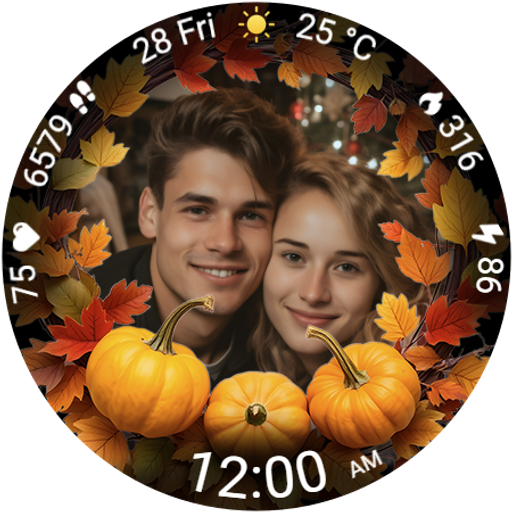
Wear your favorite memories, loved ones, pets or travel photos on your watch
4.5
Play. Earn. Repeat. Get rewarded for playing mobile games. Welcome to Mobius!
4.80
My Diary - Daily Journal with lock: Diary journal app and secret diary with lock
4.80
Crochet made easy: step-by-step tutorials, beginner patterns & projects
4.60
The App can control Roborock vacuum cleaners from anywhere with rich features.
4.60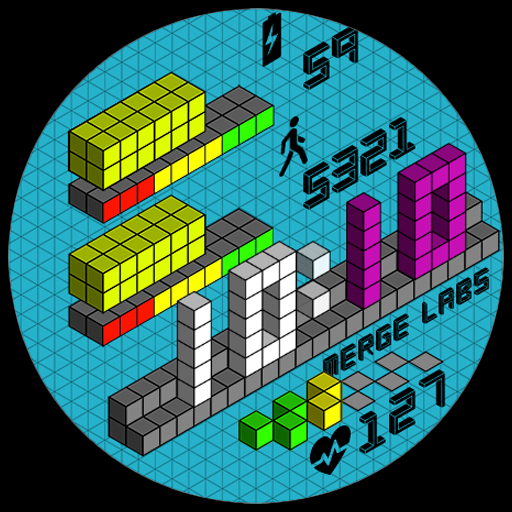
Unique "Isometric" style digital watch face for Wear OS
4.50
Share opinions, get paid cash
4.30
SmartHQ: Your Connected Home Command Center
4.10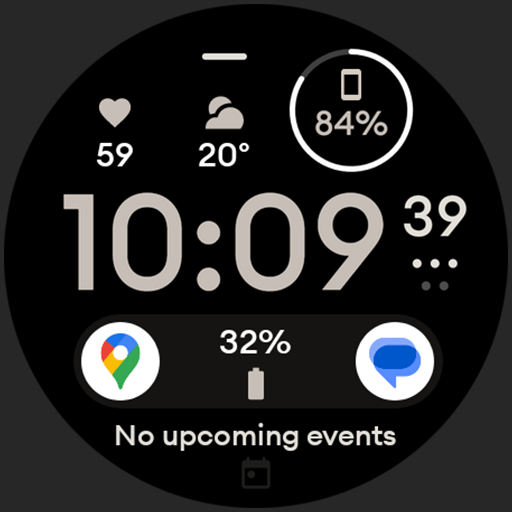
Digital watch face design. Modern looking, hi-res & battery friendly.
4.00
Discover how to help puppies stay calm around noise with this helpful app.
4.1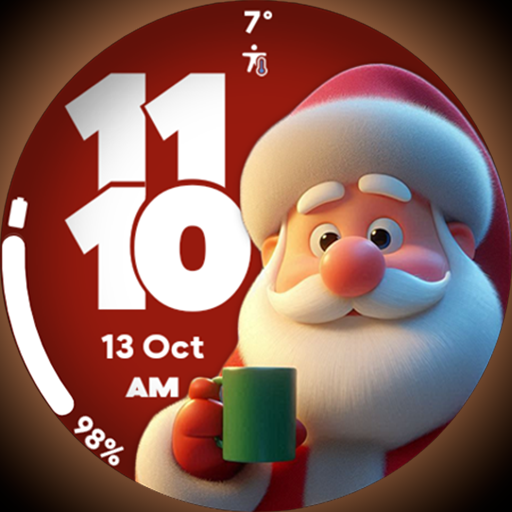
Customize your Wear OS watch with festive Christmas figures and colors!
4.5


