
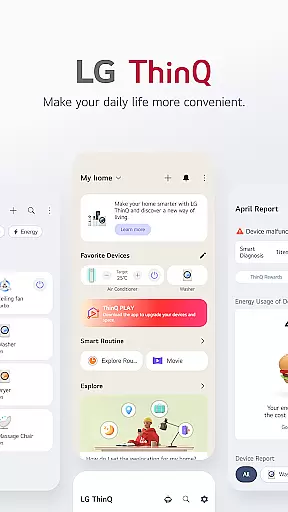
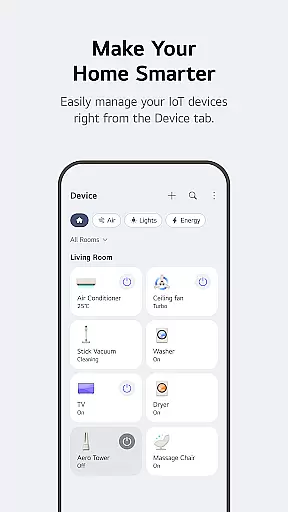
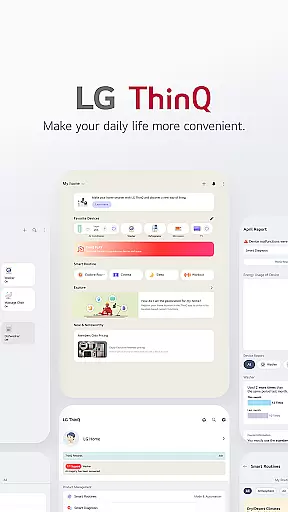
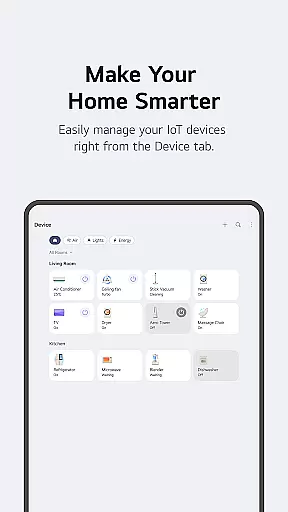
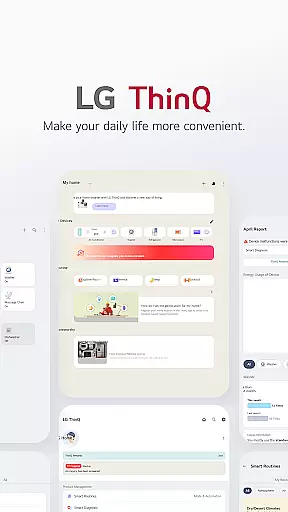
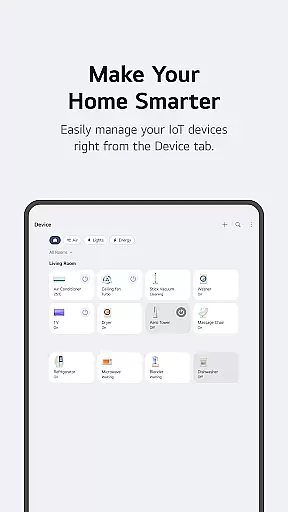
LG ThinQ is a comprehensive smart home solution that connects and controls IoT-enabled LG home appliances. The app serves as a central hub for effortless product management, offering features like remote control, personalized recommendations, and energy monitoring. Through its intuitive interface, users can access advanced functionalities such as Smart Diagnosis, AI-powered chat support, and customizable smart routines that automate daily household tasks.
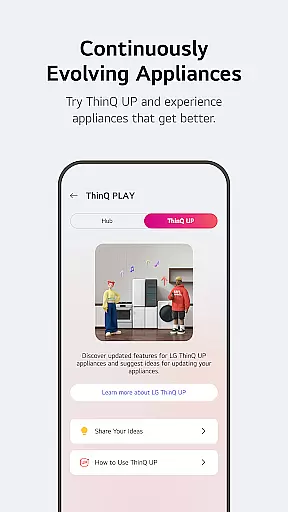
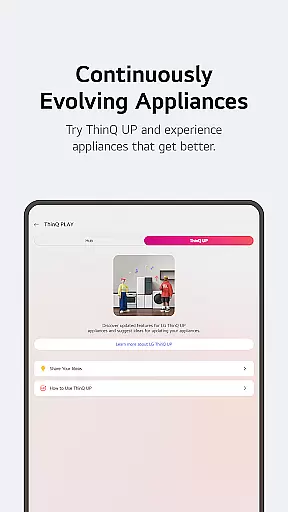
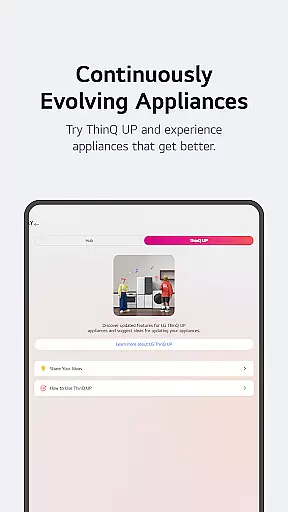
The application's innovative ThinQ Play feature allows users to enhance their existing appliances with new capabilities and apps, effectively upgrading their functionality. With integrated service request options and professional support booking, LG ThinQ creates a seamless experience for maintaining and optimizing smart home ecosystems. This makes it an essential tool for modern homeowners seeking convenience and efficiency in managing their connected living spaces.
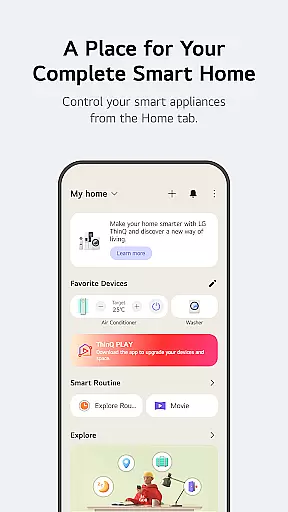
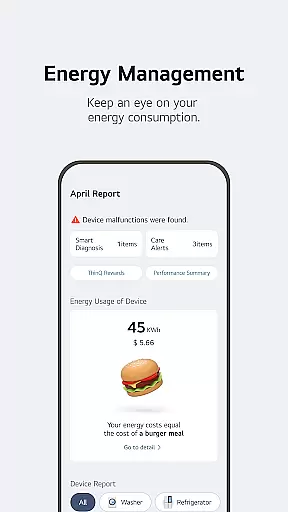
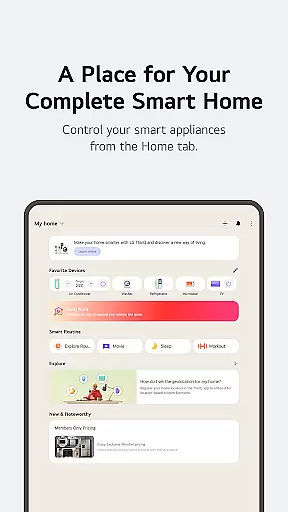
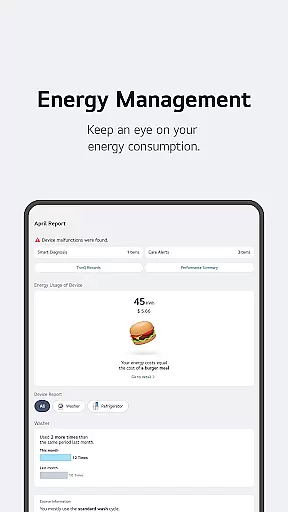
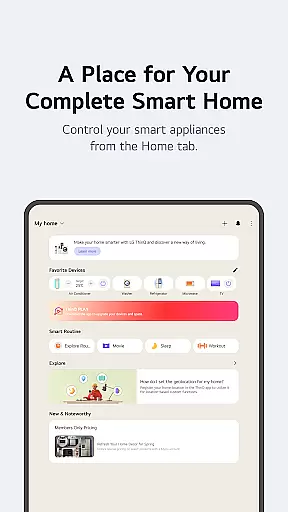
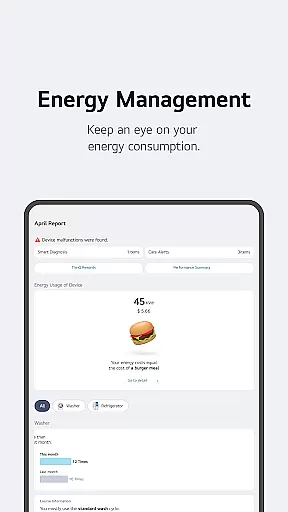
LG ThinQ distinguishes itself through its robust integration capabilities and advanced smart home features. The Home tab provides centralized control of all connected IoT appliances, enabling users to manage devices remotely while receiving tailored usage recommendations. The app's Energy Monitoring function offers detailed consumption analysis, allowing homeowners to compare their usage with neighbors and set achievable conservation goals.
A key innovation is the ThinQ Play section, where users can download additional apps and features for their AI Home Hub devices. This modular approach extends appliance functionality beyond initial purchase specifications. The Smart Routines feature automates complex home management tasks, while the integrated 'Chat with LG' support system delivers personalized assistance through AI-driven conversations. These comprehensive tools collectively create a sophisticated ecosystem for modern smart home management.
LG ThinQ offers comprehensive coverage of lifestyle categories, making it an all-in-one solution for smart home management. The app integrates various aspects of daily life, including home appliance control, energy monitoring, and personalized recommendations.
Through the Home tab, users can effortlessly manage their IoT-enabled appliances from anywhere. The app provides tailored suggestions based on usage patterns, helping users optimize their appliance management. Additionally, the 'Explore' feature highlights ways to maximize the app's capabilities, ensuring users get the most out of their smart home experience.
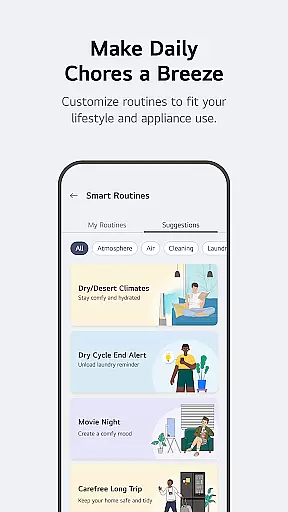
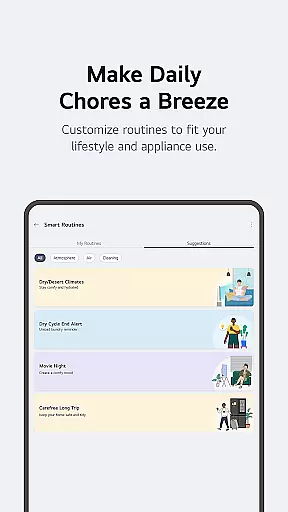
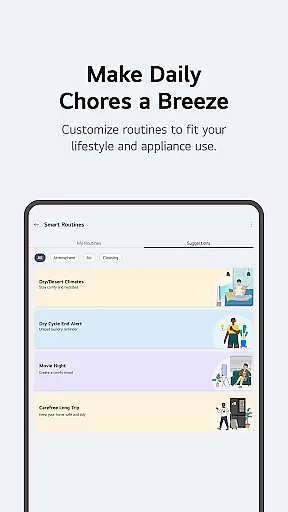
The app also supports smart routines that automate everyday tasks, such as turning on lights and air purifiers at specific times. This automation extends to energy-saving practices, like switching off devices when not in use, particularly useful when users are away on vacation.
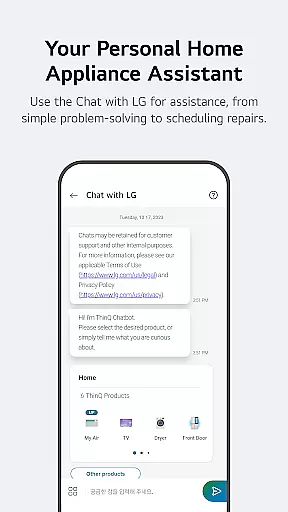
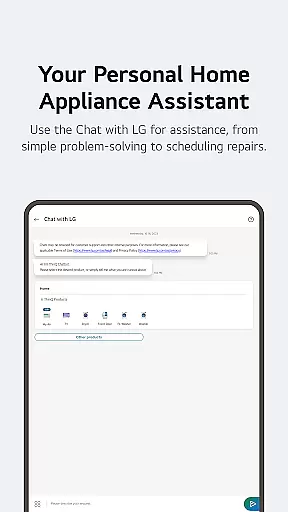
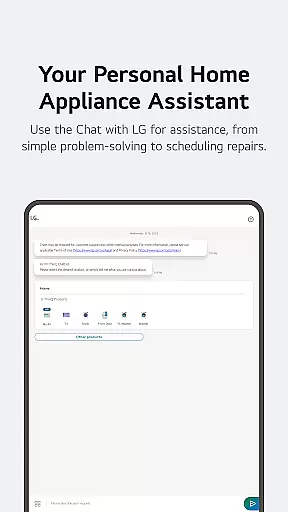
Furthermore, LG ThinQ includes features like AI-powered customer support through 'Chat with LG,' offering tailored advice and troubleshooting. This holistic approach ensures that users have a seamless and efficient smart home experience, covering multiple facets of modern living.
LG ThinQ ensures content authenticity and expert credibility by providing reliable and accurate information about connected home appliances. The app leverages data directly from IoT devices to offer real-time status updates and personalized recommendations, ensuring users receive credible insights into their appliance usage.
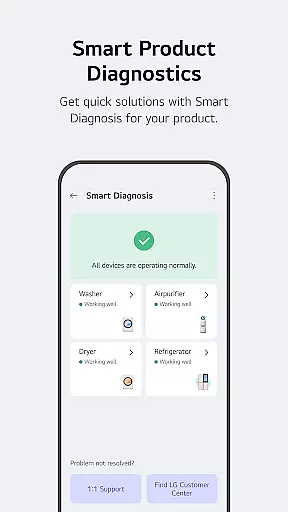
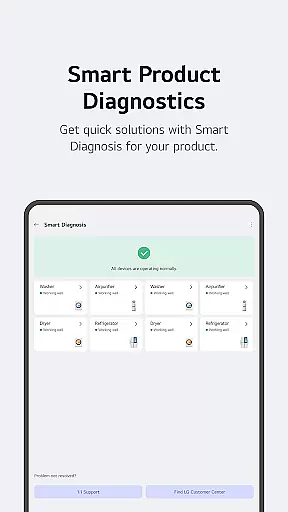
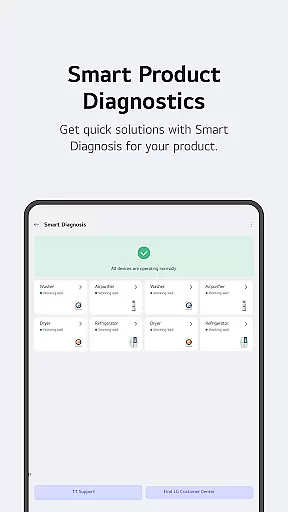
One key feature is the Smart Diagnosis tool, which allows users to check the status of their products and receive professional guidance. If needed, users can book service visits from certified engineers who provide precise inspections and maintenance, reinforcing the reliability of the information and services offered.
In addition, the app's 'Chat with LG' function uses AI to deliver responses specifically tailored to each productu2019s condition. This AI-driven support system draws on expert knowledge to address user queries, ensuring accurate and trustworthy advice.
LG ThinQ also emphasizes transparency in its services, clearly stating that features may vary based on product models and regions. This commitment to clarity and expert-backed information enhances user trust and satisfaction, making the app a dependable resource for managing smart home appliances.
User-friendly interface
Comprehensive device control
Advanced automation options
Energy monitoring tools
Integrated support system
Device compatibility limits
Region-specific features
Premium subscription costs
Complex setup process
Occasional connectivity issues

Get roadside help, discounts, travel tools & more — AAA is with you everywhere.
 4.80
4.80
Unique Dark Analog style for Wear OS watches.
4.1
View over 160,000 line dance stepsheets from the CopperKnob website.
3.30
Creativity and savings for kids, beginners and experts in arts and crafts
3.50
Colorful selection floral watch face with gyro for Wear OS
4.60
An Eerie Musical Trigger Toy for Spirits to Play with!
3.50
Retro animated weather with hourly forecast Watch Face for Wear OS
4.60
Remotely monitor the time and temperature of food cooking on your grill.
4.60
No more juggling multiple apps, now you can control everything in one place!
4.60
Digital smart watch face made for Wear OS.
4.70
Colorful minimal digital watch face for Wear OS
4.60
A smart Siddur with halachic times
4.60
Redecor your home with Home AI interior design, room planner and home designer.
4.50
Chat, meet genuine singles in your area. Real connections start with being real.
4.30
Spiritus Ghost Box is an Audio and Visual ITC tool for paranormal research.
4.00
Subwoofer school’s in session! You’ve now enrolled into KICKER U.
3.80
Falling Fruit is a massive collaborative map of food in our cities.
3.20
A uniquely designed isometric digital watch face made for Wear OS
4.1
The cutest Autumn watchface featuring the adorable Mr. Squirrel
4.4


User Reviews