Photo enhancer 360, image enhancement, restore old photos, colorize photo ai
 4.70
4.70
The Official Voting App
3.90
Your future self face age old or young from camera selfie into beautify videos
4.1
Use your phone as a makeup mirror, shaving mirror. Magnifying mirror with light!
4.80
Create, design and dress up your own beautiful characters in cute fashion styles
3.50
Beauty Mirror - True mirror app with light, shaving mirror, makeup mirror app
4.50
Book beauty salon, hair or health and wellness experiences in an instant
4.90
Beauty Camera & Selfie Camera snap Beauty selfie with filter, makeup, stickers
4.80
DSLR Hd camera capture high quality 4k hd picture with filters and blur editor
4.50
Manage your daily skin care beauty regimen & track your skin's progress.
4.70
The mirror app you were looking for, simple and easy to use. Try Mirror now.
4.60
Crown Heart Emoji Photo Editor has given you the chance to look cute girl
4.40
This application is for the Luvme Hair official website: shop.luvmehair.com .
4.30
Beauty for every eye, lip & face. Earn rewards, play games, connect with others.
4.30
Seasonal color palettes for shopping clothes and makeup products with confidence
4.20
Glow up with science: cosmetics, ingredients scanner, tracking & face analysis
4.10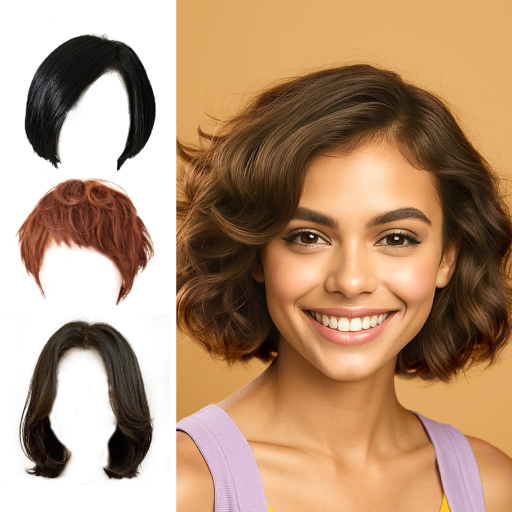
Try on different hairstyles and hair colors, glasses and jackets | Cartoon face
4.10
Beauty/age defining ai coach guides you through the exercises in daily routine.
3.30
Your Personal Stylist for Smart Shopping, Beauty & Styling Outfits.
4.2


